
Create: Alex's Caves Compat
Adds compatibility between Create and Alex's Caves
Screenshots
About this Mod
Overview:
This mod adds compatibility beween Alex's Caves, Create and a few Create addons. Also includes some minor, non-intrusive compatibility additions for a few unrelated mods.
Optional supported mods:
Spoiler
Create addons:
- Create: Alloyed
- Create Crafts & Additions
- Create: Galvanized
- Create: Garnished
- Create: New Age
- Create: Aquatic Ambitions
Misc:
Features:
General:
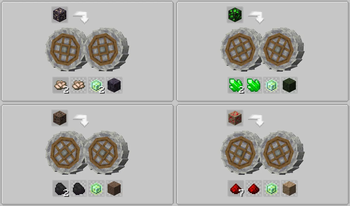
- adds many new recipes, most of which fall into 3 categories: compatibility (such as Alex's Caves ore crushing recipes), QoL (using Create recipes to more easily obtain certain Alex's Caves resources), and utility (using Create recipes to make certain Alex's Caves blocks/items renewable)
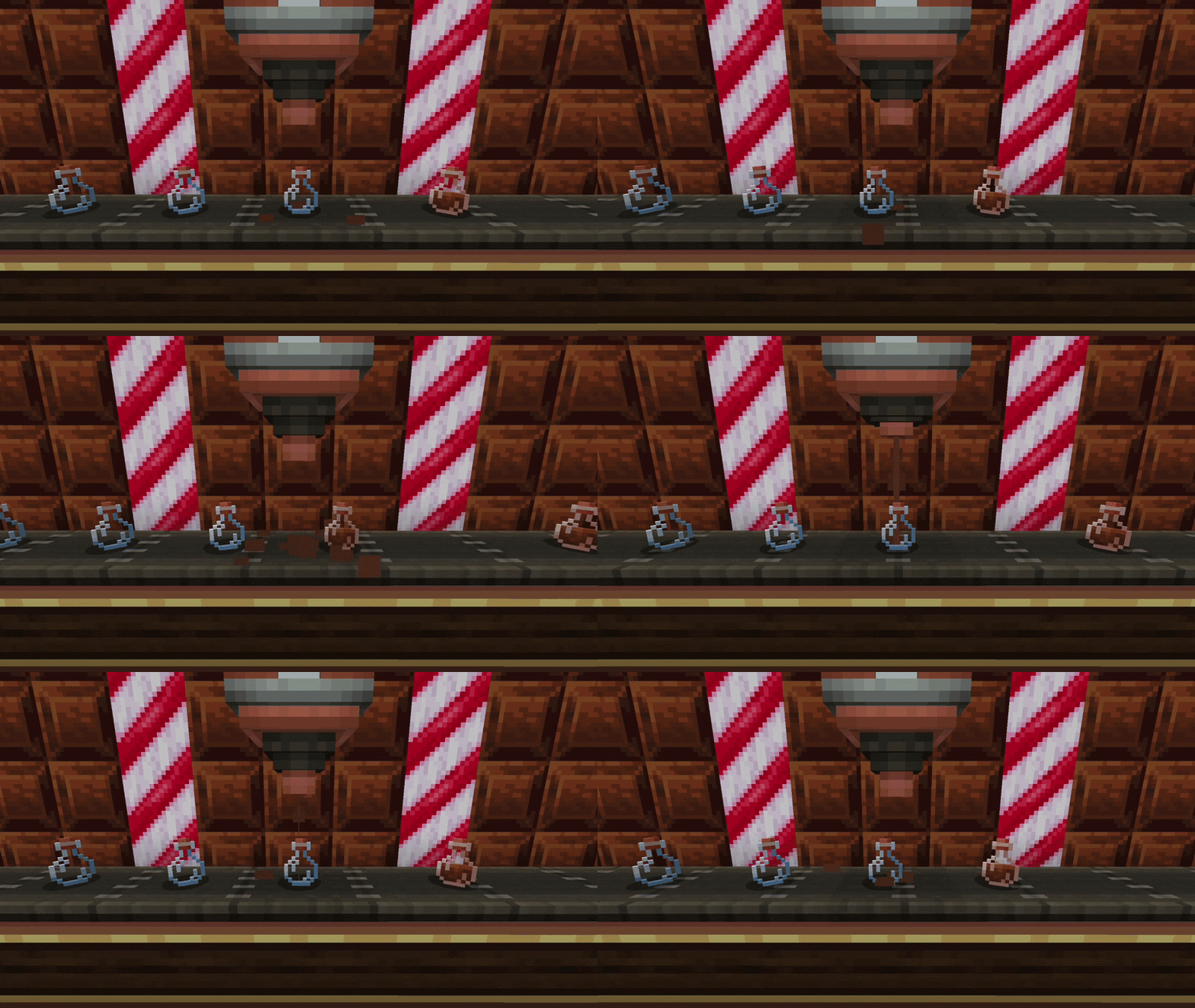
- adds an optional resource pack with compatibility textures (like making Create's chocolate look like Alex's Caves chocolate)
- adds a new recipe type that makes use of both mods' mechanics
- fixes certain bugs when these mods are used together
Cave-specific:
Magnetic Caves
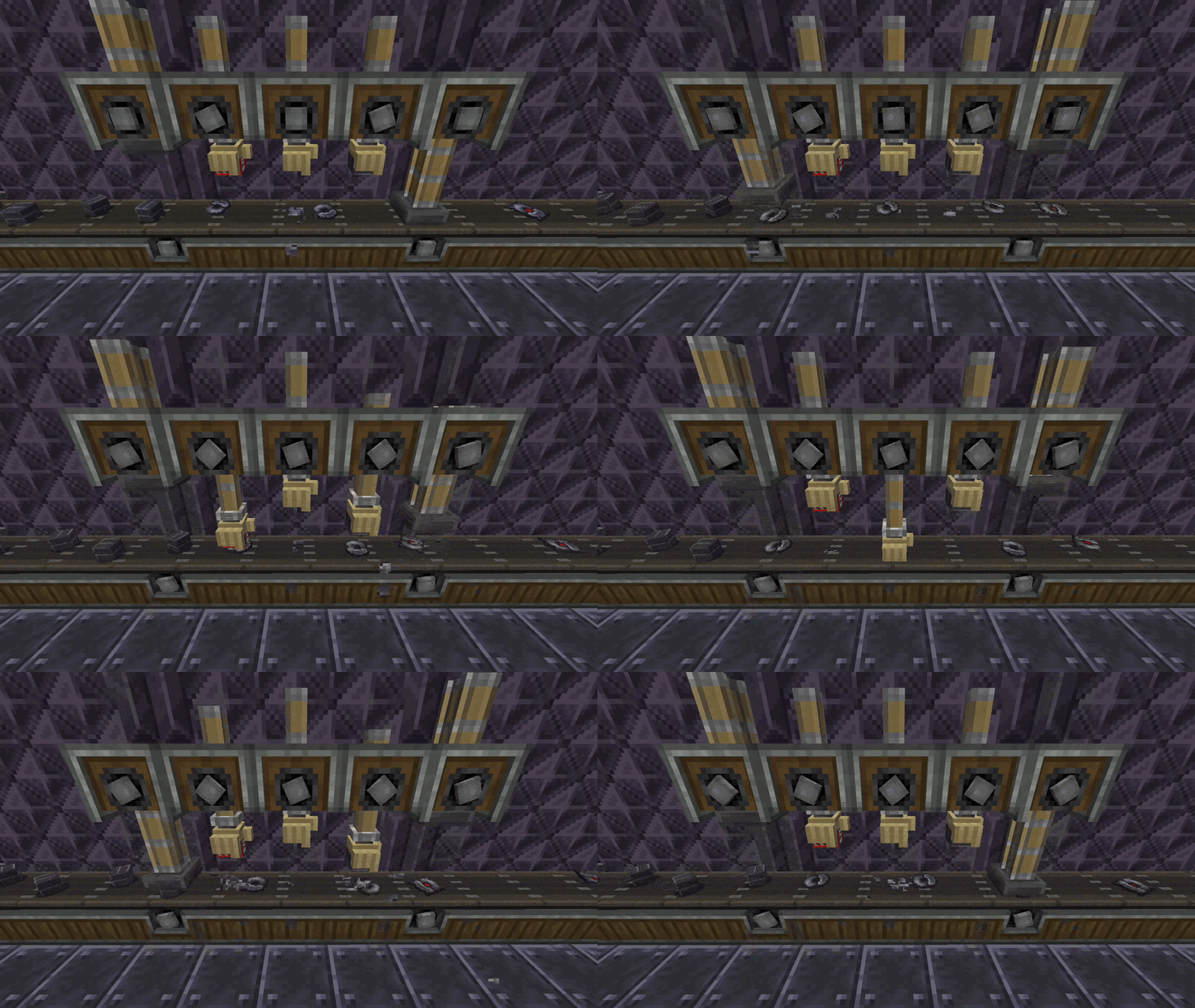
- makes several Create blocks and items affected by magnets.
Primordial Caves
- renames Create's Limestone to Dolomite since Alex's Caves also has Limestone (if the optional resource pack is loaded).
Toxic Caves
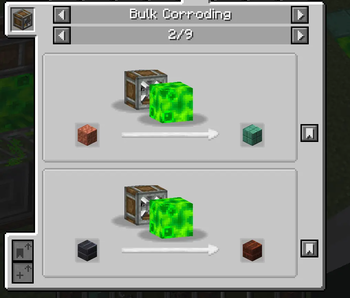
- adds Bulk Corroding recipe type, which works by placing Acid in front of an Encased Fan. Currently used to rust/oxidize all blocks that interact with Acid.
Abyssal Chasm
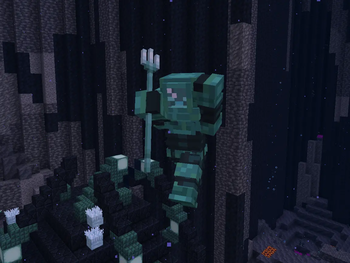
- retextures and renames Alex's Caves' diving gear and the Copper Valve to make them more distinct from Create's (if the optional resource pack is loaded).
Candy Cavity
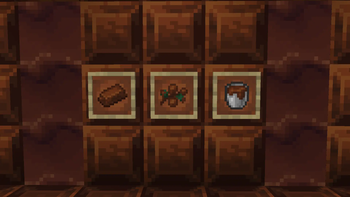
- retextures Create chocolate to match Alex's Caves color palette (if the optional resource pack is loaded)
- makes Create sweets appear in Candy Cavity chests, and Gingerbread Men will try to steal them
For a full list of features, check out the wiki
Available Versions
How to Install Create: Alex's Caves Compat on Your Server
Order Server
Order a Minecraft Java server with at least 4 GB RAM (6 GB recommended).
Set forge Loader
In the panel under "Egg", select the forge loader and matching Minecraft version (1.20.1).
Install Mod
Open the mod browser in the dashboard and search for "Create: Alex's Caves Compat". Click "Install" – done! Alternatively, upload the .jar via SFTP to the /mods folder.
Compatibility
Mod Loaders
Minecraft Versions
1.20.1
Server-side
✓ RequiredRecommended RAM
6 GB(min. 4 GB)Frequently Asked Questions
Create: Alex's Caves Compat server crashes on startup – what to do?
Most common cause: wrong forge version or insufficient RAM. Check the server log (latest.log) for "OutOfMemoryError" or "Mixin" errors. With Mado Hosting: ensure at least 4 GB RAM is allocated and the loader matches the mod version (1.20.1). You can switch loaders with one click in the panel.
Is Create: Alex's Caves Compat compatible with forge?
Create: Alex's Caves Compat officially supports forge for Minecraft 1.20.1. The Mado dashboard automatically detects incompatible loader combinations.
Server lagging with Create: Alex's Caves Compat – how to optimize performance?
Recommended RAM: 6 GB (per 5 players). Use /spark profiler to check if Create: Alex's Caves Compat consumes the most tick time. Common fixes: reduce server view-distance to 8-10, install "performant" or "starlight" as supplementary mods on Forge. With Mado Hosting, your server runs on NVMe SSDs with dedicated CPU cores for minimal latency.
Similar Mods

![[ETF] Entity Texture Features](https://cdn.modrinth.com/data/BVzZfTc1/af683d206d50b05258d865b0d6e4aa2f2cee12f2_96.webp)
![[EMF] Entity Model Features](https://cdn.modrinth.com/data/4I1XuqiY/6e5bbd0d06b1741bfdab6c0cfab6de8fdaf0064c_96.webp)



Rent Modded Server
Install Create: Alex's Caves Compat with just one click on your server.