
Create: Meat Blocks
Brings back Meat Blocks from MineFactory in a new, Create style! Features the slaughterhouse, ingots, straws, and baconator (autofeeder). Create your own meat processing plant today!
Screenshots
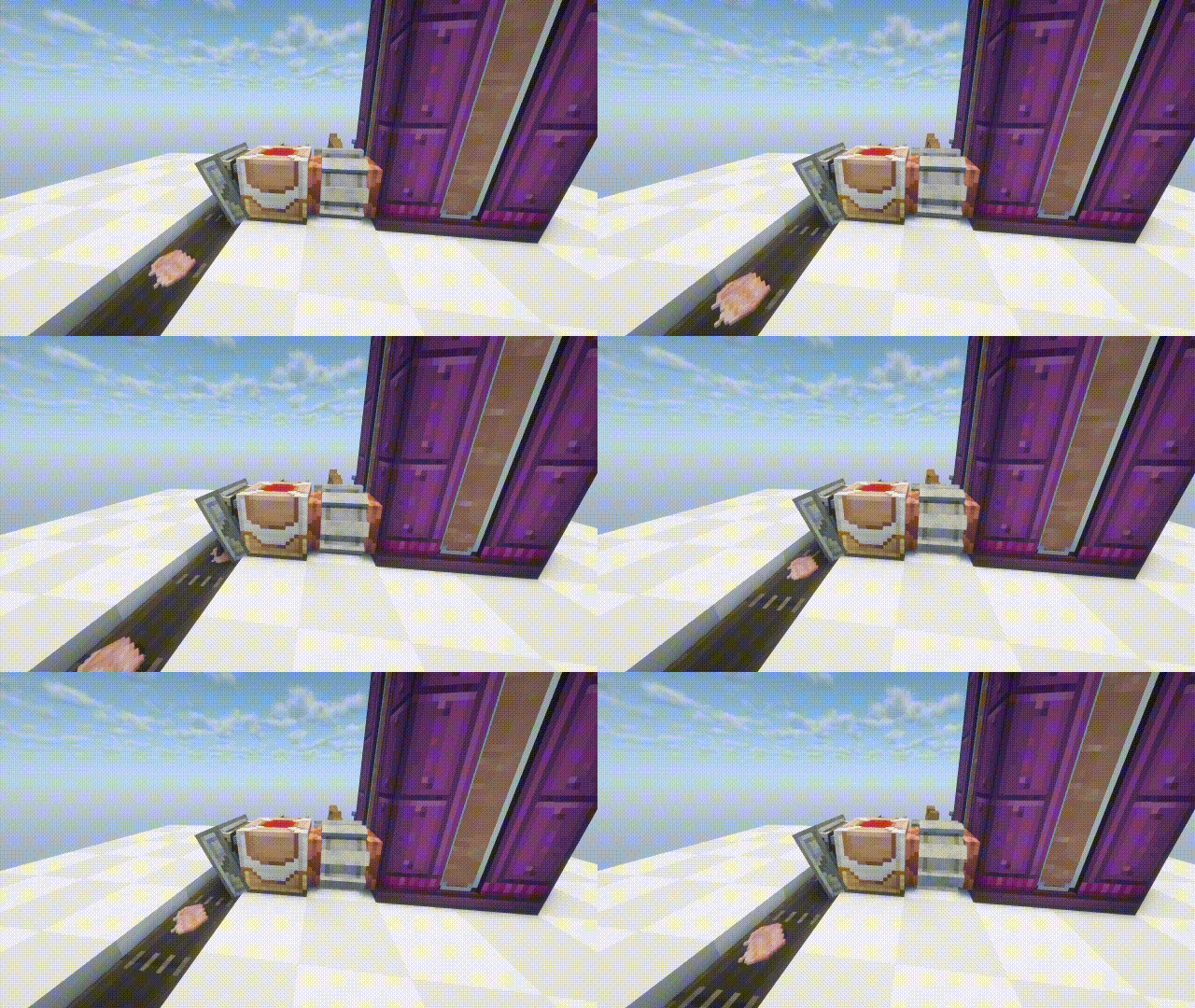
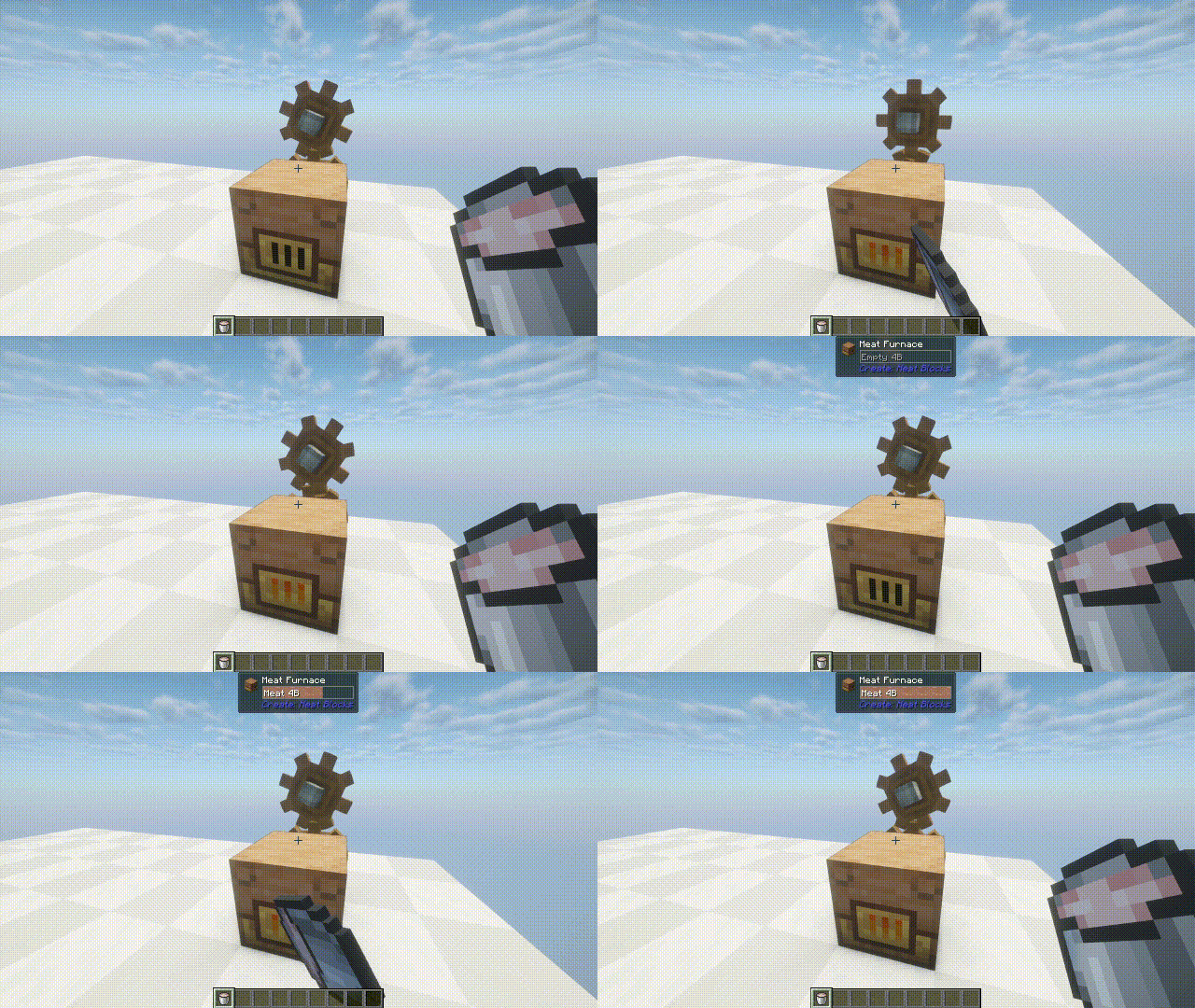
About this Mod
Create: Meat Blocks brings back the Meat Blocks from MineFactory Reloaded with meat processing, new machines, automation systems, blocks, and questionable ethics.
|
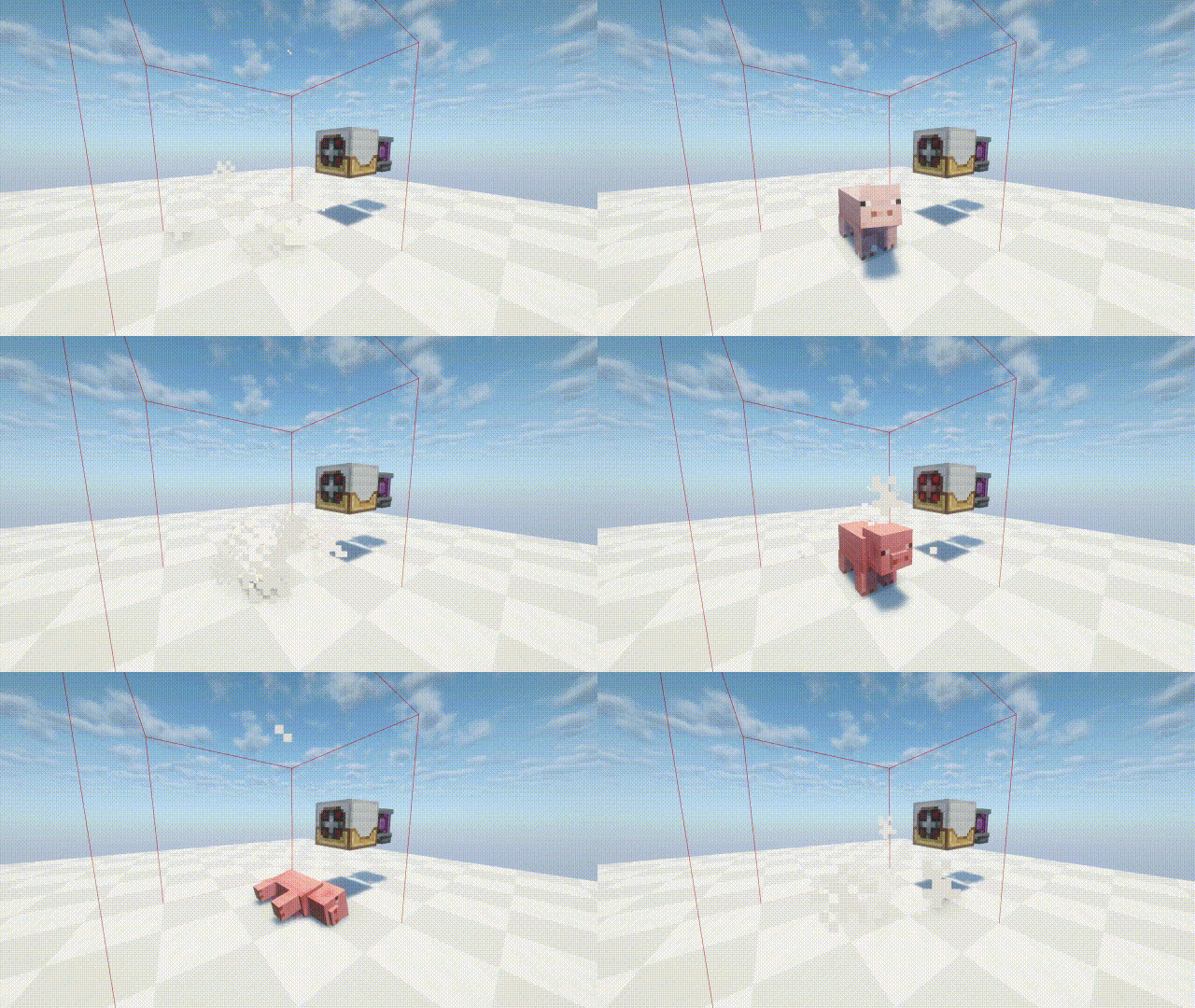
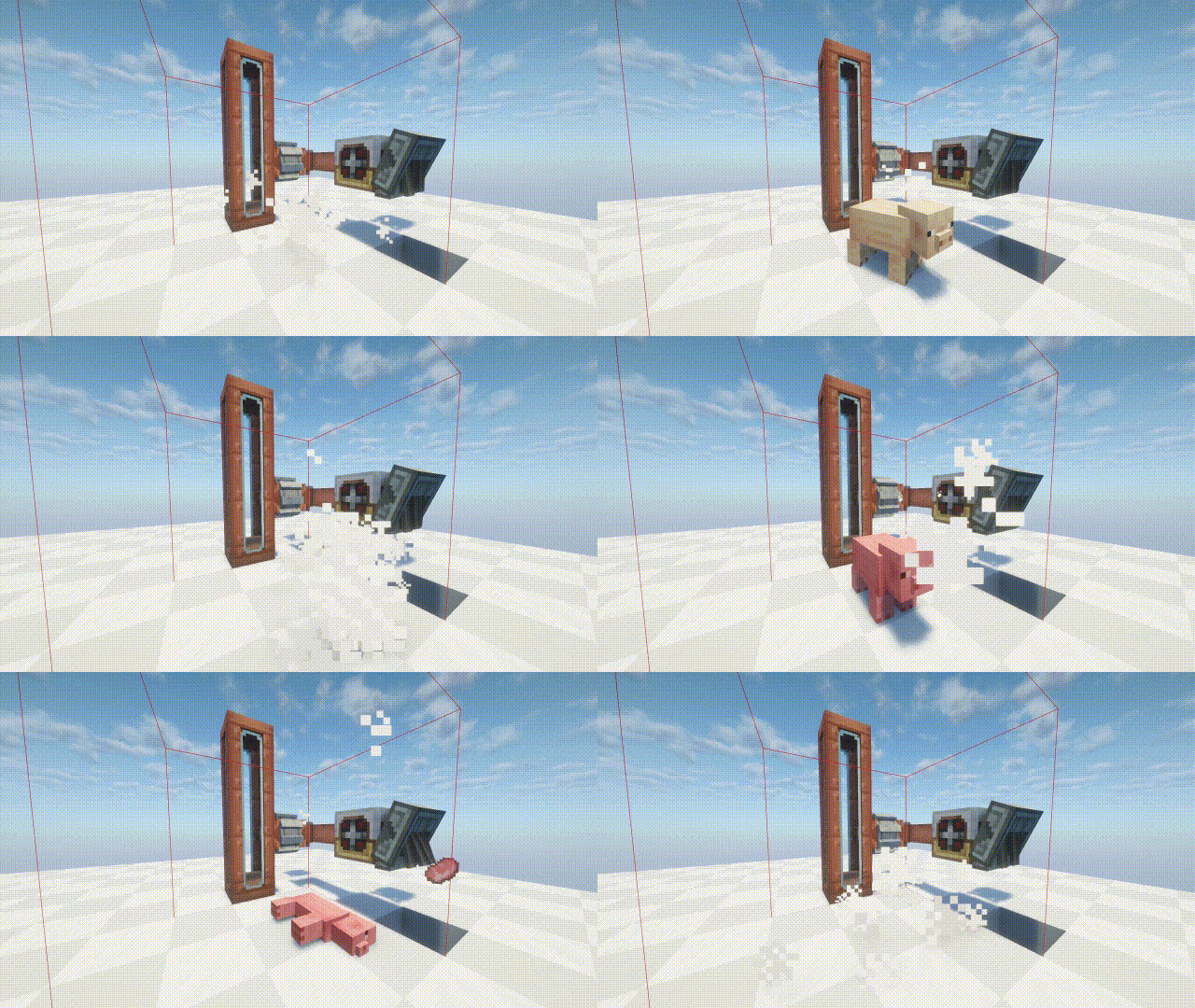
Turn any mob into meat liquid and process them into meat blocks and meat ingots!
|
Meat Blocks
Liquid Meat - Collected from dead mobs through the slaughterhouse. Can be put in a bucket and placed.
Raw/Cooked Meat Blocks - Made from 9 meat ingots of its respective ingot. Acts as a decoration or edible through the Baconator!
Compressed Raw/Cooked Meat Blocks - Compress your meat blocks into compressed variants; with the final Octuple Compressed Meat Block totalling to 43,046,721 Meat Blocks!
Bait Block - Attracts any undead mob or livestock towards it!
|
Machines
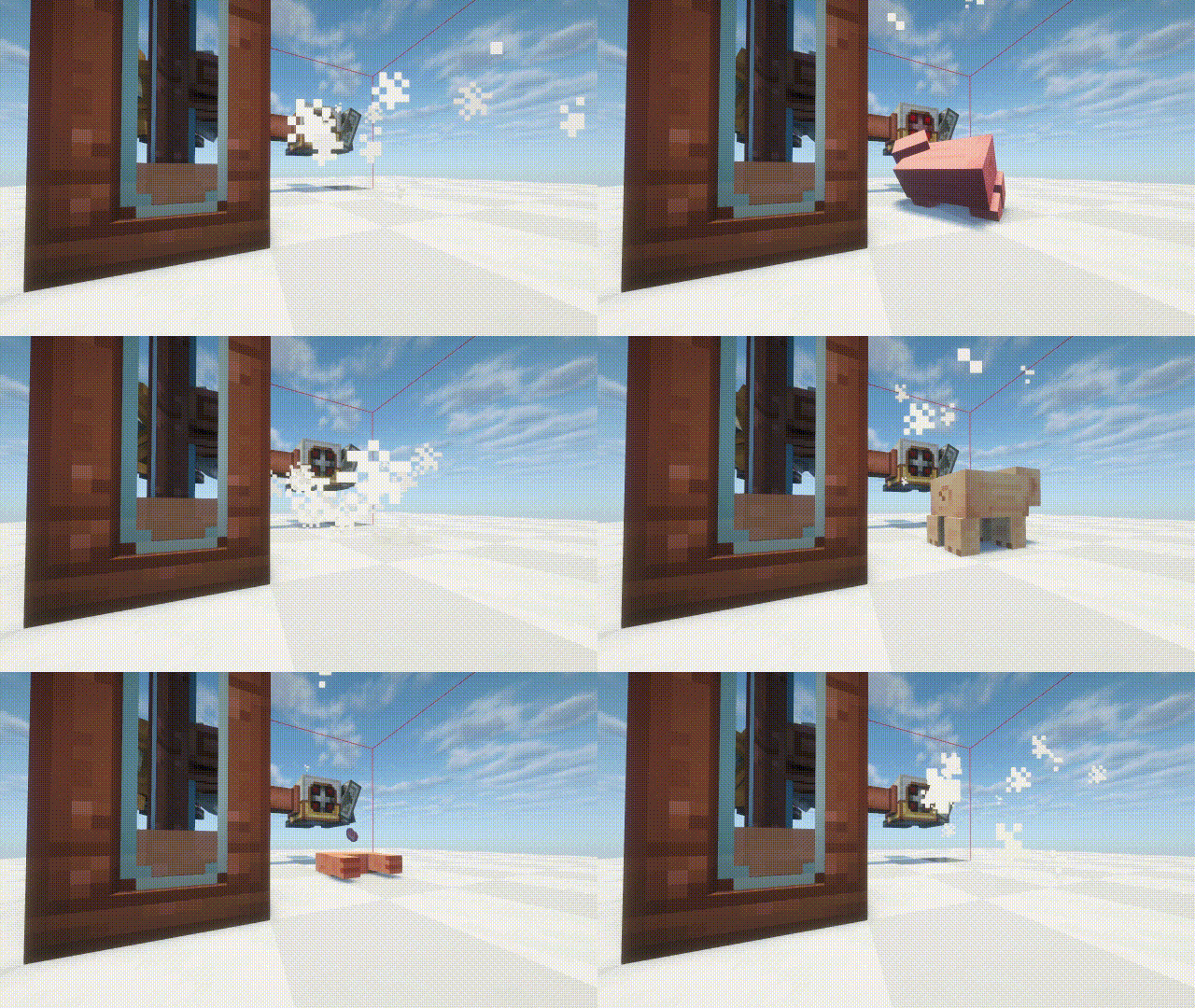
Slaughterhouse - Kills any mob placed in front of it, collecting their drops and turning the mob into meat liquid. Speed and damage scale with how much rotation it is recieving. The kill zone can be shown, and the kill zone can be shrunk from 1x1x1 to 5x5x5. Can't damage the player.
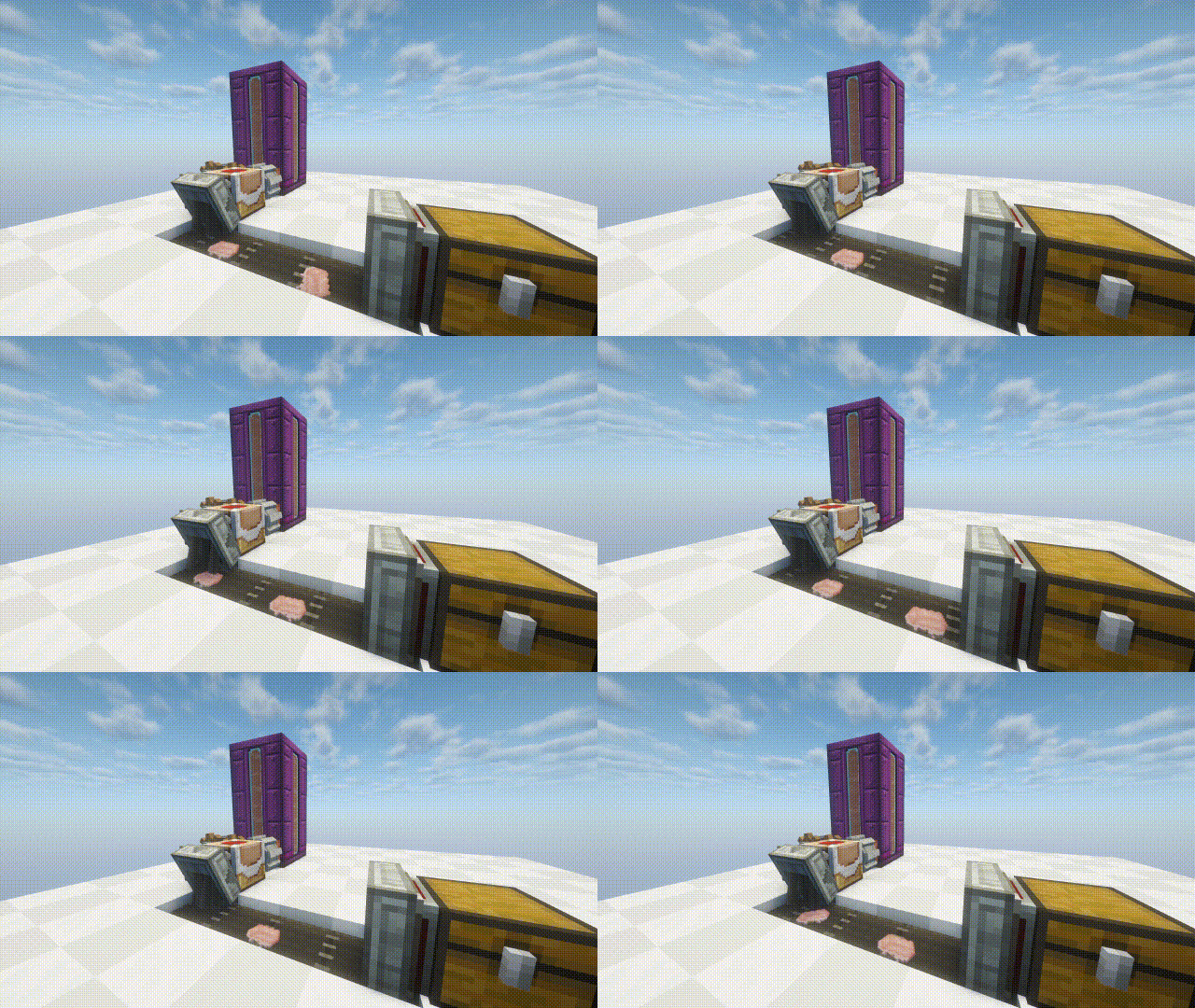
Meat Packer - Turns meat liquid into meat ingots. Speed scales with how much rotation it is recieving.
Meat Furnace - Temporarily produces 256 SU at 16 RPM when powered by a meat bucket.
Sprayer - Sprays the liquid which is put into it. Sprays a 5x5 area with a 2 block radius.
Water - Turns dirt into farmland and puts fire out.
Lava - Turns farmland back into dirt and does damage to mobs under it.
Meat - Fertilizes anything under it.
|
Items
Baconator - Feeds the player automatically when low enough whatever food item is put into its inventory slot, and can also be ate from manually. Ex: Bread heals 2 1/2 hunger, will feed the player when at 7 1/2, steak heals 4 hunger, will feed the player when at 6, (Enchanted) Golden Apples heal the player at 2 hearts. Works with all modded foods as well.
Meat Arrows - Has the same effects as a bait block; however for half of the time. Can be shot like a regular arrow.
Straw - Allows you to drink any liquid... Yes, ANY.
|
When it comes down to it... everything is just meat liquid.
A wise man once said,
"It looks like a meat popsicle, I wanna lick that!"
https://modrinth.com/resourcepack/create-meat-blocks-(minefactory-textures)
Type "Subsetg4ming" in your search bar to find everything by me!
Available Versions
How to Install Create: Meat Blocks on Your Server
Order Server
Order a Minecraft Java server with at least 4 GB RAM (6 GB recommended).
Set neoforge Loader
In the panel under "Egg", select the neoforge loader and matching Minecraft version (1.21.1).
Install Mod
Open the mod browser in the dashboard and search for "Create: Meat Blocks". Click "Install" – done! Alternatively, upload the .jar via SFTP to the /mods folder.
Compatibility
Mod Loaders
Minecraft Versions
1.21.1
Server-side
✓ RequiredRecommended RAM
6 GB(min. 4 GB)Frequently Asked Questions
Create: Meat Blocks server crashes on startup – what to do?
Most common cause: wrong neoforge version or insufficient RAM. Check the server log (latest.log) for "OutOfMemoryError" or "Mixin" errors. With Mado Hosting: ensure at least 4 GB RAM is allocated and the loader matches the mod version (1.21.1). You can switch loaders with one click in the panel.
Is Create: Meat Blocks compatible with neoforge?
Create: Meat Blocks officially supports neoforge for Minecraft 1.21.1. The Mado dashboard automatically detects incompatible loader combinations.
Server lagging with Create: Meat Blocks – how to optimize performance?
Recommended RAM: 6 GB (per 5 players). Use /spark profiler to check if Create: Meat Blocks consumes the most tick time. Common fixes: reduce server view-distance to 8-10, install "performant" or "starlight" as supplementary mods on Forge. With Mado Hosting, your server runs on NVMe SSDs with dedicated CPU cores for minimal latency.
Similar Mods

![[ETF] Entity Texture Features](https://cdn.modrinth.com/data/BVzZfTc1/af683d206d50b05258d865b0d6e4aa2f2cee12f2_96.webp)
![[EMF] Entity Model Features](https://cdn.modrinth.com/data/4I1XuqiY/6e5bbd0d06b1741bfdab6c0cfab6de8fdaf0064c_96.webp)



Rent Modded Server
Install Create: Meat Blocks with just one click on your server.