
Cubium
A client-side Minecraft mod that integrates a Chromium-based browser directly into the game, allowing you to access websites without tabbing out.
Screenshots
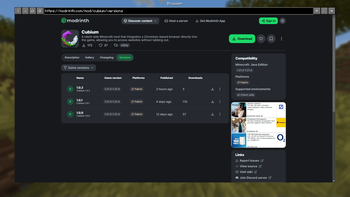

About this Mod
🌐 Cubium – The In-Game Minecraft Browser
Cubium is a client-side Minecraft mod that integrates a Chromium-based browser directly into the game. With Cubium, you can browse the web seamlessly without ever needing to tab out. The browser can be opened at any time using the B key (default, customizable in settings).
🚨 Important
Cubium uses the MCEF library. Make sure to install it together with the mod.
You will also need the Fabric API and the Fabric Language Kotlin for the mod to work.
If you want to use Quilt, you'll need to use the Quilted Fabric API instead of the Fabric API, and the Quilt Kotlin Libraries instead of the Fabric Language Kotlin.
🛠️ Features
- Fully Integrated Browser: Surf the web while staying in Minecraft.
- Customizable Search Engines: Choose your preferred search engine for a optimized browsing experience.
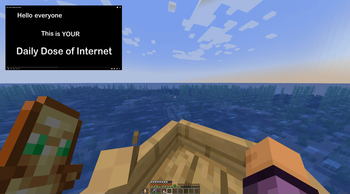
- Picture-in-Picture Mode: Use a floating, movable window to browse while playing.
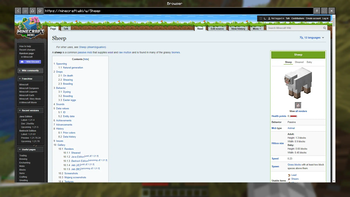
- Dark Mode: Experience every website in a dark style using Dark Reader scripts.
- Minimizable Window: Minimize the browser while keeping audio and processes active.
- File Downloads: Download files directly through the browser without leaving Minecraft.
- Client-Side Only: No server-side dependencies; works in any singleplayer or multiplayer environment.
- User-Friendly Interface: Designed for ease of use, just like a regular browser.
🚀 How to Use
- Press B (default) to open the browser in-game.
- First Time Setup: Select your preferred search engine; the browser will open once you've made your selection.
- After selection, pressing B will open the browser directly with your chosen search engine.
- If you have the history enabled, Cubium will remember your last visited page instead.
- To reset your search engine (if you want to change it), use the command:
/cubium reset_default_se
🧩 Works Great with TMYK
Cubium works seamlessly with the TMYK mod by fingerguns83. TMYK allows you to easily access wiki links by typing /wiki [search term], or simply /wiki to look up information about blocks, entities, or fluids you're currently looking at.
📖 Wiki
If you need help, you can check the wiki for additional information and guides, join our Discord server here, or open an issue on GitHub here.
🖼️ Preview
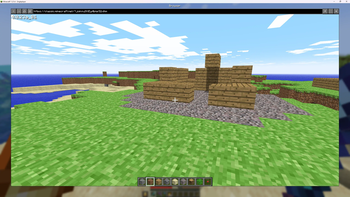
Search Engine Selection (Order randomized):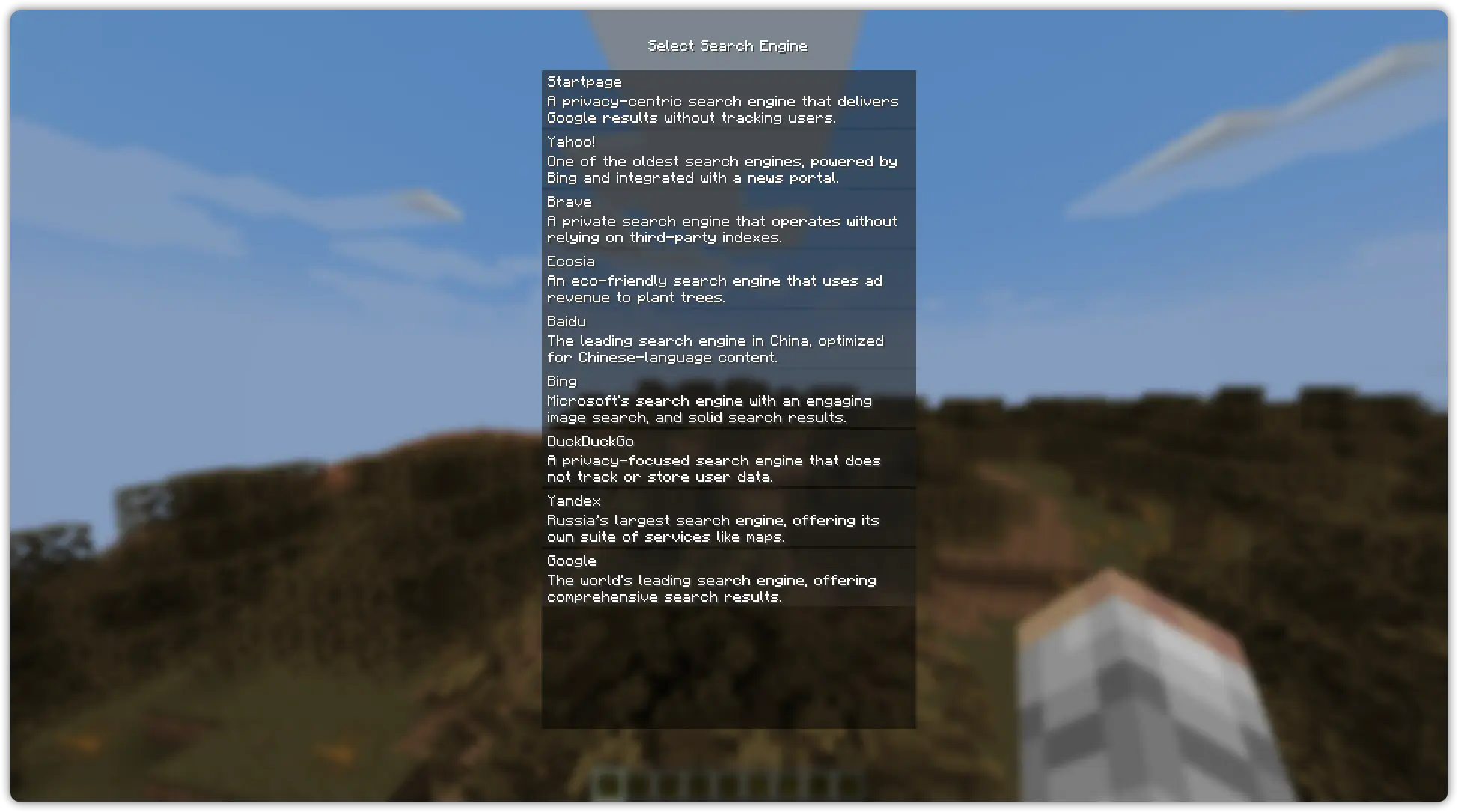
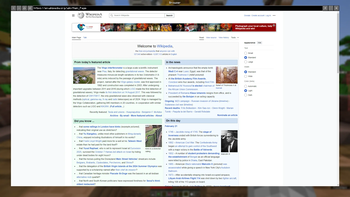
Browser Example (On the Wikipedia Main Page):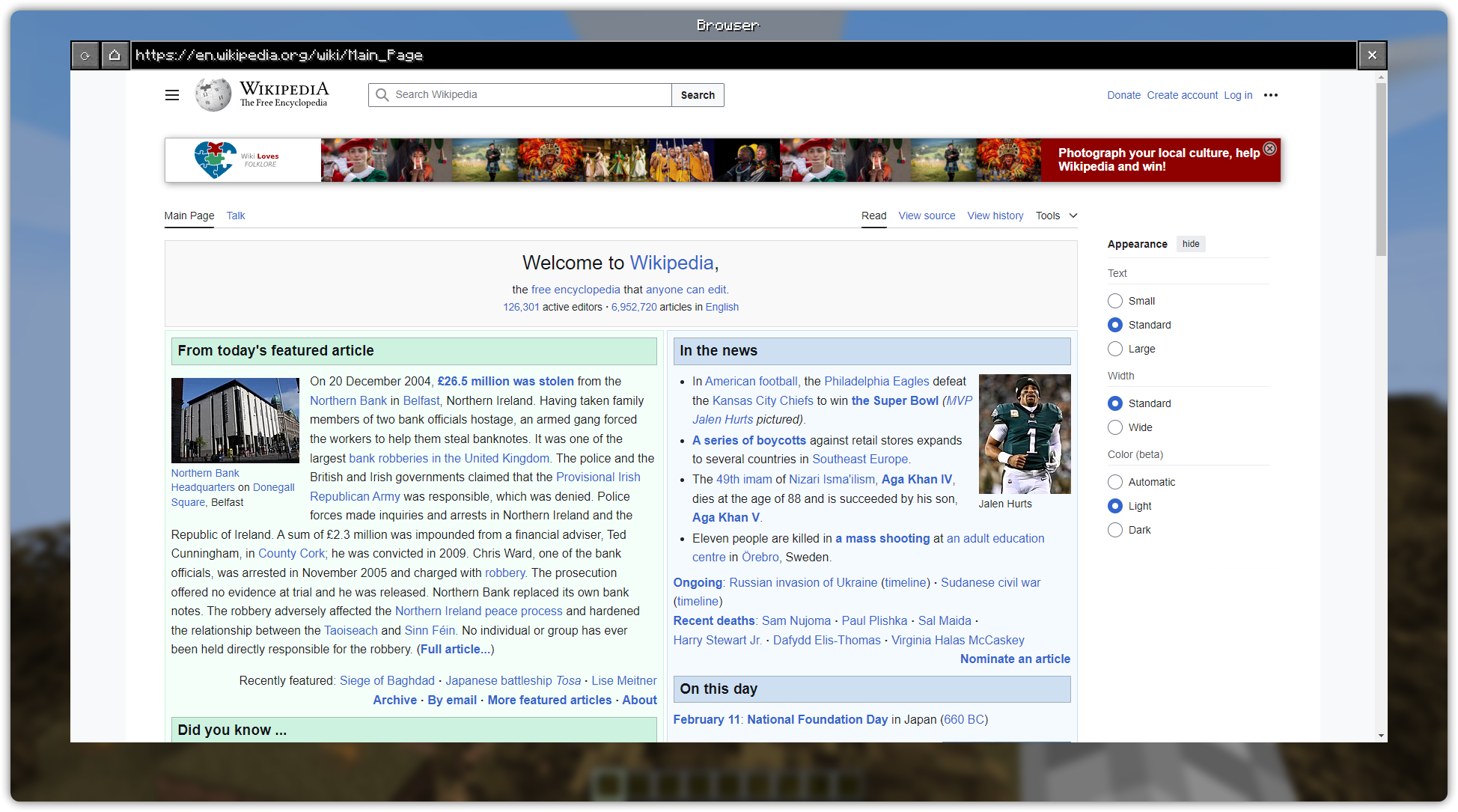
Picture in Picture Example (On YouTube):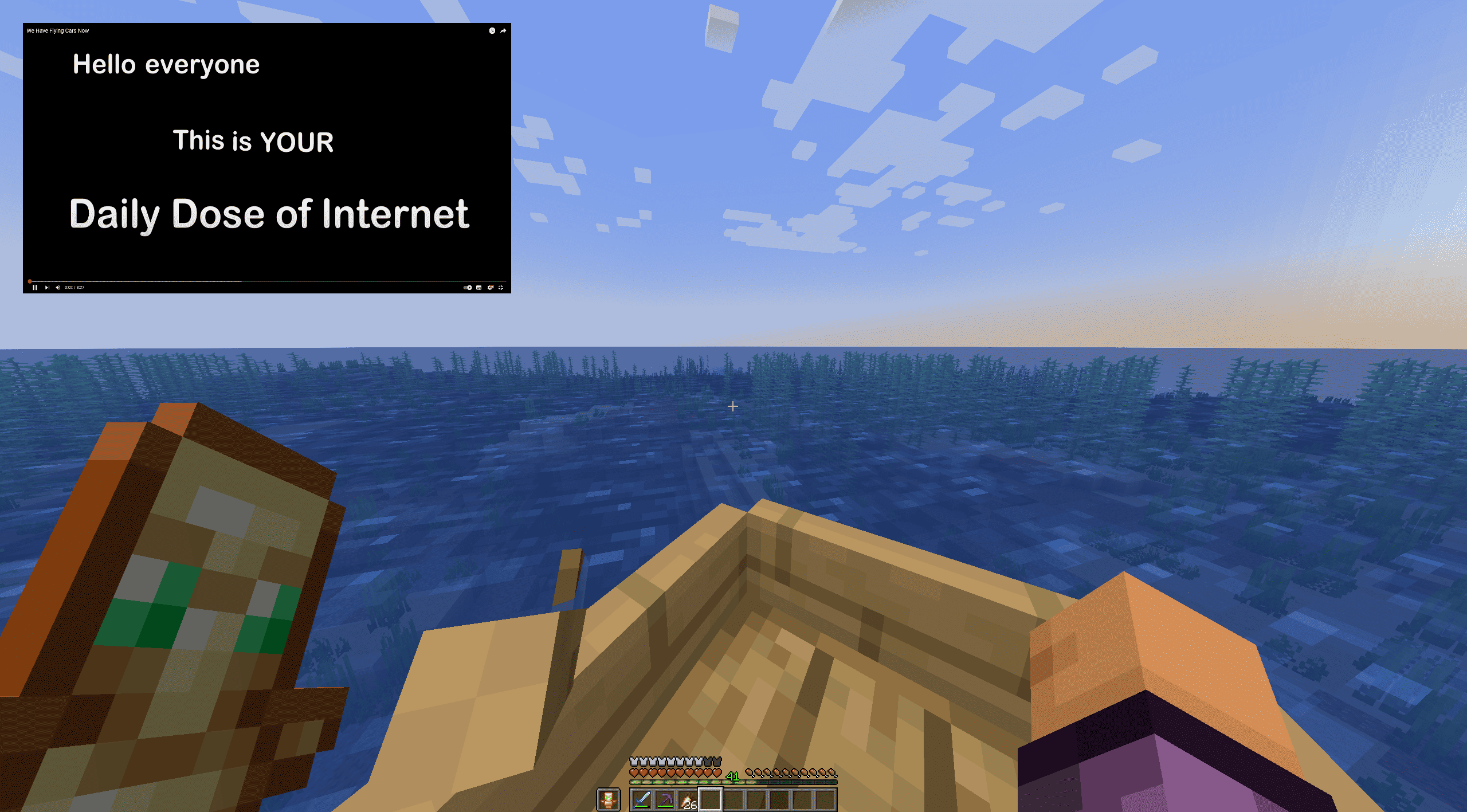
Dark Mode (On Microsoft Website):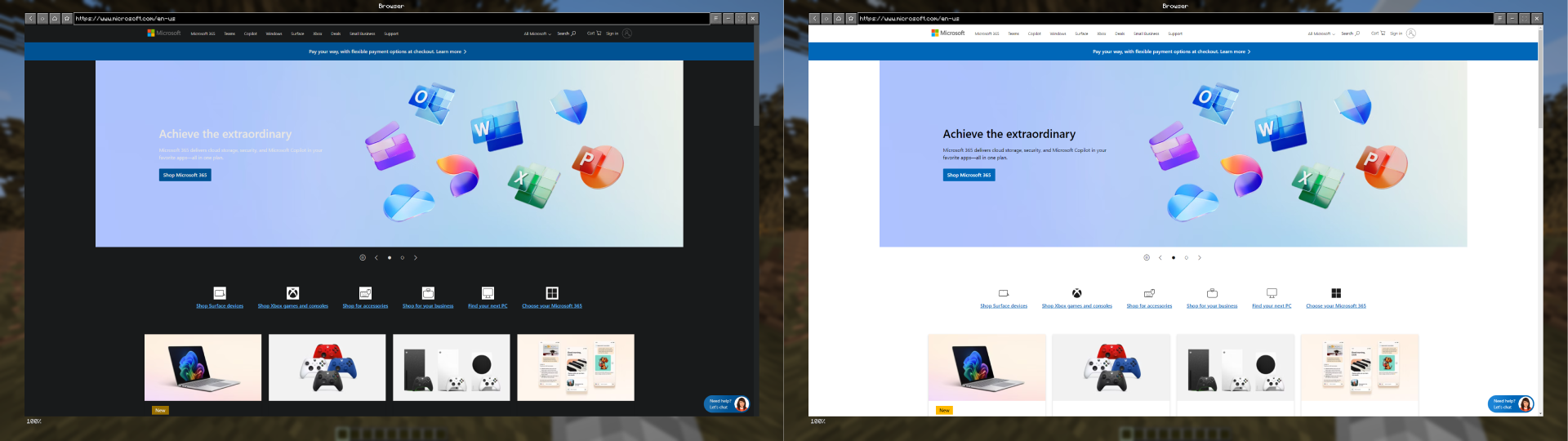
Available Versions
How to Install Cubium on Your Server
Order Server
Order a Minecraft Java server with at least 3 GB RAM (4 GB recommended).
Set fabric Loader
In the panel under "Egg", select the fabric loader and matching Minecraft version (1.21.4).
Install Mod
Open the mod browser in the dashboard and search for "Cubium". Click "Install" – done! Alternatively, upload the .jar via SFTP to the /mods folder.
Compatibility
Mod Loaders
Minecraft Versions
1.21.4, 1.21.3, 1.21.2 (+1 more)
Server-side
✗ UnsupportedRecommended RAM
4 GB(min. 3 GB)Frequently Asked Questions
Cubium server crashes on startup – what to do?
Most common cause: wrong fabric version or insufficient RAM. Check the server log (latest.log) for "OutOfMemoryError" or "Mixin" errors. With Mado Hosting: ensure at least 3 GB RAM is allocated and the loader matches the mod version (1.21.4). You can switch loaders with one click in the panel.
Is Cubium compatible with fabric?
Cubium officially supports fabric for Minecraft 1.21.4, 1.21.3, 1.21.2. The Mado dashboard automatically detects incompatible loader combinations.
Server lagging with Cubium – how to optimize performance?
Recommended RAM: 4 GB (per 8 players). Use /spark profiler to check if Cubium consumes the most tick time. Common fixes: reduce server view-distance to 8-10, install "performant" or "starlight" as supplementary mods on Forge. With Mado Hosting, your server runs on NVMe SSDs with dedicated CPU cores for minimal latency.
Similar Mods




![[ETF] Entity Texture Features](https://cdn.modrinth.com/data/BVzZfTc1/af683d206d50b05258d865b0d6e4aa2f2cee12f2_96.webp)
![[EMF] Entity Model Features](https://cdn.modrinth.com/data/4I1XuqiY/6e5bbd0d06b1741bfdab6c0cfab6de8fdaf0064c_96.webp)
Rent Modded Server
Install Cubium with just one click on your server.