
Colorful UI
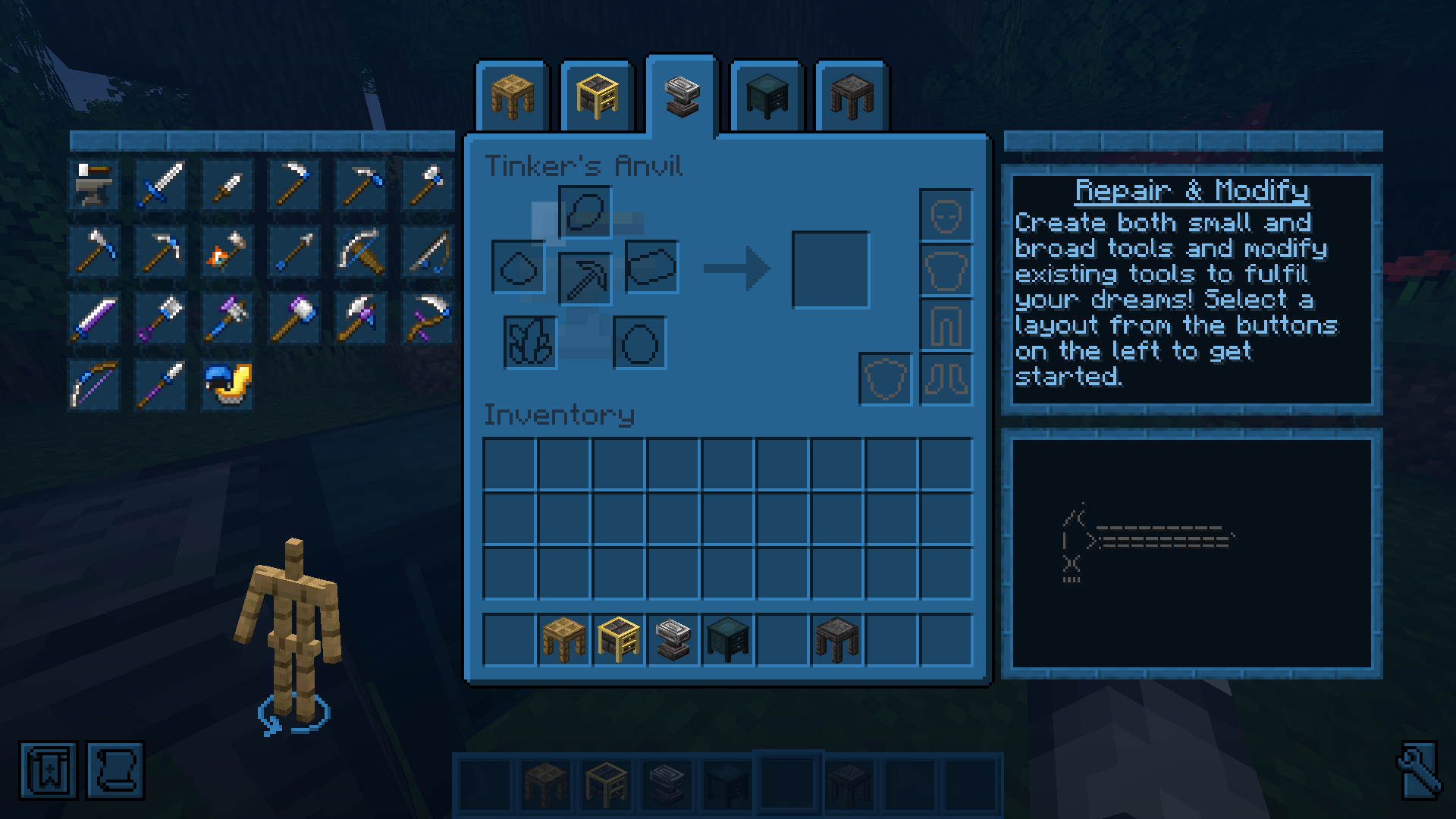
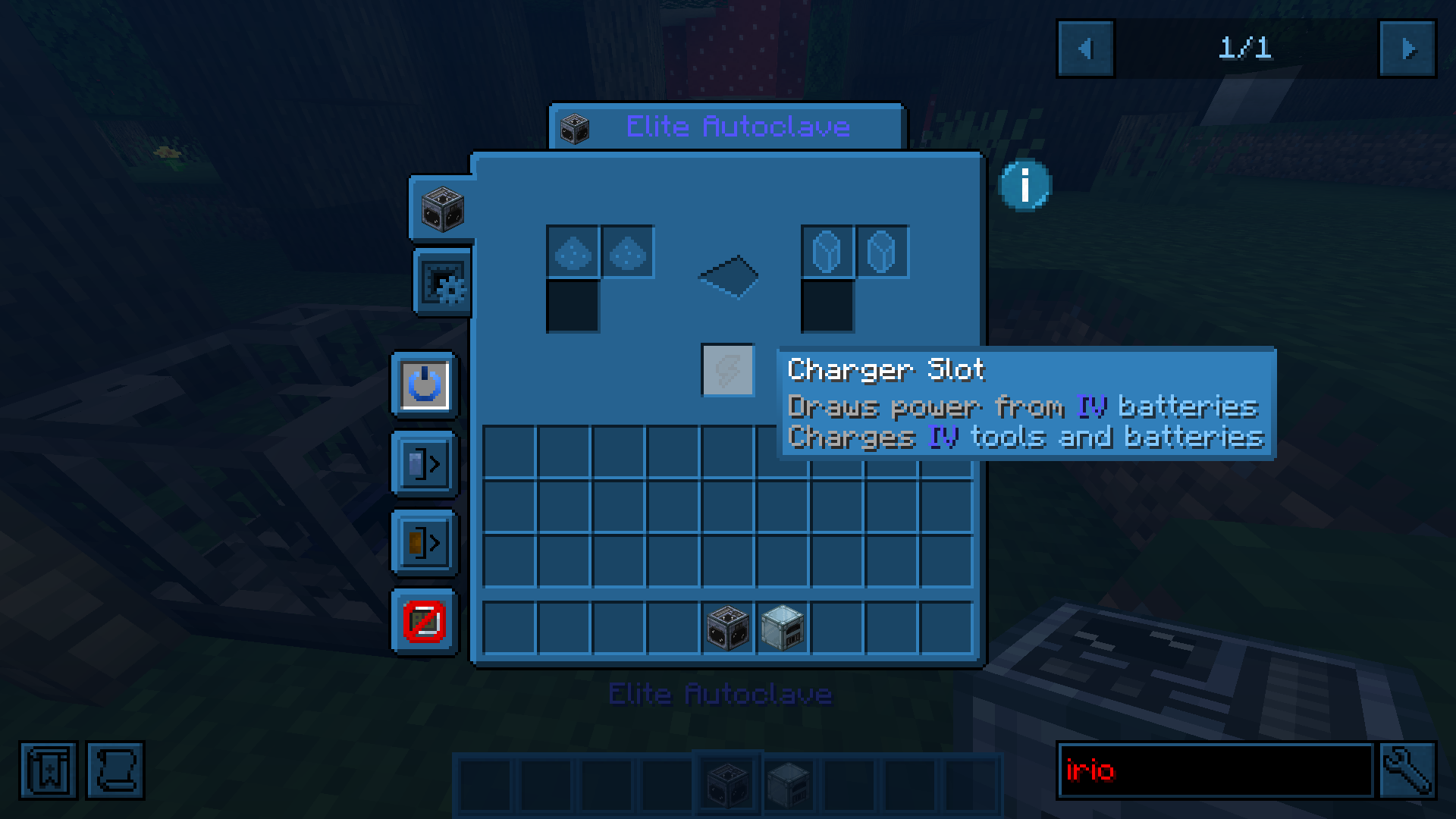
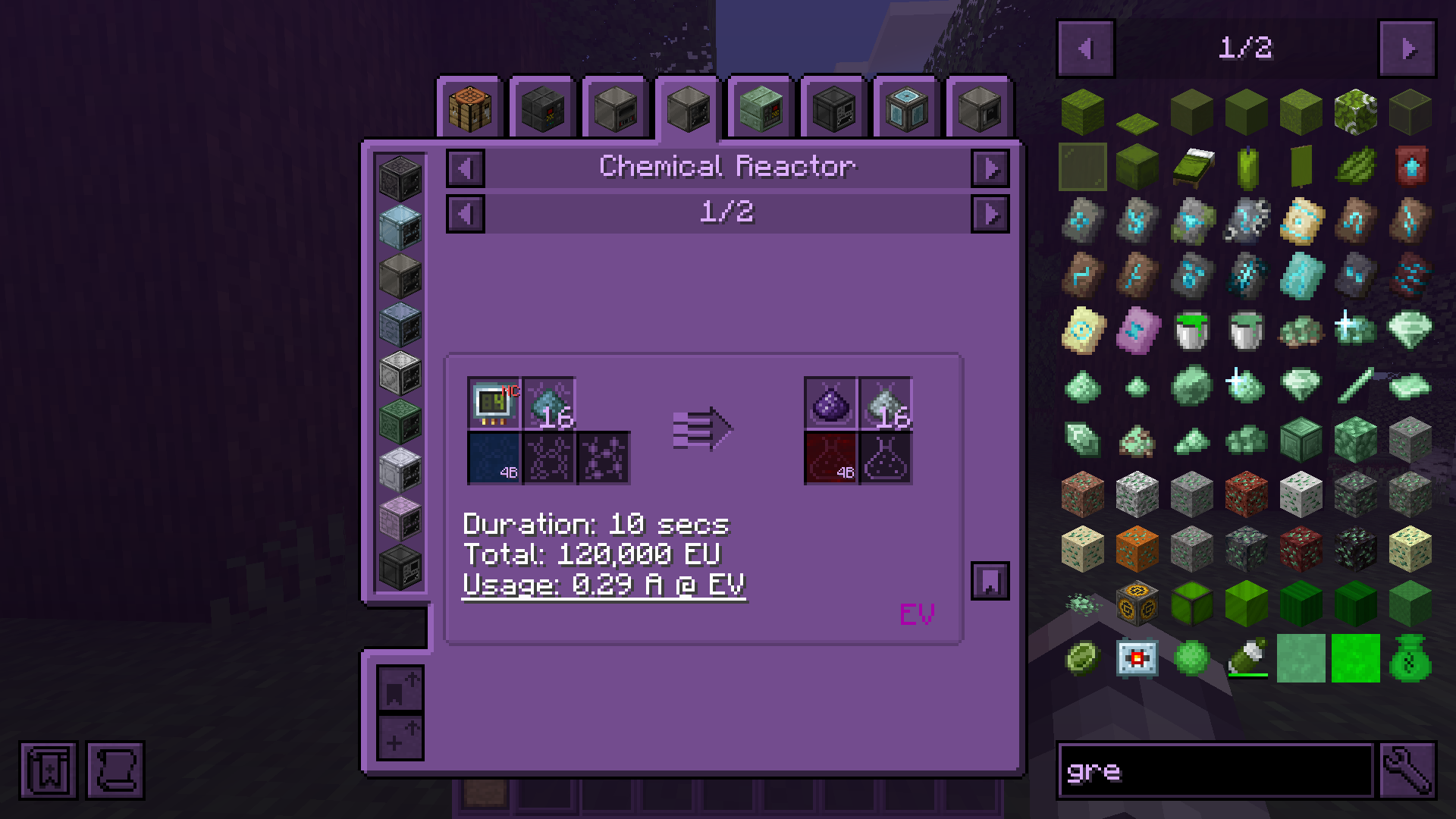
Dye Minecraft interface in any color you like!
Screenshots


About this Mod

CUI gives you full control over Minecraft’s UI colors.
Menus, HUD elements, inventories, buttons, hotbars, hearts, text, and even interfaces added by other mods can all be recolored in real time. Because apparently every mod author on earth independently decided that dark gray buttons on slightly darker gray backgrounds are peak design.


Universal Texture Support
CUI is not limited to vanilla textures.
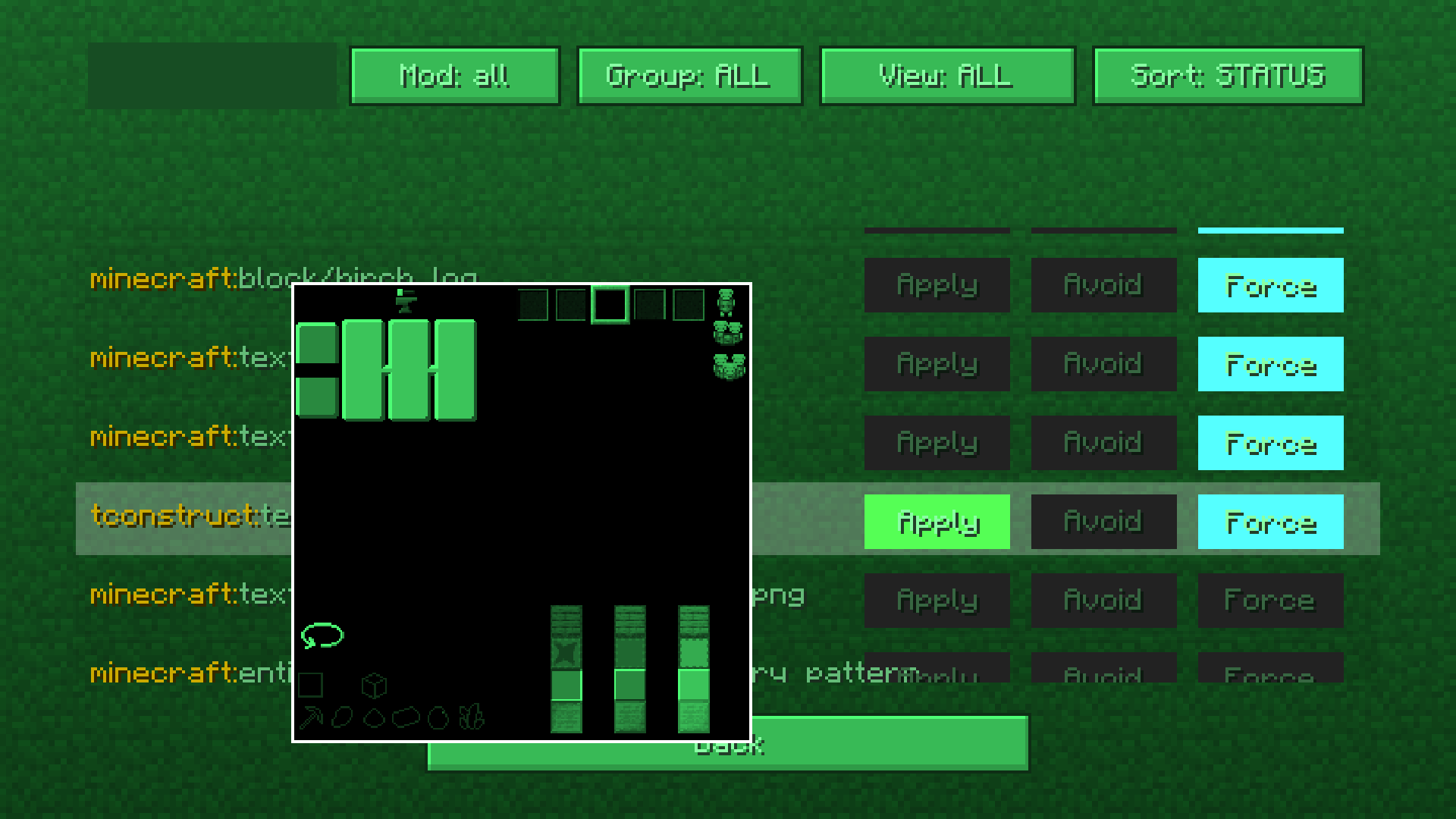
The mod includes a built-in texture management screen that lets you manually control how textures are processed and recolored.
You can:
- recolor virtually any GUI texture in the game
- prevent textures from being modified
- create compatibility with unsupported mods
This system works with practically any mod interface and textures.
You can even force CUI to recolor block textures if you really want to. Which is an amount of power humanity historically does not handle responsibly.
Built-in Color Editor
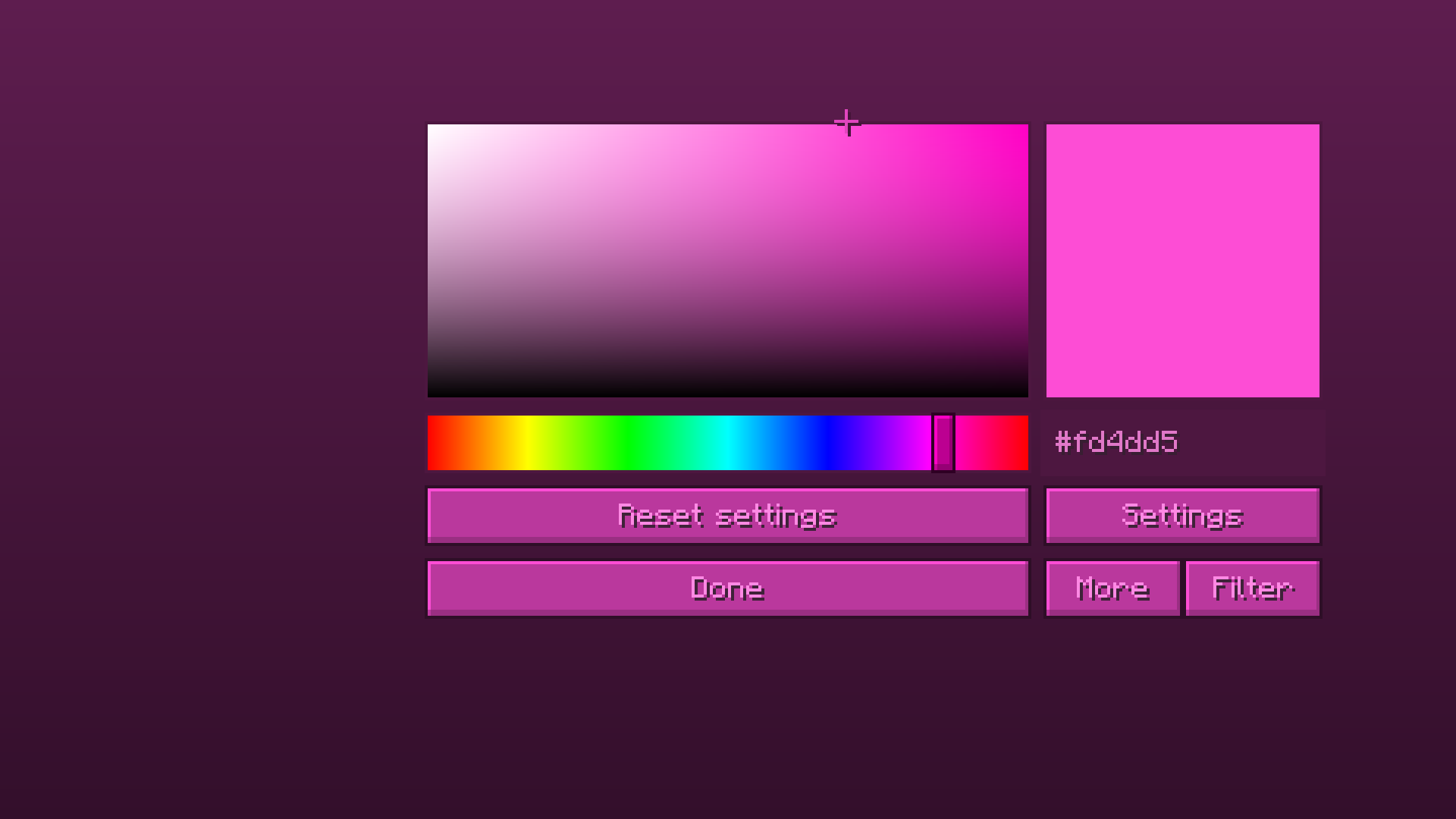
CUI comes with a full color editor featuring:
- HSV color picker
- live preview
- filters
- advanced settings
- almost instant updates without restarting the game
Everything updates in real time, so tweaking colors does not feel like performing dark rituals through JSON files anymore.
Features
- Recolor vanilla UI elements
- Recolor modded interfaces
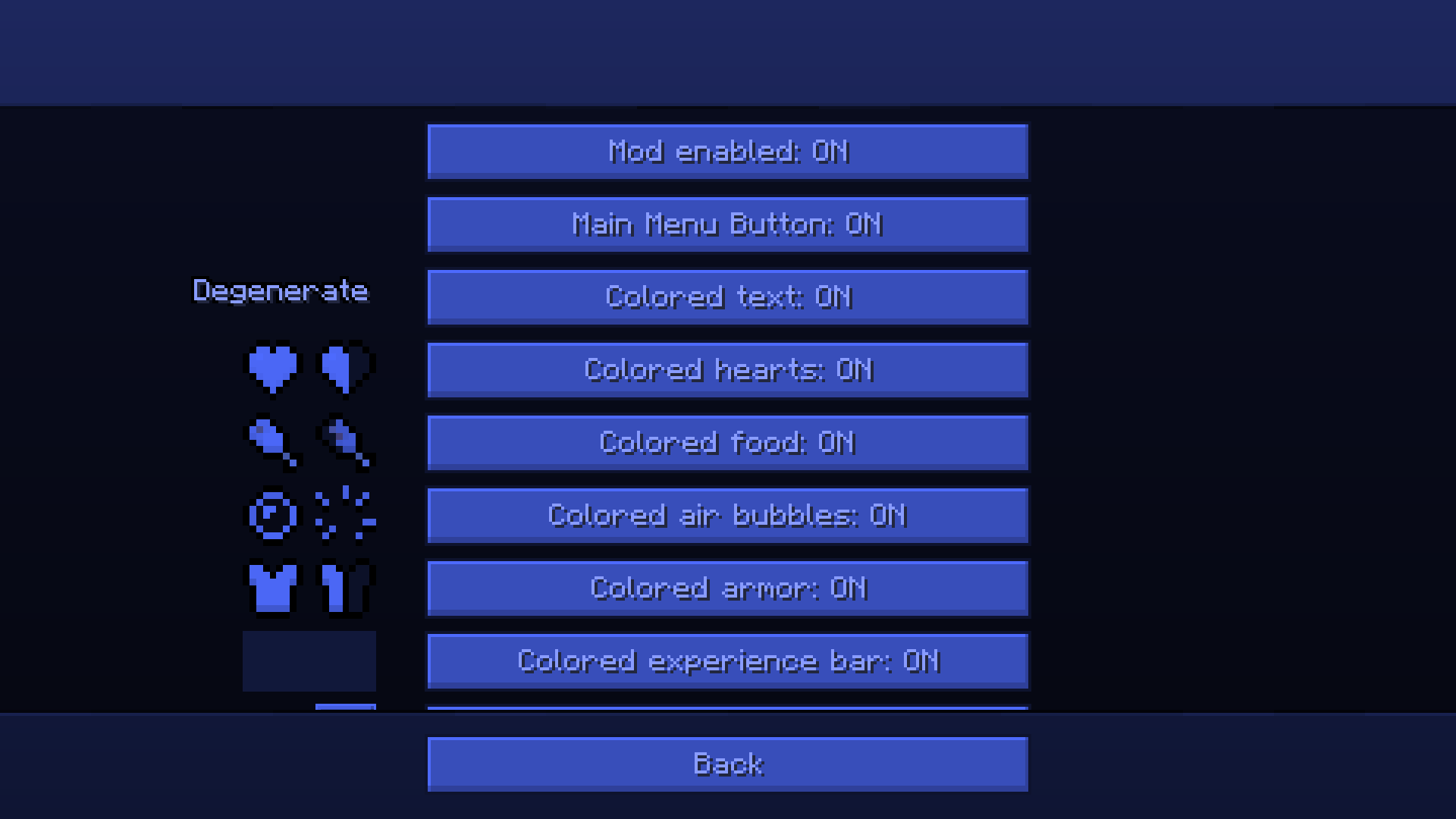
- Colored hearts, armor, hunger, XP bar, bubbles, and hotbar
- Colored text support
- Real-time color updates
- Advanced texture filtering system
- Force/Avoid texture processing
- Lightweight and configurable
- Works without resource packs
Usage
Open the mod settings through Mod Menu or directly from the title screen.
Pick a color, tweak filters if needed, and changes apply instantly.
For advanced customization, open the texture management screen and configure exactly which textures should or should not be recolored.
Out of box mods support
As I already said cui supports modded uis.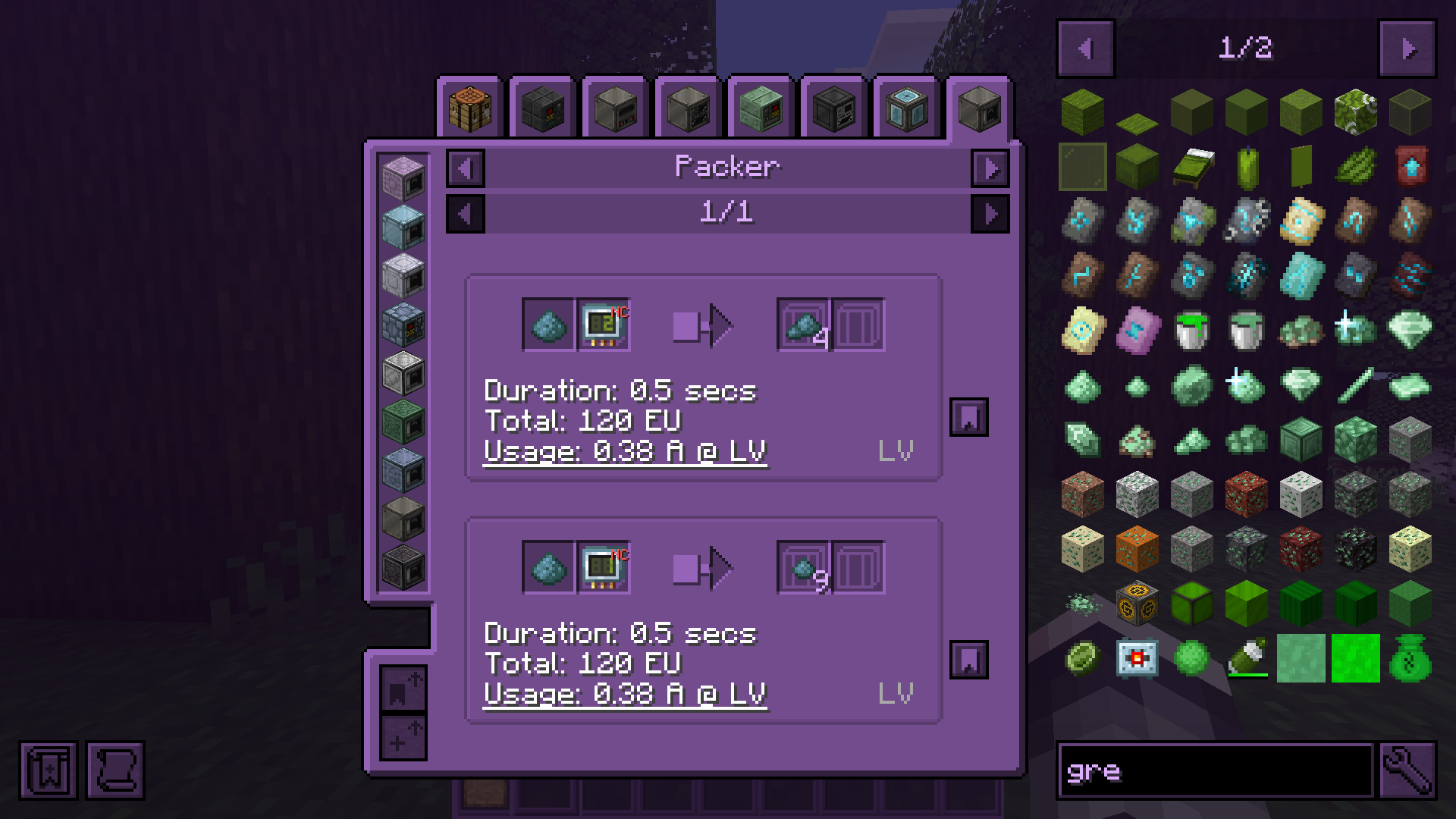
Available Versions
How to Install Colorful UI on Your Server
Order Server
Order a Minecraft Java server with at least 3 GB RAM (4 GB recommended).
Set fabric Loader
In the panel under "Egg", select the fabric loader and matching Minecraft version (1.21.11).
Install Mod
Open the mod browser in the dashboard and search for "Colorful UI". Click "Install" – done! Alternatively, upload the .jar via SFTP to the /mods folder.
Compatibility
Mod Loaders
Minecraft Versions
1.21.11, 1.21.10, 1.21.9 (+14 more)
Server-side
✗ UnsupportedRecommended RAM
4 GB(min. 3 GB)Frequently Asked Questions
Colorful UI server crashes on startup – what to do?
Most common cause: wrong fabric version or insufficient RAM. Check the server log (latest.log) for "OutOfMemoryError" or "Mixin" errors. With Mado Hosting: ensure at least 3 GB RAM is allocated and the loader matches the mod version (1.21.11). You can switch loaders with one click in the panel.
Is Colorful UI compatible with fabric and forge and neoforge?
Colorful UI officially supports fabric, forge, neoforge for Minecraft 1.21.11, 1.21.10, 1.21.9. Note: Forge and Fabric mods are NOT cross-compatible – pick one loader and stick with it. The Mado dashboard automatically detects incompatible loader combinations.
Server lagging with Colorful UI – how to optimize performance?
Recommended RAM: 4 GB (per 8 players). Use /spark profiler to check if Colorful UI consumes the most tick time. Common fixes: reduce server view-distance to 8-10, install "performant" or "starlight" as supplementary mods on Forge. With Mado Hosting, your server runs on NVMe SSDs with dedicated CPU cores for minimal latency.
Similar Mods

![[ETF] Entity Texture Features](https://cdn.modrinth.com/data/BVzZfTc1/af683d206d50b05258d865b0d6e4aa2f2cee12f2_96.webp)
![[EMF] Entity Model Features](https://cdn.modrinth.com/data/4I1XuqiY/6e5bbd0d06b1741bfdab6c0cfab6de8fdaf0064c_96.webp)



Rent Modded Server
Install Colorful UI with just one click on your server.