
Custom Cosmetics
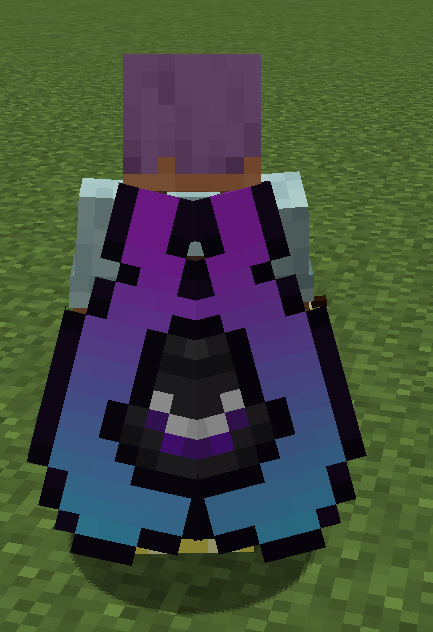
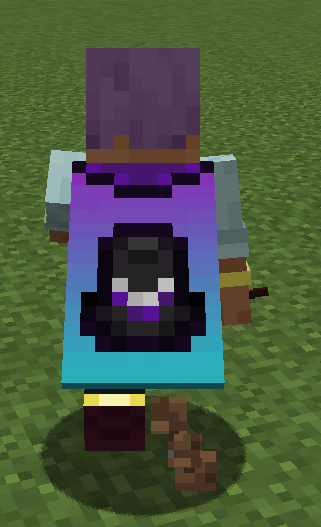
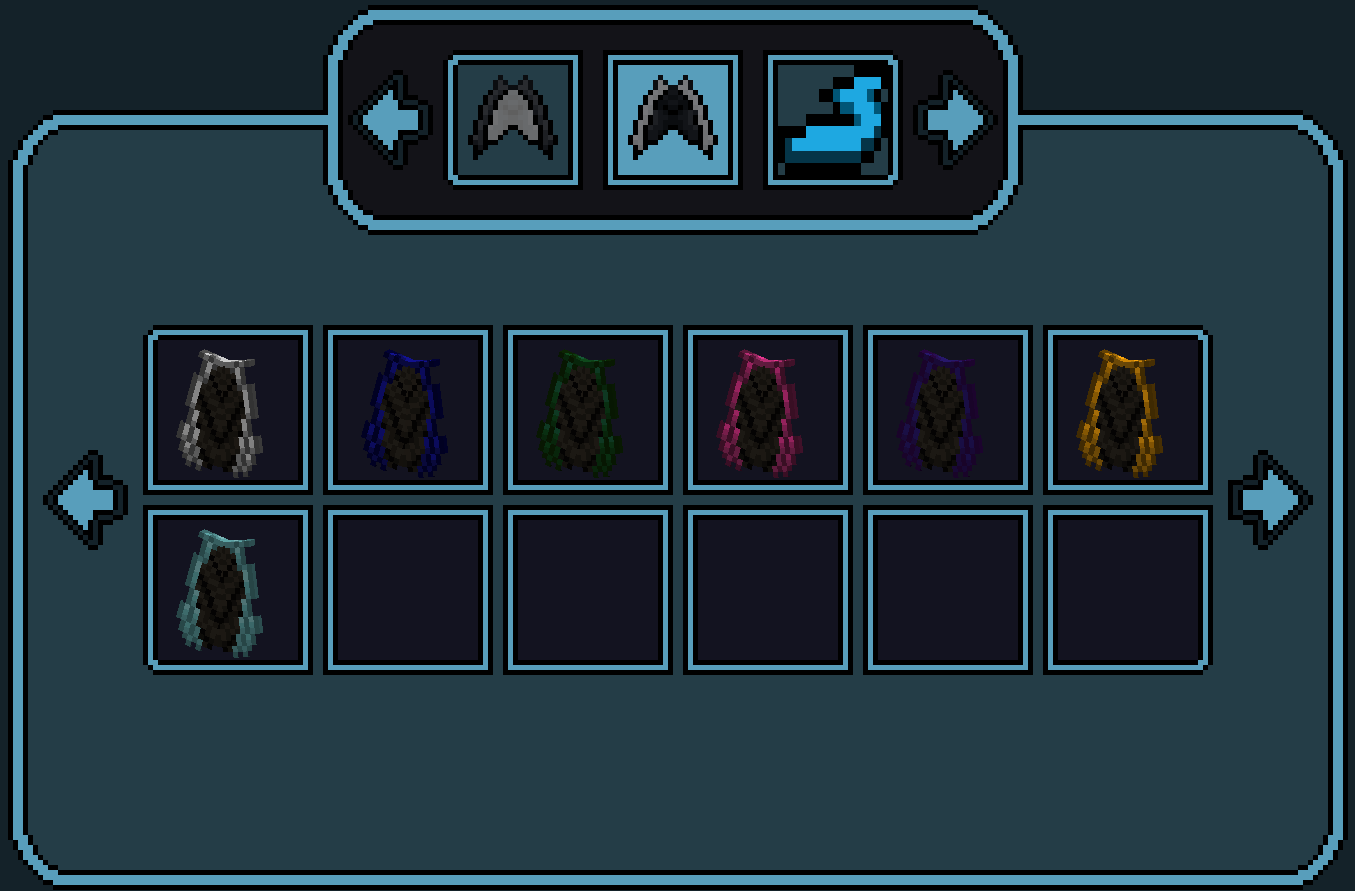
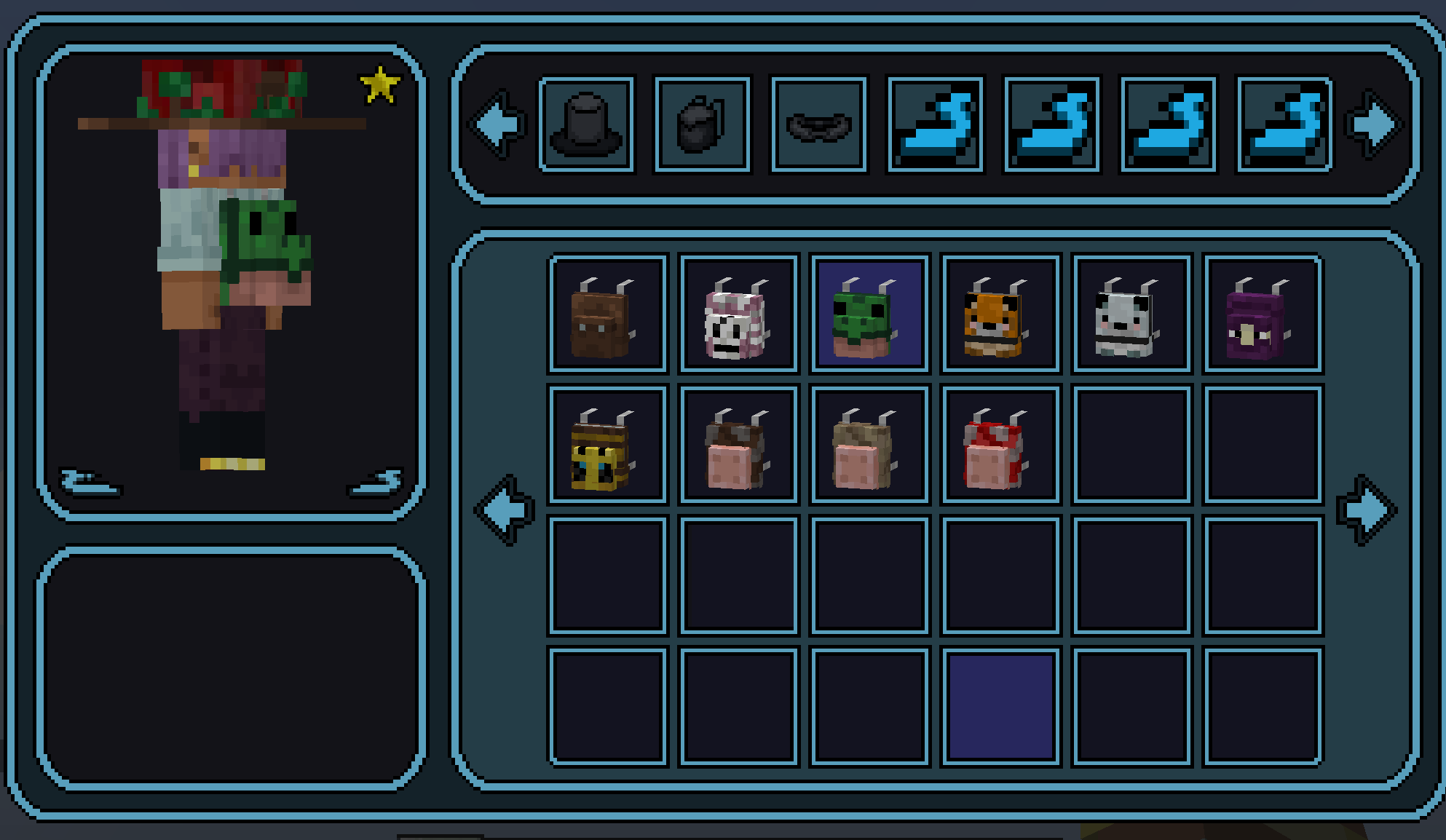
Fully configurable per server cosmetics, with resource pack support
Screenshots
About this Mod
Custom Cosmetics
download or I'll send bees after you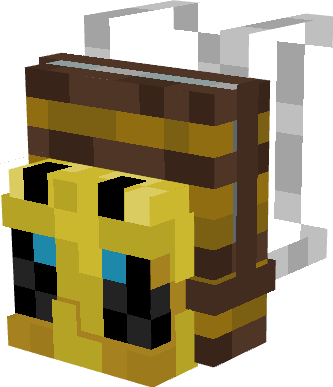
Description
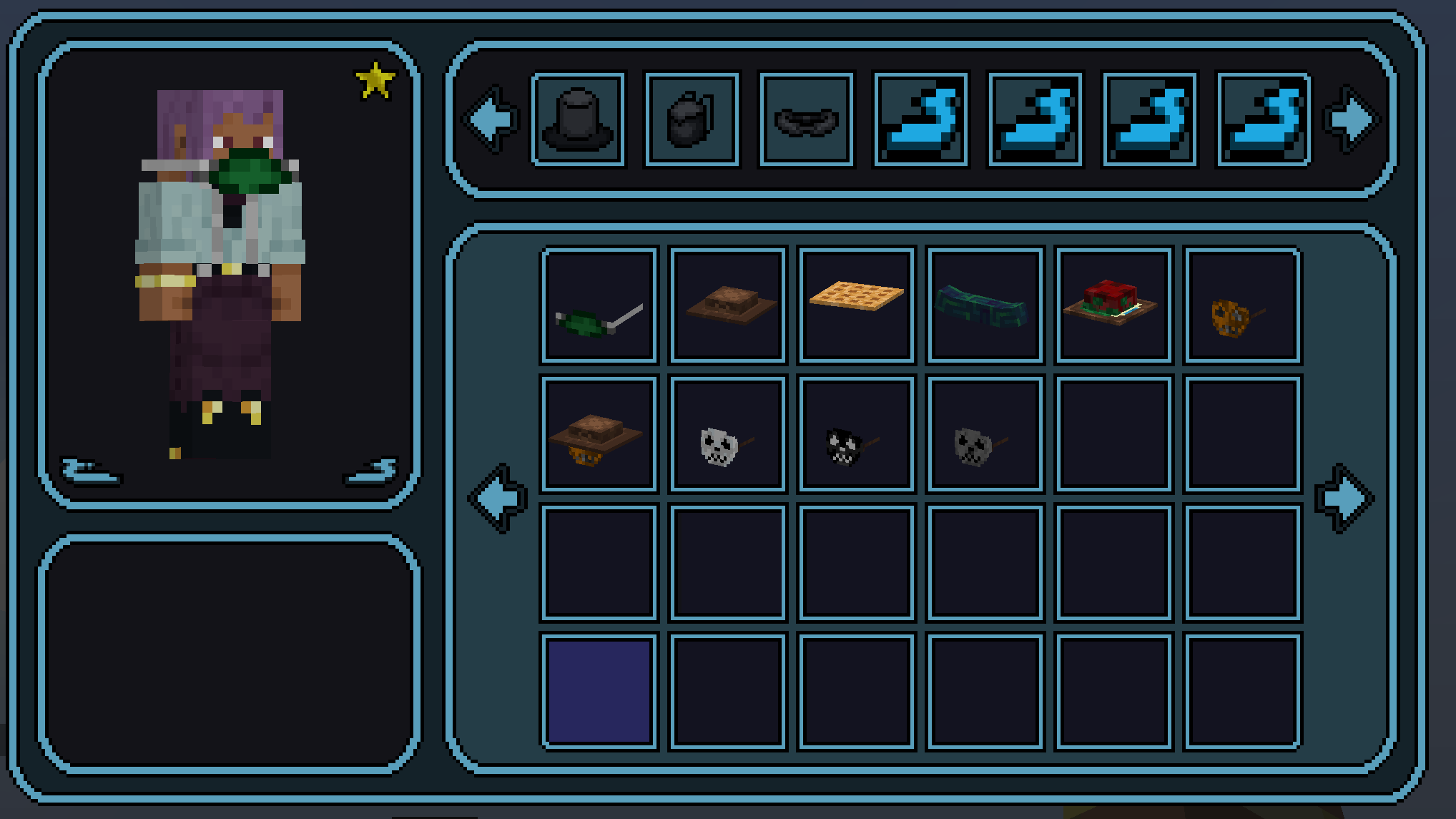
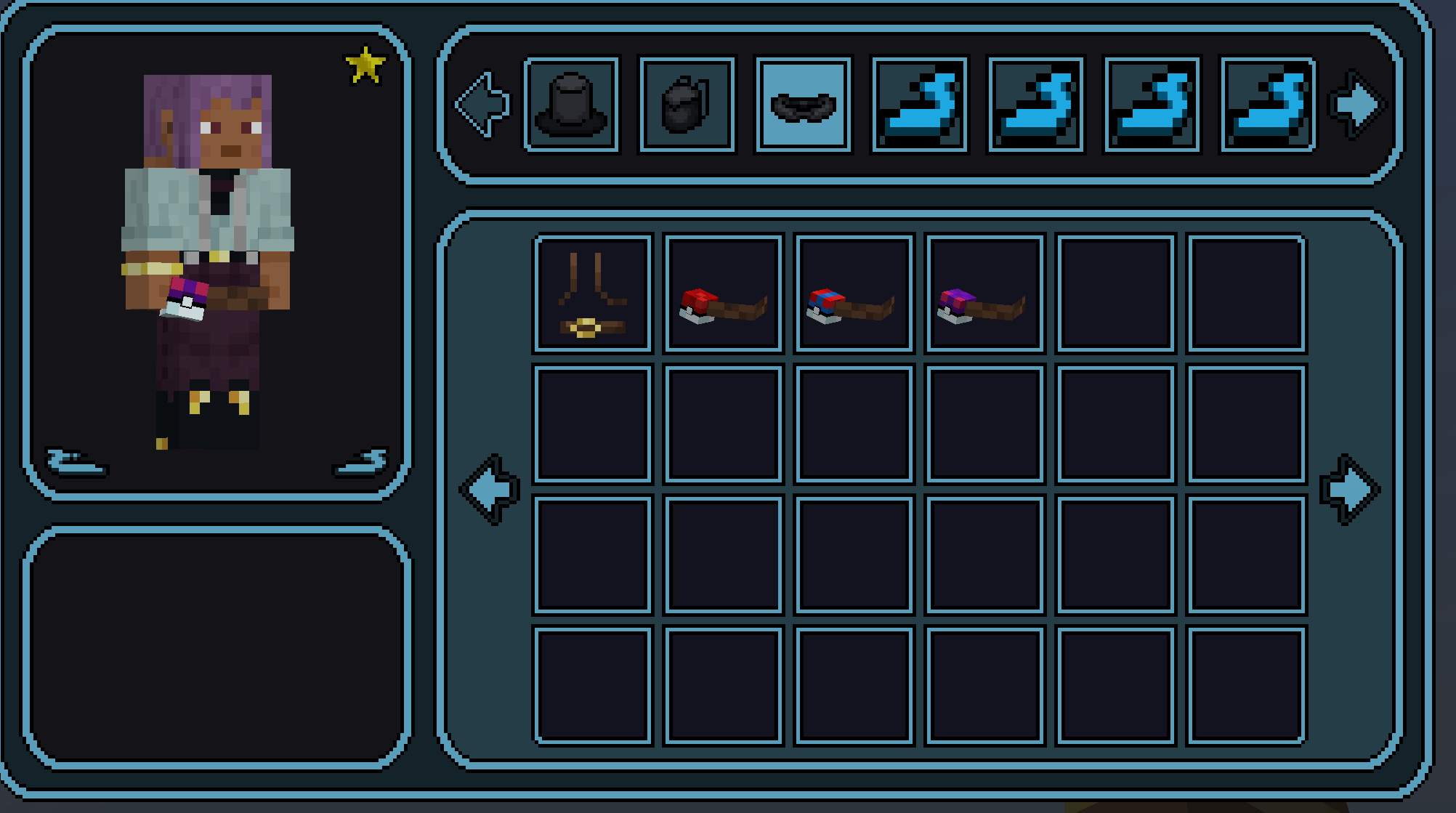
Custom Cosmetics is a Minecraft mod that allows players to enhance their character's appearance using resource packs, or addon mods. With this mod, servers can add various cosmetics/categories!
Features
- Support for Resource Packs: Easily integrate custom cosmetics through resource packs.
- Support for Addon Mods : Easily integrate custom cosmetics into your mod, by running the commands
/cosmetics inject mod $modidand/cosmetics add $player $cosmetic - Customizable Cosmetics: Complete control of cosmetics on a per server basis, whether that be model or texture!
- Simple Configuration: Modify the
server-cosmetics.jsonfile located atcore/cosmeticsto manage your cosmetics data.
Getting Started
- Built In : The mod comes with a small handful of built in cosmetics, these are meant to be expanded upon by server owners/the community
- Resource Packs : I will be uploading several cosemtic packs, which will include .txt files to make adding them to your config a breeze. Simply run
/cosmetics inject allto get started! - Adding Your Own : Resource packs are easy to set up, please download and edit one of mine to make sure everything is formatted properly.
- Commands :
/cosmetics : Opens the cosmetics GUI

/cosmetics give <player> <cosmetic> <trim> : Adds specific non-free cosmetics per player

/cosmetics sendPackets : ends the updated server-cosmetics from the server to logged in players

/cosmetics inject all/mod $modid/resourcepack $packname : Import configdata from resourcepacks/mods into the server.
Important To Know
This mod is actively being expanded upon, and as such some of the information in the config, currently doesnt do anything. Such as "modeltype" as I will be adding support for changing the players model in the future. This is done to ensure updates are as painless as possible.
While setting up a new resourcepack by hand, you'll need to use /cosmetics sendPackets for the players online to be able to see the changes
⚠️ Warning ⚠️
Custom Cosmetics does NOT work on cracked versions of the game
Available Versions
How to Install Custom Cosmetics on Your Server
Order Server
Order a Minecraft Java server with at least 3 GB RAM (4 GB recommended).
Set forge Loader
In the panel under "Egg", select the forge loader and matching Minecraft version (1.21.11).
Install Mod
Open the mod browser in the dashboard and search for "Custom Cosmetics". Click "Install" – done! Alternatively, upload the .jar via SFTP to the /mods folder.
Compatibility
Mod Loaders
Minecraft Versions
1.21.11, 1.21.10, 1.21.9 (+9 more)
Server-side
✓ RequiredRecommended RAM
4 GB(min. 3 GB)Frequently Asked Questions
Custom Cosmetics server crashes on startup – what to do?
Most common cause: wrong forge version or insufficient RAM. Check the server log (latest.log) for "OutOfMemoryError" or "Mixin" errors. With Mado Hosting: ensure at least 3 GB RAM is allocated and the loader matches the mod version (1.21.11). You can switch loaders with one click in the panel.
Is Custom Cosmetics compatible with forge and neoforge?
Custom Cosmetics officially supports forge, neoforge for Minecraft 1.21.11, 1.21.10, 1.21.9. The Mado dashboard automatically detects incompatible loader combinations.
Server lagging with Custom Cosmetics – how to optimize performance?
Recommended RAM: 4 GB (per 8 players). Use /spark profiler to check if Custom Cosmetics consumes the most tick time. Common fixes: reduce server view-distance to 8-10, install "performant" or "starlight" as supplementary mods on Forge. With Mado Hosting, your server runs on NVMe SSDs with dedicated CPU cores for minimal latency.
Similar Mods

![[ETF] Entity Texture Features](https://cdn.modrinth.com/data/BVzZfTc1/af683d206d50b05258d865b0d6e4aa2f2cee12f2_96.webp)
![[EMF] Entity Model Features](https://cdn.modrinth.com/data/4I1XuqiY/6e5bbd0d06b1741bfdab6c0cfab6de8fdaf0064c_96.webp)



Rent Modded Server
Install Custom Cosmetics with just one click on your server.