
Custom Crosshair
A simple yet powerful mod to customize your crosshair.
Screenshots
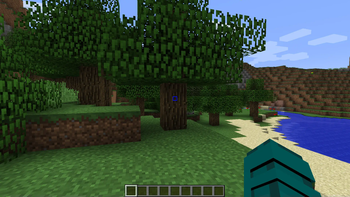
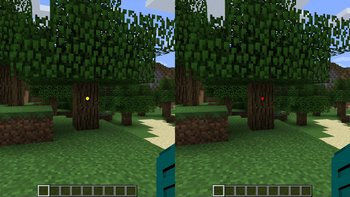
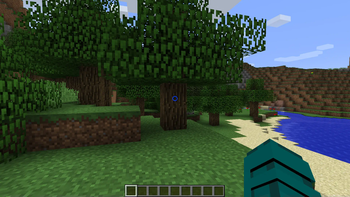
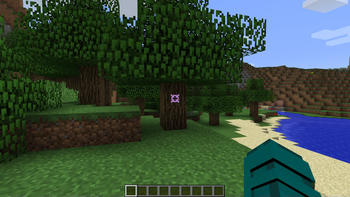
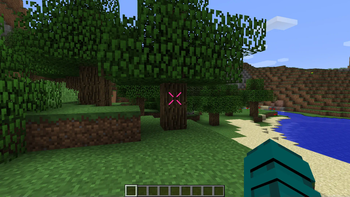
About this Mod
Robotix's Custom Crosshair Mod!




Enhance your Minecraft experience with the Custom Crosshair mod! This Forge 1.8.9 modification allows you to personalize your crosshair, providing a variety of elements and dynamic features to suit your gameplay style. The mod offers a seamless integration with your favorite version of Minecraft, giving you the power to configure and customize your crosshair to perfection.
Crosshair Elements
1. Cross Element
Add a classic touch to your targeting with the cross element. Choose your preferred color and customize its outline to make it stand out.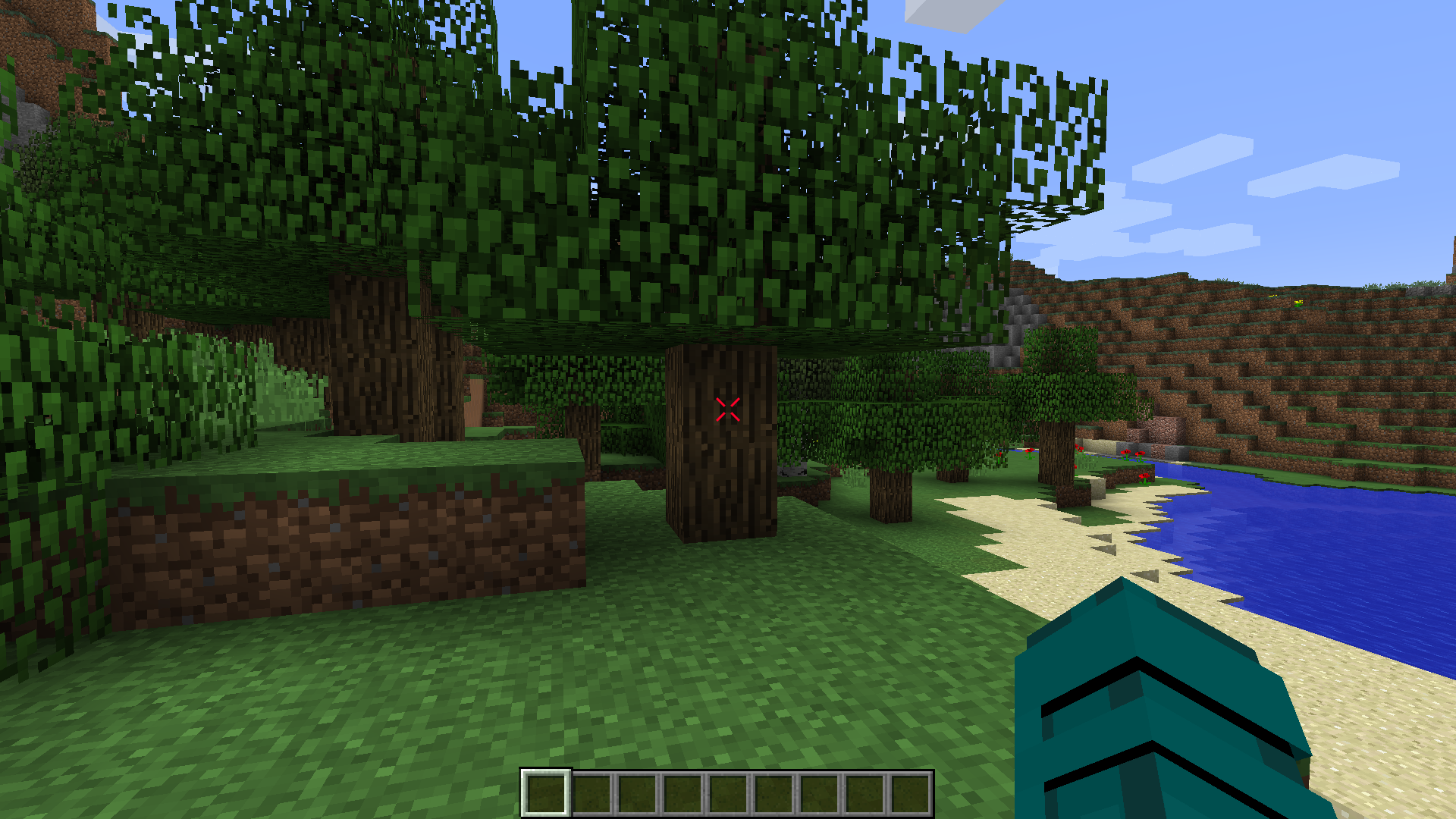
Configuration:
- Outline: Yes/No
- Width
- Height
- Gap
- Thickness
- Rounding
- Rotation
- Lines: Top, Bottom, Left, Right
- Dynamic Bow Configuration
- Color Configuration
2. Square Element
For a clean and modern look, opt for the square element. Tailor its color and outline settings to match your visual preferences.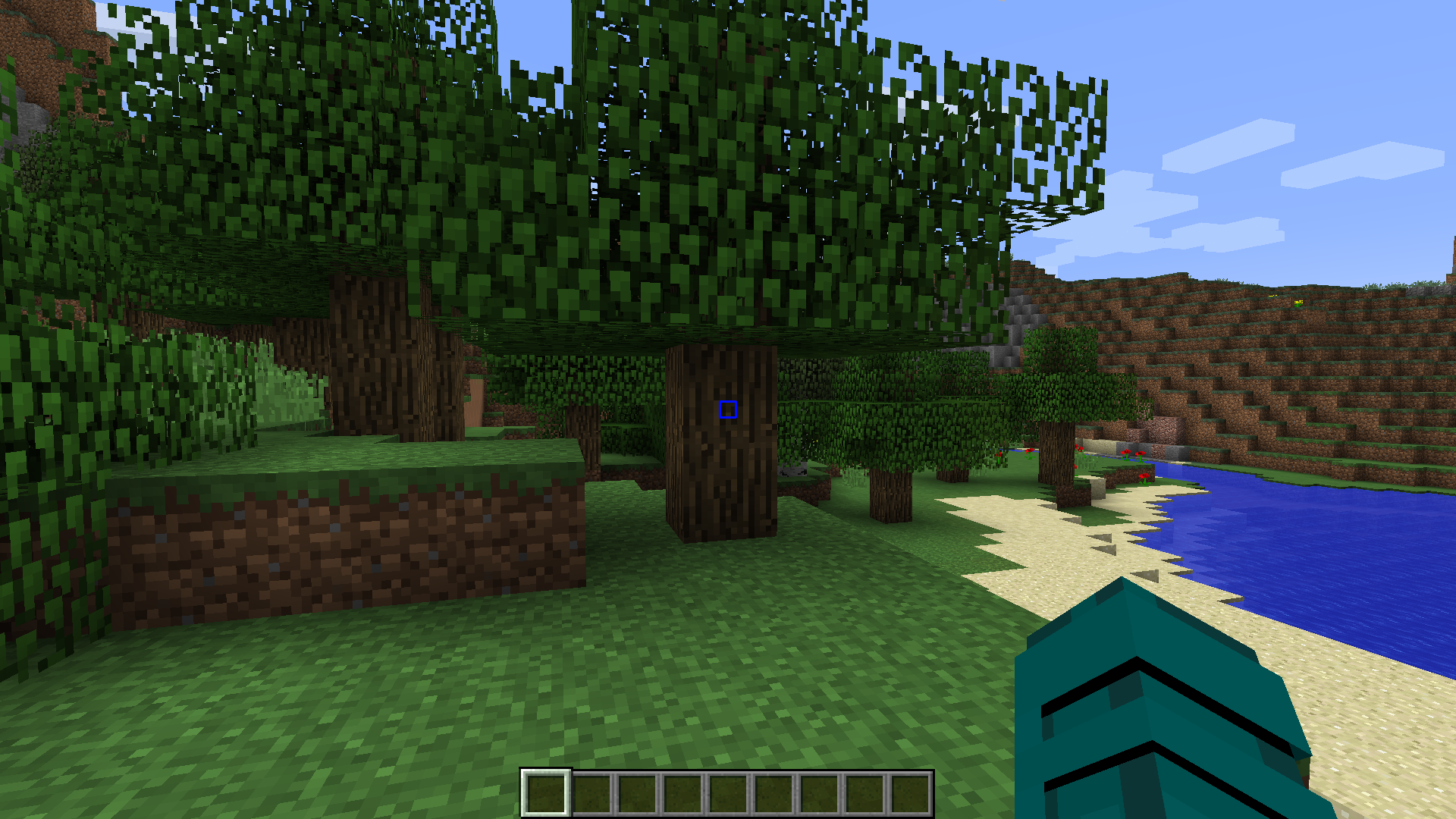
Configuration:
- Outline: Yes/No
- Width
- Height
- Gap
- Thickness
- Rounding
- Rotation
- Lines: Top, Bottom, Left, Right
- Dynamic Bow Configuration
- Color Configuration
3. Dot Element
Keep it minimalistic with the dot element. Configure its color and outline settings for a subtle yet effective crosshair design.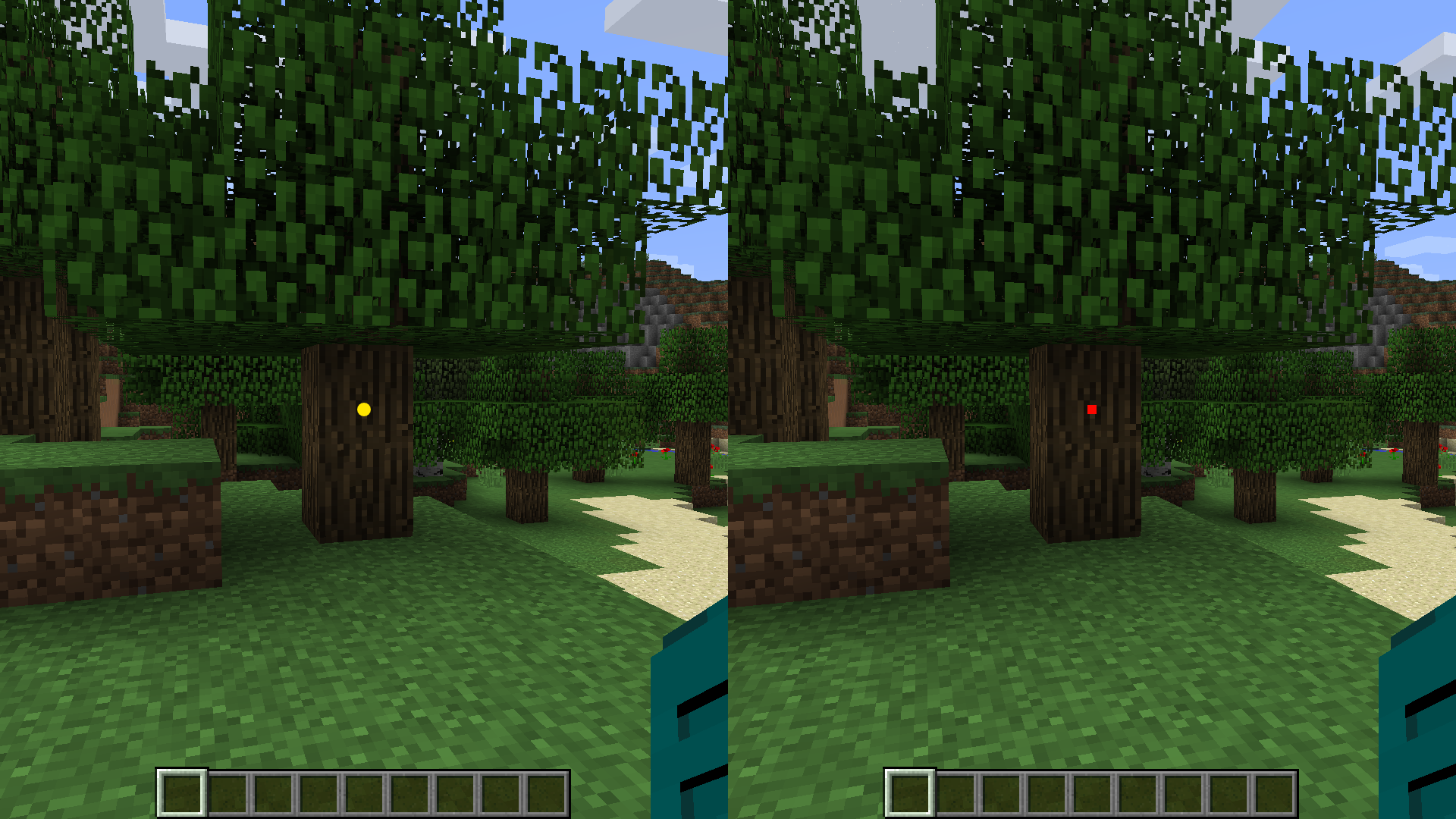
Configuration:
- Outline: Yes/No
- Type: Circle/Square
- Size
- Rotation
- Color Configuration
4. Circle Element
Embrace a circular crosshair design for a unique aesthetic. Adjust color and outline options to make it visually appealing.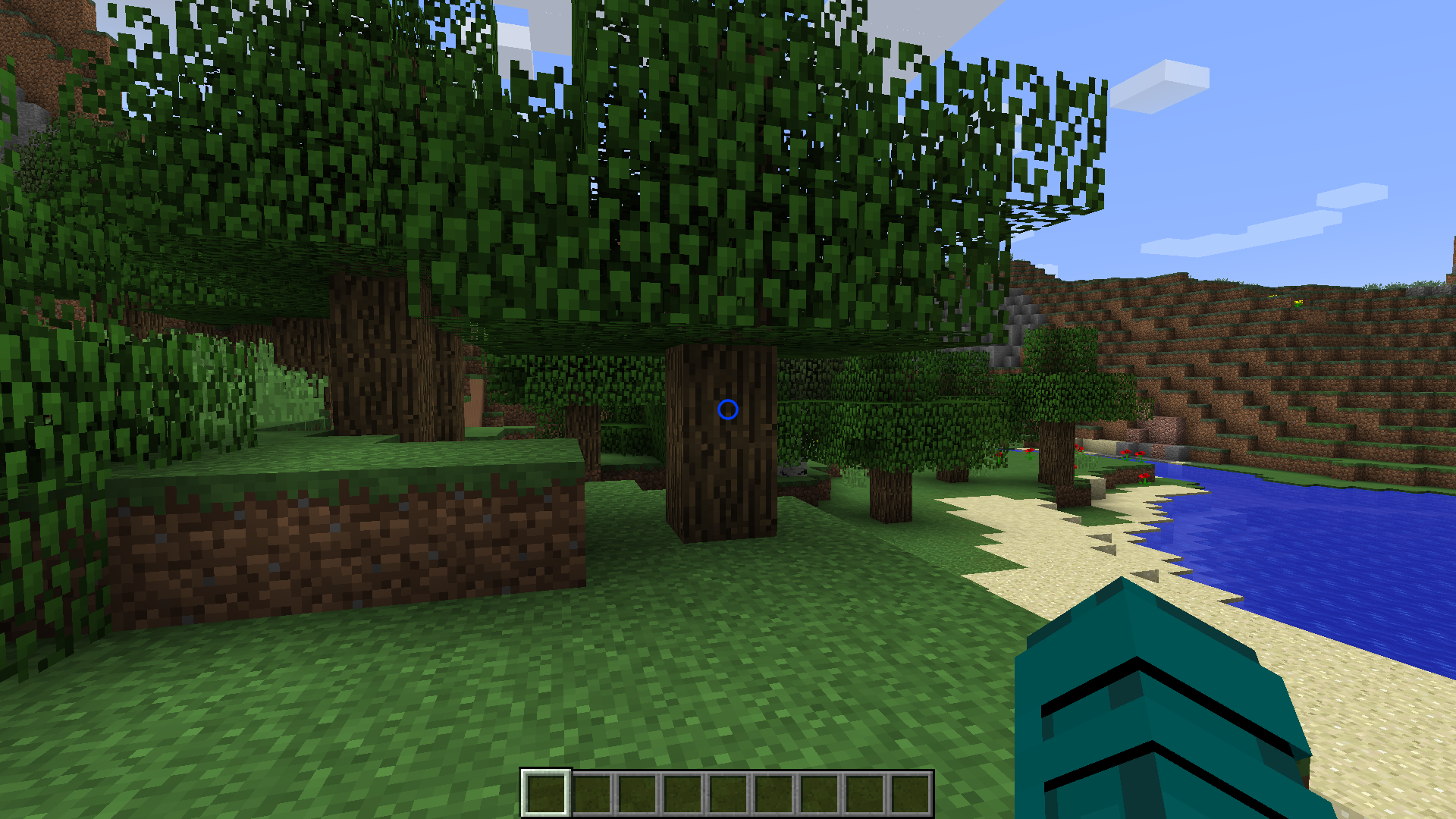
Configuration:
- Outline: Yes/No
- X Radius
- Y Radius
- Thickness
- Rotation
- Dynamic Bow Configuration
- Color Configuration
Dynamic Features
Color Configuration
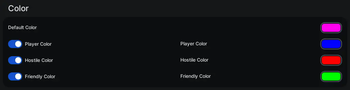
Customize the color of each crosshair element individually. Whether you prefer a consistent color scheme or a dynamic rainbow effect, the choice is yours. Enable dynamic color changes based on the type of entities in your hit range. Set distinct colors for players, hostile entities, and passive entities.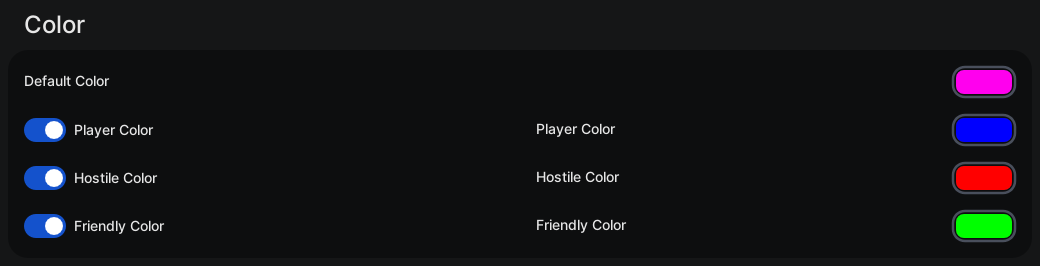
Configuration
- Default Color: #RRGGBB / Chroma (Rainbow)
- Player Color: Yes/No
- Player Color: #RRGGBB / Chroma (Rainbow)
- Hostile Color: Yes/No
- Hostile Color: #RRGGBB / Chroma (Rainbow)
- Friendly Color: Yes/No
- Friendly Color: #RRGGBB / Chroma (Rainbow)
Outline
Add a distinctive outline to your crosshair elements. Adjust the outline width and color to enhance visibility.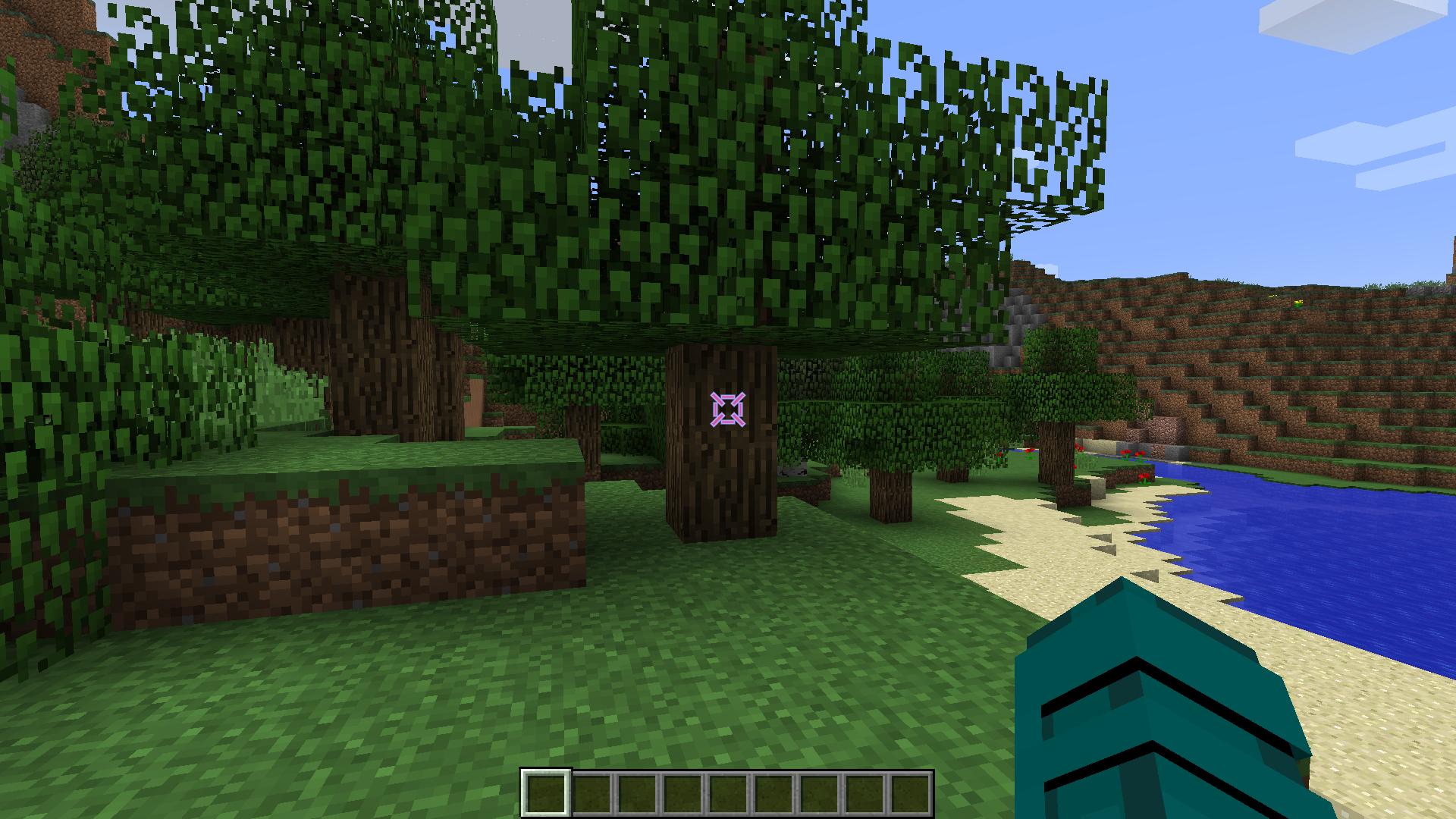
Configuration
- Outline Enabled: Yes/No
- Outline Width
- Color Configuration
Dynamic Bow
Experience immersive bow mechanics with a crosshair that dynamically changes size when a bow is being pulled back. Witness the visual feedback as you prepare for your shot.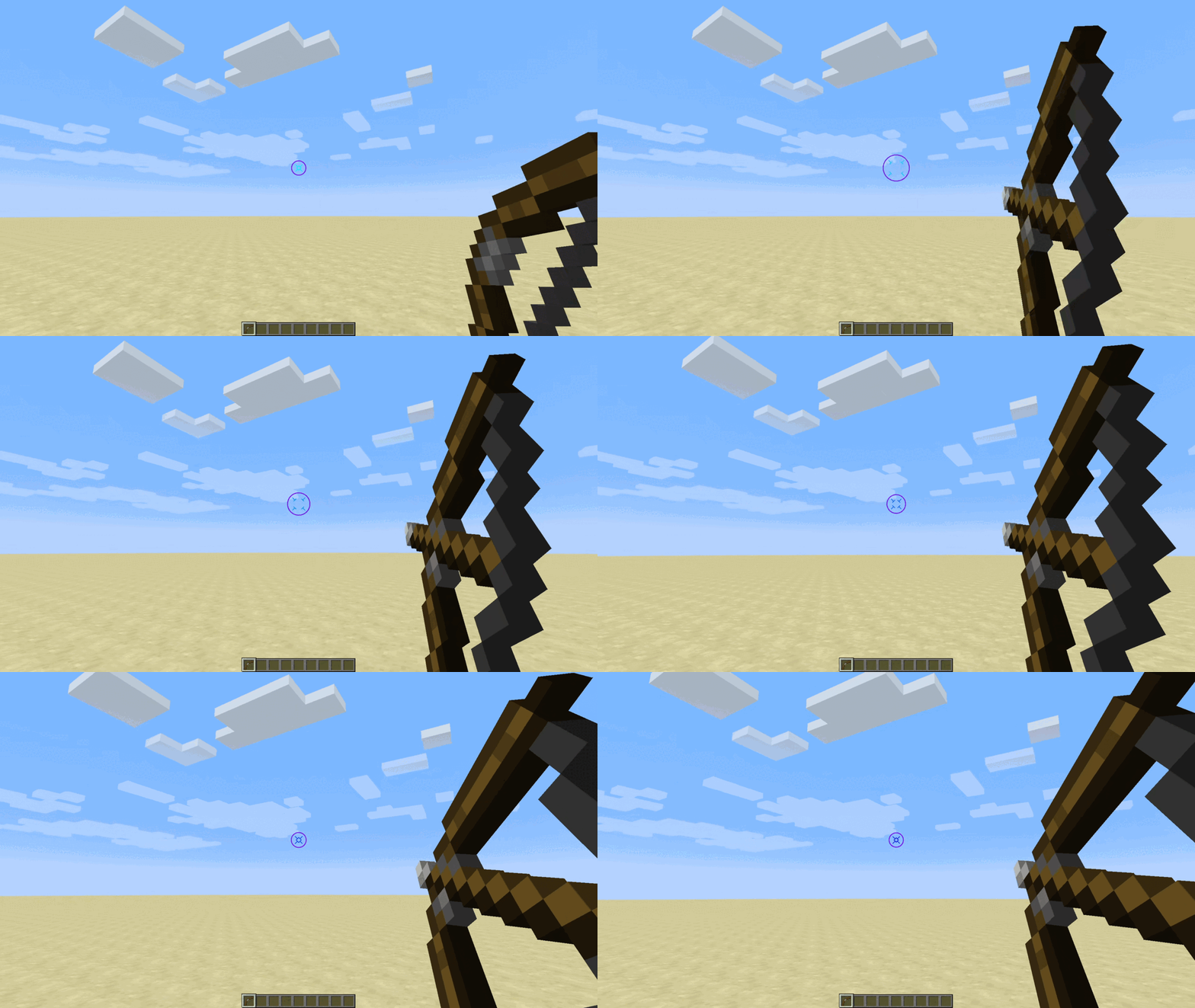
Configuration
- Dynamic Bow: Yes/No
- Dynamic Bow Multiplier
Upgrade your Minecraft visuals and precision with the Custom Crosshair mod. Dive into a world of customization and dynamic features, enhancing your gameplay like never before!
Available Versions
How to Install Custom Crosshair on Your Server
Order Server
Order a Minecraft Java server with at least 3 GB RAM (4 GB recommended).
Set forge Loader
In the panel under "Egg", select the forge loader and matching Minecraft version (1.8.9).
Install Mod
Open the mod browser in the dashboard and search for "Custom Crosshair". Click "Install" – done! Alternatively, upload the .jar via SFTP to the /mods folder.
Compatibility
Mod Loaders
Minecraft Versions
1.8.9
Server-side
✗ UnsupportedRecommended RAM
4 GB(min. 3 GB)Frequently Asked Questions
Custom Crosshair server crashes on startup – what to do?
Most common cause: wrong forge version or insufficient RAM. Check the server log (latest.log) for "OutOfMemoryError" or "Mixin" errors. With Mado Hosting: ensure at least 3 GB RAM is allocated and the loader matches the mod version (1.8.9). You can switch loaders with one click in the panel.
Is Custom Crosshair compatible with forge?
Custom Crosshair officially supports forge for Minecraft 1.8.9. The Mado dashboard automatically detects incompatible loader combinations.
Server lagging with Custom Crosshair – how to optimize performance?
Recommended RAM: 4 GB (per 8 players). Use /spark profiler to check if Custom Crosshair consumes the most tick time. Common fixes: reduce server view-distance to 8-10, install "performant" or "starlight" as supplementary mods on Forge. With Mado Hosting, your server runs on NVMe SSDs with dedicated CPU cores for minimal latency.
Similar Mods




![[ETF] Entity Texture Features](https://cdn.modrinth.com/data/BVzZfTc1/af683d206d50b05258d865b0d6e4aa2f2cee12f2_96.webp)
![[EMF] Entity Model Features](https://cdn.modrinth.com/data/4I1XuqiY/6e5bbd0d06b1741bfdab6c0cfab6de8fdaf0064c_96.webp)
Rent Modded Server
Install Custom Crosshair with just one click on your server.