
Custom Elytra DataPack
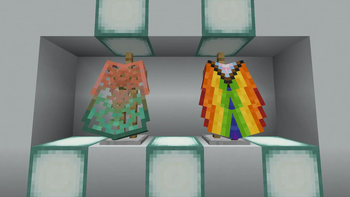
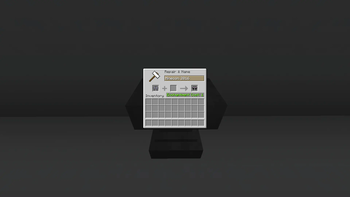
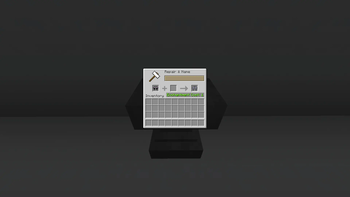
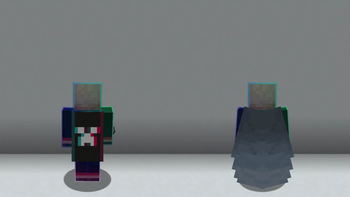
Show off any Elytra skin you want without having the cape. Just rename it in an anvil. Optifine NOT needed!
Screenshots

About this Mod
Show off any Elytra skin you want without having the cape. Just rename it in an anvil.
Optfine is NOT needed!
This Pack allows you to use any Elytra texture you want by renaming the item in an anvil.
Download:
Both DataPack (this) AND ResourcePack are necesary to use this Pack.
Download the DataPack into your world's datapacks folder and the ResourcePack into your resourcepacks folder.
Use:
Take any Elytra and rename it with any of the available options below.
It's very important you spell it identically.
Options available:
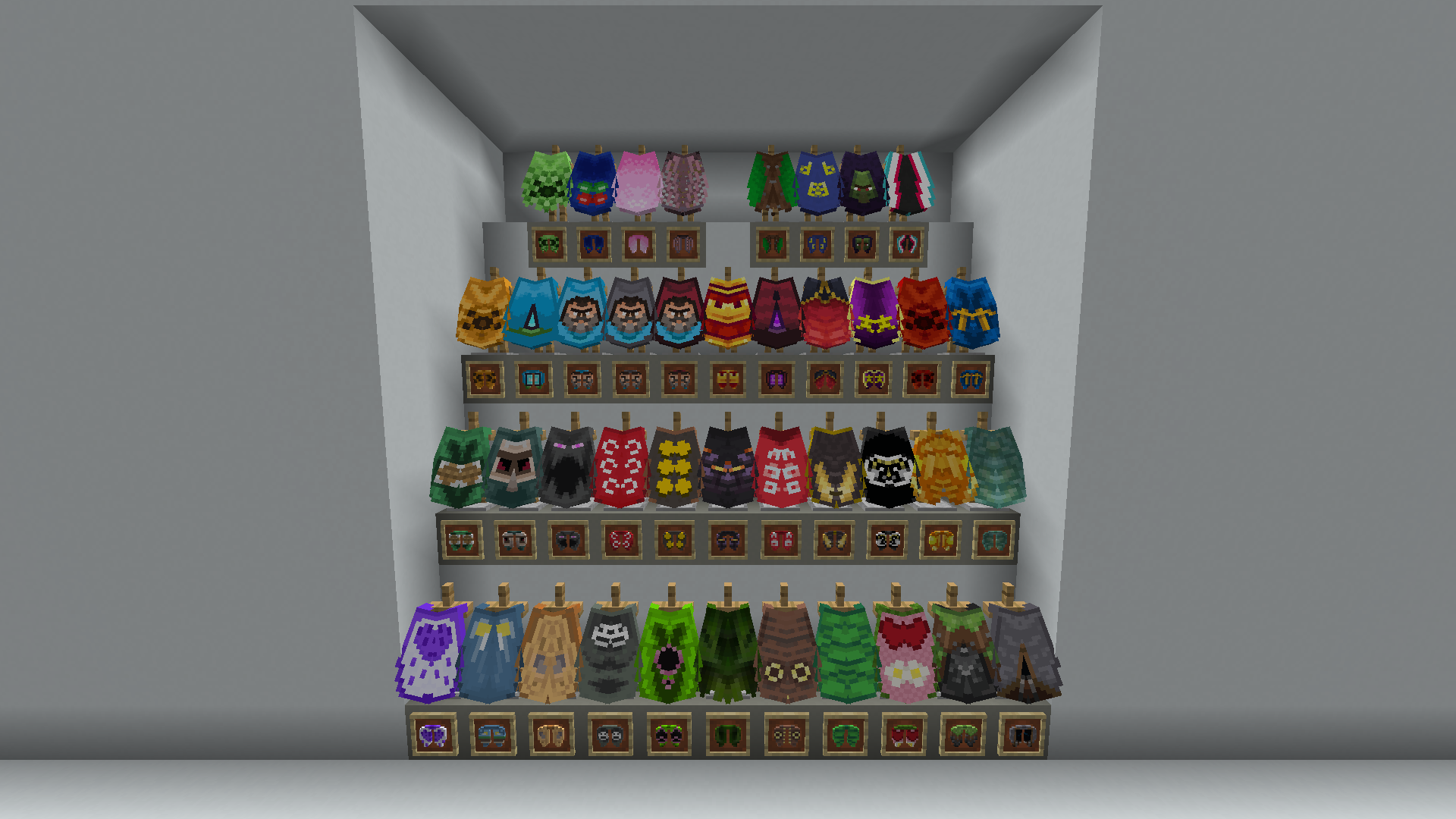
- Anniversary 15
- Birthday
- Cherry Blossom
- Cobalt
- Common
- dB
- Experience
- Followers
- Founders
- Home
- Jack Black Blue
- Jack Black Gray
- Jack Black Red
- MCC 15
- Menace
- Migration
- Millonth Customer
- Minecon 2011
- Minecon 2012
- Minecon 2013
- Minecon 2015
- Minecon 2016
- Mojang
- Mojang Classic
- Mojang Office
- Mojang Studios
- Mojira
- Oxeye
- Pan
- Prismarine
- Purple Heart
- Realms
- Scrolls
- Snowman
- Spade
- Test
- Translator
- Turtle
- Valentine
- Vanilla
- Yearn
Back to normal:
You can turn back to normal a renamed Elytra by deleting its name in an anvil.
Default Elytra texture:
You can use the normal grayish Elytra texture by renaming it Default.
This will display its original texture even if you have a cape equipped.
Available Versions
How to Install Custom Elytra DataPack on Your Server
Order Server
Order a Minecraft Java server with at least 3 GB RAM (4 GB recommended).
Set datapack Loader
In the panel under "Egg", select the datapack loader and matching Minecraft version (1.21.11).
Install Mod
Open the mod browser in the dashboard and search for "Custom Elytra DataPack". Click "Install" – done! Alternatively, upload the .jar via SFTP to the /mods folder.
Compatibility
Mod Loaders
Minecraft Versions
1.21.11, 1.21.10, 1.21.9 (+4 more)
Server-side
✓ RequiredRecommended RAM
4 GB(min. 3 GB)Frequently Asked Questions
Custom Elytra DataPack server crashes on startup – what to do?
Most common cause: wrong datapack version or insufficient RAM. Check the server log (latest.log) for "OutOfMemoryError" or "Mixin" errors. With Mado Hosting: ensure at least 3 GB RAM is allocated and the loader matches the mod version (1.21.11). You can switch loaders with one click in the panel.
Is Custom Elytra DataPack compatible with datapack and fabric and forge and neoforge and quilt?
Custom Elytra DataPack officially supports datapack, fabric, forge, neoforge, quilt for Minecraft 1.21.11, 1.21.10, 1.21.9. Note: Forge and Fabric mods are NOT cross-compatible – pick one loader and stick with it. The Mado dashboard automatically detects incompatible loader combinations.
Server lagging with Custom Elytra DataPack – how to optimize performance?
Recommended RAM: 4 GB (per 8 players). Use /spark profiler to check if Custom Elytra DataPack consumes the most tick time. Common fixes: reduce server view-distance to 8-10, install "performant" or "starlight" as supplementary mods on Forge. With Mado Hosting, your server runs on NVMe SSDs with dedicated CPU cores for minimal latency.
Similar Mods

![[ETF] Entity Texture Features](https://cdn.modrinth.com/data/BVzZfTc1/af683d206d50b05258d865b0d6e4aa2f2cee12f2_96.webp)
![[EMF] Entity Model Features](https://cdn.modrinth.com/data/4I1XuqiY/6e5bbd0d06b1741bfdab6c0cfab6de8fdaf0064c_96.webp)



Rent Modded Server
Install Custom Elytra DataPack with just one click on your server.
Details
- License
- Creative Commons Attribution Non Commercial No Derivatives 4.0 International
- Server-side
- Required