
Custom Glints
A mod that allows you to use custom glints!
Screenshots
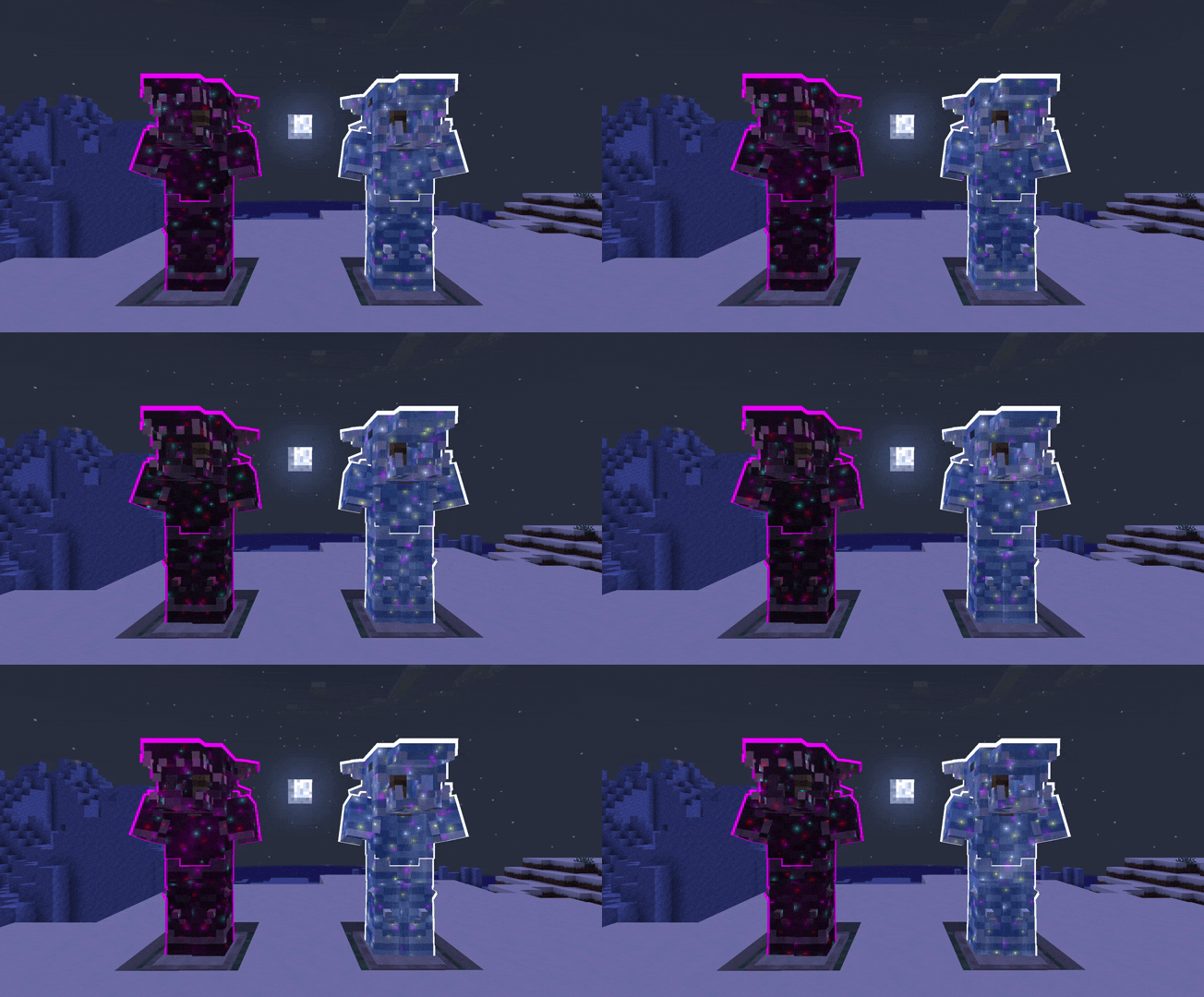
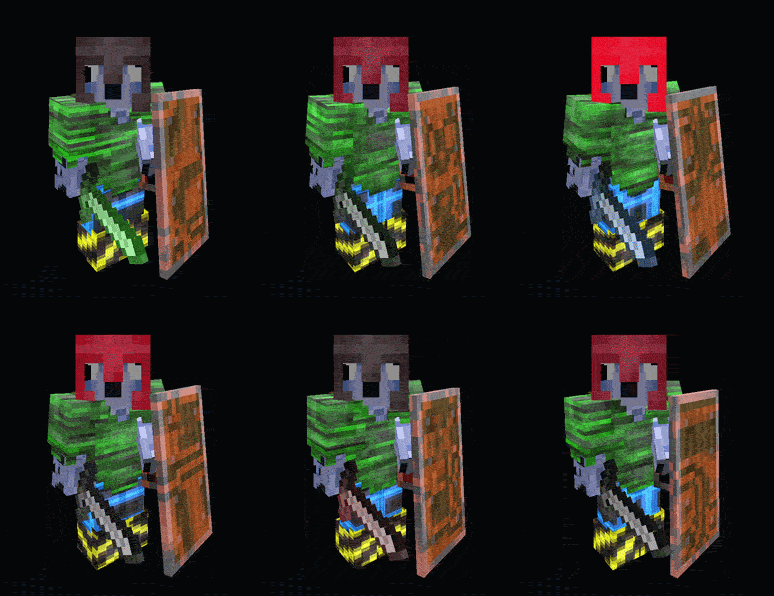
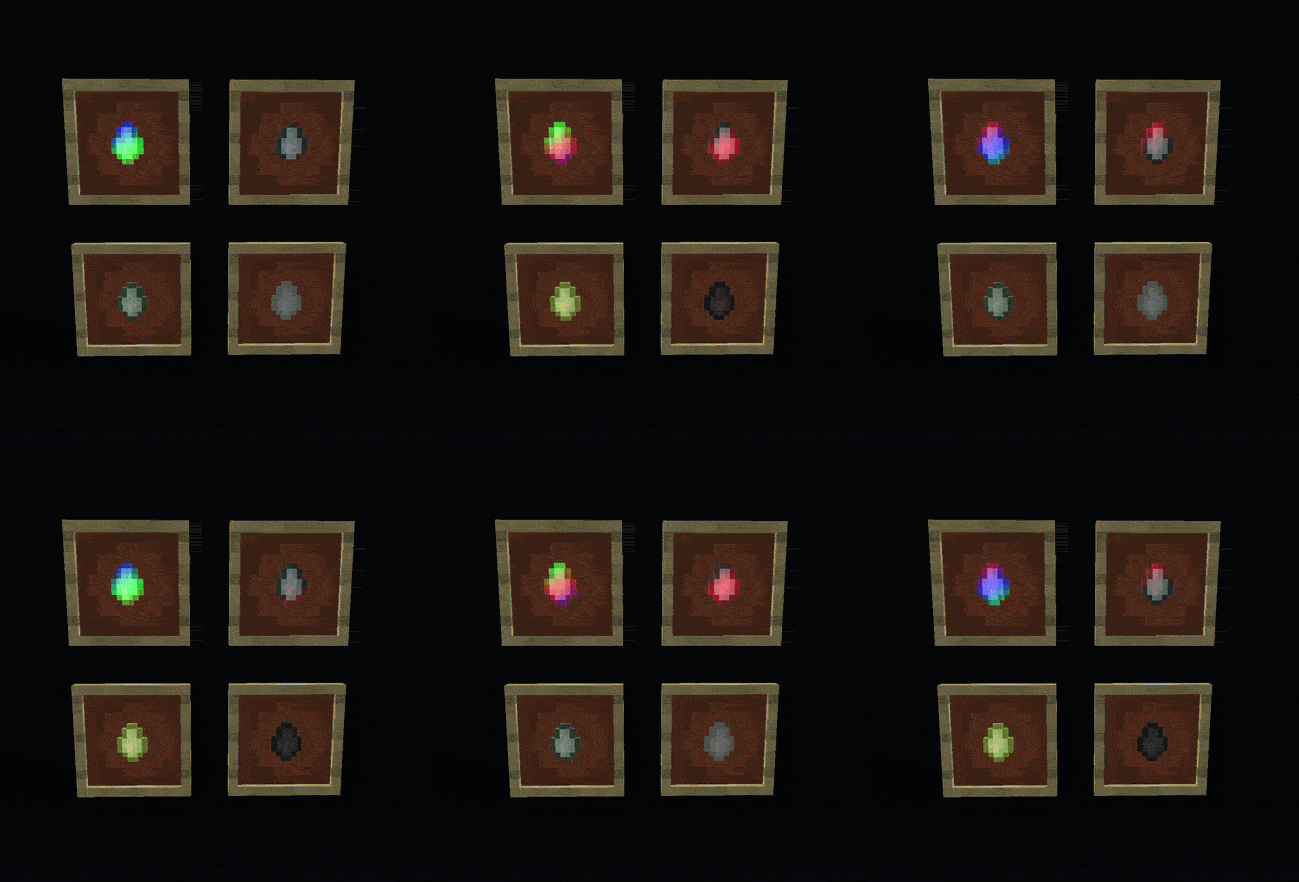
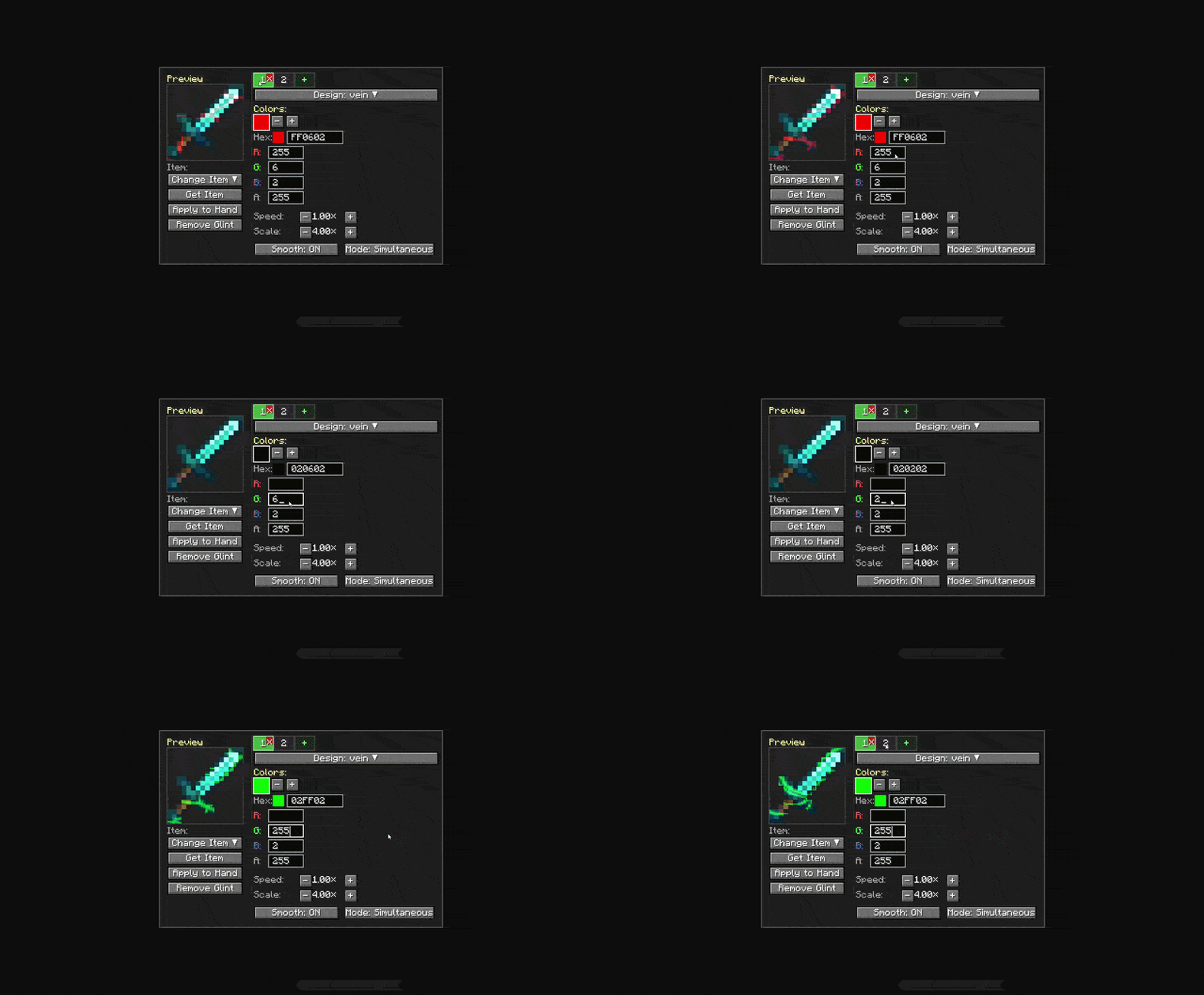
About this Mod
New Update v1.5.0 Quick Look:
Compatability Fixes for some Cross-Mod Support
Glint Export Command for sharing glints!
NeoForge 1.21.1 Port!
Ice and Fire: Community Edition Fully Supported
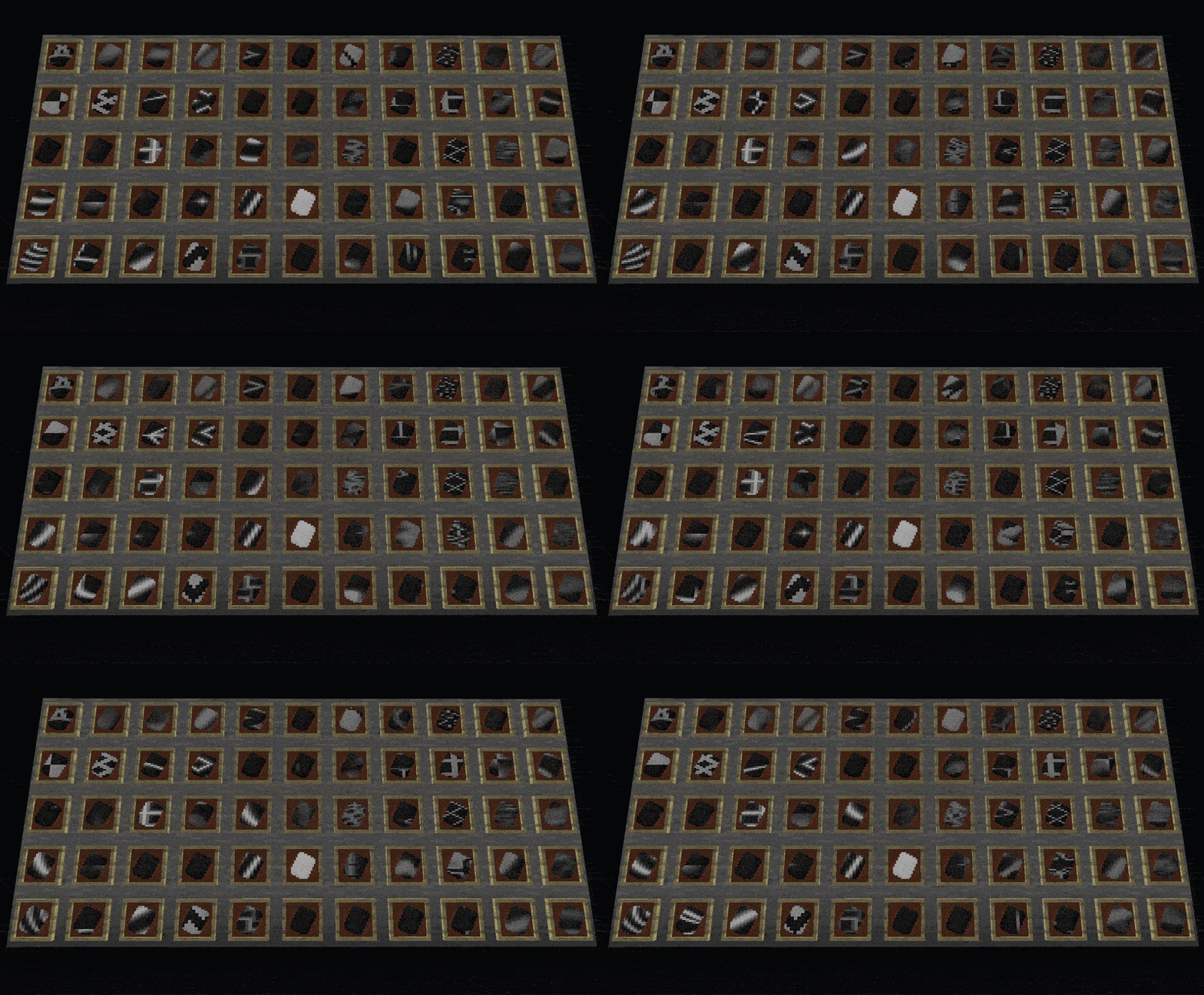
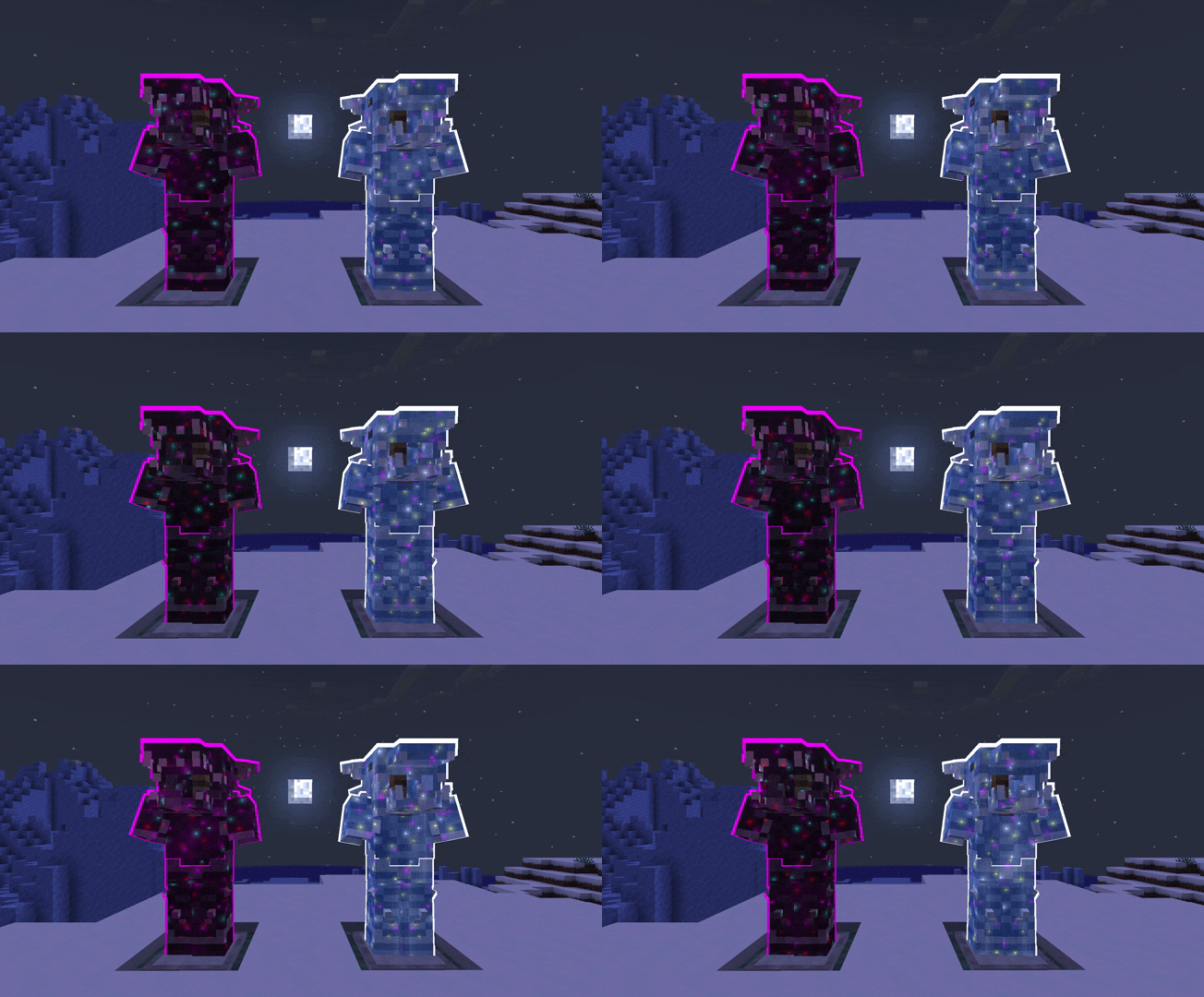
Custom Glints lets you paint animated, custom-colored enchantment glints onto any item, armor piece, or living entity, with an optional glowing outline on top.
Hunt down Glint Trims and Glow Trims in loot chests and smith them onto your gear to make it actually yours.
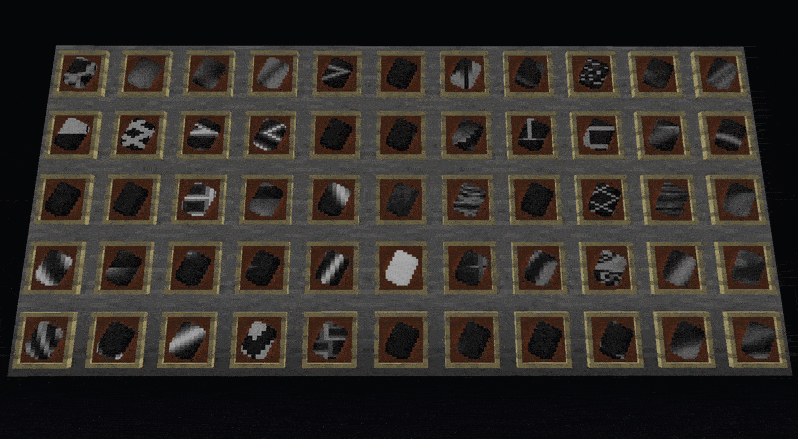
Use Glint Tears to push those trims further: merge up to 8 layers, swap between every-color-at-once or cycling one at a time, or wipe a trim clean and start over. Want full control? The Glint Wand from the creative tab opens a complete editor with patterns, colors, speed, layers, glow toggle, and custom names. Shift-right-click any mob, player, or animal to glint them too. 55 built-in patterns, up to 8 colors per layer, up to 8 layers, and data-pack support.
Compatible and Tested with:
- Ice and Fire
- Epic Knights
- Elytra Slot
- Sophisticated Backpacks
- Silent Gear
- Spartan Weaponry
- Spartan Shields
- ... And more to come!
For developers: The render pipeline ships as a standalone API jar you can bundle into your own mod with jarJar, so your players get custom glints on your items and entities without installing anything extra. JarJar only inlcudes Oculus/First-Person Mod compatability. Check the GitHub repo or the Wiki for setup, examples, and the full API surface.
Available Versions
How to Install Custom Glints on Your Server
Order Server
Order a Minecraft Java server with at least 3 GB RAM (4 GB recommended).
Set forge Loader
In the panel under "Egg", select the forge loader and matching Minecraft version (1.21.1).
Install Mod
Open the mod browser in the dashboard and search for "Custom Glints". Click "Install" – done! Alternatively, upload the .jar via SFTP to the /mods folder.
Compatibility
Mod Loaders
Minecraft Versions
1.21.1, 1.20.1
Server-side
✓ RequiredRecommended RAM
4 GB(min. 3 GB)Frequently Asked Questions
Custom Glints server crashes on startup – what to do?
Most common cause: wrong forge version or insufficient RAM. Check the server log (latest.log) for "OutOfMemoryError" or "Mixin" errors. With Mado Hosting: ensure at least 3 GB RAM is allocated and the loader matches the mod version (1.21.1). You can switch loaders with one click in the panel.
Is Custom Glints compatible with forge and neoforge?
Custom Glints officially supports forge, neoforge for Minecraft 1.21.1, 1.20.1. The Mado dashboard automatically detects incompatible loader combinations.
Server lagging with Custom Glints – how to optimize performance?
Recommended RAM: 4 GB (per 8 players). Use /spark profiler to check if Custom Glints consumes the most tick time. Common fixes: reduce server view-distance to 8-10, install "performant" or "starlight" as supplementary mods on Forge. With Mado Hosting, your server runs on NVMe SSDs with dedicated CPU cores for minimal latency.
Similar Mods

![[ETF] Entity Texture Features](https://cdn.modrinth.com/data/BVzZfTc1/af683d206d50b05258d865b0d6e4aa2f2cee12f2_96.webp)
![[EMF] Entity Model Features](https://cdn.modrinth.com/data/4I1XuqiY/6e5bbd0d06b1741bfdab6c0cfab6de8fdaf0064c_96.webp)



Rent Modded Server
Install Custom Glints with just one click on your server.