
Custom Screens
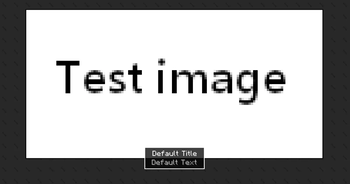
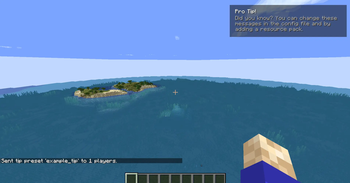
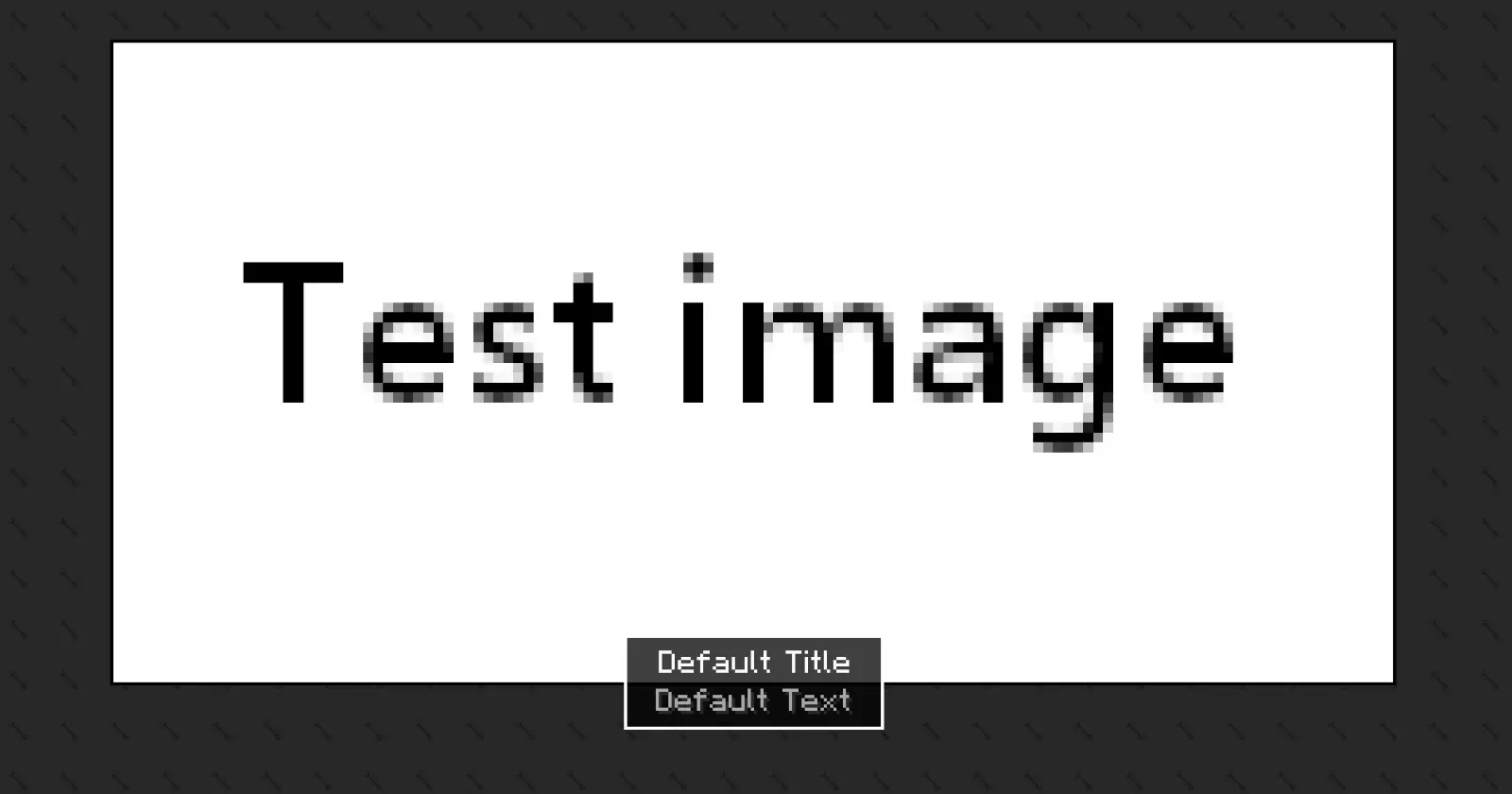
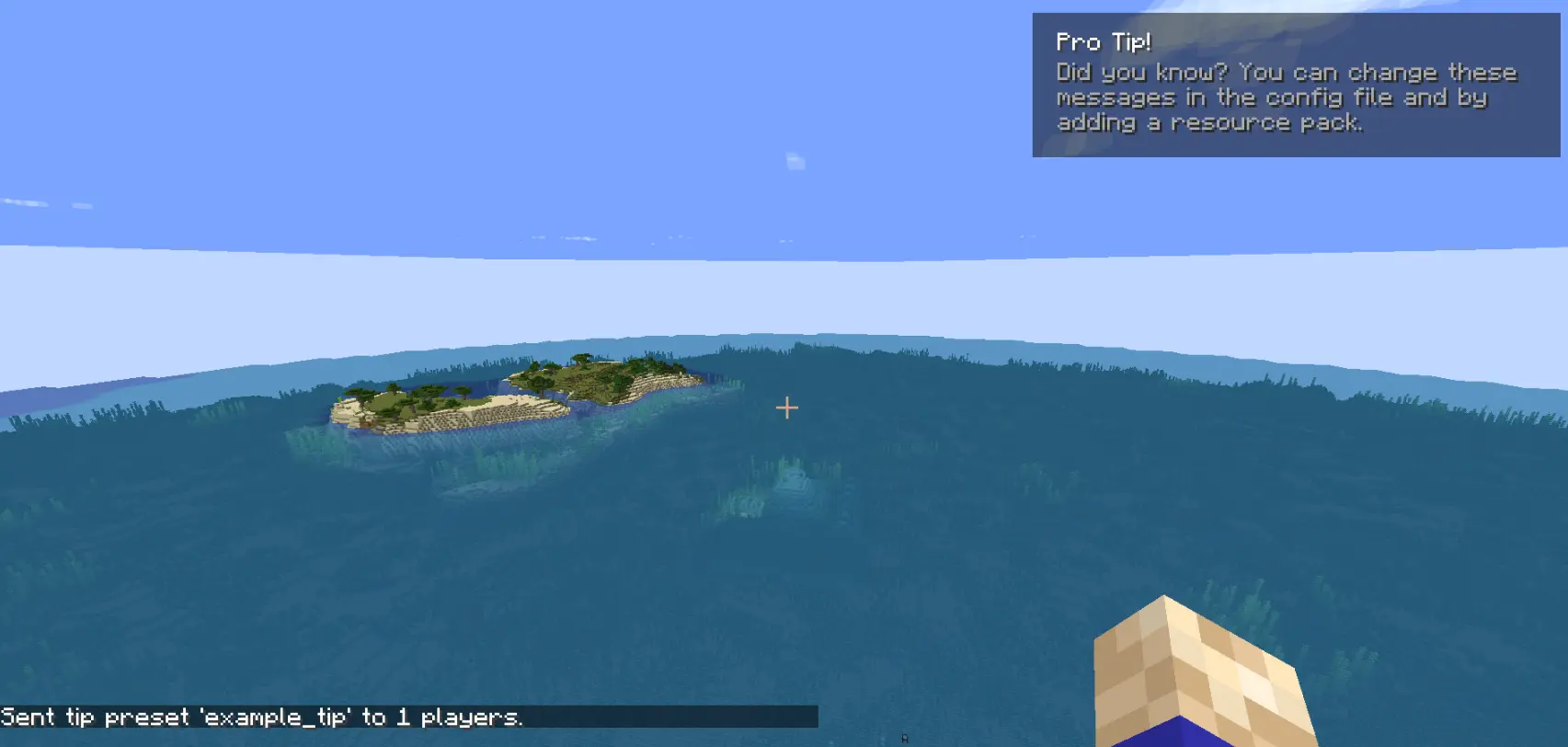
Create custom screens to show players via command! Highly customizable
Screenshots
About this Mod
If you have any feedback please, leave it here or in discord.
Custom Screens
Custom Screens lets you display fullscreen overlays and lightweight tips to players using simple preset files and commands. Define your own layouts, text, images, and timing through a simple configuration file.
This mod may be used in modpacks and on servers. You must provide credit to the original authors.
This is the only official download source for this mod. You may share or distribute this mod on other websites or platforms only by linking to the official download page provided here. Re-uploading or redistributing the mod files themselves is not permitted.
Please be aware that downloads obtained from unofficial sources may be modified and could contain malicious software. For your security, always download this mod from the official source.
How to use [BETA Version]
The mod generates two config files after the first launch:
config/arcana/custom-screens-presets.json
This file defines each screen preset, including:
- Preset name
- Title and body text
- Text position
- Image and background (bg size, 64x64) (optional)
- Image size
- Display duration
Note: If no image or background is specified, it will not be rendered.
config/arcana/custom-tips-presets.json
This file defines each screen preset, including:
- Preset name
- Title and body text
- Text position
- Display duration
To add another preset duplicate the example preset in the JSON file and modify it as needed. The example preset can also be removed.
Commands
All commands related to this mod are under the /cs command. These are:
/cs show-screen <targets> <showToOp> <shouldCloseOnEsc> <presetName>- targets — Players to target.
- showToOp — Sends feedback to online operators. [true/false]
- shouldCloseOnEsc — Allows players to close the screen with ESC. [true/false]
- presetName — Preset key from the config file. [string]
If used in single player the game will be paused for the duration of the screen.
/cs show-tip <targets> <showToOp> <title> <description> <position> <duration>- targets — Players to target.
- showToOp — Sends feedback to online operators. [true/false]
- title / description — written between
". - position — where the tip shows in the screen.
- duration — number (in seconds).
/cs show-tip-preset <targets> <showToOp> <presetName>- targets — Players to target.
- showToOp — Sends feedback to online operators. [true/false]
- presetName — Preset key from the config file. [string]
/cs stop-screen <targets>Tries to close the currently active screen or tip for the selected players.
- targets — Players to target.
Custom text and images (via resource pack)
Images and text can be provided using a resource pack.
- Text
"arcana.customscreens.example_title":
myresourcepack\assets\custom_screens\lang\en_us.json
- Images:
myresourcepack\assets\custom_screens\textures\gui\*.png
Important notes:
- Background images will tile to fill the entire screen.
- Only .png files are supported.
Available Versions
How to Install Custom Screens on Your Server
Order Server
Order a Minecraft Java server with at least 3 GB RAM (4 GB recommended).
Set fabric Loader
In the panel under "Egg", select the fabric loader and matching Minecraft version (26.1.2).
Install Mod
Open the mod browser in the dashboard and search for "Custom Screens". Click "Install" – done! Alternatively, upload the .jar via SFTP to the /mods folder.
Compatibility
Mod Loaders
Minecraft Versions
26.1.2, 26.1.1, 26.1 (+1 more)
Server-side
✓ RequiredRecommended RAM
4 GB(min. 3 GB)Frequently Asked Questions
Custom Screens server crashes on startup – what to do?
Most common cause: wrong fabric version or insufficient RAM. Check the server log (latest.log) for "OutOfMemoryError" or "Mixin" errors. With Mado Hosting: ensure at least 3 GB RAM is allocated and the loader matches the mod version (26.1.2). You can switch loaders with one click in the panel.
Is Custom Screens compatible with fabric and neoforge?
Custom Screens officially supports fabric, neoforge for Minecraft 26.1.2, 26.1.1, 26.1. The Mado dashboard automatically detects incompatible loader combinations.
Server lagging with Custom Screens – how to optimize performance?
Recommended RAM: 4 GB (per 8 players). Use /spark profiler to check if Custom Screens consumes the most tick time. Common fixes: reduce server view-distance to 8-10, install "performant" or "starlight" as supplementary mods on Forge. With Mado Hosting, your server runs on NVMe SSDs with dedicated CPU cores for minimal latency.
Similar Mods




Rent Modded Server
Install Custom Screens with just one click on your server.