
Custom Selection Box
Change appearance of the box highlighting the block you're looking at
Screenshots
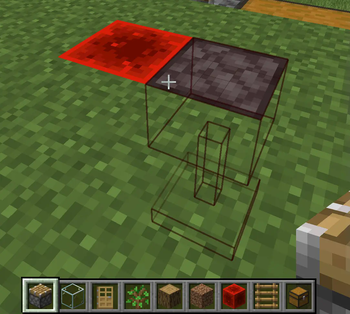
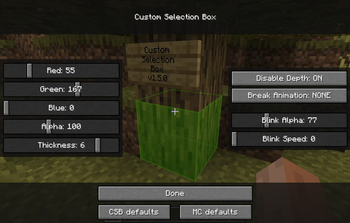
About this Mod
Change appearance of the box highlighting the block you're looking at
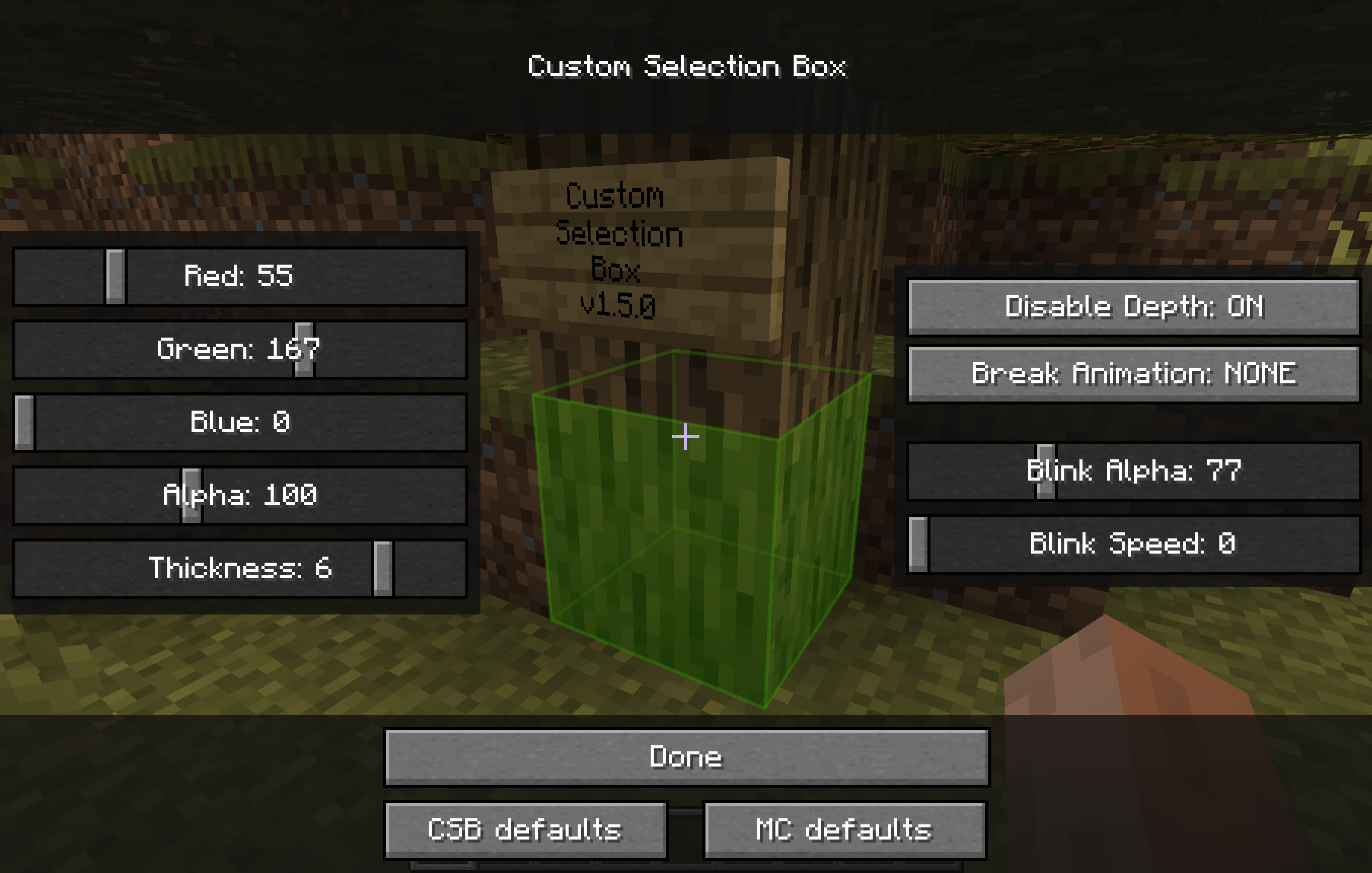
Background
There was an awesome mod called "Custom Block Selection Box" by BeastGamer
But it edits base classes, so it wasn't compatible with so many other mods, it was for Minecraft 1.3.1, and not updated for ages, and also all downloadlinks are broken...
-> It's just OUTDATED
So I made a new one, without any baseclass edited (using MinecraftForge), with an awesome settings screen,
and for the newer Minecraft version (starting with 1.5)!
(And during the time I was gone, shedaniel maintained a fork :P)
I also added some new functions:
- disabled depth buffer
- custom block break animations
(check them out)
And shedaniel added:
- linking of connected blocks (chests, doors, pistons, beds)
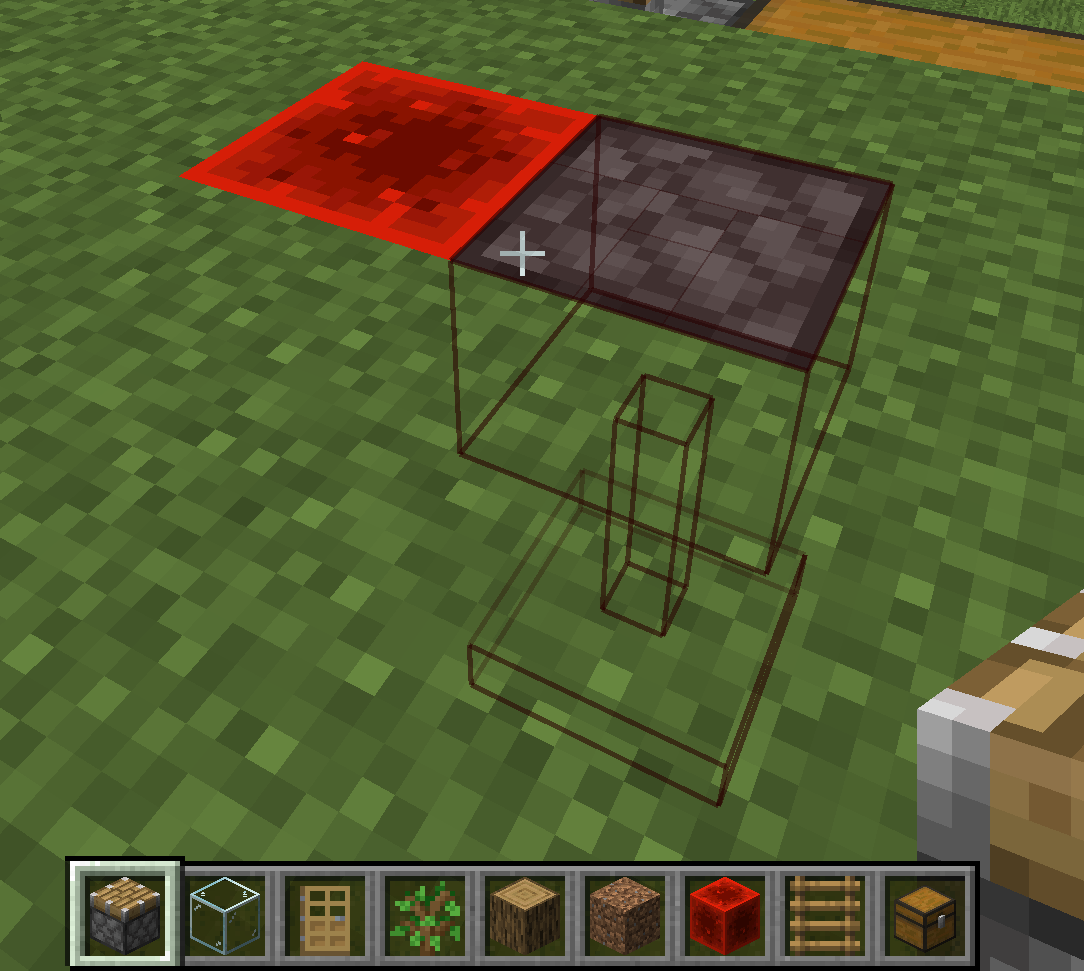
How to open settings
(recommended) Using modmenu or Mod Settings
If ModMenu/ModSettings is installed, you can access the config screen from there.
Otherwise, a button will be added in Options > Video Settings
Reporting issues & Feedback
Contributing (Mod is open source)
If you're ready to engage with code, check the CONTRIBUTING docs
Available Versions
How to Install Custom Selection Box on Your Server
Order Server
Order a Minecraft Java server with at least 3 GB RAM (4 GB recommended).
Set fabric Loader
In the panel under "Egg", select the fabric loader and matching Minecraft version (1.19.3).
Install Mod
Open the mod browser in the dashboard and search for "Custom Selection Box". Click "Install" – done! Alternatively, upload the .jar via SFTP to the /mods folder.
Compatibility
Mod Loaders
Minecraft Versions
1.19.3, 1.19.2, 1.19
Server-side
✗ UnsupportedRecommended RAM
4 GB(min. 3 GB)Frequently Asked Questions
Custom Selection Box server crashes on startup – what to do?
Most common cause: wrong fabric version or insufficient RAM. Check the server log (latest.log) for "OutOfMemoryError" or "Mixin" errors. With Mado Hosting: ensure at least 3 GB RAM is allocated and the loader matches the mod version (1.19.3). You can switch loaders with one click in the panel.
Is Custom Selection Box compatible with fabric and quilt?
Custom Selection Box officially supports fabric, quilt for Minecraft 1.19.3, 1.19.2, 1.19. The Mado dashboard automatically detects incompatible loader combinations.
Server lagging with Custom Selection Box – how to optimize performance?
Recommended RAM: 4 GB (per 8 players). Use /spark profiler to check if Custom Selection Box consumes the most tick time. Common fixes: reduce server view-distance to 8-10, install "performant" or "starlight" as supplementary mods on Forge. With Mado Hosting, your server runs on NVMe SSDs with dedicated CPU cores for minimal latency.
Similar Mods

![[ETF] Entity Texture Features](https://cdn.modrinth.com/data/BVzZfTc1/af683d206d50b05258d865b0d6e4aa2f2cee12f2_96.webp)
![[EMF] Entity Model Features](https://cdn.modrinth.com/data/4I1XuqiY/6e5bbd0d06b1741bfdab6c0cfab6de8fdaf0064c_96.webp)



Rent Modded Server
Install Custom Selection Box with just one click on your server.