Cutscene API
A mod for making cutscenes
Screenshots

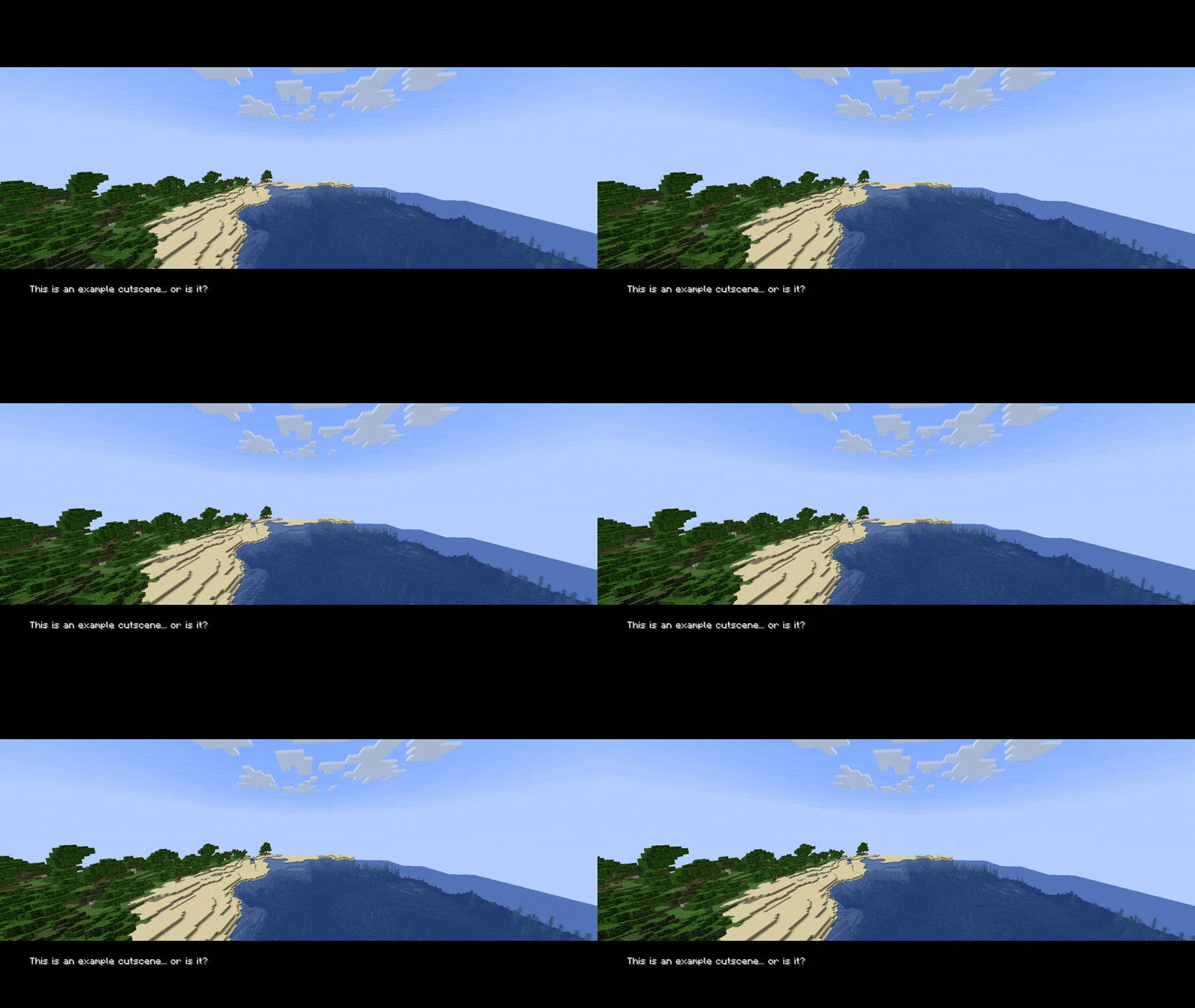
About this Mod
Cutscene API is a mod that allows you to make cutscenes with camera movement and optional effects, and play them in-game in real time. It is intended to be used by map and mod makers to make their projects more beautiful.
Feature overview
The thing that defines what a player sees is a cutscene type, or simply a cutscene, defined in a data pack. Cutscenes have a length (in ticks), a path for the camera, a list of actions that a player is allowed to do when watching a cutscene, a start and end transition, as well as some special effects. All of these are optional, but when combined, they allow for making beautiful cutscenes.
You can find more details in the spoiler boxes below:
Path
The player's camera may follow a certain path during a cutscene. This path is defined by a set of segments, each of which can be either a simple line, a Bézier curve, a Catmull-Rom spline, a static point, or a special point, whose coordinates are defined by math functions.The camera's rotation is defined using the same kinds of segments, as well as a special one that lets you look at a specific point from where you are.
Transitions
The player doesn't have to snap into a cutscene - you can specify a transition to make it look more beautiful. Currently implemented transitions are "smooth ease" that makes you smoothly enter or leave the path of a cutscene and "fade", which fades the screen to a color (not necessarily one, or constant) and then starts or ends the cutscene.Action toggles
During a cutscene, you can prevent the player from moving, turning their head, breaking blocks, using items, taking damage, or make them a spectator so that mobs don't target them. This is a bit unstable at the time.Effects
Besides a camera path, you may want the player to see some text or images in a cutscene. Effects allow you to do that. Currently implemented effects include "appearing text" that slowly appears over time, "triangle strip" that can be used to draw simple geometry with triangles, "rectangle" that draws a rectangle, as well as "texture blit", which draws a texture on a specified position.Commands
/cutscene start <player> <type> [at_preview | position] [start_camera_rotation] [path_rotation] - starts a cutscene at the specified position, with the camera initially facing start_camera_rotation and the path rotated by path_rotation around the starting position
/cutscene stop [player] - stops a cutscene for a player
/cutscene preview set <type> [start_pos] [path_rotation] - previews a cutscene path from a certain point, rotated around that point
/cutscene preview hide - hides a preview
See it yourself
In the source repository, there is folder named "Example Cutscenes", which is a datapack with a bunch of cutscenes I use for testing out new features and that you can use to see what the mod has to offer. They're a little weird sometimes, but they get the job done.
Compatibility
I try to make the mod as compatible with other mods out there as possible. There should be no problems.
Most versions I release are typically backwards-compatible, especially format-wise.
Available Versions
How to Install Cutscene API on Your Server
Order Server
Order a Minecraft Java server with at least 3 GB RAM (4 GB recommended).
Set fabric Loader
In the panel under "Egg", select the fabric loader and matching Minecraft version (1.21.4).
Install Mod
Open the mod browser in the dashboard and search for "Cutscene API". Click "Install" – done! Alternatively, upload the .jar via SFTP to the /mods folder.
Compatibility
Mod Loaders
Minecraft Versions
1.21.4, 1.21.3, 1.21.2 (+6 more)
Server-side
✓ RequiredRecommended RAM
4 GB(min. 3 GB)Frequently Asked Questions
Cutscene API server crashes on startup – what to do?
Most common cause: wrong fabric version or insufficient RAM. Check the server log (latest.log) for "OutOfMemoryError" or "Mixin" errors. With Mado Hosting: ensure at least 3 GB RAM is allocated and the loader matches the mod version (1.21.4). You can switch loaders with one click in the panel.
Is Cutscene API compatible with fabric and forge and neoforge and quilt?
Cutscene API officially supports fabric, forge, neoforge, quilt for Minecraft 1.21.4, 1.21.3, 1.21.2. Note: Forge and Fabric mods are NOT cross-compatible – pick one loader and stick with it. The Mado dashboard automatically detects incompatible loader combinations.
Server lagging with Cutscene API – how to optimize performance?
Recommended RAM: 4 GB (per 8 players). Use /spark profiler to check if Cutscene API consumes the most tick time. Common fixes: reduce server view-distance to 8-10, install "performant" or "starlight" as supplementary mods on Forge. With Mado Hosting, your server runs on NVMe SSDs with dedicated CPU cores for minimal latency.
Similar Mods




Rent Modded Server
Install Cutscene API with just one click on your server.