
Default Components
Add, remove and change default item components. Data driven and improved mod support, can modify selected or all items
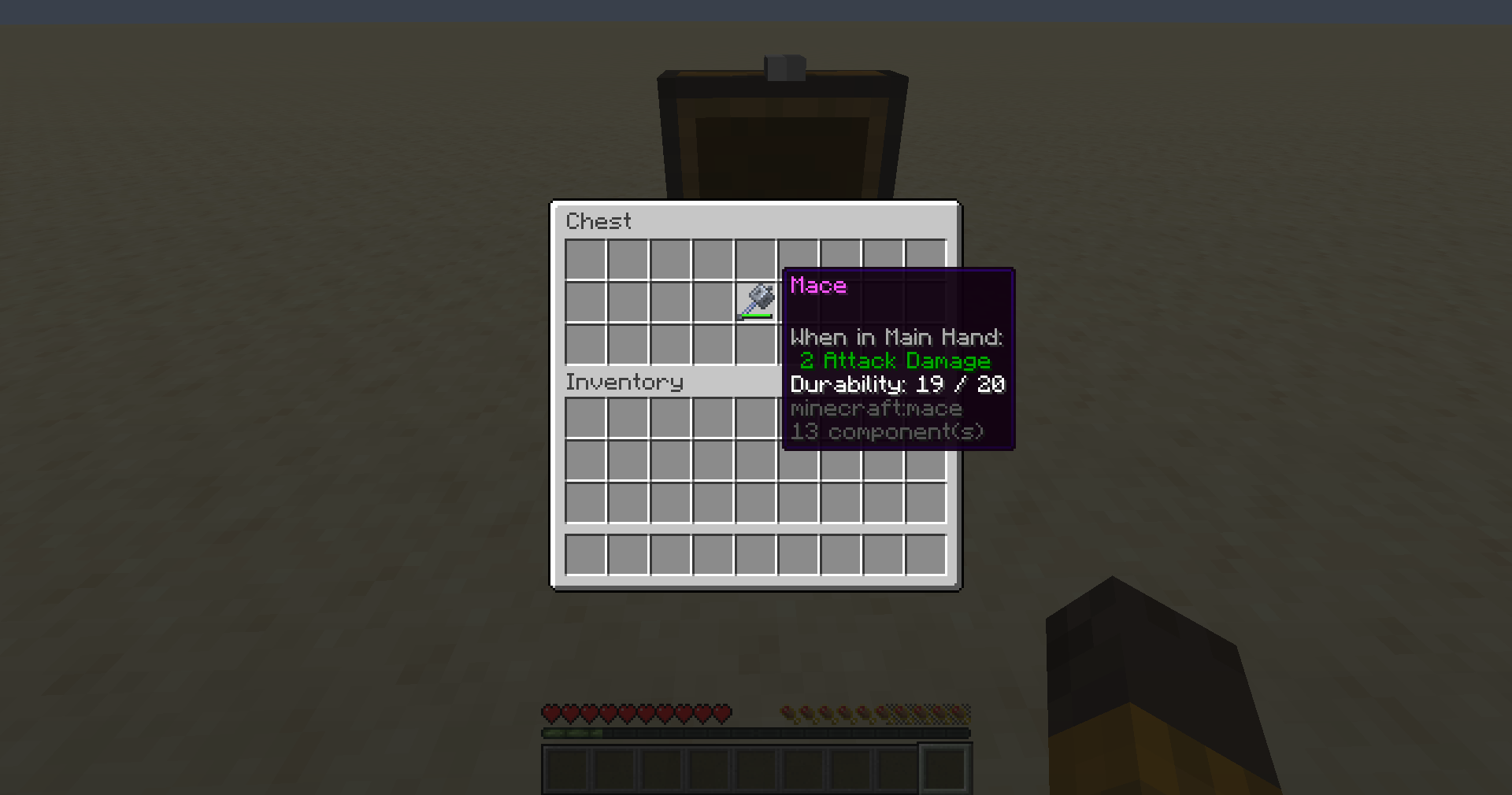
Screenshots
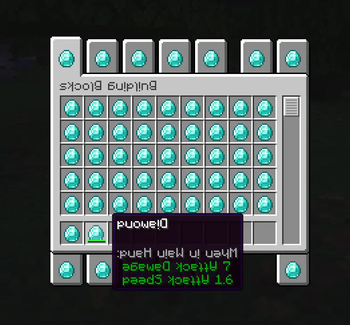
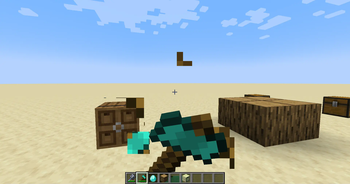
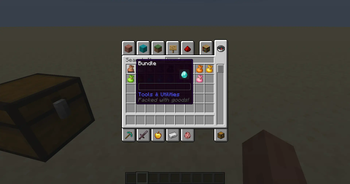
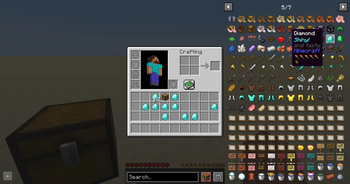
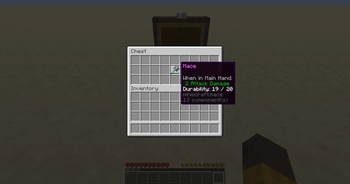
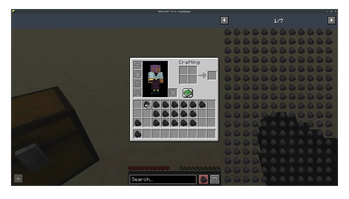
About this Mod
Updates on the mod are currently slow due to limited time. If you do encounter an issue, please report it so I can work on it when I'm able to, and it allows me to know how much to prioratize the mod, as I have many mods to work on.
⚙️ Features
- Reload on the fly, with fast and immediate updates
- Fully data driven, using simple datapacks
- Fully server side, compatible with vanilla clients
- Support for modded items
- Support for modded components
- Dedicated and detailed documentation
- Client code to further extend beyond vanilla/serverside limitation
- Great for
- modpacks, the client support provides extended mod support, like showing on REI
- server-side modding with the vanilla compatibility

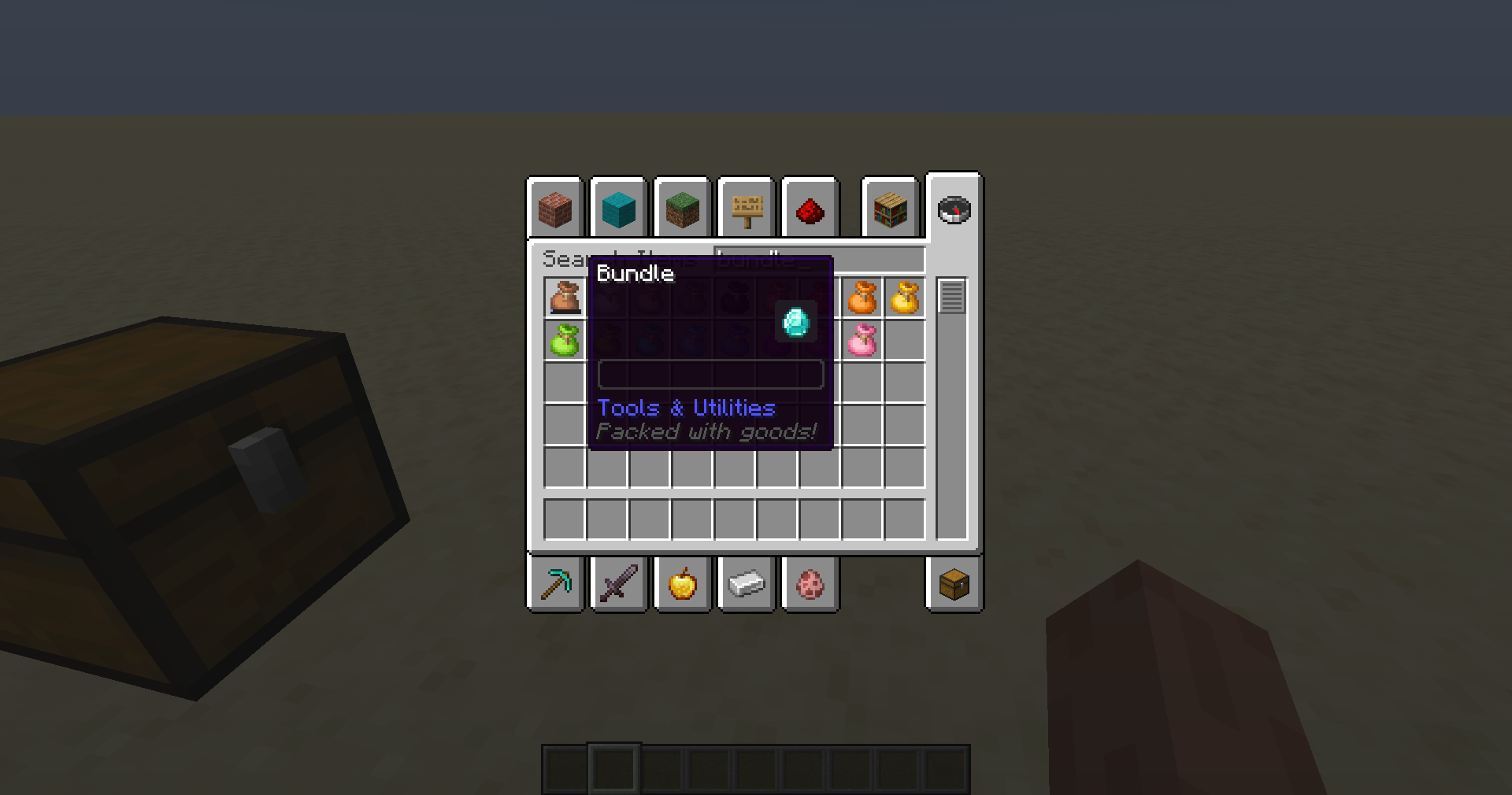
Add and remove data components from all or selected items with a simple datapack, fully serverside,
can also be added to the client to provide a better and smoother experience
Create great customized modpacks with modified default components for the items
Allows to make any item food, a tool, and everything else components allow you to do.
The mod can be used to override existing properties.
You can remove components from items, providing power for balancing.
This mod supports both vanilla and modded components and also works with modded items
The mod modifies packets to vanilla clients to provide the best experience.
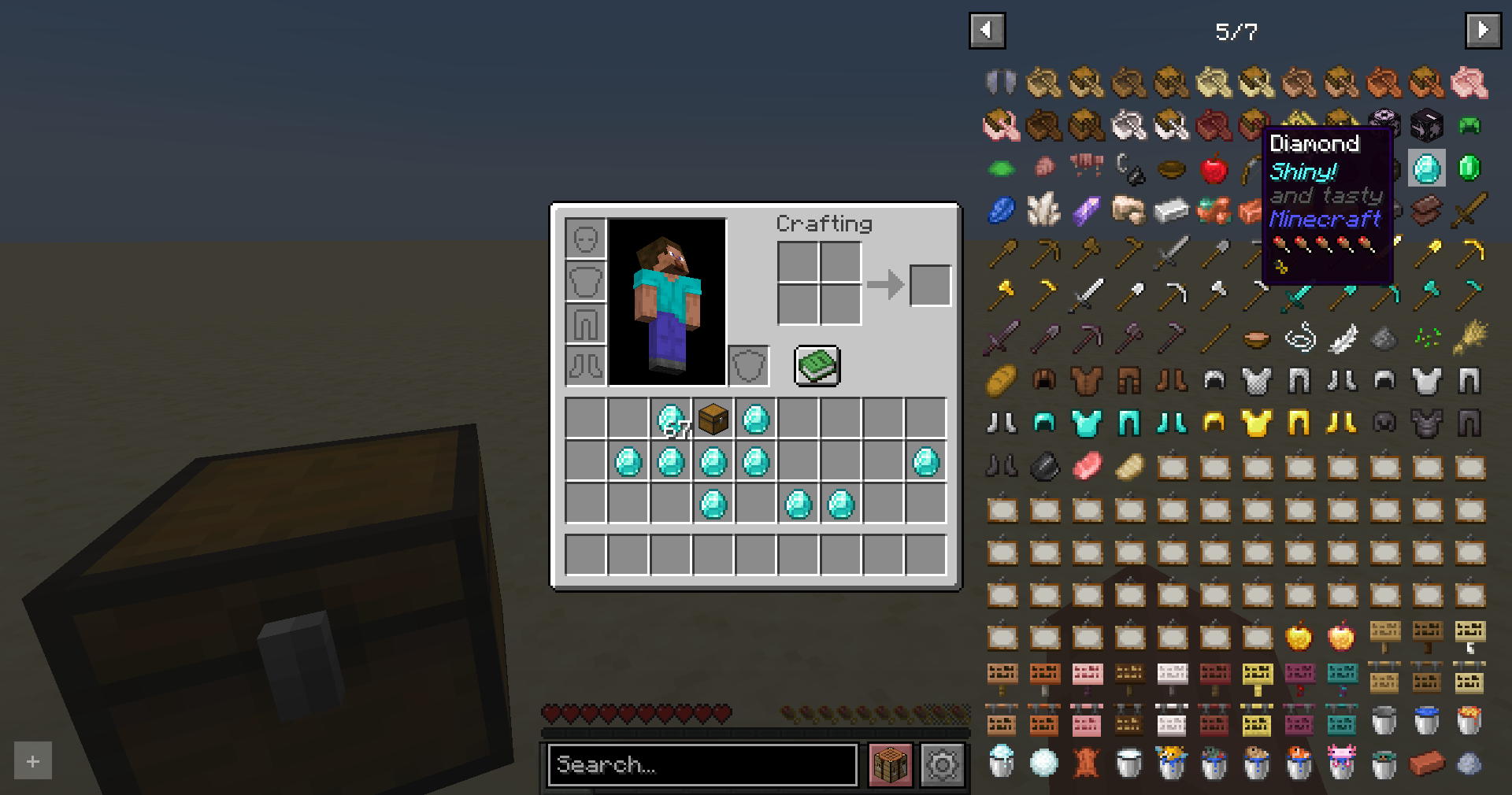
Having the mod on the client is recommended as it can avoid jank caused by ping, server lag and the creative inventory being handled by the client
Available Versions
How to Install Default Components on Your Server
Order Server
Order a Minecraft Java server with at least 3 GB RAM (4 GB recommended).
Set fabric Loader
In the panel under "Egg", select the fabric loader and matching Minecraft version (1.21.10).
Install Mod
Open the mod browser in the dashboard and search for "Default Components". Click "Install" – done! Alternatively, upload the .jar via SFTP to the /mods folder.
Compatibility
Mod Loaders
Minecraft Versions
1.21.10, 1.21.9, 1.21.8 (+16 more)
Server-side
✓ RequiredRecommended RAM
4 GB(min. 3 GB)Frequently Asked Questions
Default Components server crashes on startup – what to do?
Most common cause: wrong fabric version or insufficient RAM. Check the server log (latest.log) for "OutOfMemoryError" or "Mixin" errors. With Mado Hosting: ensure at least 3 GB RAM is allocated and the loader matches the mod version (1.21.10). You can switch loaders with one click in the panel.
Is Default Components compatible with fabric and quilt?
Default Components officially supports fabric, quilt for Minecraft 1.21.10, 1.21.9, 1.21.8. The Mado dashboard automatically detects incompatible loader combinations.
Server lagging with Default Components – how to optimize performance?
Recommended RAM: 4 GB (per 8 players). Use /spark profiler to check if Default Components consumes the most tick time. Common fixes: reduce server view-distance to 8-10, install "performant" or "starlight" as supplementary mods on Forge. With Mado Hosting, your server runs on NVMe SSDs with dedicated CPU cores for minimal latency.
Similar Mods




Rent Modded Server
Install Default Components with just one click on your server.