Default Dark Mode: Patcher
A Client-Side Minecraft Mod that Patches and Modifies the “Default Dark Mode” resource pack for Newer Minecraft Versions.
Screenshots
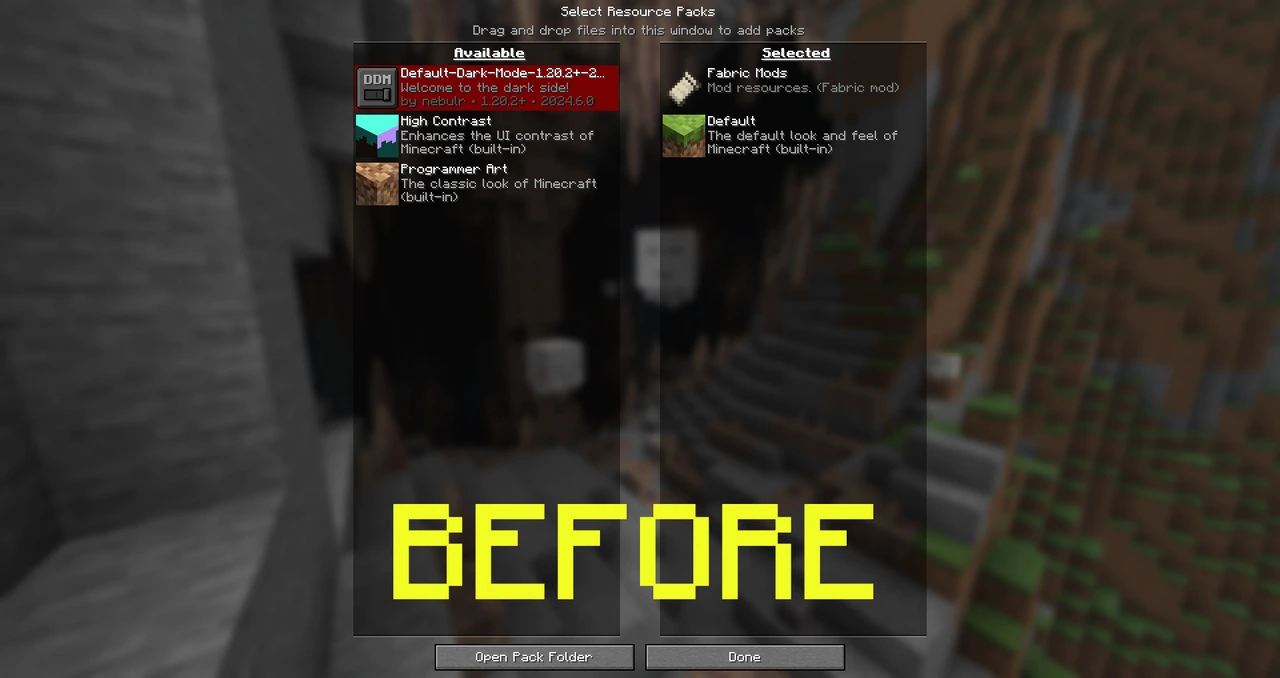
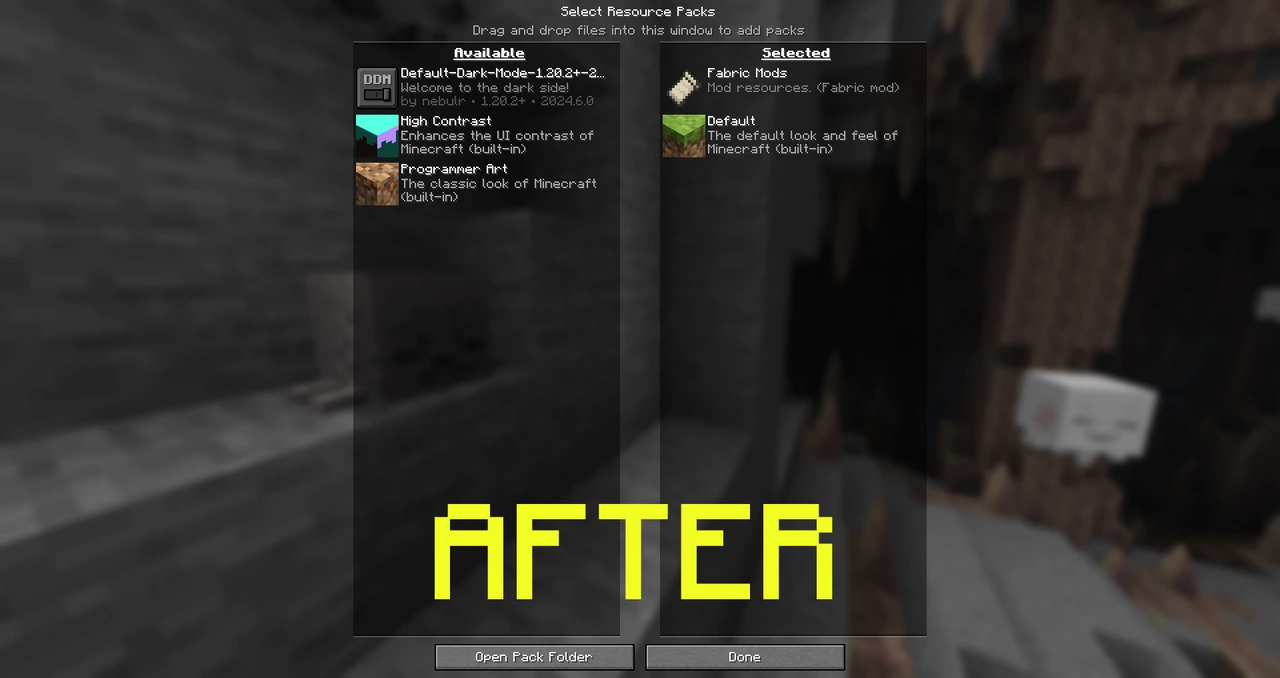
About this Mod
ARCHIVED (APRIL 4, 2026)
This Modrinth project on Modrinth has been temporarily archived because the original resource pack, https://modrinth.com/resourcepack/default-dark-mode, is now up-to-date as of this writing, making the Default Dark Mode: Patcher unnecessary. However, if the resource pack becomes inactive or doesn't receive updates, I will eventually return to this mod if needed!
About
This Client-Side Minecraft Mod is designed to patch and modify the Default Dark Mode resource pack, aiming to be up to par with Newer Minecraft versions & Default Dark Mode: Expansion Add-On.
Credits
Aric3435 - The creator of the Default Dark Mode: Patcher mod.
NebuIr - The creator of the Default Dark Mode resource pack.
Vi_Tul - Updated the Shader Files (rendertype_text.fsh & rendertype_text_intensity.fsh) for 25w19a+ (1.21.6-1.21.8) - Removed in "Default Dark Mode: Patcher v1.2.0+".
Update: DDM 2026.2.0
NebuIr published an update to the resource pack for 1.21.6-1.21.11 https://modrinth.com/resourcepack/default-dark-mode/version/2026.2.0-1.21.11 but that doesn't make the patcher useless yet, the patcher allows it to support Minecraft 26.1 Snapshots! But when I do start the update v1.3.3 of the mod, it will target the latest release of the resource pack & remove the duplicate textures it adds!
How to use
- Install Default Dark Mode: Patcher
- Start the game—the patcher will automatically uncompress the zip file, apply the files I mentioned above, and recompress it.
- Once patched, uninstall Default Dark Mode: Patcher—it’s mostly just a one-time-use tool designed to modify the Resource Pack.

Available Versions
How to Install Default Dark Mode: Patcher on Your Server
Order Server
Order a Minecraft Java server with at least 3 GB RAM (4 GB recommended).
Set fabric Loader
In the panel under "Egg", select the fabric loader and matching Minecraft version (26.1-snapshot-6).
Install Mod
Open the mod browser in the dashboard and search for "Default Dark Mode: Patcher". Click "Install" – done! Alternatively, upload the .jar via SFTP to the /mods folder.
Compatibility
Mod Loaders
Minecraft Versions
26.1-snapshot-6, 26.1-snapshot-5, 26.1-snapshot-4 (+23 more)
Server-side
✗ UnsupportedRecommended RAM
4 GB(min. 3 GB)Frequently Asked Questions
Default Dark Mode: Patcher server crashes on startup – what to do?
Most common cause: wrong fabric version or insufficient RAM. Check the server log (latest.log) for "OutOfMemoryError" or "Mixin" errors. With Mado Hosting: ensure at least 3 GB RAM is allocated and the loader matches the mod version (26.1-snapshot-6). You can switch loaders with one click in the panel.
Is Default Dark Mode: Patcher compatible with fabric and neoforge?
Default Dark Mode: Patcher officially supports fabric, neoforge for Minecraft 26.1-snapshot-6, 26.1-snapshot-5, 26.1-snapshot-4. The Mado dashboard automatically detects incompatible loader combinations.
Server lagging with Default Dark Mode: Patcher – how to optimize performance?
Recommended RAM: 4 GB (per 8 players). Use /spark profiler to check if Default Dark Mode: Patcher consumes the most tick time. Common fixes: reduce server view-distance to 8-10, install "performant" or "starlight" as supplementary mods on Forge. With Mado Hosting, your server runs on NVMe SSDs with dedicated CPU cores for minimal latency.
Similar Mods




![[ETF] Entity Texture Features](https://cdn.modrinth.com/data/BVzZfTc1/af683d206d50b05258d865b0d6e4aa2f2cee12f2_96.webp)
![[EMF] Entity Model Features](https://cdn.modrinth.com/data/4I1XuqiY/6e5bbd0d06b1741bfdab6c0cfab6de8fdaf0064c_96.webp)
Rent Modded Server
Install Default Dark Mode: Patcher with just one click on your server.
Details
- License
- Creative Commons Attribution Non Commercial Share Alike 4.0 International
- Server-side
- Unsupported