
Defense
A mod designed to protect players from unwanted PvP interactions while still allowing PvP on servers! Originally designed for the Empty World SMP
Screenshots
About this Mod
Defense
A mod designed to protect players from unwanted PvP interactions while still allowing PvP on servers!
Originally created for and tested by the Empty World SMP
SHOWCASE VIDEO:
Features
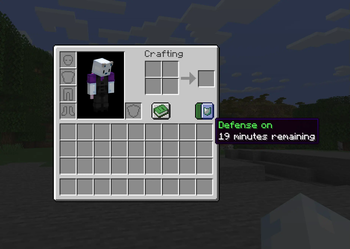
- This mod adds a PvP toggle button in the survival player inventory.
- When checked on, the player is now immune to all incoming PvP damage. Examples include direct attacks, projectiles, and lit TNT.
This also disables the same outgoing attacks from the player. They cannot recieve damage from players or deal damage to players while toggled on. - When toggled on, Defense lasts for 20 minutes. One minute before the player's immunity runs out, they will be notified with a chat message prompting them to enable it again if they wish. The player may also enable or disable defense anytime they wish to reset the cooldown.
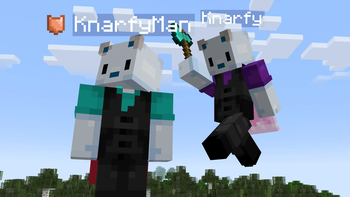
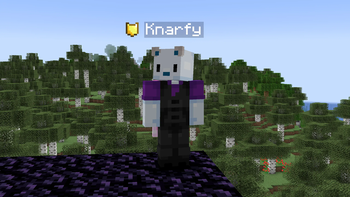
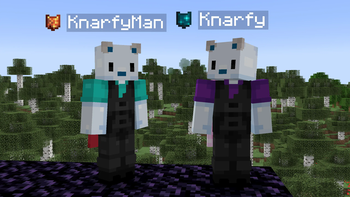
- If a player's defense is toggled on, a shield icon will display next to their nametag.
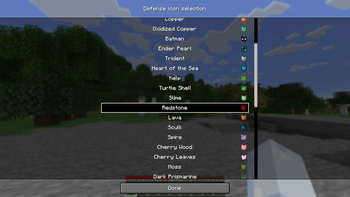
- You can change the icon you are displaying to others and that shows on your toggle switch in your Skin Customization Settings.
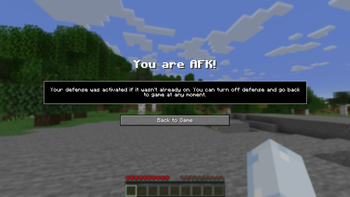
- AFK system that will toggle on Defense after 1 minute to prevent players from attacking you. Use the afkTimerSeconds gamerule to change the time it takes to toggle AFK (set to 0 to disable this feature). Still very early, but improvements and changes will be made over time!
Available Icons:
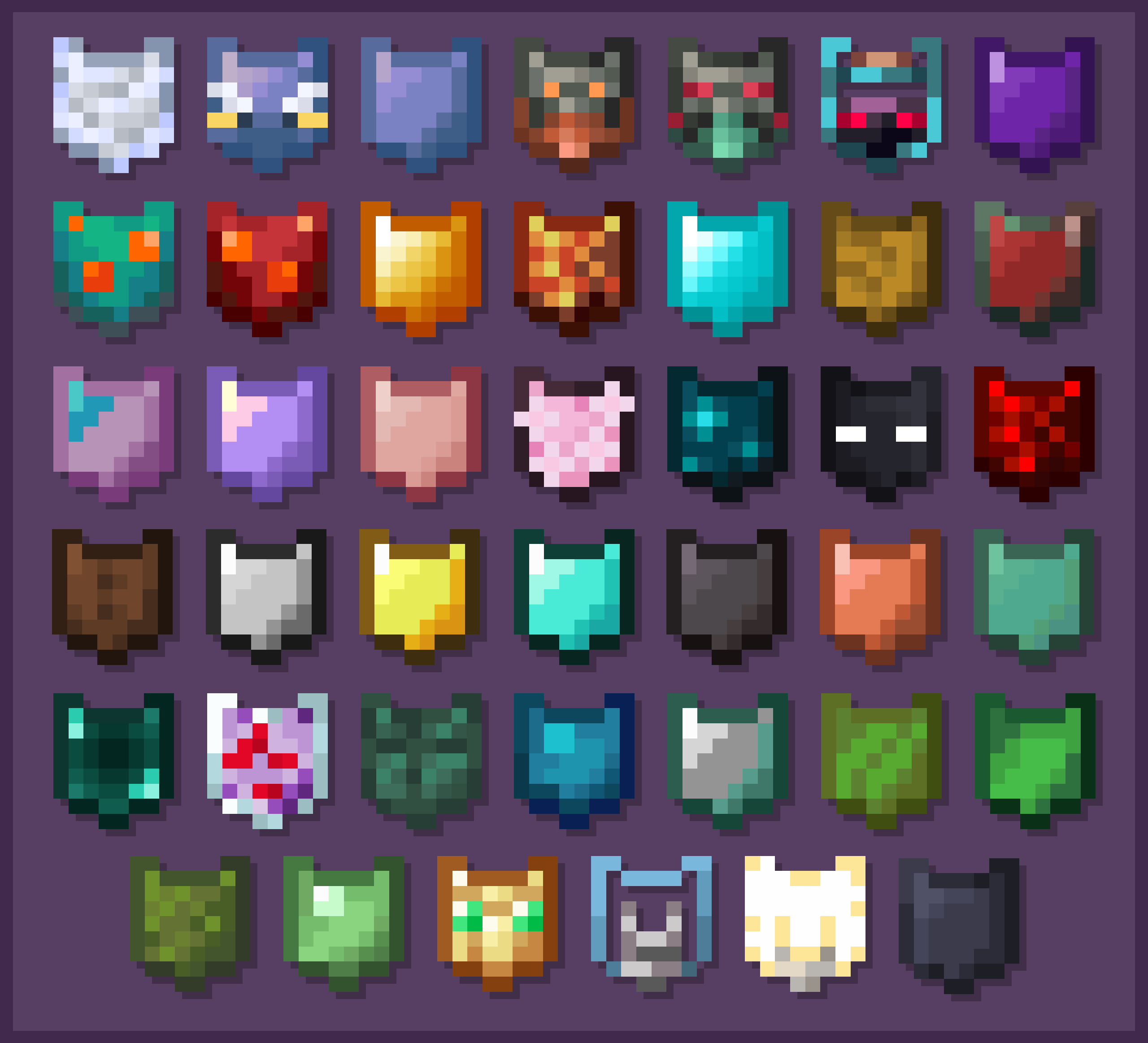
(These Icons are selectable via the Skin Customization Settings within Minecraft)
More features are planned, and updates will add new functionality to the mod, along with quality of life changes to make it even better to use.
Why the 20 Minute Timer?
The 20 minute timer for defense naturally encourages players to keep defense toggled off most of the time. This provides for the occasional funny interaction with another player, like an accidental punch, or for a challenge during a PvE battle to not hit your friends. It is meant to be used as a tool to defend against an unwanted interaction rather than something to give a competitive advantage.
For more information on this mod, and access to the code, go to this mod's GitHub page!
Available Versions
How to Install Defense on Your Server
Order Server
Order a Minecraft Java server with at least 3 GB RAM (4 GB recommended).
Set fabric Loader
In the panel under "Egg", select the fabric loader and matching Minecraft version (1.21.11).
Install Mod
Open the mod browser in the dashboard and search for "Defense". Click "Install" – done! Alternatively, upload the .jar via SFTP to the /mods folder.
Compatibility
Mod Loaders
Minecraft Versions
1.21.11, 1.21.6, 1.21.5 (+3 more)
Server-side
✓ RequiredRecommended RAM
4 GB(min. 3 GB)Frequently Asked Questions
Defense server crashes on startup – what to do?
Most common cause: wrong fabric version or insufficient RAM. Check the server log (latest.log) for "OutOfMemoryError" or "Mixin" errors. With Mado Hosting: ensure at least 3 GB RAM is allocated and the loader matches the mod version (1.21.11). You can switch loaders with one click in the panel.
Is Defense compatible with fabric?
Defense officially supports fabric for Minecraft 1.21.11, 1.21.6, 1.21.5. The Mado dashboard automatically detects incompatible loader combinations.
Server lagging with Defense – how to optimize performance?
Recommended RAM: 4 GB (per 8 players). Use /spark profiler to check if Defense consumes the most tick time. Common fixes: reduce server view-distance to 8-10, install "performant" or "starlight" as supplementary mods on Forge. With Mado Hosting, your server runs on NVMe SSDs with dedicated CPU cores for minimal latency.
Similar Mods




Rent Modded Server
Install Defense with just one click on your server.