
Did That Hurt?
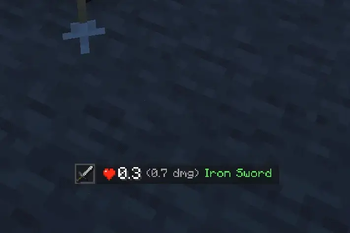
See how much damage you took, who hit you, and how that damage was calculated at a glance.
Screenshots
About this Mod
What does it do?
Did That Hurt? is a minimalist Minecraft-style damage HUD mod. When you take damage, the HUD shows the damage value, attack source, and optional damage breakdown in real time, helping you quickly understand how hard the hit was, whether it is time to run, and how big the power gap is between you and your opponent.
Features
Instant Damage Display
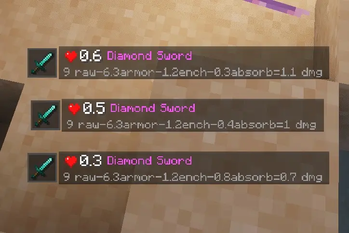
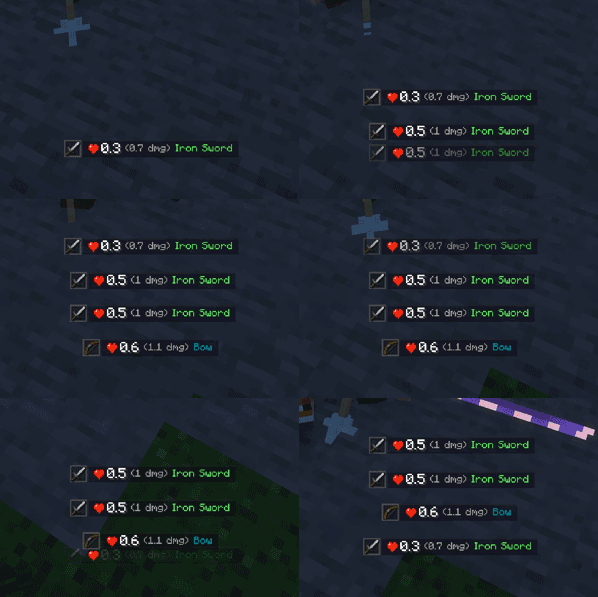
When the player takes damage, the HUD displays the result immediately in both hearts and health points. If multiple hits happen in a short time, older entries move upward and new ones stack below, making continuous damage easier to track.
Attack Source Detection
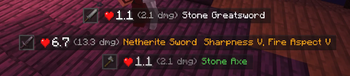
The mod prioritizes showing the attacking weapon. If no weapon is involved, it displays a matching source or icon based on the damage type, such as bare hand, fall damage, explosion, cactus, fire, drowning, wither, and more.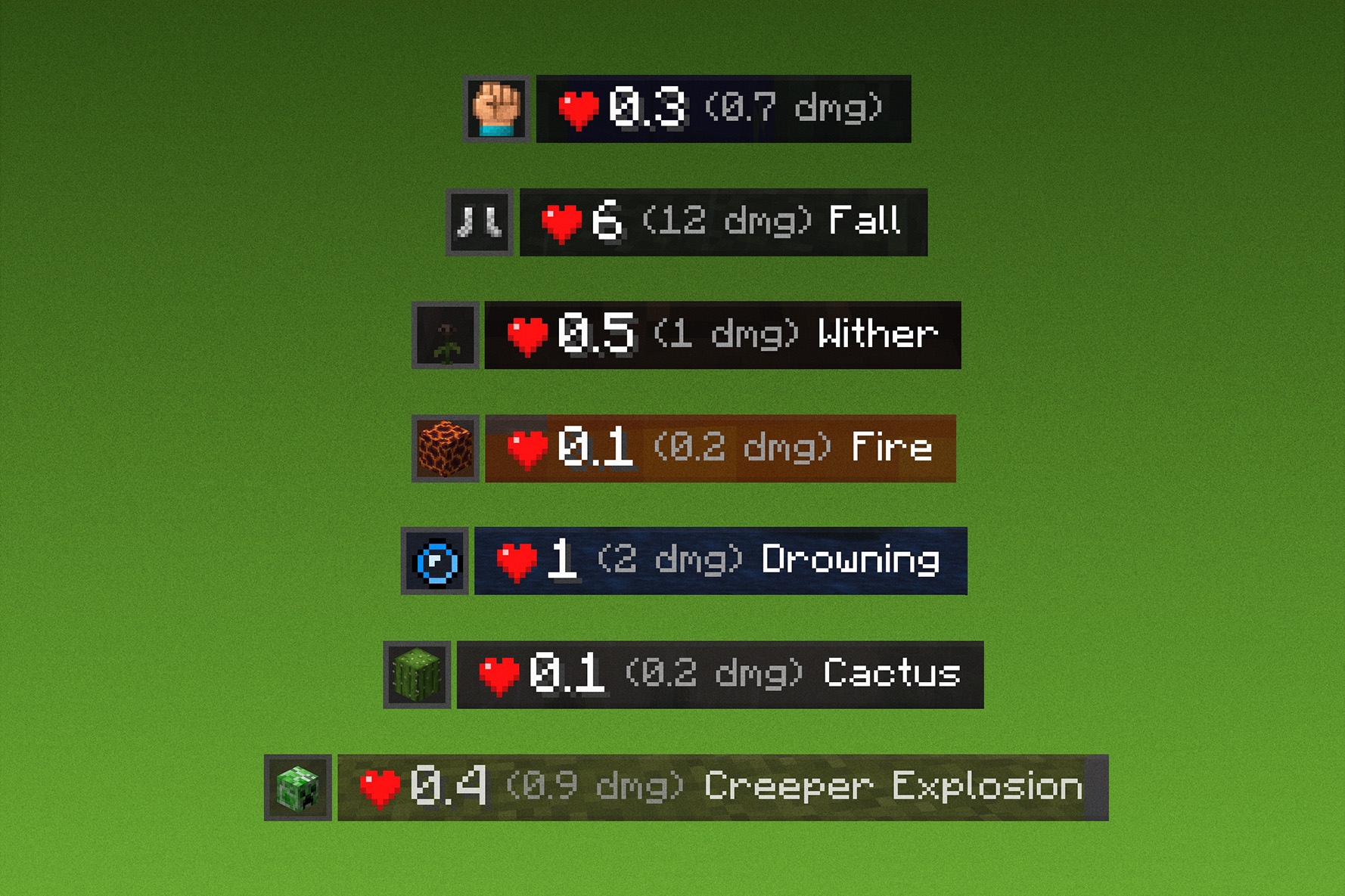
Weapon and Enchantment Info
Shows the attacking item name and compact enchantment information while preserving the item's original display color style when possible.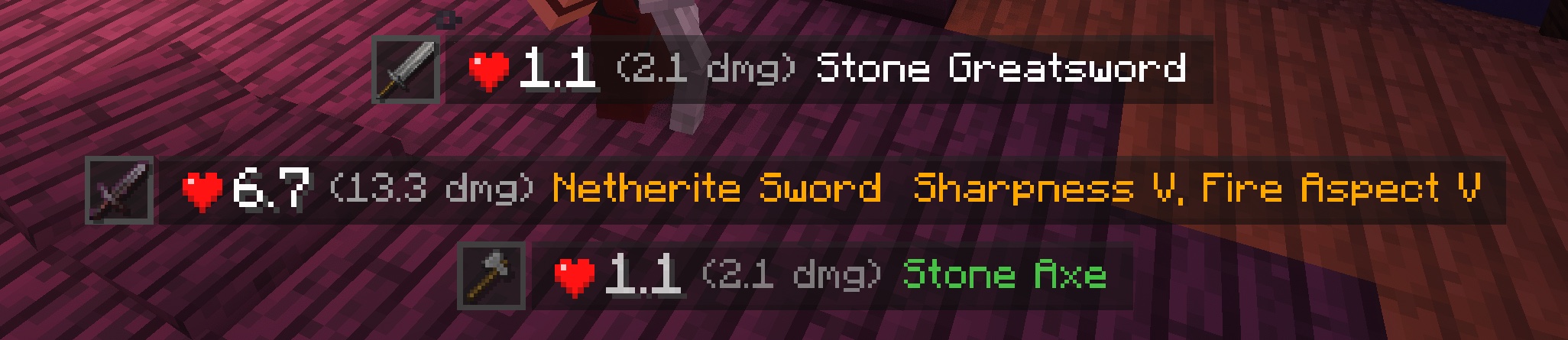
Simple and Detailed Mode Toggle
Use a keybind to switch between simple mode and detailed mode directly in game. Simple mode shows the core hit result, while detailed mode adds calculation details such as original damage, armor reduction, enchantment reduction, effect reduction, absorption, blocking, and more.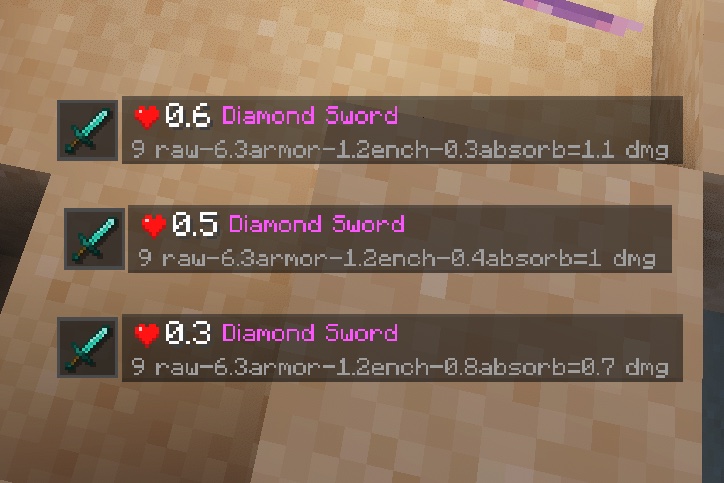
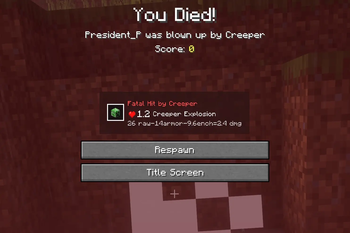
Fatal Hit
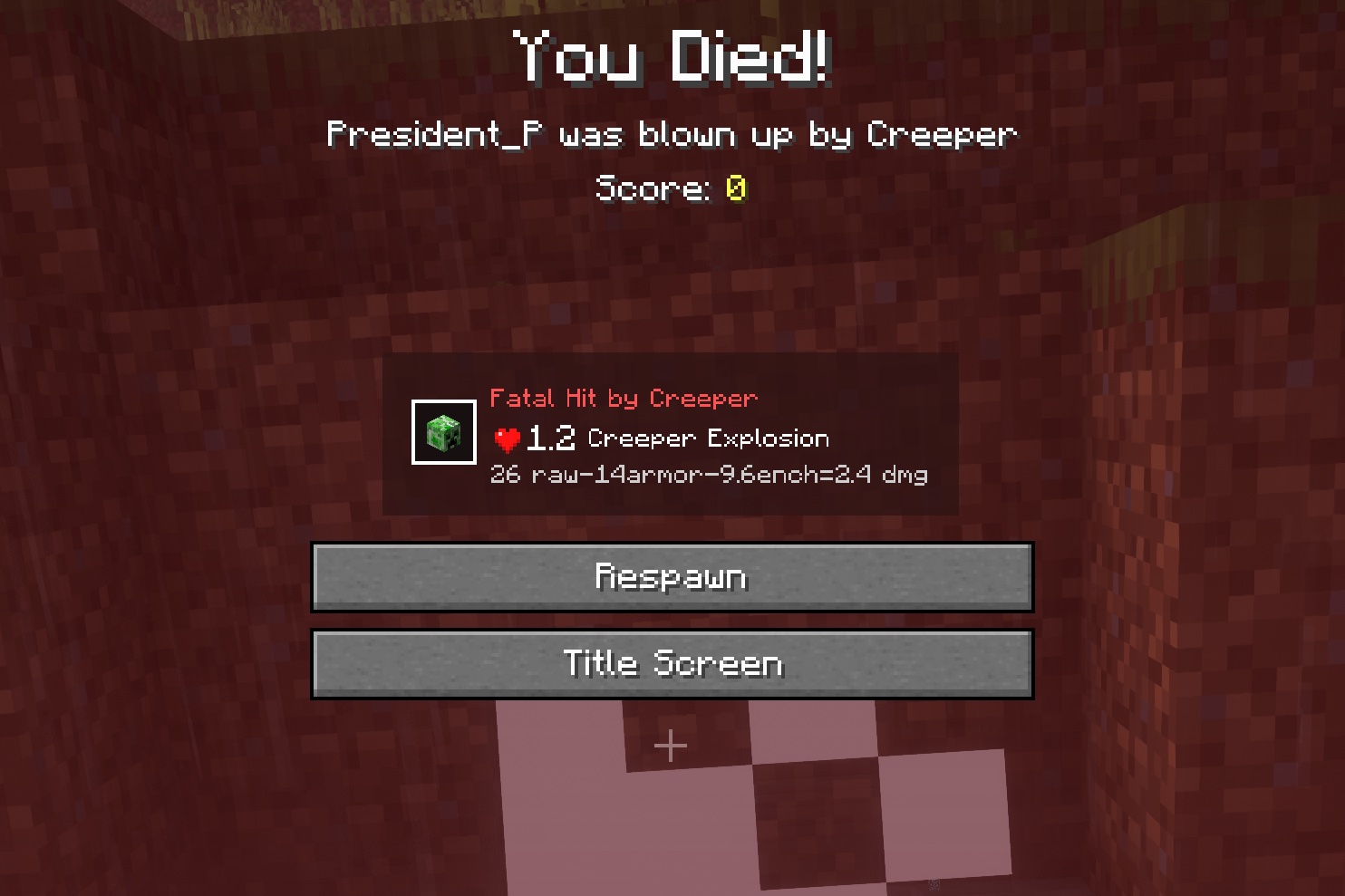
If a hit would kill the player, it is highlighted with a dedicated fatal-hit style and shows the source of the kill.
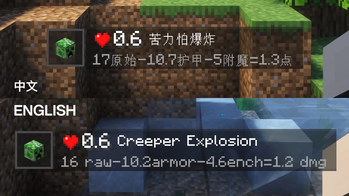
Chinese and English Support
Includes both Chinese and English text, and displays the matching language according to your Minecraft language setting.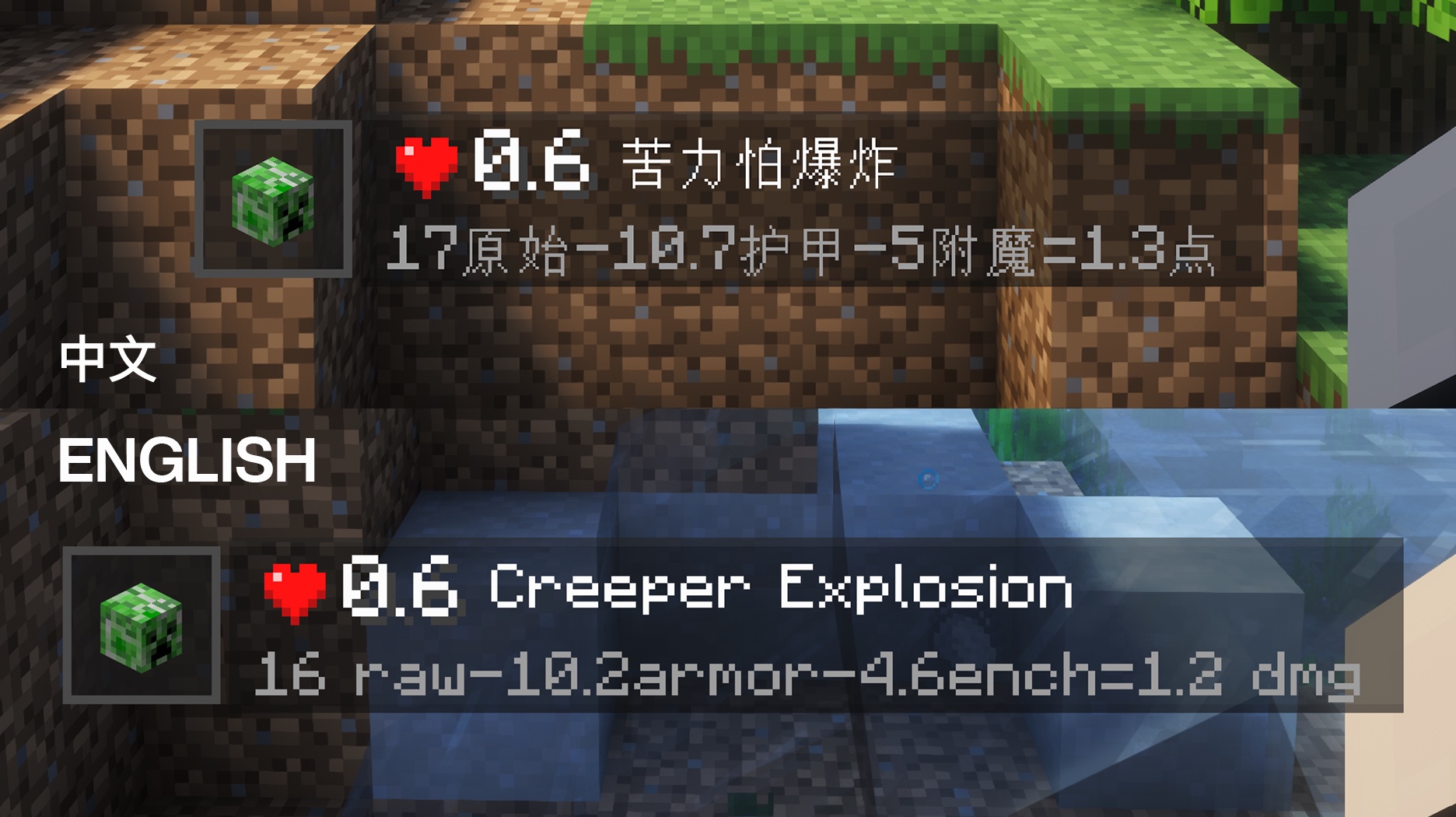
Configurable HUD Appearance
Supports display options such as HUD position, scale, display duration, and background opacity, so the damage display can better fit your interface layout.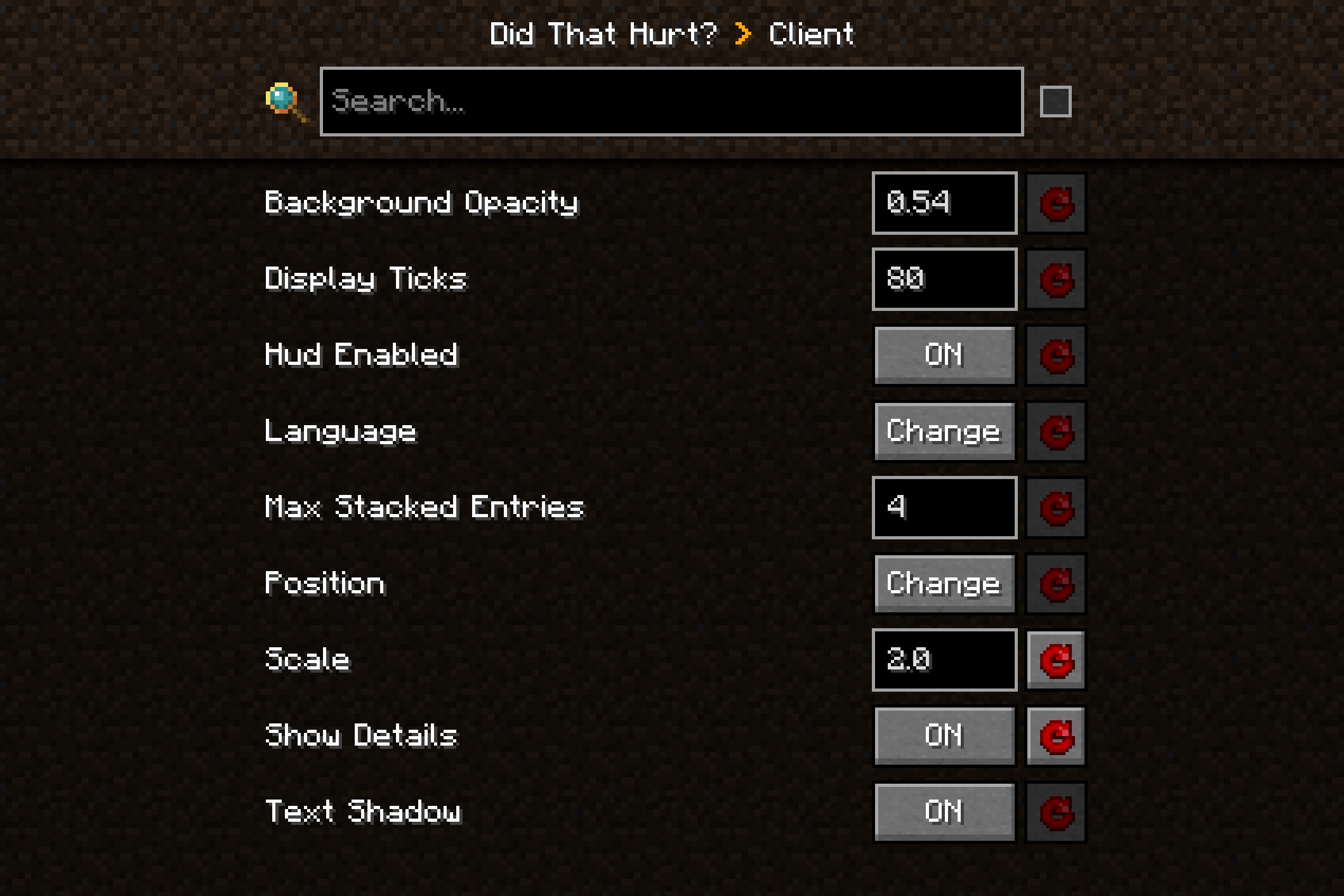
Modpacks & Permissions
You may include this mod in modpacks. Credit and a link back to the project page are appreciated.
Issues / Feedback
Please use GitHub Issues for bug reports and feedback. Include your Minecraft version, Forge version, mod version, crash log, and reproduction steps when possible.
Available Versions
How to Install Did That Hurt? on Your Server
Order Server
Order a Minecraft Java server with at least 3 GB RAM (4 GB recommended).
Set forge Loader
In the panel under "Egg", select the forge loader and matching Minecraft version (1.21.1).
Install Mod
Open the mod browser in the dashboard and search for "Did That Hurt?". Click "Install" – done! Alternatively, upload the .jar via SFTP to the /mods folder.
Compatibility
Mod Loaders
Minecraft Versions
1.21.1, 1.20.1
Server-side
✓ RequiredRecommended RAM
4 GB(min. 3 GB)Frequently Asked Questions
Did That Hurt? server crashes on startup – what to do?
Most common cause: wrong forge version or insufficient RAM. Check the server log (latest.log) for "OutOfMemoryError" or "Mixin" errors. With Mado Hosting: ensure at least 3 GB RAM is allocated and the loader matches the mod version (1.21.1). You can switch loaders with one click in the panel.
Is Did That Hurt? compatible with forge and neoforge?
Did That Hurt? officially supports forge, neoforge for Minecraft 1.21.1, 1.20.1. The Mado dashboard automatically detects incompatible loader combinations.
Server lagging with Did That Hurt? – how to optimize performance?
Recommended RAM: 4 GB (per 8 players). Use /spark profiler to check if Did That Hurt? consumes the most tick time. Common fixes: reduce server view-distance to 8-10, install "performant" or "starlight" as supplementary mods on Forge. With Mado Hosting, your server runs on NVMe SSDs with dedicated CPU cores for minimal latency.
Similar Mods

![[ETF] Entity Texture Features](https://cdn.modrinth.com/data/BVzZfTc1/af683d206d50b05258d865b0d6e4aa2f2cee12f2_96.webp)
![[EMF] Entity Model Features](https://cdn.modrinth.com/data/4I1XuqiY/6e5bbd0d06b1741bfdab6c0cfab6de8fdaf0064c_96.webp)



Rent Modded Server
Install Did That Hurt? with just one click on your server.