
Die, NBT!
When you die, NBT data on items from your inventory gets cleared. Highly configurable!
Screenshots
About this Mod
Die, NBT!
Summary
With this mod installed, you can configure which items in your inventory will lose their NBT data when you die, or select mods where all items will do the same.
This mod is targeted at modpack developers, of course.
With the release of version 2.0, the mod is now feature complete!
Current features are:
- Clear NBT on death from specific items or all items from specific mods
- Select which NBT fields get cleared from items when you die
- Curios compatilibity
- Chose if you want to clear items from inventory, armor slots or curios slots
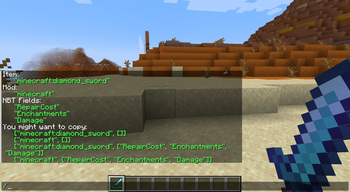
- A lot of helpful commands to help you build config for the mod
Commands
Commands are available under a prefix "die_nbt".
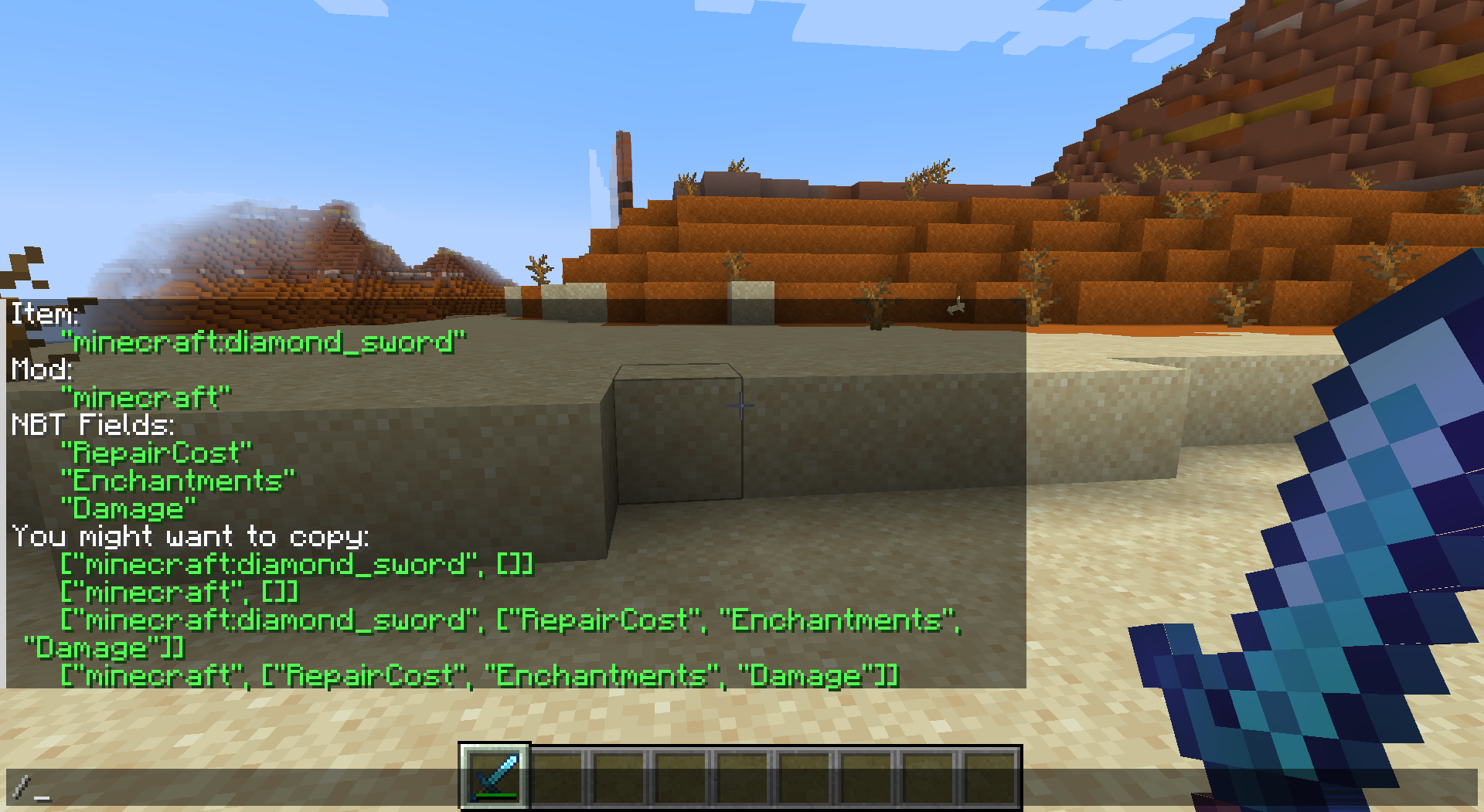
For example, you can type "/die_nbt help" to get help about commands from the mod.
The most useful command by far is "/die_nbt everything".
All green output is copy-pastable!
Config
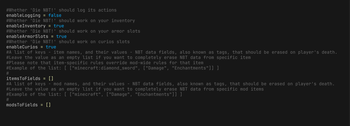
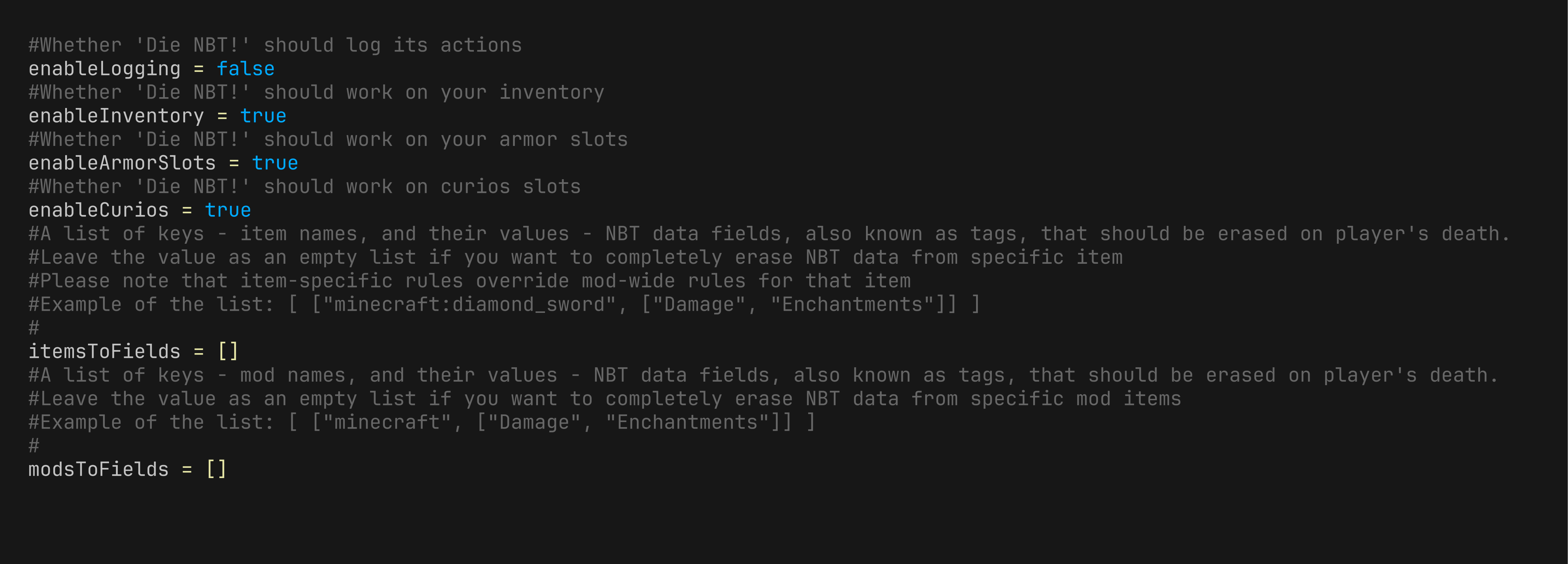
Here is a default config.
How Is This Even Helpful? I Need Use-Cases.
How I Came Up With the Idea
So, when I was making a modpack (still in development) all about PVP for my friends, which featured many technical mods as well as magic mods, I came up with this idea. Basically, this modpack includes mods like Psi and Hex Casting. And some of my friends — let's say they're not very bright. They are like Vikings, barbarians who only know how to loot and fight. And God forbid those brutes get their hands on my carefully crafted OP magic stuff, which could destroy worlds. I just cannot let that happen. So, if I make my magical items lose their NBT data upon my death, all programmed magic will be cleared from them, and I'll be safe (as well as the entire server).
Contributing
You are welcome to suggest new features.
You can contact me on discord.
Credits
The skull icon was taken from Game-Icons.net, though slightly modified by me, and therefore falls under CC BY 3.0 license.

Available Versions
How to Install Die, NBT! on Your Server
Order Server
Order a Minecraft Java server with at least 3 GB RAM (4 GB recommended).
Set forge Loader
In the panel under "Egg", select the forge loader and matching Minecraft version (1.20.1).
Install Mod
Open the mod browser in the dashboard and search for "Die, NBT!". Click "Install" – done! Alternatively, upload the .jar via SFTP to the /mods folder.
Compatibility
Mod Loaders
Minecraft Versions
1.20.1
Server-side
✓ RequiredRecommended RAM
4 GB(min. 3 GB)Frequently Asked Questions
Die, NBT! server crashes on startup – what to do?
Most common cause: wrong forge version or insufficient RAM. Check the server log (latest.log) for "OutOfMemoryError" or "Mixin" errors. With Mado Hosting: ensure at least 3 GB RAM is allocated and the loader matches the mod version (1.20.1). You can switch loaders with one click in the panel.
Is Die, NBT! compatible with forge?
Die, NBT! officially supports forge for Minecraft 1.20.1. The Mado dashboard automatically detects incompatible loader combinations.
Server lagging with Die, NBT! – how to optimize performance?
Recommended RAM: 4 GB (per 8 players). Use /spark profiler to check if Die, NBT! consumes the most tick time. Common fixes: reduce server view-distance to 8-10, install "performant" or "starlight" as supplementary mods on Forge. With Mado Hosting, your server runs on NVMe SSDs with dedicated CPU cores for minimal latency.
Similar Mods




Rent Modded Server
Install Die, NBT! with just one click on your server.