
RealGronds Dimensional World
Adds a dedicated Mining Dimension for quarrying and testing, keeping your Overworld untouched.
Screenshots
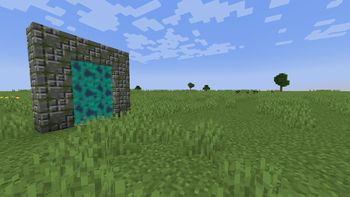
About this Mod
A lightweight mining-dimension mod inspired by Aroma1997’s Dimensional World.
Simple to set up, safe to quarry, and keeps your Overworld pristine.
Not affiliated with or endorsed by Aroma1997.
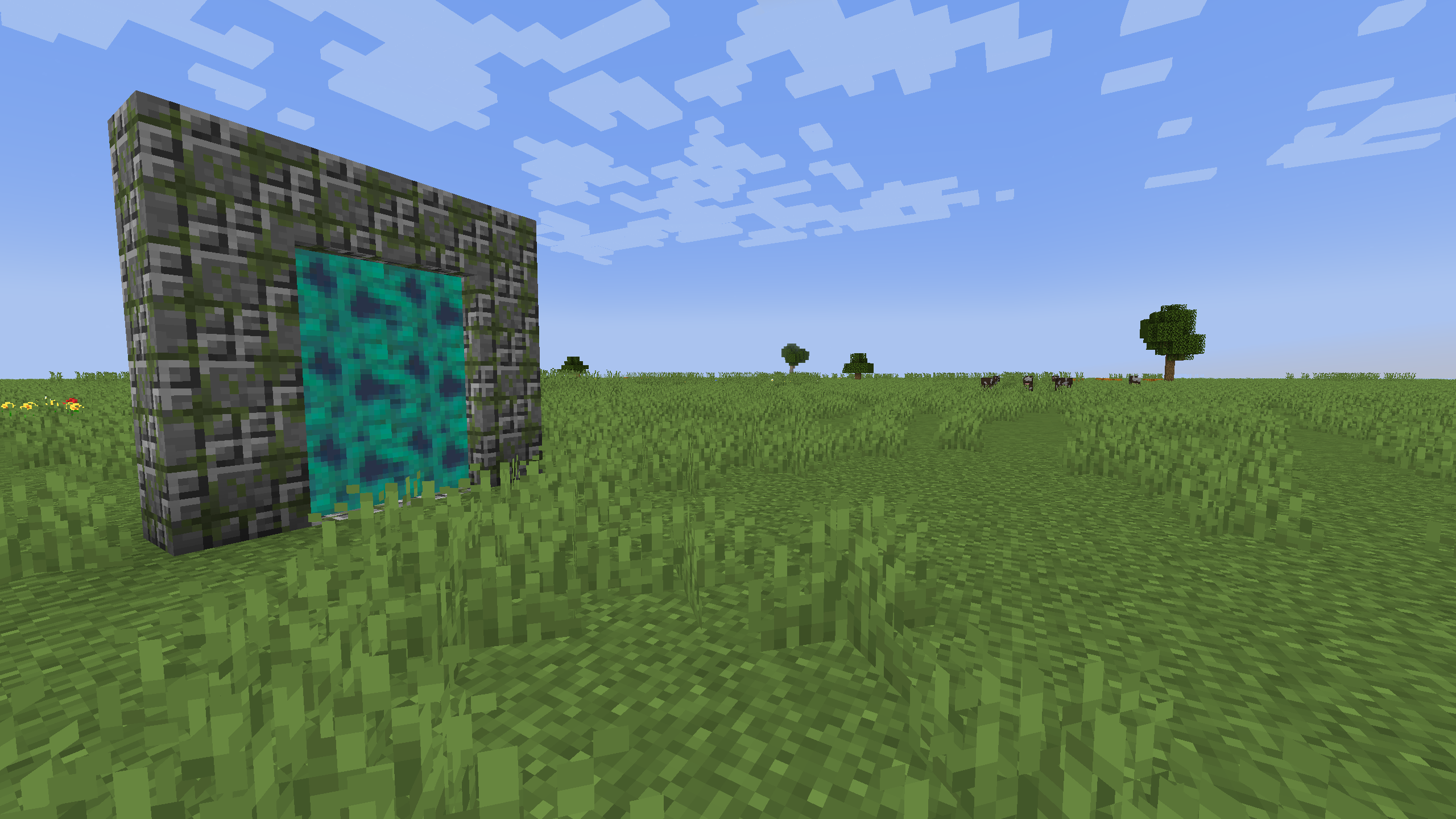
Features
Mining Dimension
A flat, stone-heavy world designed for automation and large-scale mining.- Plains biome with decorations.
- Mineshafts for exploration variety.
Simple Portal System
- Build a 4×5 frame (outside size) using Dimensional World Portal Frame blocks, leaving a 2×3 hole.
- Light it with the Artifact Ender Gem.
- Portals toggle between the Overworld and the mining dimension.
- Portals cannot be lit or used in the Nether or End.
- Exit portals are generated automatically if none exist (world-border aware).
Crafting Recipes
Artifact Ender Gem
Portal Frame
How to Build the Portal
- Build a 4×5 frame (outside size) from Portal Frame blocks.
- Leave a 2×3 interior opening.
- Use the Artifact Ender Gem on the frame (Overworld only).
- Step inside to travel to the mining dimension.
Notes:
- Portals don’t work in the Nether or End.
- The Ender Gem is consumed when first lighting a portal.
World Generation
- Flat, mining-friendly world (stone-focused).
- Plains biome with natural decorations.
- Mineshafts for exploration.
- Optimized for performance and automation.
Credits
- Inspired by: Aroma1997’s Dimensional World
- Textures: Malcolmriley’s unused textures (CC0)
Available Versions
How to Install RealGronds Dimensional World on Your Server
Order Server
Order a Minecraft Java server with at least 4 GB RAM (6 GB recommended).
Set neoforge Loader
In the panel under "Egg", select the neoforge loader and matching Minecraft version (1.21.1).
Install Mod
Open the mod browser in the dashboard and search for "RealGronds Dimensional World". Click "Install" – done! Alternatively, upload the .jar via SFTP to the /mods folder.
Compatibility
Mod Loaders
Minecraft Versions
1.21.1
Server-side
✓ RequiredRecommended RAM
6 GB(min. 4 GB)Frequently Asked Questions
RealGronds Dimensional World server crashes on startup – what to do?
Most common cause: wrong neoforge version or insufficient RAM. Check the server log (latest.log) for "OutOfMemoryError" or "Mixin" errors. With Mado Hosting: ensure at least 4 GB RAM is allocated and the loader matches the mod version (1.21.1). You can switch loaders with one click in the panel.
Is RealGronds Dimensional World compatible with neoforge?
RealGronds Dimensional World officially supports neoforge for Minecraft 1.21.1. The Mado dashboard automatically detects incompatible loader combinations.
Server lagging with RealGronds Dimensional World – how to optimize performance?
Recommended RAM: 6 GB (per 5 players). Use /spark profiler to check if RealGronds Dimensional World consumes the most tick time. Common fixes: reduce server view-distance to 8-10, install "performant" or "starlight" as supplementary mods on Forge. With Mado Hosting, your server runs on NVMe SSDs with dedicated CPU cores for minimal latency.
Similar Mods




![[ETF] Entity Texture Features](https://cdn.modrinth.com/data/BVzZfTc1/af683d206d50b05258d865b0d6e4aa2f2cee12f2_96.webp)
![[EMF] Entity Model Features](https://cdn.modrinth.com/data/4I1XuqiY/6e5bbd0d06b1741bfdab6c0cfab6de8fdaf0064c_96.webp)
Rent Modded Server
Install RealGronds Dimensional World with just one click on your server.