
DiscordPresence
Gives you full control over your Discord Rich Presence from inside Minecraft. Set custom text, pick your own images, create per-server profiles, and let the mod automatically switch between them based on what you're doing.
Screenshots
About this Mod
Show your Minecraft activity on Discord — exactly the way you want
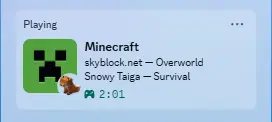
DiscordPresence gives you full control over your Discord Rich Presence directly from Minecraft.
Customize text, choose your own images, create per-server profiles, and let the mod automatically switch between them based on what you're doing.
Features
Per-Server Profiles
Create unique profiles tied to specific server IPs.
Join one server and get a unique look - join another server and get a completely different one
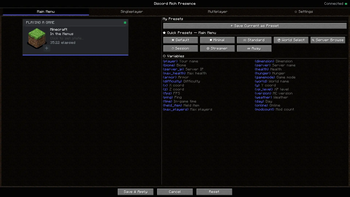
26 Live Variables
Display real in-game data directly in your status:
{player} {world} {server} {server_ip} {dimension} {biome} {health} {hunger} {armor} {gamemode} {difficulty} {x} {y} {z} {xp_level} {fps} {ping} {weather} {time} {day} {held_item} {version} {online} {max_players} {modcount}
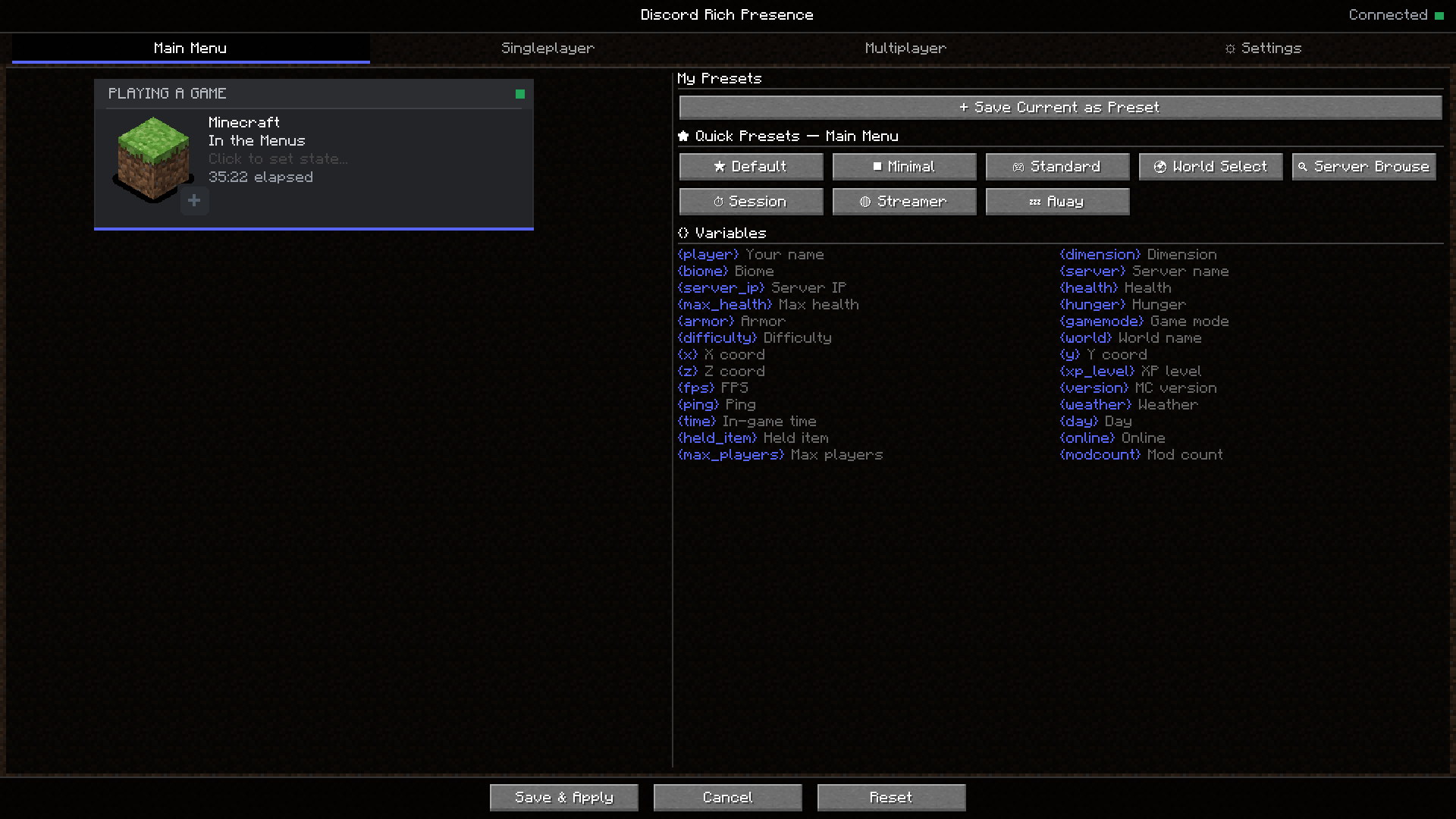
Interactive In-Game Editor
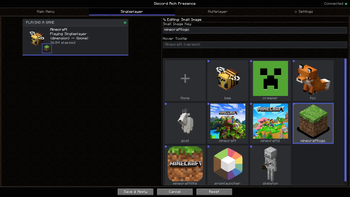
Click directly on the Discord preview card to edit any section:
- Large icon
- Small icon
- Details text
- State text
- Buttons
Everything is editable just by clicking what you want to change.
Save Your Own Presets
Create a setup you like, name it, and save it.
Load it anytime on any profile or tab.
Clickable Buttons
Add up to 2 clickable buttons to your presence — perfect for:
- Twitch streams
- Server IPs
- Links
Note: Buttons are visible to others, but not to yourself (Discord limitation).
Use my link and promo code ATK to get 25% off your first month.
Join my Discord! https://discord.gg/CzyVaqb
Available Versions
How to Install DiscordPresence on Your Server
Order Server
Order a Minecraft Java server with at least 3 GB RAM (4 GB recommended).
Set forge Loader
In the panel under "Egg", select the forge loader and matching Minecraft version (26.1.2).
Install Mod
Open the mod browser in the dashboard and search for "DiscordPresence". Click "Install" – done! Alternatively, upload the .jar via SFTP to the /mods folder.
Compatibility
Mod Loaders
Minecraft Versions
26.1.2, 26.1.1, 26.1 (+19 more)
Server-side
✗ UnsupportedRecommended RAM
4 GB(min. 3 GB)Frequently Asked Questions
DiscordPresence server crashes on startup – what to do?
Most common cause: wrong forge version or insufficient RAM. Check the server log (latest.log) for "OutOfMemoryError" or "Mixin" errors. With Mado Hosting: ensure at least 3 GB RAM is allocated and the loader matches the mod version (26.1.2). You can switch loaders with one click in the panel.
Is DiscordPresence compatible with forge and neoforge?
DiscordPresence officially supports forge, neoforge for Minecraft 26.1.2, 26.1.1, 26.1. The Mado dashboard automatically detects incompatible loader combinations.
Server lagging with DiscordPresence – how to optimize performance?
Recommended RAM: 4 GB (per 8 players). Use /spark profiler to check if DiscordPresence consumes the most tick time. Common fixes: reduce server view-distance to 8-10, install "performant" or "starlight" as supplementary mods on Forge. With Mado Hosting, your server runs on NVMe SSDs with dedicated CPU cores for minimal latency.
Similar Mods

![[ETF] Entity Texture Features](https://cdn.modrinth.com/data/BVzZfTc1/af683d206d50b05258d865b0d6e4aa2f2cee12f2_96.webp)
![[EMF] Entity Model Features](https://cdn.modrinth.com/data/4I1XuqiY/6e5bbd0d06b1741bfdab6c0cfab6de8fdaf0064c_96.webp)



Rent Modded Server
Install DiscordPresence with just one click on your server.