
Displayed
This is a decorative mod used for displaying items!
Screenshots
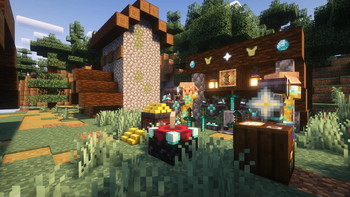
About this Mod
Module Introduction
This is a decorative mod used for showcasing items.
Content Overview
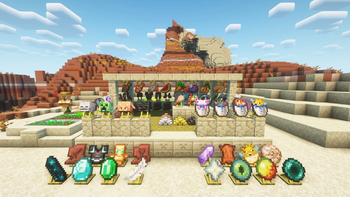
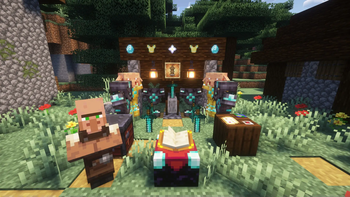
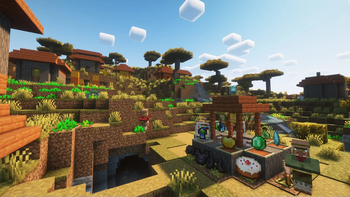
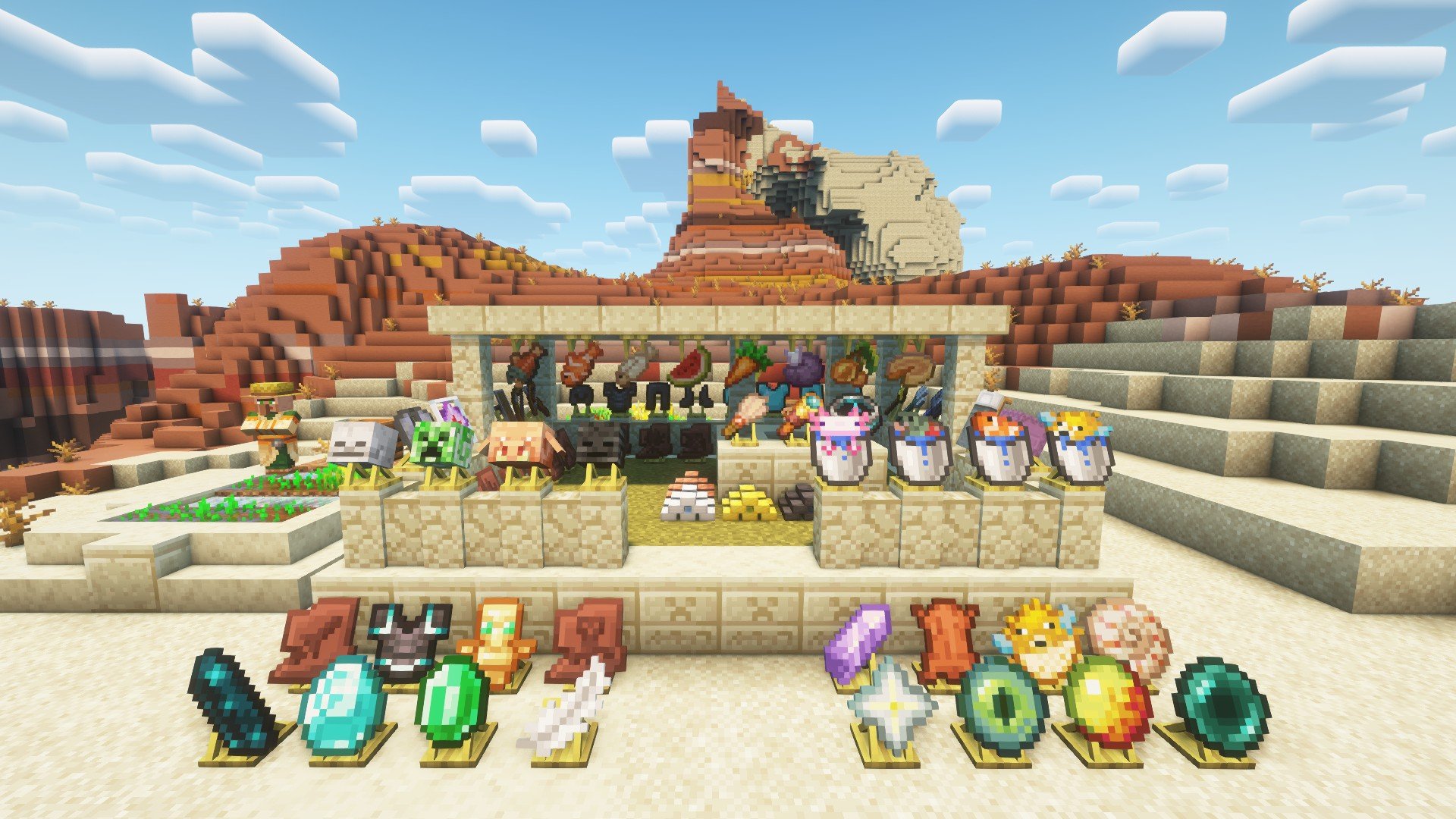
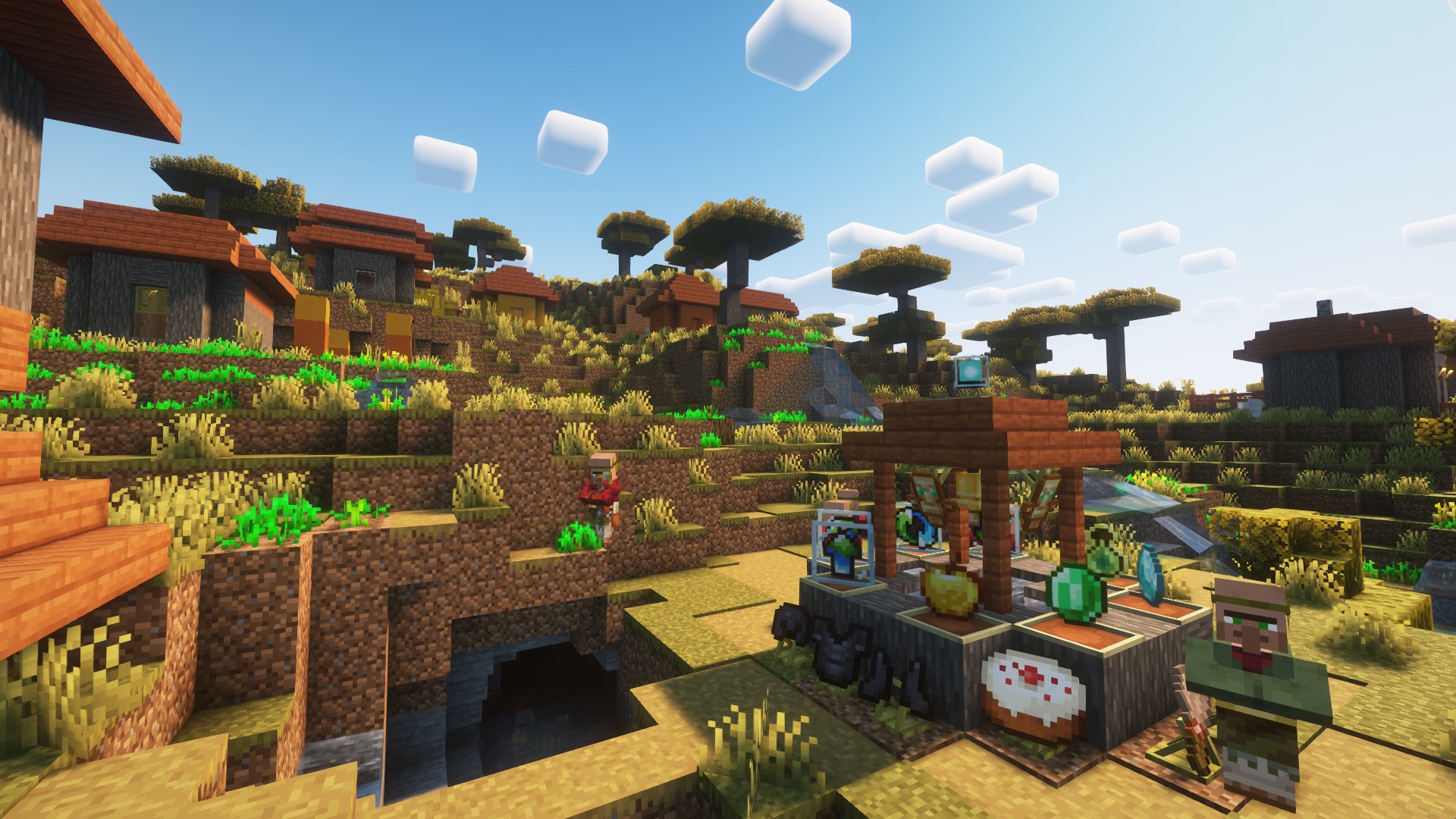
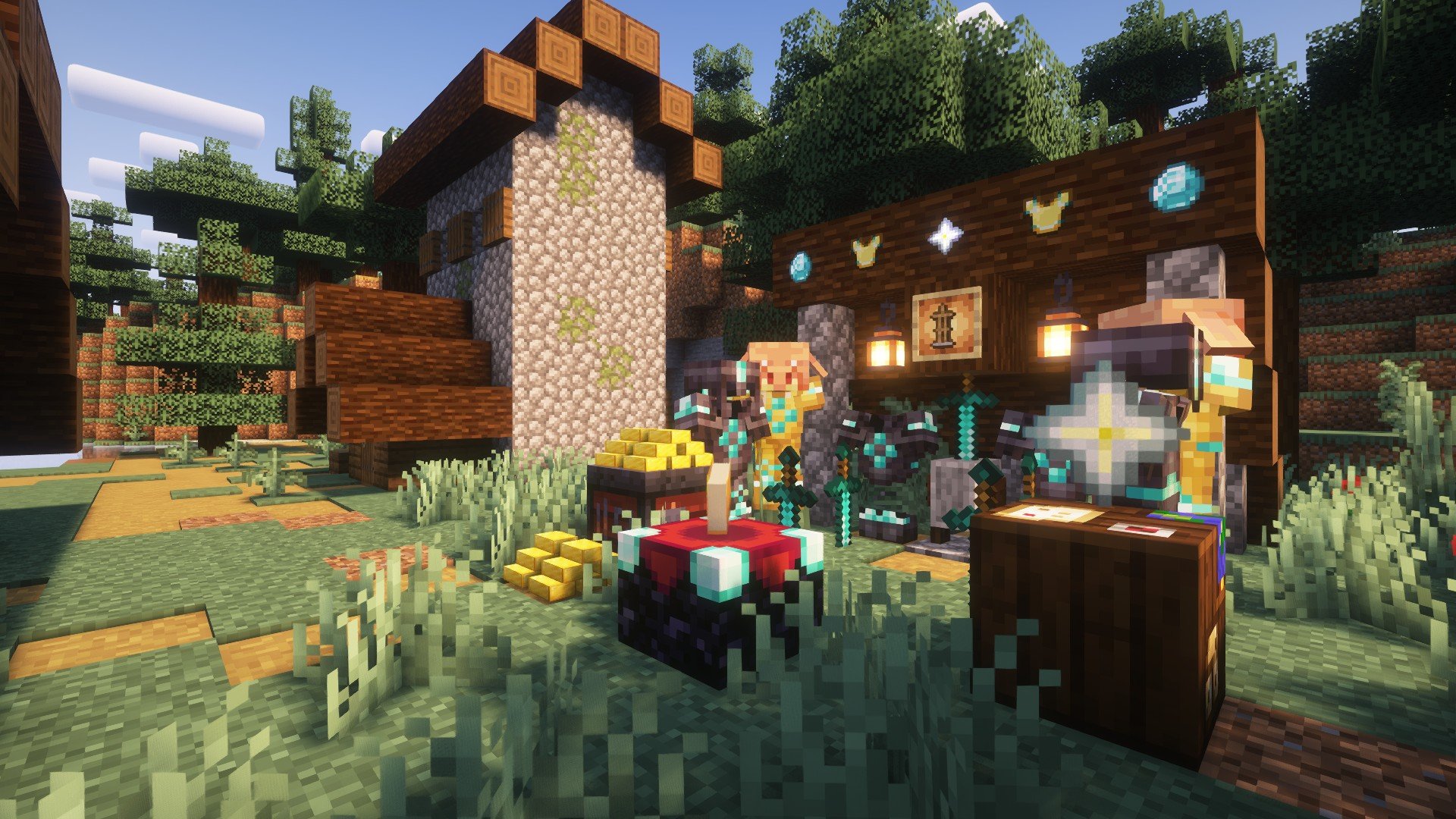
- The "As You See" mod provides a series of functional blocks for displaying items, allowing the display of any (mod) items.
- The displayed items can be a stick, an apple, a diamond, a piece of equipment, a shulker box (supporting NBT data), and so on.
- The blocks support simple debugging (the player needs to be empty-handed), and the material of the displayed items depends on the texture pack loaded by the playe
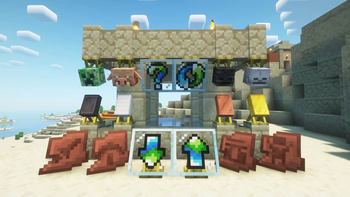
- Players can click on the side of the block to flip it (rotate), click on the top surface to invert it (invert), and hold down the Shift key to make the block invisible (invisible)
Mod content
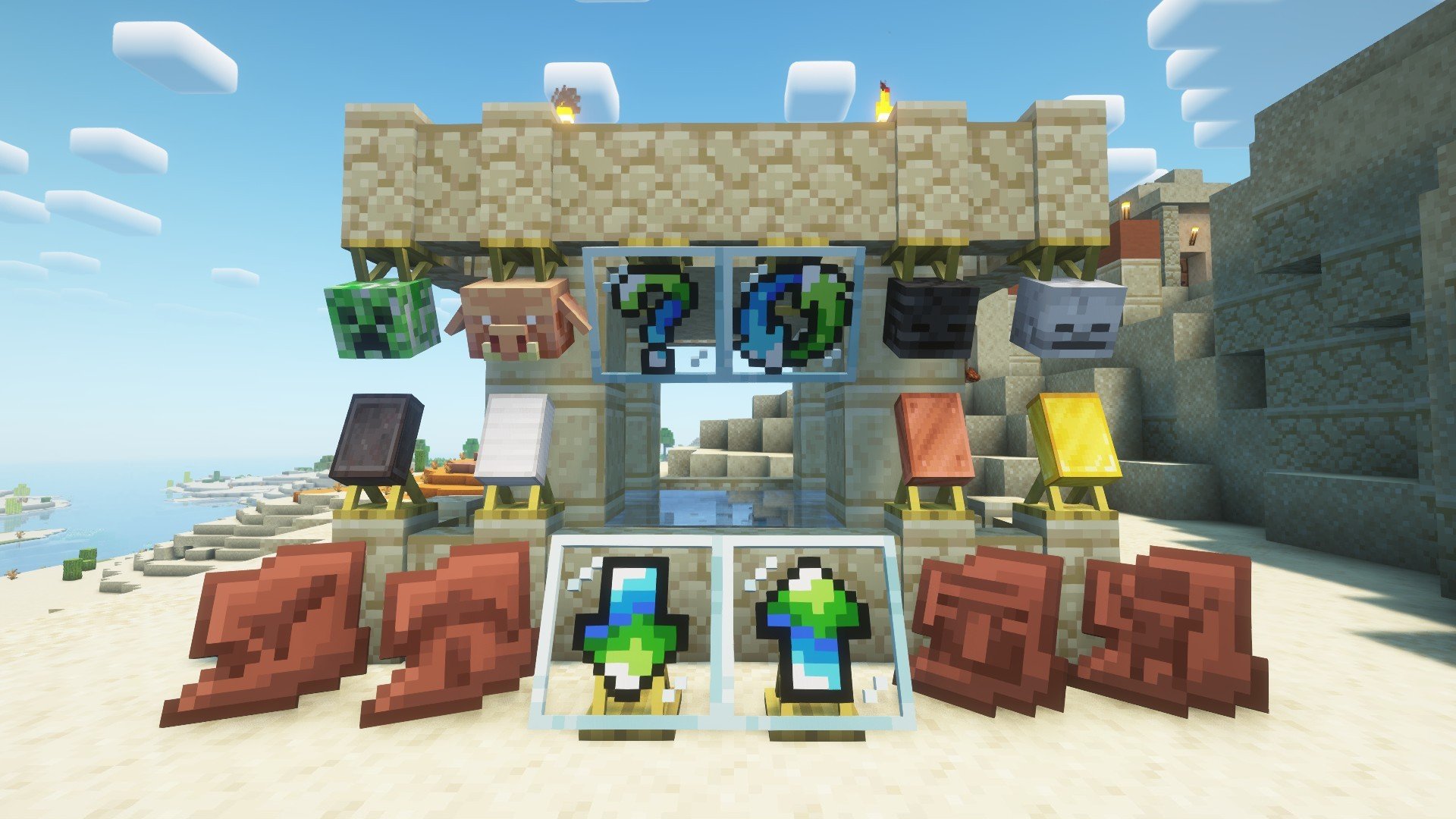
- The display stands (bottom and top) rotate 22.5° according to the player's facing direction to display items, which supports rotating and hiding the items.
- The block frames (normal and rotating) display items at a 90° angle according to the player's facing direction, and support flipping, rotating and hiding the items.
Minecraft content
- The display frame (Shift + right-click) can be hidden (and it supports the display frames of other mods).
- For the armor stand, left-clicking can make it levitate, and Shift + left-clicking can hide it. Players can customize the display of armor by using blocks of different heights (such as snow blocks).
- For metal ingots, Shift + right-clicking can place them (whether it can be placed or not can be customized through the config). The storage upper limit is 64, and different metal ingot models will be displayed according to the quantity.
Message board
- If you have any other needs or suggestions, please try to contact the author or leave a message within the thread.
- Of course, some content can be found in Archaeological_Research. If you are interested in archaeology, you can check out the Archaeological_Research.
Game screenshot

Available Versions
How to Install Displayed on Your Server
Order Server
Order a Minecraft Java server with at least 3 GB RAM (4 GB recommended).
Set fabric Loader
In the panel under "Egg", select the fabric loader and matching Minecraft version (1.21.1).
Install Mod
Open the mod browser in the dashboard and search for "Displayed". Click "Install" – done! Alternatively, upload the .jar via SFTP to the /mods folder.
Compatibility
Mod Loaders
Minecraft Versions
1.21.1, 1.21, 1.20.6 (+6 more)
Server-side
✓ RequiredRecommended RAM
4 GB(min. 3 GB)Frequently Asked Questions
Displayed server crashes on startup – what to do?
Most common cause: wrong fabric version or insufficient RAM. Check the server log (latest.log) for "OutOfMemoryError" or "Mixin" errors. With Mado Hosting: ensure at least 3 GB RAM is allocated and the loader matches the mod version (1.21.1). You can switch loaders with one click in the panel.
Is Displayed compatible with fabric and forge and neoforge?
Displayed officially supports fabric, forge, neoforge for Minecraft 1.21.1, 1.21, 1.20.6. Note: Forge and Fabric mods are NOT cross-compatible – pick one loader and stick with it. The Mado dashboard automatically detects incompatible loader combinations.
Server lagging with Displayed – how to optimize performance?
Recommended RAM: 4 GB (per 8 players). Use /spark profiler to check if Displayed consumes the most tick time. Common fixes: reduce server view-distance to 8-10, install "performant" or "starlight" as supplementary mods on Forge. With Mado Hosting, your server runs on NVMe SSDs with dedicated CPU cores for minimal latency.
Similar Mods

![[ETF] Entity Texture Features](https://cdn.modrinth.com/data/BVzZfTc1/af683d206d50b05258d865b0d6e4aa2f2cee12f2_96.webp)
![[EMF] Entity Model Features](https://cdn.modrinth.com/data/4I1XuqiY/6e5bbd0d06b1741bfdab6c0cfab6de8fdaf0064c_96.webp)



Rent Modded Server
Install Displayed with just one click on your server.