
Distinct Potions
Trouble telling your potions apart? Time to give you a helping hand with that.
Screenshots

About this Mod
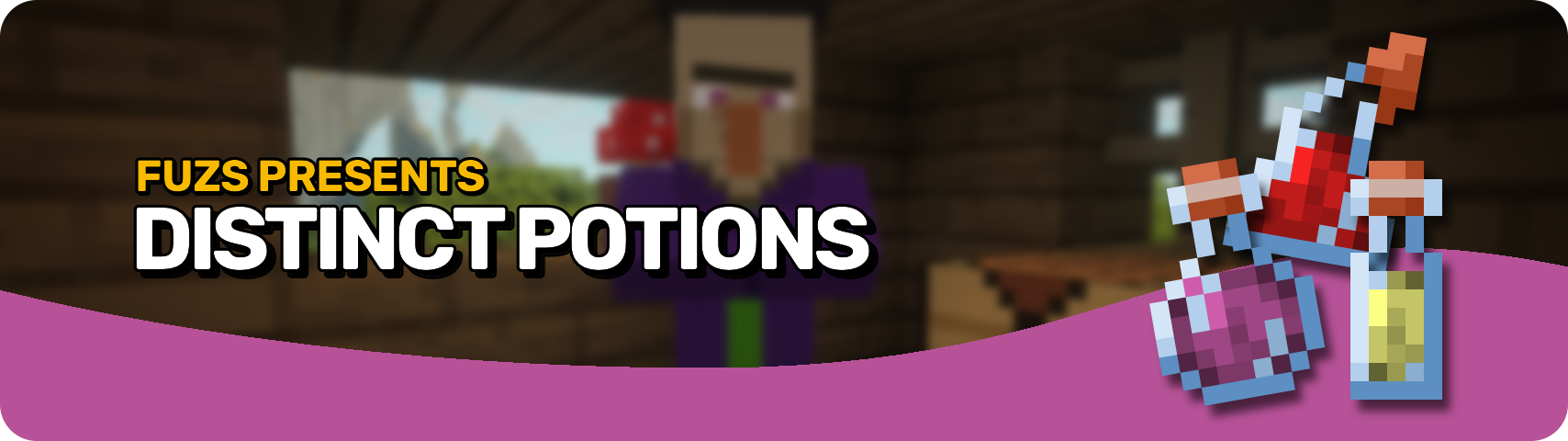








Distinct Potions makes potions easier to recognize at a glance. 🧪 With clearer visuals, unique bottle styles, and improved naming, you can finally tell your potions apart without hovering over every single one.
Built for both vanilla and modded content, it helps brewing, storage, and inventory management feel cleaner and more intuitive. ✨

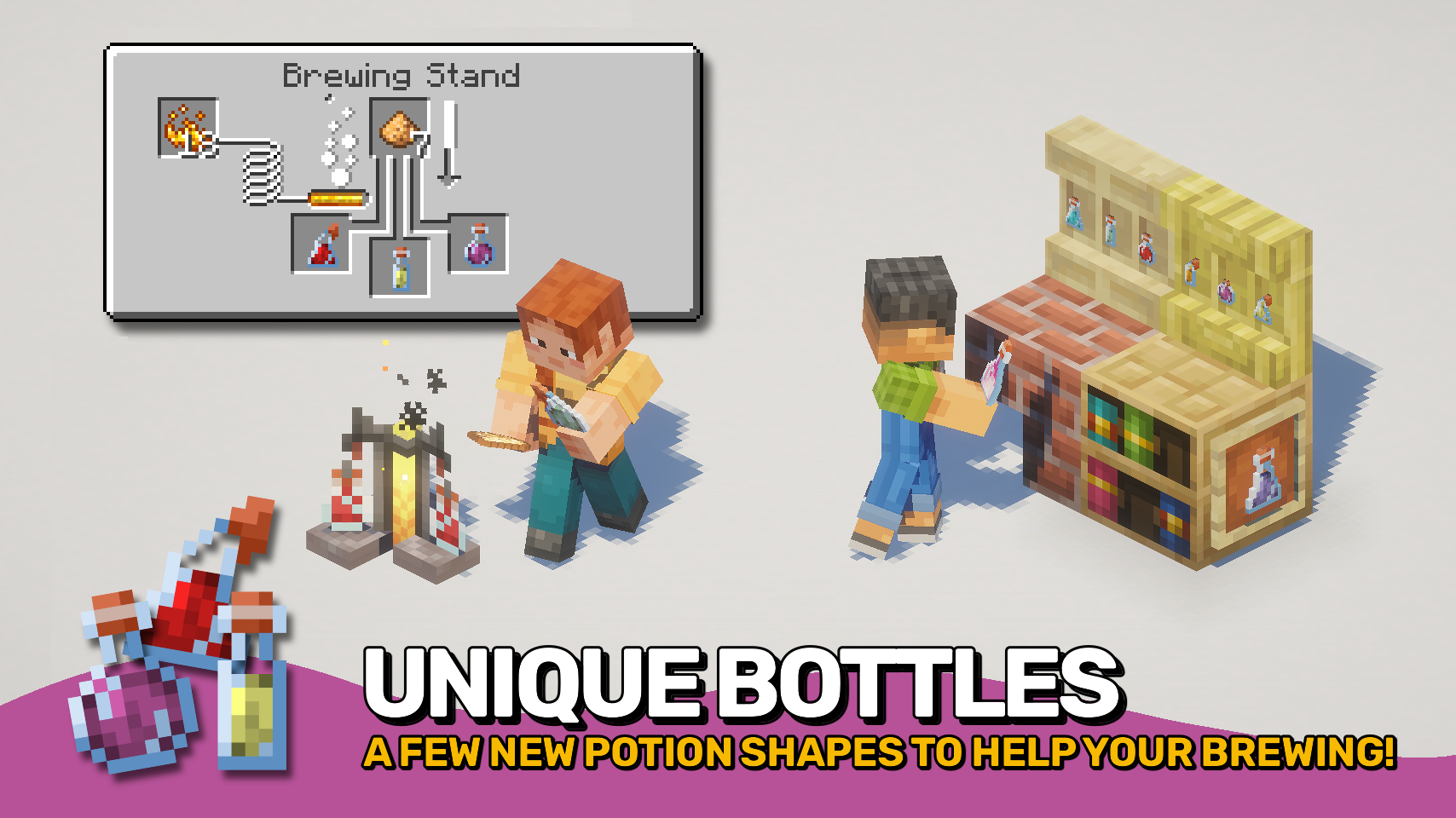
- 🍾 Unique Potion Bottles: Greater and extended potions use distinct bottle appearances for easier visual recognition.
- 🏷️ Clear Potion Names: Potion names directly highlight whether they are greater, extended, or lesser.
- 🧪 Distinct Base Potions: Awkward, mundane, and thick potions gain their own unique colors to stand apart from water bottles.
- 🎨 Custom Effect Colors: Override mob effect colors to restore visuals from older Minecraft versions or create your own style.
- ⚙️ Highly Configurable: Potion categories are fully customizable and support both vanilla and modded potions through flexible matching rules and tags.


⏩ INSTALLATION REQUIRED ON CLIENT
⏩ REQUIRES PUZZLES LIB TO BE INSTALLED (FABRIC & NEOFORGE)
⏩ REQUIRES FABRIC API TO BE INSTALLED (FABRIC)
⏩ REQUIRES FORGE CONFIG API PORT TO BE INSTALLED (FABRIC)

If available for a mod, configuration is possible directly from in-game using the mod menu (requires Mod Menu by Prospector to be installed on Fabric).
For manual configuration using an external text editor all files are found at .minecraft/config, named as MOD_ID-client.toml, MOD_ID-common.toml, or MOD_ID-server.toml, depending on the type of config. Not all types might exist for a mod, if any at all.

🌟 Big thanks to AaronBlader12 and their Potion Visual Revamp suggestion on the Minecraft Forum, which some parts of this mod are based on.


Available Versions
How to Install Distinct Potions on Your Server
Order Server
Order a Minecraft Java server with at least 3 GB RAM (4 GB recommended).
Set fabric Loader
In the panel under "Egg", select the fabric loader and matching Minecraft version (26.1.2).
Install Mod
Open the mod browser in the dashboard and search for "Distinct Potions". Click "Install" – done! Alternatively, upload the .jar via SFTP to the /mods folder.
Compatibility
Mod Loaders
Minecraft Versions
26.1.2, 26.1.1, 26.1 (+11 more)
Server-side
✗ UnsupportedRecommended RAM
4 GB(min. 3 GB)Frequently Asked Questions
Distinct Potions server crashes on startup – what to do?
Most common cause: wrong fabric version or insufficient RAM. Check the server log (latest.log) for "OutOfMemoryError" or "Mixin" errors. With Mado Hosting: ensure at least 3 GB RAM is allocated and the loader matches the mod version (26.1.2). You can switch loaders with one click in the panel.
Is Distinct Potions compatible with fabric and forge and neoforge?
Distinct Potions officially supports fabric, forge, neoforge for Minecraft 26.1.2, 26.1.1, 26.1. Note: Forge and Fabric mods are NOT cross-compatible – pick one loader and stick with it. The Mado dashboard automatically detects incompatible loader combinations.
Server lagging with Distinct Potions – how to optimize performance?
Recommended RAM: 4 GB (per 8 players). Use /spark profiler to check if Distinct Potions consumes the most tick time. Common fixes: reduce server view-distance to 8-10, install "performant" or "starlight" as supplementary mods on Forge. With Mado Hosting, your server runs on NVMe SSDs with dedicated CPU cores for minimal latency.
Similar Mods




![[ETF] Entity Texture Features](https://cdn.modrinth.com/data/BVzZfTc1/af683d206d50b05258d865b0d6e4aa2f2cee12f2_96.webp)
![[EMF] Entity Model Features](https://cdn.modrinth.com/data/4I1XuqiY/6e5bbd0d06b1741bfdab6c0cfab6de8fdaf0064c_96.webp)
Rent Modded Server
Install Distinct Potions with just one click on your server.