
Doggy Talents Next's Community Skin Expansion
MORE SKINS!!!
Screenshots
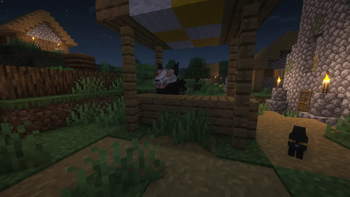
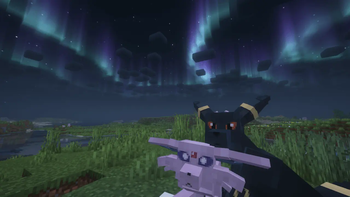
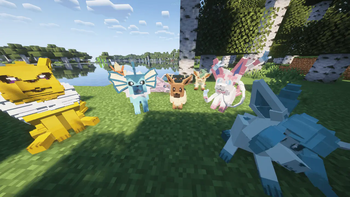
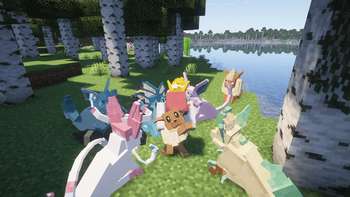
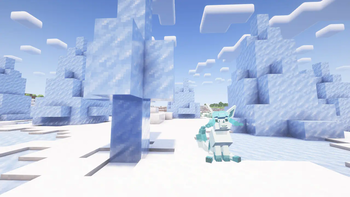
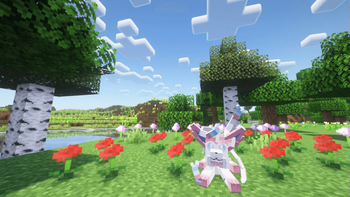
About this Mod
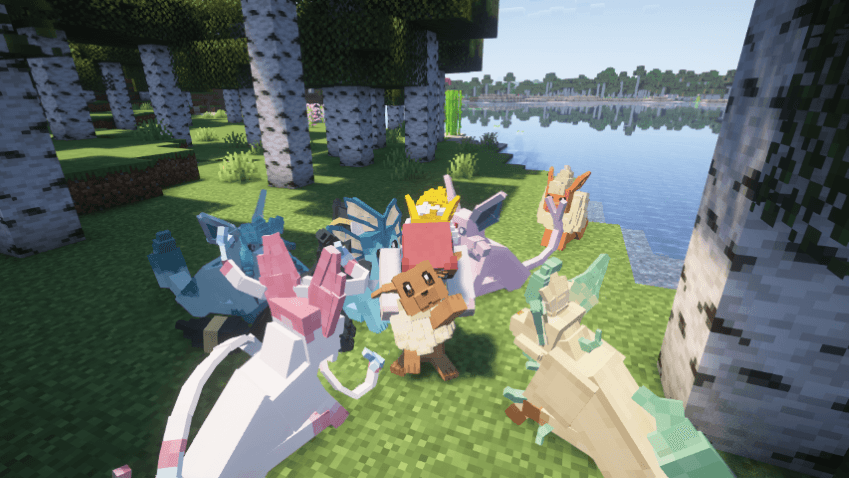
🦴🐾 === DTN Community Skin Expansion === 🐾🦴
You can use it on any server that has Doggy Talents Next installed!
---
This mod adds all of the approved skin requests from our lovely player base!
You also have a chance to have your model added/made by submitting your request to (preferably) our Discord server or by commenting here! Or anywhere else that we can find you!
Disclaimer: This is NOT a Pokemon mod. It's true that DTN:CSE aims to have a wider spectrum of audience but keep in mind, DTN is a Dogs mod and NOT a Pokemon mod.
This addon requires the Doggy Talents Next mod to work! You can find the mod here:
https://www.curseforge.com/minecraft/mc-mods/doggy-talents-next
🦴🐾 === How to access the Skins === 🐾🦴
1. Sneak-click a Trained Dog to access the Dog Menu.
2. Navigate to Style Tab -> Skins
3. The newly added skins will be at the end of the list (or you can utilize Search by Tag)
====
Disclaimer: DTN-CSE is only visible to those who installed this, otherwise it would render as a Classical Wolf.
-------------🦴🐾Check out other products!🦴🐾-------------
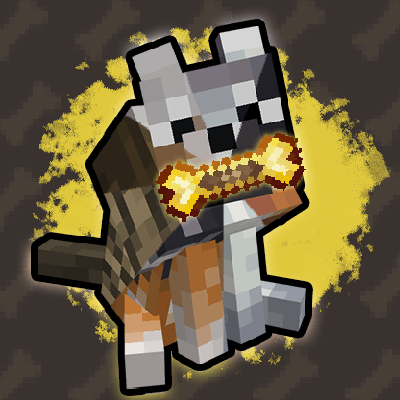
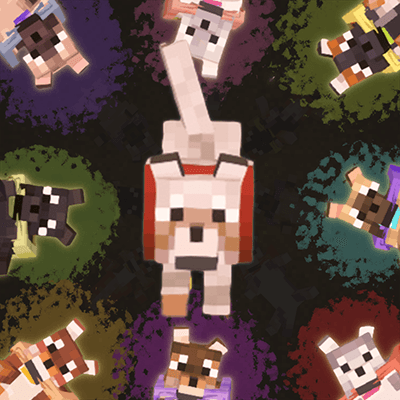
- Doggy Talents Next's Palette Of Paws
- Doggy Talents Next
- BetterDogs X DTN (client)
- New Wolves X DoggyTalentsNext Resource Pack (client)
Having issues? Please post all issues and questions on Github or our Discord Server! It would make our work a lot easier if we can get together on the same page!
We also made a YouTube channel: 【 狼才能次 】🦴 DoggyTalentsNextMod OFFICIAL 🦴
All rights reserved to the respective owners.
Available Versions
How to Install Doggy Talents Next's Community Skin Expansion on Your Server
Order Server
Order a Minecraft Java server with at least 3 GB RAM (4 GB recommended).
Set fabric Loader
In the panel under "Egg", select the fabric loader and matching Minecraft version (1.21.1).
Install Mod
Open the mod browser in the dashboard and search for "Doggy Talents Next's Community Skin Expansion". Click "Install" – done! Alternatively, upload the .jar via SFTP to the /mods folder.
Compatibility
Mod Loaders
Minecraft Versions
1.21.1, 1.21, 1.20.1 (+3 more)
Server-side
✗ UnsupportedRecommended RAM
4 GB(min. 3 GB)Frequently Asked Questions
Doggy Talents Next's Community Skin Expansion server crashes on startup – what to do?
Most common cause: wrong fabric version or insufficient RAM. Check the server log (latest.log) for "OutOfMemoryError" or "Mixin" errors. With Mado Hosting: ensure at least 3 GB RAM is allocated and the loader matches the mod version (1.21.1). You can switch loaders with one click in the panel.
Is Doggy Talents Next's Community Skin Expansion compatible with fabric and forge and neoforge?
Doggy Talents Next's Community Skin Expansion officially supports fabric, forge, neoforge for Minecraft 1.21.1, 1.21, 1.20.1. Note: Forge and Fabric mods are NOT cross-compatible – pick one loader and stick with it. The Mado dashboard automatically detects incompatible loader combinations.
Server lagging with Doggy Talents Next's Community Skin Expansion – how to optimize performance?
Recommended RAM: 4 GB (per 8 players). Use /spark profiler to check if Doggy Talents Next's Community Skin Expansion consumes the most tick time. Common fixes: reduce server view-distance to 8-10, install "performant" or "starlight" as supplementary mods on Forge. With Mado Hosting, your server runs on NVMe SSDs with dedicated CPU cores for minimal latency.
Similar Mods

![[ETF] Entity Texture Features](https://cdn.modrinth.com/data/BVzZfTc1/af683d206d50b05258d865b0d6e4aa2f2cee12f2_96.webp)
![[EMF] Entity Model Features](https://cdn.modrinth.com/data/4I1XuqiY/6e5bbd0d06b1741bfdab6c0cfab6de8fdaf0064c_96.webp)



Rent Modded Server
Install Doggy Talents Next's Community Skin Expansion with just one click on your server.