
Donut Schematics
Browse, search, download schematics, preview maps, and check auction prices from Donut.build directly inside Minecraft. Not affiliated with the DonutSMP.
Screenshots
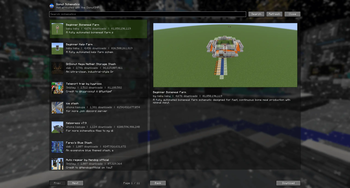
About this Mod
Donut Schematics
Browse, search, download schematics, preview maps, and check auction prices from Donut.build directly inside Minecraft.
Donut Schematics is a companion mod for donut.build that brings Donut.build tools into the game. You can discover and save schematics without leaving Minecraft, preview map art before buying it on DonutSMP, and check item auction values directly from your inventory.
Not affiliated with the DonutSMP.
Features
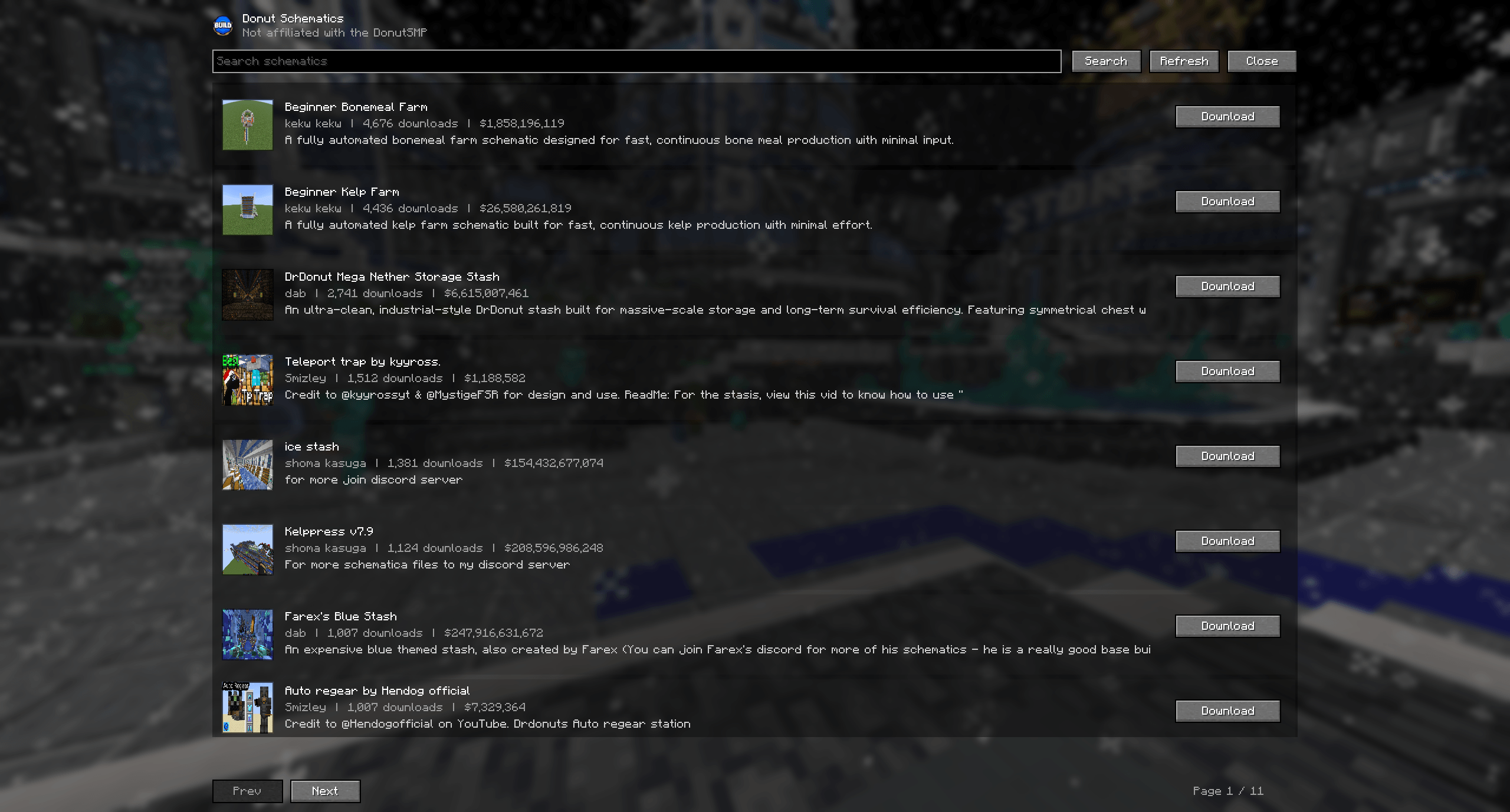
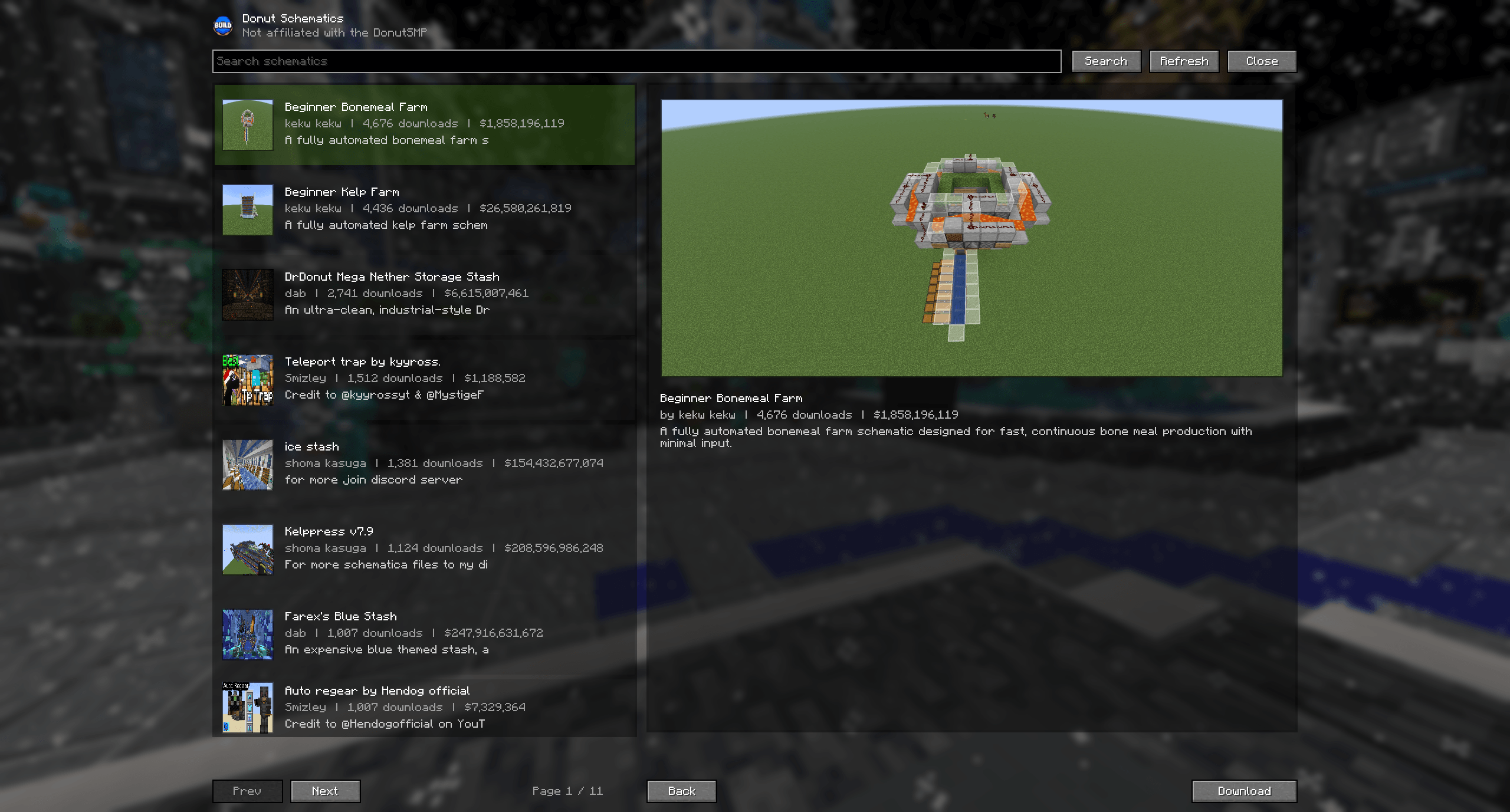
Browse and Download Schematics In-Game
Open the Donut Schematics menu, search for builds, and download schematics directly to your schematics folder.
No more opening a browser, downloading files manually, dragging them into folders, or organizing schematic downloads yourself.
Map Preview Tooltips
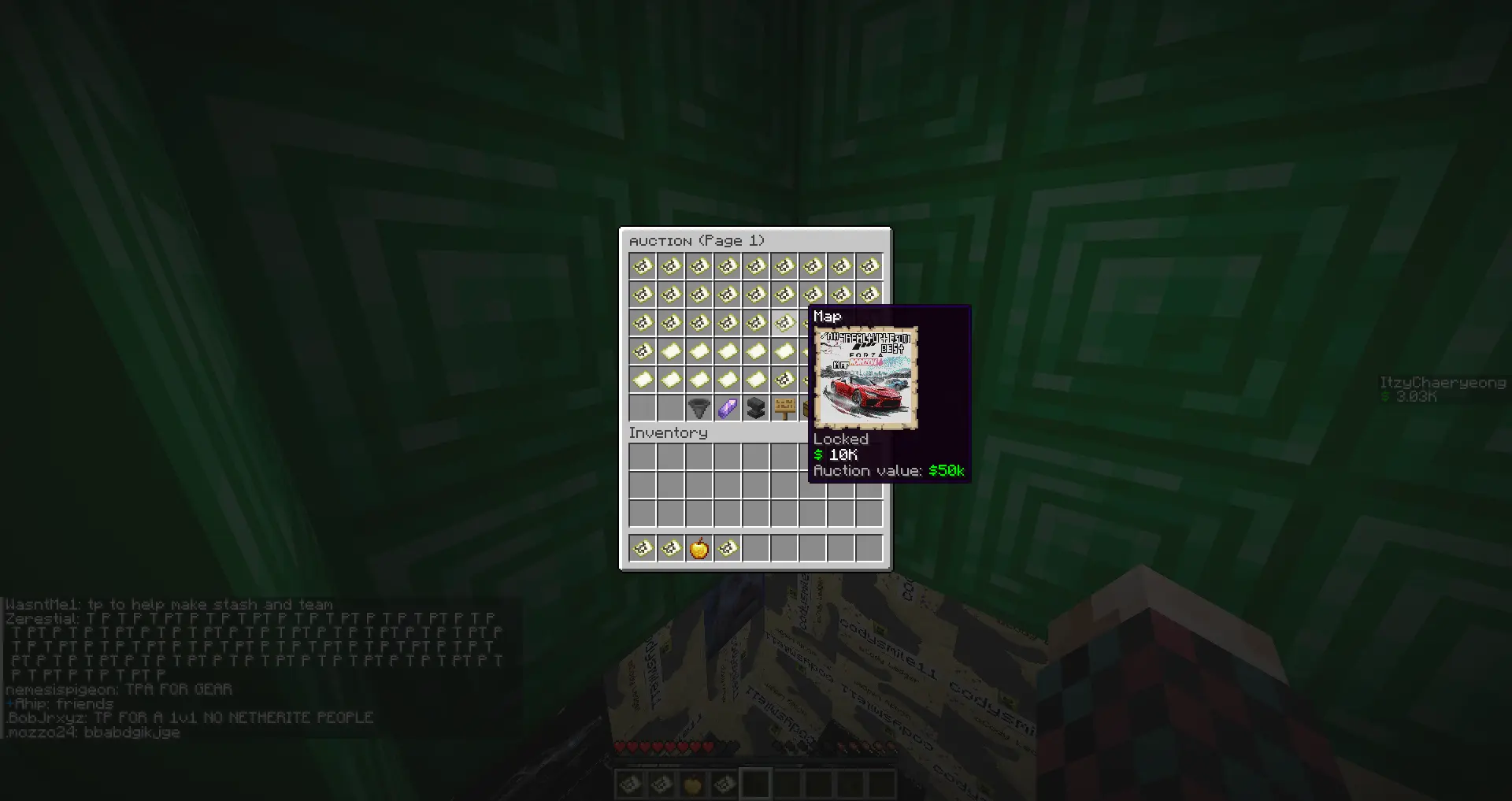
Hover over a filled map to preview what the map looks like directly in the tooltip.
Auction House Price Tooltips
Hover over an item in your inventory to see its estimated Auction House value.
How It Works
- Open the Donut Schematics menu in-game by pressing
B - Browse or search for a build
- Click download
- The schematic is automatically saved to your
schematicsfolder - Use it with Litematica
No manual file management required.
Keybind
The default keybind for opening Donut Schematics is B.
This can be changed at any time through the Minecraft Controls / Keybinds settings menu.
Screenshots
Requirements
- Fabric API
- Fabric Language Kotlin
- Litematica
Links
- Website: https://donut.build
- Discord: https://discord.com/invite/8nDE9HAJzX
Available Versions
How to Install Donut Schematics on Your Server
Order Server
Order a Minecraft Java server with at least 3 GB RAM (4 GB recommended).
Set fabric Loader
In the panel under "Egg", select the fabric loader and matching Minecraft version (1.21.11).
Install Mod
Open the mod browser in the dashboard and search for "Donut Schematics". Click "Install" – done! Alternatively, upload the .jar via SFTP to the /mods folder.
Compatibility
Mod Loaders
Minecraft Versions
1.21.11
Server-side
✗ UnsupportedRecommended RAM
4 GB(min. 3 GB)Frequently Asked Questions
Donut Schematics server crashes on startup – what to do?
Most common cause: wrong fabric version or insufficient RAM. Check the server log (latest.log) for "OutOfMemoryError" or "Mixin" errors. With Mado Hosting: ensure at least 3 GB RAM is allocated and the loader matches the mod version (1.21.11). You can switch loaders with one click in the panel.
Is Donut Schematics compatible with fabric?
Donut Schematics officially supports fabric for Minecraft 1.21.11. The Mado dashboard automatically detects incompatible loader combinations.
Server lagging with Donut Schematics – how to optimize performance?
Recommended RAM: 4 GB (per 8 players). Use /spark profiler to check if Donut Schematics consumes the most tick time. Common fixes: reduce server view-distance to 8-10, install "performant" or "starlight" as supplementary mods on Forge. With Mado Hosting, your server runs on NVMe SSDs with dedicated CPU cores for minimal latency.
Similar Mods

![[ETF] Entity Texture Features](https://cdn.modrinth.com/data/BVzZfTc1/af683d206d50b05258d865b0d6e4aa2f2cee12f2_96.webp)
![[EMF] Entity Model Features](https://cdn.modrinth.com/data/4I1XuqiY/6e5bbd0d06b1741bfdab6c0cfab6de8fdaf0064c_96.webp)



Rent Modded Server
Install Donut Schematics with just one click on your server.