
Doormat
Welcome to the entrance of my ideas! Wipe your feet please...
Screenshots
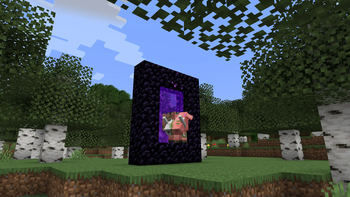
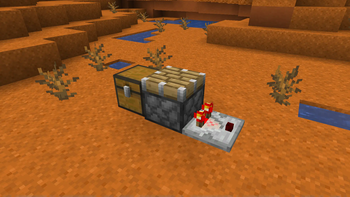
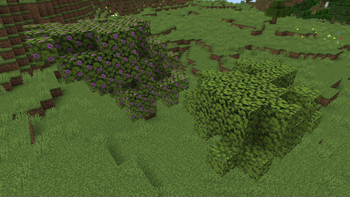
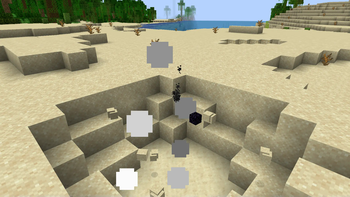
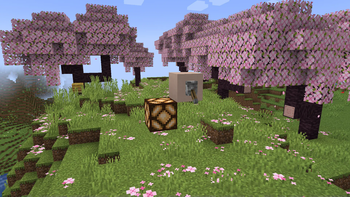
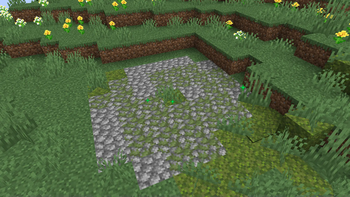
About this Mod
Hi there! Thank you for checking out Doormat!






Doormat is a Carpet extension, focusing on simply adding features I want to have fun with, and hopefully you will too! Aside from new ways to farm non-renewable resources, this mod prides itself on its "redstone tinkering" features, allowing you to have full control over block updates and quasi-connectivity in your worlds.
Check out the wiki for a more in-depth overview of Doormat's features!
Getting Started
- Make sure you're running a Fabric instance of the game. If you're playing from the vanilla launcher, follow the Fabric installation guide. If you're playing from a third-party launcher like Prism, you'll need to follow their own instructions which you can often find on their respective websites. For example, here is Prism's guide to downloading mods.
- If you're not using a third-party launcher with in-built mod installation, you'll need to download the latest version of Doormat for your game version from the GitHub releases page or on Modrinth. Drag the
.jarfile into your mods folder and launch the game!
Important: Doormat needs to be installed on both the client and server sides in order to get the full experience. If you're playing on a multiplayer server, contact your server administrator to request this mod be installed. Like Carpet, it will not work on Paper, Spigot, Purpur or any other non-Fabric server softwares.
More Extensions
There are a lot of other Carpet extensions out there, adding countless new rules and functionality! You can find a list of them in the Carpet wiki.
Available Versions
How to Install Doormat on Your Server
Order Server
Order a Minecraft Java server with at least 3 GB RAM (4 GB recommended).
Set fabric Loader
In the panel under "Egg", select the fabric loader and matching Minecraft version (1.21.1).
Install Mod
Open the mod browser in the dashboard and search for "Doormat". Click "Install" – done! Alternatively, upload the .jar via SFTP to the /mods folder.
Compatibility
Mod Loaders
Minecraft Versions
1.21.1, 1.21, 1.20.6 (+4 more)
Server-side
✓ RequiredRecommended RAM
4 GB(min. 3 GB)Frequently Asked Questions
Doormat server crashes on startup – what to do?
Most common cause: wrong fabric version or insufficient RAM. Check the server log (latest.log) for "OutOfMemoryError" or "Mixin" errors. With Mado Hosting: ensure at least 3 GB RAM is allocated and the loader matches the mod version (1.21.1). You can switch loaders with one click in the panel.
Is Doormat compatible with fabric?
Doormat officially supports fabric for Minecraft 1.21.1, 1.21, 1.20.6. The Mado dashboard automatically detects incompatible loader combinations.
Server lagging with Doormat – how to optimize performance?
Recommended RAM: 4 GB (per 8 players). Use /spark profiler to check if Doormat consumes the most tick time. Common fixes: reduce server view-distance to 8-10, install "performant" or "starlight" as supplementary mods on Forge. With Mado Hosting, your server runs on NVMe SSDs with dedicated CPU cores for minimal latency.
Similar Mods




Rent Modded Server
Install Doormat with just one click on your server.