![DrinkingCraft [ENG]](https://cdn.modrinth.com/data/kZqM2VUW/334b7c8408e64e889e4fa2a01b67194704999ef6.png)
DrinkingCraft [ENG]
Turning Minecraft into a Drinking Game
Screenshots
About this Mod
DrinkingCraft
A Datapack that turns Minecraft into a Drinking Game. Made for version 1.21.1. Project inspired by the Datapack "Drunkcraft", which is no longer available, with the purpose of bringing an updated, functional and better version. Made by EnzuBR.

Conditions
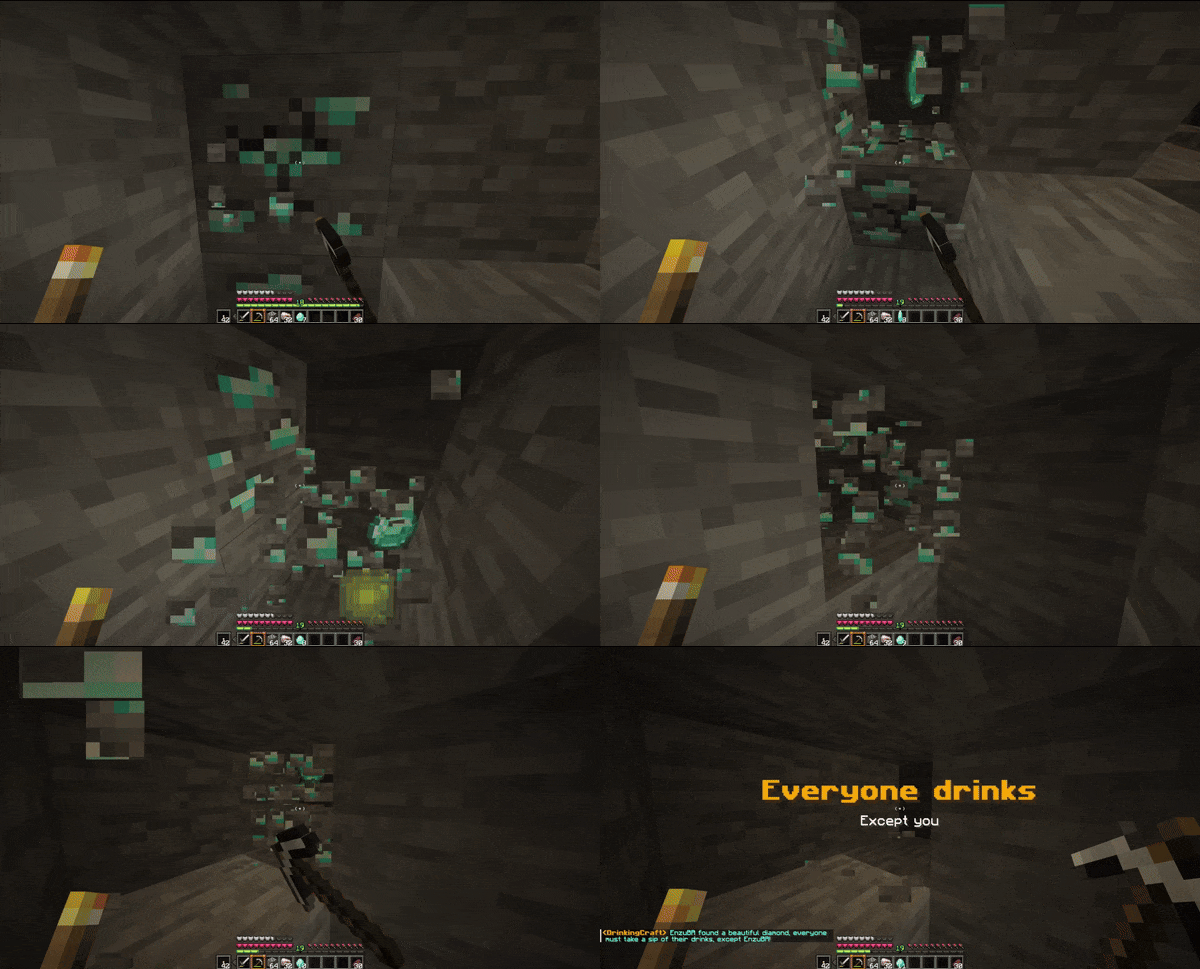
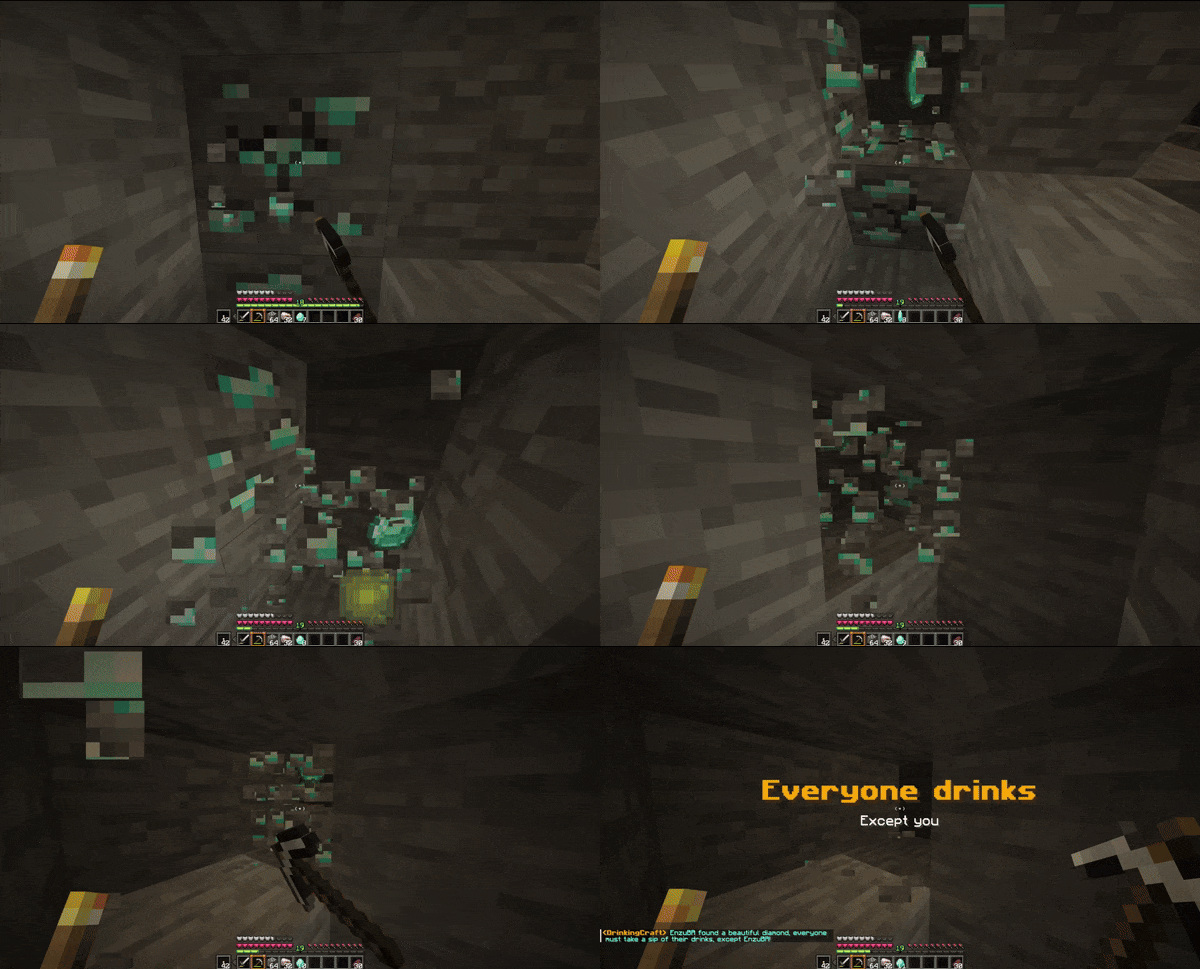
Chance for everyone to drink when someone mines a diamond, except the one who mined it (25%)
Chance to choose someone to drink when mining an emerald (7.5%)
Chance to choose someone to drink when mining gold (7.5%)
Chance to choose someone to drink when mining iron (4%)
Chance to choose someone to drink when mining coal (3%)
Chance to drink when breaking obsidian (5%)
Chance to drink when getting your first Crafting Table (33%)
Everyone drinks when the first person finds the mushroom biome, except the one who found it
Everyone drinks when someone trades with a Villager for the first time
Everyone drinks when the first person gets full diamond armor, except the one who got it
Everyone drinks when the Nether is discovered
Everyone drinks when a Nether Fortress is found
Everyone drinks when the Stronghold is found
Everyone takes a Shot when the End is discovered
Everyone takes a Shot when the Ender Dragon is killed for the first time
Everyone takes a Shot when the first person gets full netherite armor, except the one who got it
The first person to find an Ancient Debris chooses someone to take a Shot
The first person to get Return to Sender chooses someone to take a Shot
Chance to drink when killing a passive mob (5%)
Finish your drink when you die
Drink when you go 10 minutes without dying
Drink when your equipment breaks
Shot for the first player to get a Crafting Table
Shot the first time you join the server

Other languages


Available Versions
How to Install DrinkingCraft [ENG] on Your Server
Order Server
Order a Minecraft Java server with at least 3 GB RAM (4 GB recommended).
Set datapack Loader
In the panel under "Egg", select the datapack loader and matching Minecraft version (1.21.4).
Install Mod
Open the mod browser in the dashboard and search for "DrinkingCraft [ENG]". Click "Install" – done! Alternatively, upload the .jar via SFTP to the /mods folder.
Compatibility
Mod Loaders
Minecraft Versions
1.21.4, 1.21.3, 1.21.2 (+2 more)
Server-side
✓ RequiredRecommended RAM
4 GB(min. 3 GB)Frequently Asked Questions
DrinkingCraft [ENG] server crashes on startup – what to do?
Most common cause: wrong datapack version or insufficient RAM. Check the server log (latest.log) for "OutOfMemoryError" or "Mixin" errors. With Mado Hosting: ensure at least 3 GB RAM is allocated and the loader matches the mod version (1.21.4). You can switch loaders with one click in the panel.
Is DrinkingCraft [ENG] compatible with datapack and fabric and forge and neoforge and quilt?
DrinkingCraft [ENG] officially supports datapack, fabric, forge, neoforge, quilt for Minecraft 1.21.4, 1.21.3, 1.21.2. Note: Forge and Fabric mods are NOT cross-compatible – pick one loader and stick with it. The Mado dashboard automatically detects incompatible loader combinations.
Server lagging with DrinkingCraft [ENG] – how to optimize performance?
Recommended RAM: 4 GB (per 8 players). Use /spark profiler to check if DrinkingCraft [ENG] consumes the most tick time. Common fixes: reduce server view-distance to 8-10, install "performant" or "starlight" as supplementary mods on Forge. With Mado Hosting, your server runs on NVMe SSDs with dedicated CPU cores for minimal latency.
Similar Mods




Rent Modded Server
Install DrinkingCraft [ENG] with just one click on your server.