
Ectoluminescence
Ectolum - Adds more use cases for "USELESS" minecraft features such as Glow Ink Sac, Phantom Membrane or Echo Shard. The mod implements ideas proposed by Nekoma in their youtube video
Screenshots


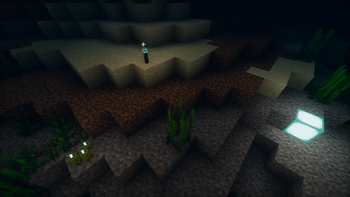

About this Mod
Ectoluminescence

or "Ectolum" for short
It's a mod that gives more purposes to a few of features already existing in vanilla minecraft, including: Glow Ink Sac, Phantom Membrane and Echo Shard.
Ideas for these features were taken, with the consent of the creator, from youtube video 'I Fixed "USELESS" Minecraft Features' by Nekoma (Note, that the mod only includes ideas for items listed above).
Features:
- Using Glow Ink Sac on a Banner or Decorated Pot faces makes them emissive
- Using Phantom Membrane on a Banner or any type of Sign causes its background to disappear
- New items:
- Clear Item Frame - A semi transparent Item Frame, that becomes invisible once you put an item inside. Perfect for creating displays with the Item visible, without the unnecessary texture of an Item Frame underneath! It's crafted from one Item Frame and one Glow Ink Sac.
- Glow Torch - A waterloggable version of torch, that glows worse than Soul Torch on the surface, but also glows as bright as a torch when placed underwater. Crafted from Glow Ink Sac and a Stick.
Full preview of features listed above is available in the gallery :>
New trim effects:
Glowing
Makes the armor trim glow in the dark! There is little to none difference in daylight (also, due to lack of light in the UI, it's not really visible here. Check the gallery for better reference)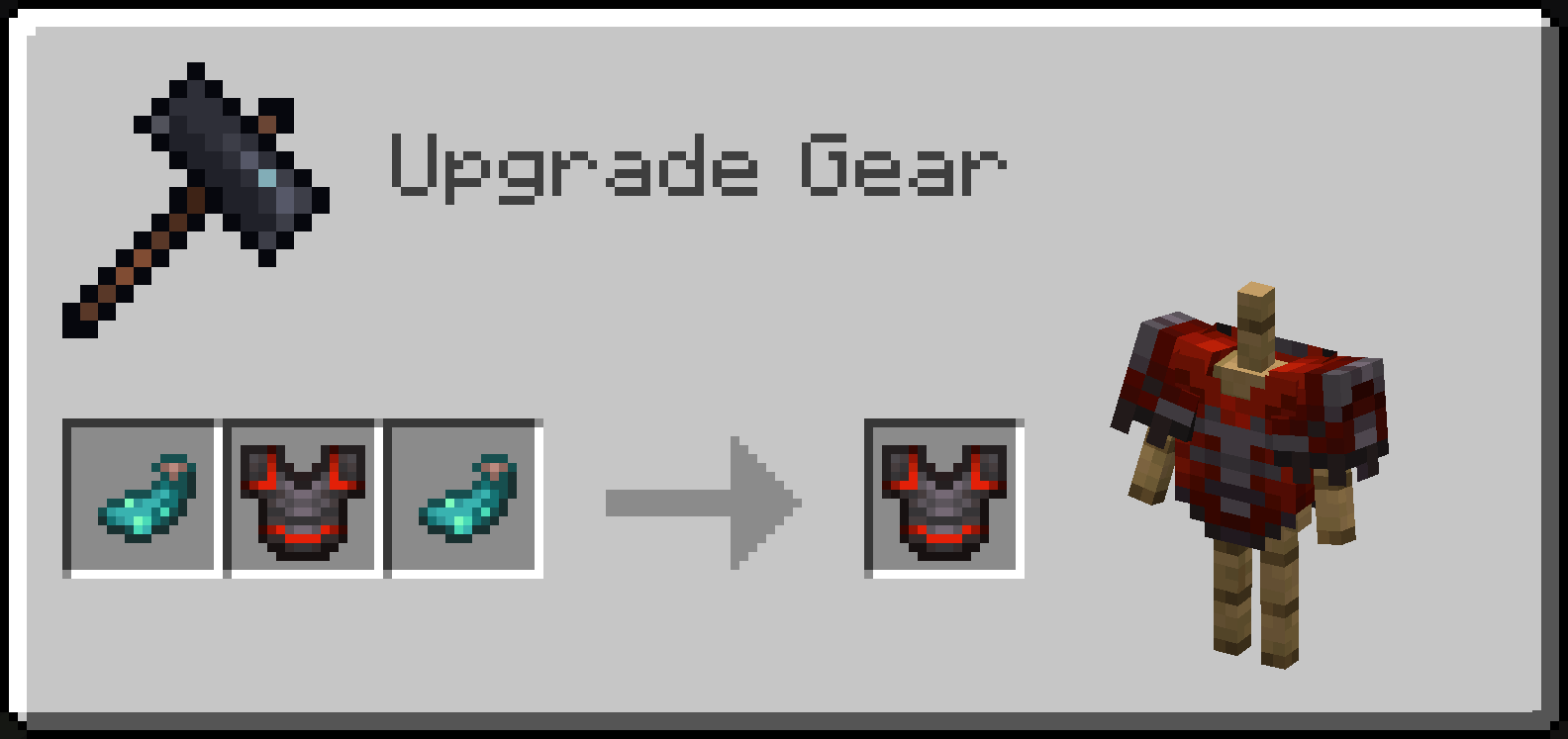
Echoing Effect: Fade
Makes the armor trim disappear periodically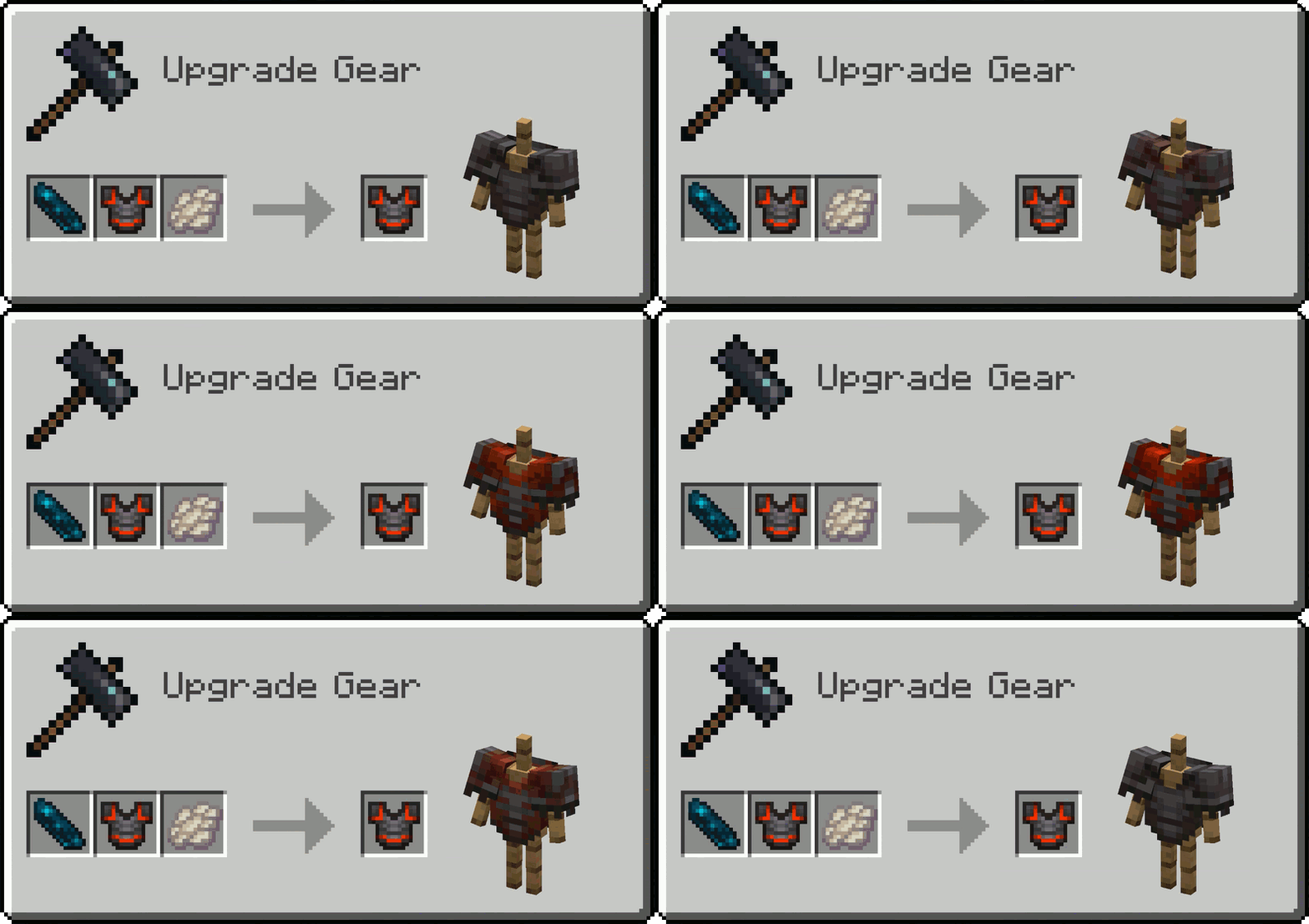
Echoing Effect: Twinkle
Makes the armor trim periodically emissive (it is best observed in the dark)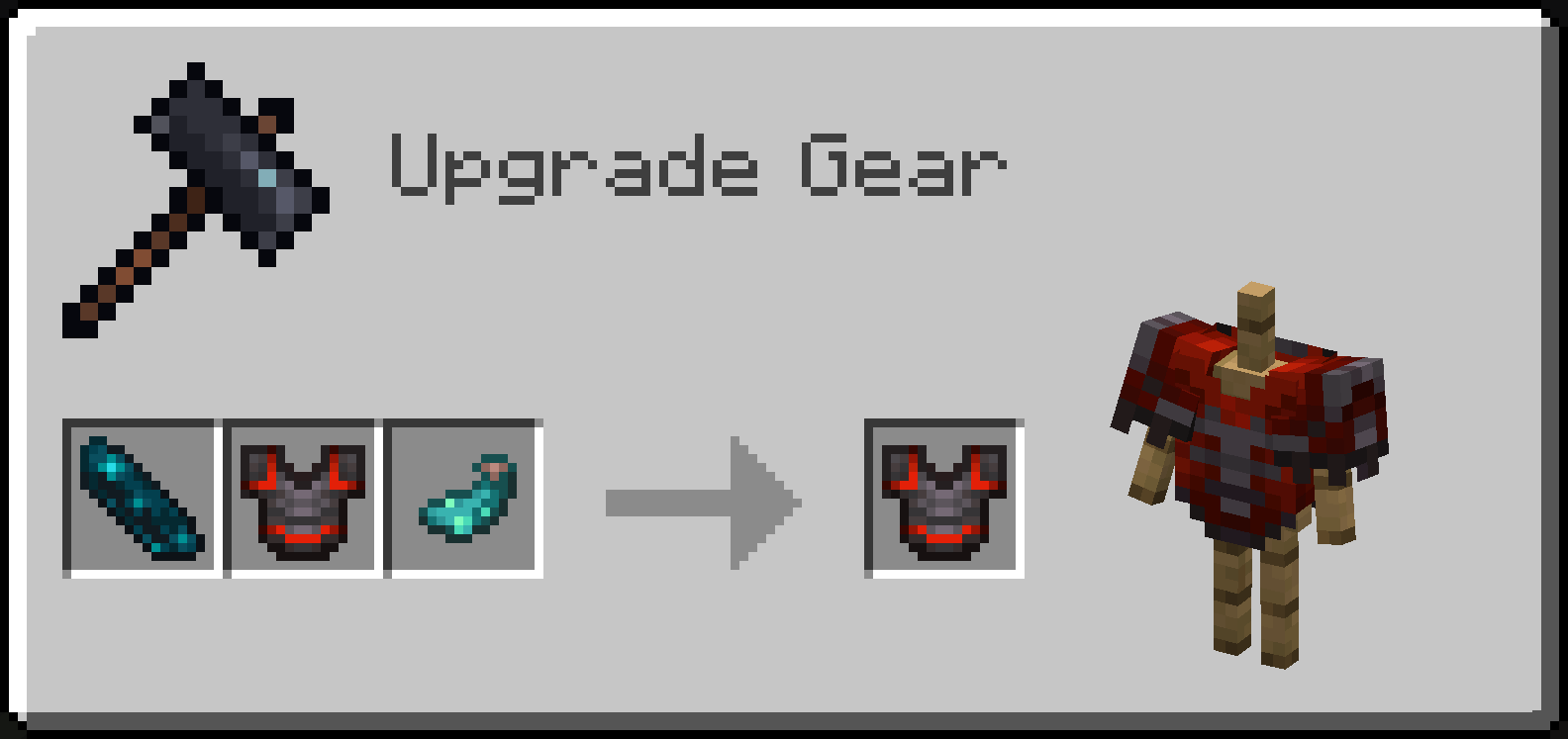
Echoing Effect: Pigment
Combining an Echo Shard with a trimmed armor and any trim material makes the armor trim change color periodically, from the one from original trim, to a new one that depends on a material used
Info for commandblock users and developers
- All the blocks/mobs that you can use Glow Ink Sac on have optional
ectolum.glowing(boolean) nbt that decides whether it's glowing or not - Same with optional
ectolum.hide_background(boolean) nbt for blocks that you can use Phantom Membrane on - The only exception is Decorated Pot, which has optional
ectolum.sherd_glow_overrides(byte array with 4 elements, eg.[B; 1b, 0b, 0b, 1b]) nbt deciding which faces inSherdslist glow - Every trimable armor piece can have both:
ectolum.glowing(boolean) andectolum.hidden(boolean) nbt tags inside theTrimnbt compound, but also additionalectolum.echoing_layers(compound list) nbt containing information on how its properties changes between each "echo". Each "echoing layer" can have any ofglowing(boolean),hidden(boolean) ormaterial(trim material ID, eg."minecraft:iron") specified, all of these parameters are optional. For example, in order to make a netherite trim with silence pattern glow for 3 intervals, and then not glow for another 3 (counting in the interval in which the default trim's parameters are read), so 6 intervals in total, the nbt would look like so:{Trim: {pattern: "silence", material: "netherite", ectolum.glowing: true ectolum.echoing_layers: [{}, {}, {glowing: false}, {}, {}]}} - The Netherite Chestplate you can see on the icon, glowing with all the colors of the rainbow, you can currently only aquire in creative mode via commands. The command for it looks like so:
/give @p netherite_chestplate{Trim:{pattern: "silence", material: "redstone", ectolum.glowing: true, ectolum.echoing_layers: [{material:"copper"},{material:"gold"},{material:"emerald"},{material:"diamond"},{material:"lapis"},{material:"amethyst"}]}} - Openning a world without the mod will cause blocks and mobs loosing the nbt parts added by this mod, but the vanilla parts will remain intact. Ofc nbt tags in items will stay the same, so any echoing layers applied to armor's trim will be visible once the mod is added again
Shader used for screenshots in gallery: Photon
Available Versions
How to Install Ectoluminescence on Your Server
Order Server
Order a Minecraft Java server with at least 3 GB RAM (4 GB recommended).
Set fabric Loader
In the panel under "Egg", select the fabric loader and matching Minecraft version (1.20.1).
Install Mod
Open the mod browser in the dashboard and search for "Ectoluminescence". Click "Install" – done! Alternatively, upload the .jar via SFTP to the /mods folder.
Compatibility
Mod Loaders
Minecraft Versions
1.20.1
Server-side
✓ RequiredRecommended RAM
4 GB(min. 3 GB)Frequently Asked Questions
Ectoluminescence server crashes on startup – what to do?
Most common cause: wrong fabric version or insufficient RAM. Check the server log (latest.log) for "OutOfMemoryError" or "Mixin" errors. With Mado Hosting: ensure at least 3 GB RAM is allocated and the loader matches the mod version (1.20.1). You can switch loaders with one click in the panel.
Is Ectoluminescence compatible with fabric?
Ectoluminescence officially supports fabric for Minecraft 1.20.1. The Mado dashboard automatically detects incompatible loader combinations.
Server lagging with Ectoluminescence – how to optimize performance?
Recommended RAM: 4 GB (per 8 players). Use /spark profiler to check if Ectoluminescence consumes the most tick time. Common fixes: reduce server view-distance to 8-10, install "performant" or "starlight" as supplementary mods on Forge. With Mado Hosting, your server runs on NVMe SSDs with dedicated CPU cores for minimal latency.
Similar Mods

![[ETF] Entity Texture Features](https://cdn.modrinth.com/data/BVzZfTc1/af683d206d50b05258d865b0d6e4aa2f2cee12f2_96.webp)
![[EMF] Entity Model Features](https://cdn.modrinth.com/data/4I1XuqiY/6e5bbd0d06b1741bfdab6c0cfab6de8fdaf0064c_96.webp)



Rent Modded Server
Install Ectoluminescence with just one click on your server.