
Elevated Ores
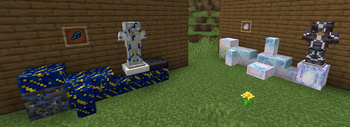
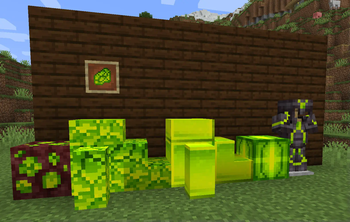
A mod that introduces an assortment of pretty decorative crystals, ores and stones!
Screenshots
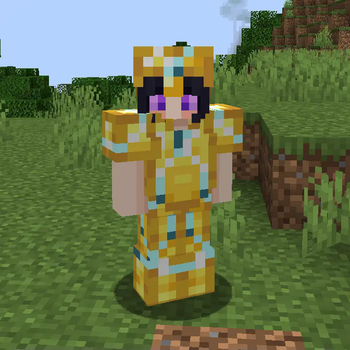
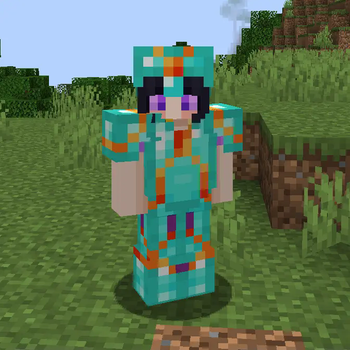
About this Mod
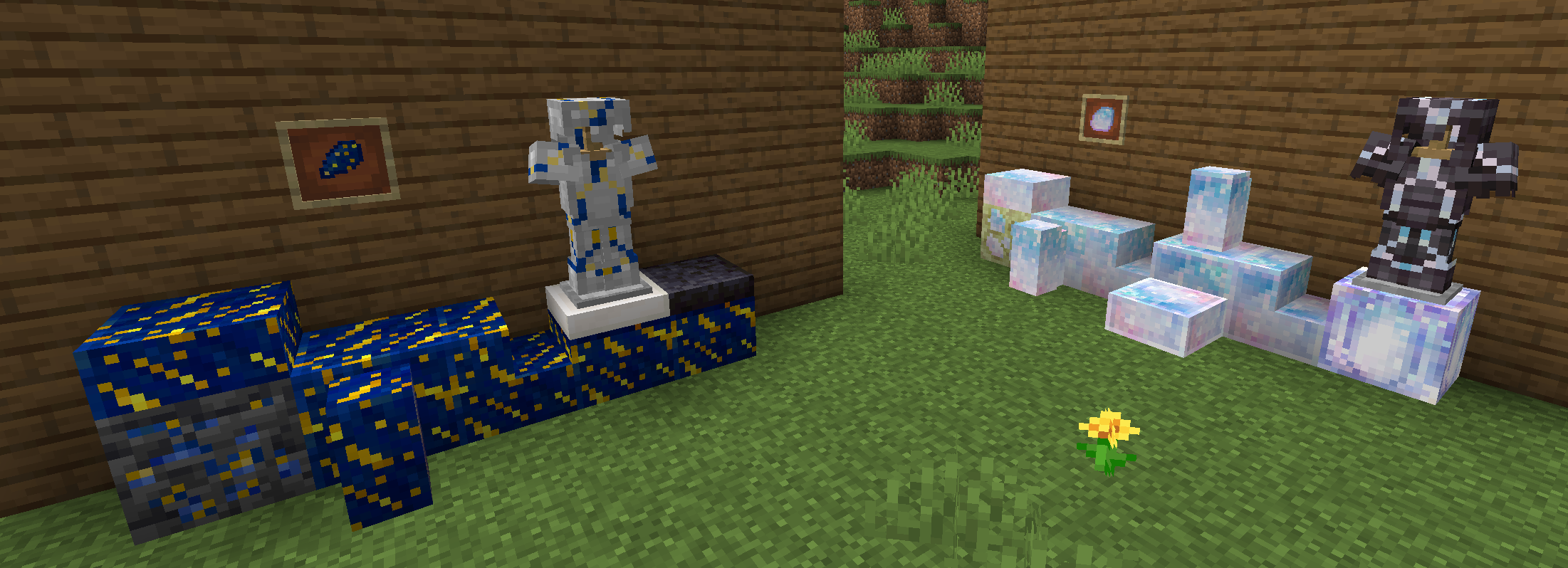
I ONLY post my newer mods and mod updates to Modrinth! If you see my mods being uploaded to other websites under my name, THAT IS AN IMPOSTER AND IT HAS BEEN DONE SO WITHOUT MY PERMISSION! PLEASE DO NOT REUPLOAD MY MODS TO OTHER WEBSITES!!! NEVER DOWNLOAD UNOFFICIAL REPOSTS OF MY MODS, AS I DO NOT ENDORSE THEM AND ESPECIALLY BECAUSE THEY COULD BE VIRUSES!!! The ONLY exception are mods hosted on Planet Minecraft with older versions of my mods as that is where I originally started out sharing them!
Welcome to a simple, elegant decoration-focused ore mod!
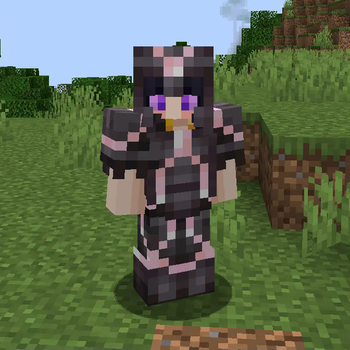
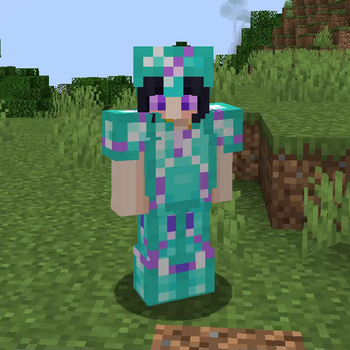
Each type of ore and stone spawns naturally, and can be used to craft their respective blocks, smoothed versions of these blocks, stairs, slabs, and walls, and even Countertops! This is a mod made specifically for builders and decorators, so I hope you can all draw all kinds of inspiration from it! Of course there's ALSO more ores and the like planned for the future, so hope you look forward to building with those too!
There's also a handful of pickaxes one can build with some of the available stones, also mainly for aesthetic purposes!
Planned Ores, Gems and Features (Subject to Change):Labradorite, Morganite, Quartz, Rainbow Quartz, Yellow Topaz, Alexandrite, Obsidian Shard, Pearls, Ender Pearl Blocks
Available Versions
How to Install Elevated Ores on Your Server
Order Server
Order a Minecraft Java server with at least 3 GB RAM (4 GB recommended).
Set forge Loader
In the panel under "Egg", select the forge loader and matching Minecraft version (1.20.1).
Install Mod
Open the mod browser in the dashboard and search for "Elevated Ores". Click "Install" – done! Alternatively, upload the .jar via SFTP to the /mods folder.
Compatibility
Mod Loaders
Minecraft Versions
1.20.1, 1.18.2, 1.16.5
Server-side
✓ RequiredRecommended RAM
4 GB(min. 3 GB)Frequently Asked Questions
Elevated Ores server crashes on startup – what to do?
Most common cause: wrong forge version or insufficient RAM. Check the server log (latest.log) for "OutOfMemoryError" or "Mixin" errors. With Mado Hosting: ensure at least 3 GB RAM is allocated and the loader matches the mod version (1.20.1). You can switch loaders with one click in the panel.
Is Elevated Ores compatible with forge?
Elevated Ores officially supports forge for Minecraft 1.20.1, 1.18.2, 1.16.5. The Mado dashboard automatically detects incompatible loader combinations.
Server lagging with Elevated Ores – how to optimize performance?
Recommended RAM: 4 GB (per 8 players). Use /spark profiler to check if Elevated Ores consumes the most tick time. Common fixes: reduce server view-distance to 8-10, install "performant" or "starlight" as supplementary mods on Forge. With Mado Hosting, your server runs on NVMe SSDs with dedicated CPU cores for minimal latency.
Similar Mods

![[ETF] Entity Texture Features](https://cdn.modrinth.com/data/BVzZfTc1/af683d206d50b05258d865b0d6e4aa2f2cee12f2_96.webp)
![[EMF] Entity Model Features](https://cdn.modrinth.com/data/4I1XuqiY/6e5bbd0d06b1741bfdab6c0cfab6de8fdaf0064c_96.webp)



Rent Modded Server
Install Elevated Ores with just one click on your server.