
Elevator
A simple Elevator Mod for Fabric Minecraft
Screenshots

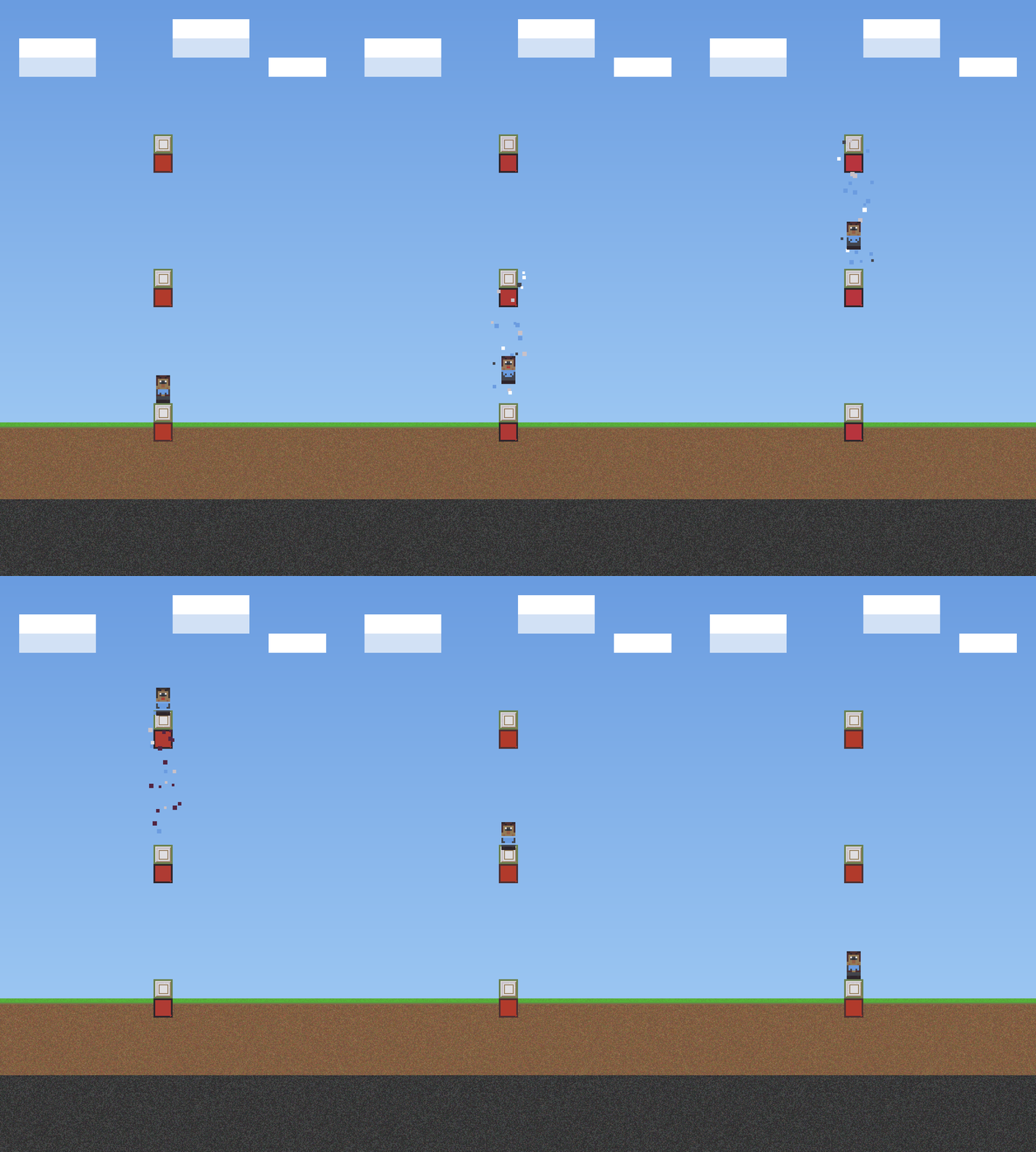
About this Mod
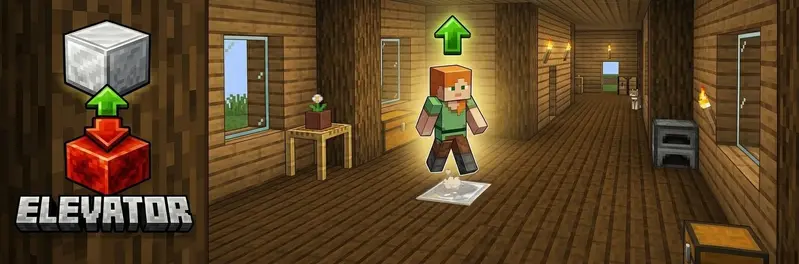
Elevator
A simple elevator mod for Fabric.
Jump → go up. Sneak → go down
Features
| Feature | Description |
|---|---|
| Elevator up | Stand on the elevator block and jump → teleport to the block above |
| Elevator down | Stand on the elevator block and sneak → teleport to the block below |
| Redstone base | The elevator block must be placed on top of a redstone block |
| Multiple block types | Configure multiple elevator blocks while keeping travel within the same block type |
| Carpet hiding | Place a carpet on top of the elevator block — it still works! |
| Particles | Configurable visual particle effect on teleport |
| Sound | Configurable entity sound on teleport |
| Cooldown | Configurable cooldown between teleports |
| Safety check | Only teleport if the destination has enough headroom |
| Mod Menu support | Optional client config screen when Mod Menu is installed |
How to use
- Place a redstone block on the floor.
- Place one of the configured elevator blocks (default: iron block) on top of the redstone block.
- Repeat on each floor.
- Travel only works between elevator platforms made from the same block type.
- Leave at least 2 free blocks of space above each elevator block.
- Stand on the elevator block and:
- Jump → go up
- Sneak → go down
Tip: hide the elevator block by placing a carpet on top of it!
Configuration
The config file is created automatically on first Minecraft start:config/elevator.json
{
  "elevatorBlocks": ["minecraft:iron_block", "minecraft:gold_block", "minecraft:sea_lantern"],
  "maxElevatorHeight": 50,
  "particlesEnabled": true,
  "particleType": "minecraft:portal",
  "soundEnabled": true,
  "soundEvent": "minecraft:entity.enderman.teleport",
  "cooldownTicks": 20,
  "safetyEnabled": true
}
With Mod Menu + Cloth Config installed on the client, you get a full in-game config screen.
| Option | Description |
|---|---|
elevatorBlocks |
List of allowed elevator block IDs |
maxElevatorHeight |
Maximum distance (in blocks) to search for the next elevator block |
particlesEnabled |
Show particles on teleport |
particleType |
Minecraft particle ID used when particles are enabled |
soundEnabled |
Play sound on teleport |
soundEvent |
Minecraft sound event ID used when sound is enabled |
cooldownTicks |
Ticks between teleports (20 = 1 second) |
safetyEnabled |
Skip destination if headroom is blocked |
Commands
| Command | Description | Permission |
|---|---|---|
/elevator info |
Shows the configured elevator blocks and reminds that travel only works between matching block types | Everyone |
/elevator reload |
Reload the config file | OP |
🏜️ Test Server
Feel free to join my Minecraft server to test my mods: play.swordfishbe.eu
Available Versions
How to Install Elevator on Your Server
Order Server
Order a Minecraft Java server with at least 3 GB RAM (4 GB recommended).
Set fabric Loader
In the panel under "Egg", select the fabric loader and matching Minecraft version (26.1.2).
Install Mod
Open the mod browser in the dashboard and search for "Elevator". Click "Install" – done! Alternatively, upload the .jar via SFTP to the /mods folder.
Compatibility
Mod Loaders
Minecraft Versions
26.1.2, 26.1.1, 26.1 (+1 more)
Server-side
✓ RequiredRecommended RAM
4 GB(min. 3 GB)Frequently Asked Questions
Elevator server crashes on startup – what to do?
Most common cause: wrong fabric version or insufficient RAM. Check the server log (latest.log) for "OutOfMemoryError" or "Mixin" errors. With Mado Hosting: ensure at least 3 GB RAM is allocated and the loader matches the mod version (26.1.2). You can switch loaders with one click in the panel.
Is Elevator compatible with fabric?
Elevator officially supports fabric for Minecraft 26.1.2, 26.1.1, 26.1. The Mado dashboard automatically detects incompatible loader combinations.
Server lagging with Elevator – how to optimize performance?
Recommended RAM: 4 GB (per 8 players). Use /spark profiler to check if Elevator consumes the most tick time. Common fixes: reduce server view-distance to 8-10, install "performant" or "starlight" as supplementary mods on Forge. With Mado Hosting, your server runs on NVMe SSDs with dedicated CPU cores for minimal latency.
Similar Mods




Rent Modded Server
Install Elevator with just one click on your server.