
EMUtils
A lightweight client-side utilities mod for Minecraft on Fabric.
Screenshots
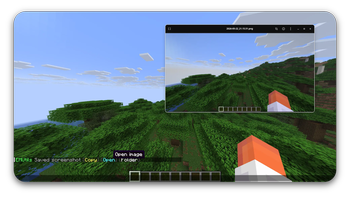
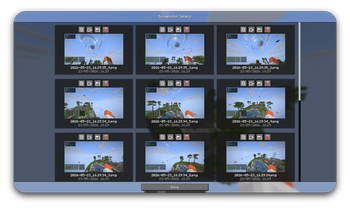
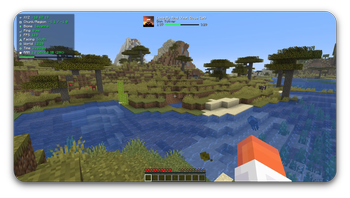
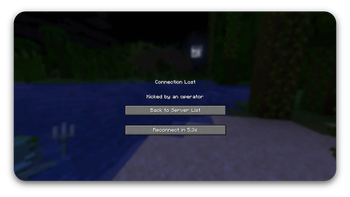
About this Mod
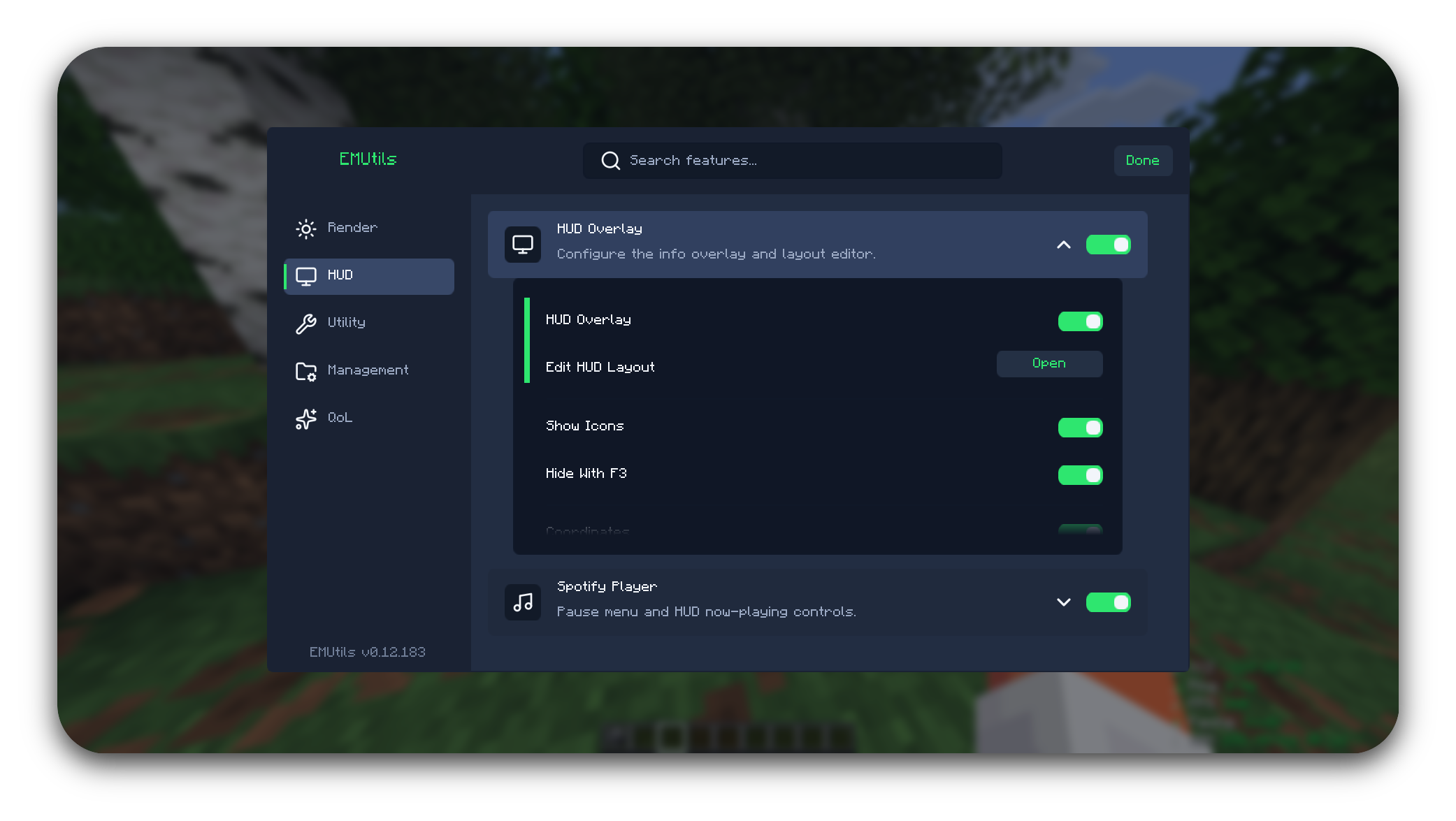
Tired of installing five different mods just to copy a chat message, zoom in, and reconnect after a kick?
EMUtils bundles the small stuff into one lightweight client-side mod for Minecraft on Fabric — so you can stop juggling mods and get back to playing.
Status
EMUtils is in active development. Has a pile of quality-of-life features, and zero interest in getting in your way while you play.
For a full list of features, view the GitHub.
To report a bug, or request a feature visit EMUtils Feedback.
Minecraft Versions
EMUtils currently only support 1.21.9-1.21.11 & 26.1.x.
As soon as newer versions fully release, EMUtils will be updated to work on those.
Requirements
- Minecraft [1.21.9-26.1.x]
- Java 21/25
- Fabric Loader 0.19.2 or newer
- Fabric API
Optional integrations
- Iris — required for Pack Manager shader apply/disable actions
- Minescript — required for Script Manager browsing, editing, running, and EMUtils script keybinds
Installation
- Install Fabric Loader for the supported versions.
- Download the latest EMUtils jar.
- Place the jar in your
modsfolder. - Launch the game.
Building
./gradlew build
The built jar will be created in build/libs/.
License
EMUtils is licensed under the Apache License 2.0.
Copyright 2026 Palethea. If you use, fork, modify, or redistribute EMUtils, keep the original license and attribution notices.
AI Notice
This mod was made with heavy help from Artificial Intelligence. I was simply just tired of having a million mods to do specific things, and wanted an all-in-one mod.
Available Versions
How to Install EMUtils on Your Server
Order Server
Order a Minecraft Java server with at least 3 GB RAM (4 GB recommended).
Set fabric Loader
In the panel under "Egg", select the fabric loader and matching Minecraft version (26.1.2).
Install Mod
Open the mod browser in the dashboard and search for "EMUtils". Click "Install" – done! Alternatively, upload the .jar via SFTP to the /mods folder.
Compatibility
Mod Loaders
Minecraft Versions
26.1.2, 26.1.1, 26.1 (+3 more)
Server-side
✗ UnsupportedRecommended RAM
4 GB(min. 3 GB)Frequently Asked Questions
EMUtils server crashes on startup – what to do?
Most common cause: wrong fabric version or insufficient RAM. Check the server log (latest.log) for "OutOfMemoryError" or "Mixin" errors. With Mado Hosting: ensure at least 3 GB RAM is allocated and the loader matches the mod version (26.1.2). You can switch loaders with one click in the panel.
Is EMUtils compatible with fabric?
EMUtils officially supports fabric for Minecraft 26.1.2, 26.1.1, 26.1. The Mado dashboard automatically detects incompatible loader combinations.
Server lagging with EMUtils – how to optimize performance?
Recommended RAM: 4 GB (per 8 players). Use /spark profiler to check if EMUtils consumes the most tick time. Common fixes: reduce server view-distance to 8-10, install "performant" or "starlight" as supplementary mods on Forge. With Mado Hosting, your server runs on NVMe SSDs with dedicated CPU cores for minimal latency.
Similar Mods




Rent Modded Server
Install EMUtils with just one click on your server.