
Enhanced Falling Trees
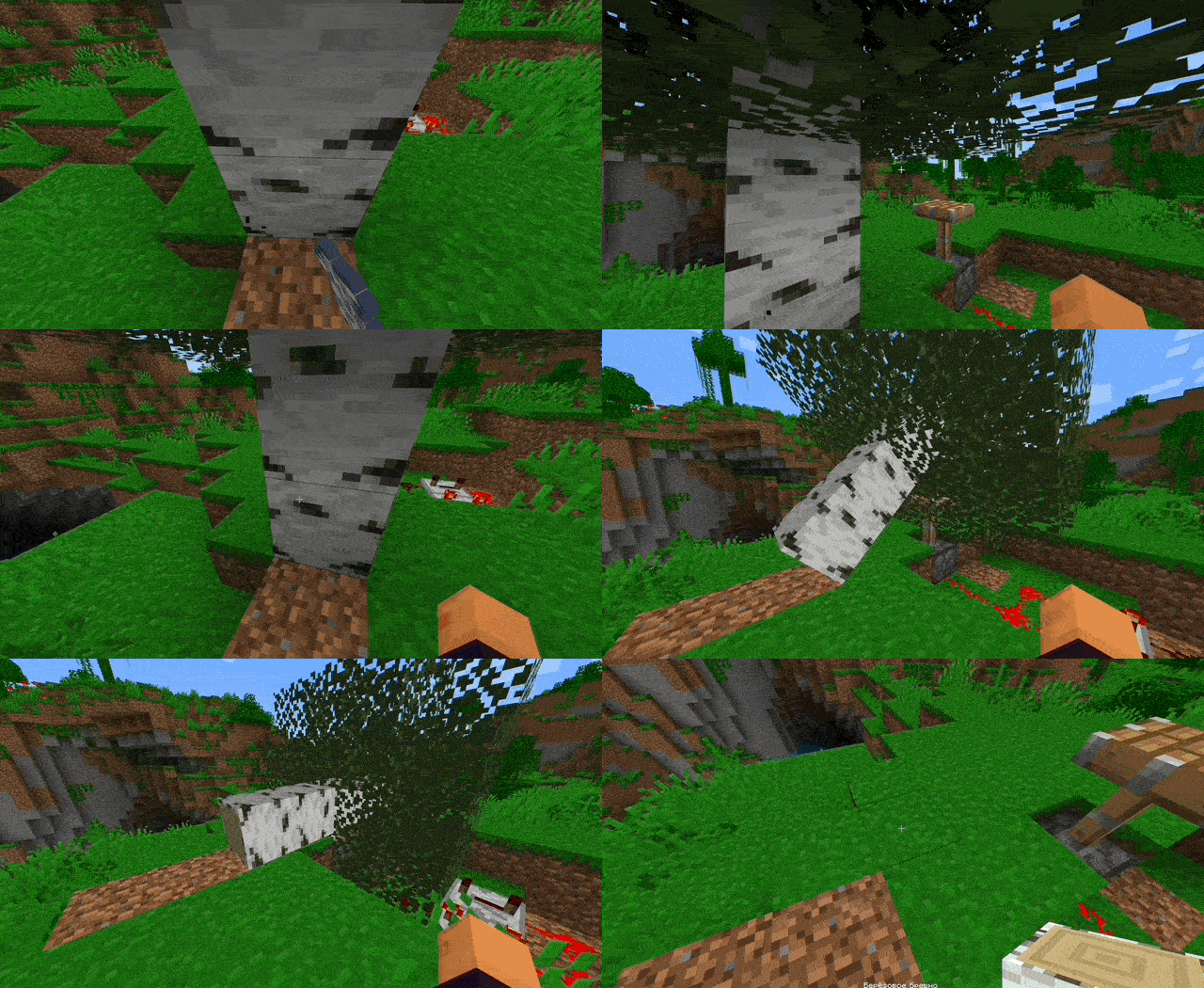
Ensure that trees topple in a lifelike manner when they are felled.
Screenshots

About this Mod







You can also join my Discord!
Description
Enhanced Falling Trees allows trees to fall realistically when cut down, however, the mod only slightly adds realism and has nothing to do with physics as such, it only simulates a fall for the sake of performance, simulating a falling tree.
Additionally, enjoy enhanced visual and auditory features with particle effects as the tree disappears and a wide range of impact and falling sounds.
Fork of the Panda's Falling Tree's mod.
Showcase
Default tree fall

You can see more examples at Gallery tab!
Features
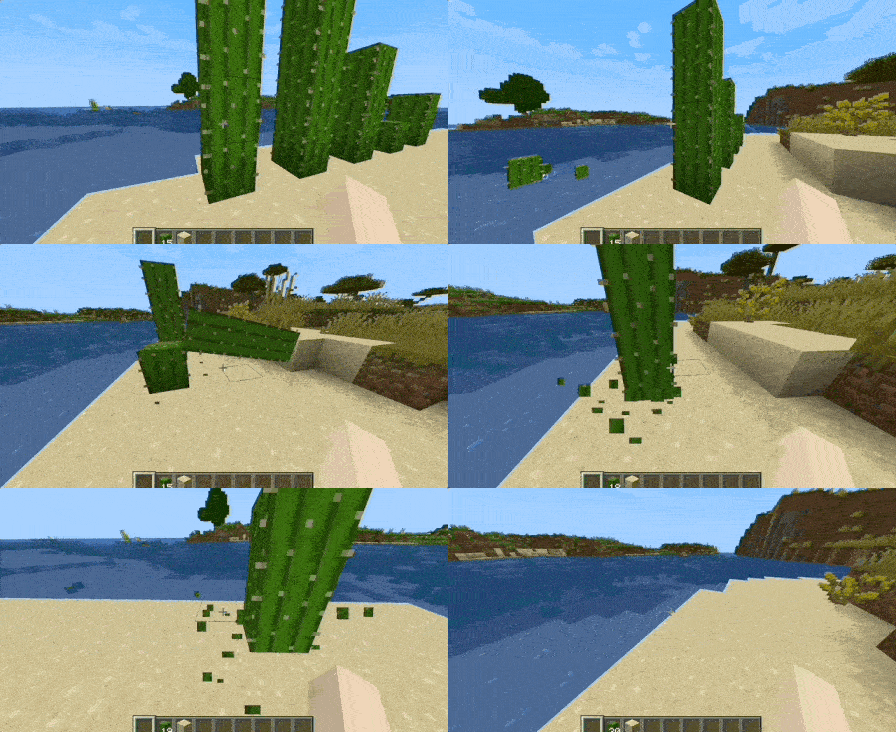
- Realistic Tree Falling: (also bamboo and cactus are supported) Trees no longer simply disappear; they fall over realistically when cut.
- Particle Effects: (for trees) After the tree disappears, particles of leaves appear along the tree trunk.
- Dynamic Sounds: A wide variety of sounds accompany the falling and impact of trees, enhancing the immersive experience.
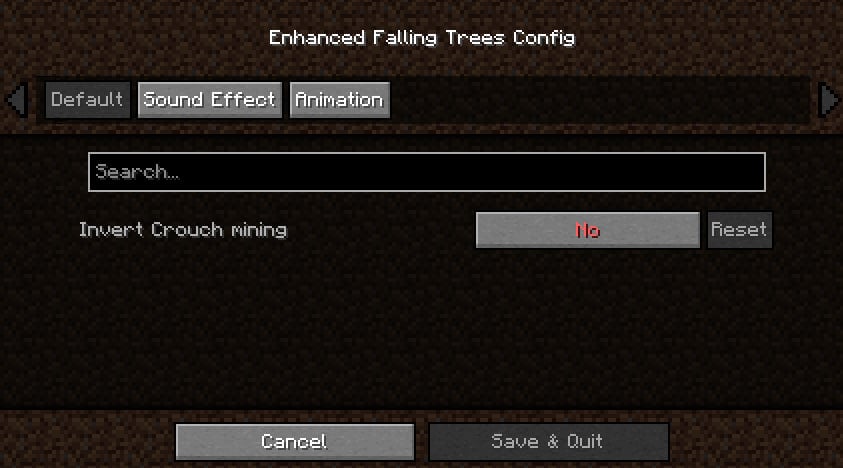
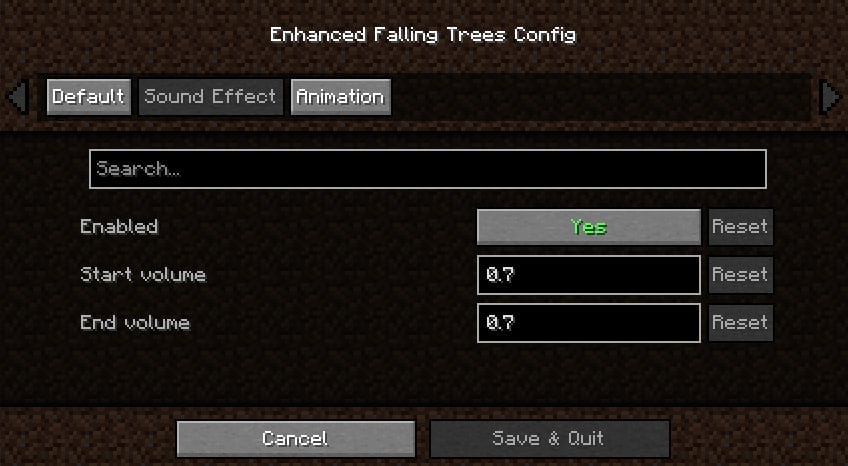
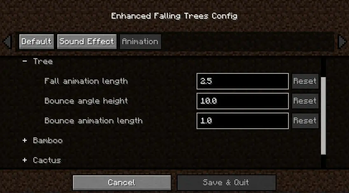
- Flexible customization: Everything in the mod can be customized, for example the number of particles or the duration of a tree’s existence after falling, the speed of falling, etc.
- Worlds reverse compatibility: If you join the world with this mod and then without it and vice versa, everything will work fine.
Compatibility
Versions
- Compatible with Minecraft Fabric/Forge versions 1.20 to 1.20.4.
Mods
- Compatible with other mods that add trees natively.
Known issues
Sometimes when a tree falls, some part of it may fall into the ground, or physics doesn't work as expected. Why?
This is normal behavior and will probably be fixed soon.
Reminder: This is just an imitation of physics using simple functions and formulas, so sometimes its behavior may not be entirely correct.
Please note this mod is a work in progress and features are subject to change.
Available Versions
How to Install Enhanced Falling Trees on Your Server
Order Server
Order a Minecraft Java server with at least 3 GB RAM (4 GB recommended).
Set fabric Loader
In the panel under "Egg", select the fabric loader and matching Minecraft version (1.20.4).
Install Mod
Open the mod browser in the dashboard and search for "Enhanced Falling Trees". Click "Install" – done! Alternatively, upload the .jar via SFTP to the /mods folder.
Compatibility
Mod Loaders
Minecraft Versions
1.20.4, 1.20.3, 1.20.2 (+2 more)
Server-side
✓ RequiredRecommended RAM
4 GB(min. 3 GB)Frequently Asked Questions
Enhanced Falling Trees server crashes on startup – what to do?
Most common cause: wrong fabric version or insufficient RAM. Check the server log (latest.log) for "OutOfMemoryError" or "Mixin" errors. With Mado Hosting: ensure at least 3 GB RAM is allocated and the loader matches the mod version (1.20.4). You can switch loaders with one click in the panel.
Is Enhanced Falling Trees compatible with fabric and forge?
Enhanced Falling Trees officially supports fabric, forge for Minecraft 1.20.4, 1.20.3, 1.20.2. Note: Forge and Fabric mods are NOT cross-compatible – pick one loader and stick with it. The Mado dashboard automatically detects incompatible loader combinations.
Server lagging with Enhanced Falling Trees – how to optimize performance?
Recommended RAM: 4 GB (per 8 players). Use /spark profiler to check if Enhanced Falling Trees consumes the most tick time. Common fixes: reduce server view-distance to 8-10, install "performant" or "starlight" as supplementary mods on Forge. With Mado Hosting, your server runs on NVMe SSDs with dedicated CPU cores for minimal latency.
Similar Mods




Rent Modded Server
Install Enhanced Falling Trees with just one click on your server.