
Create: Extended Flywheels
A small mod to add on to Create by adding numerous new flywheels and bringing them new functionality
Screenshots
About this Mod
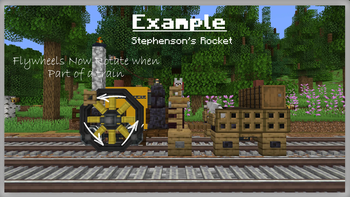
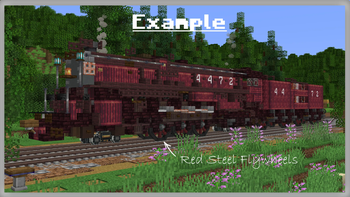
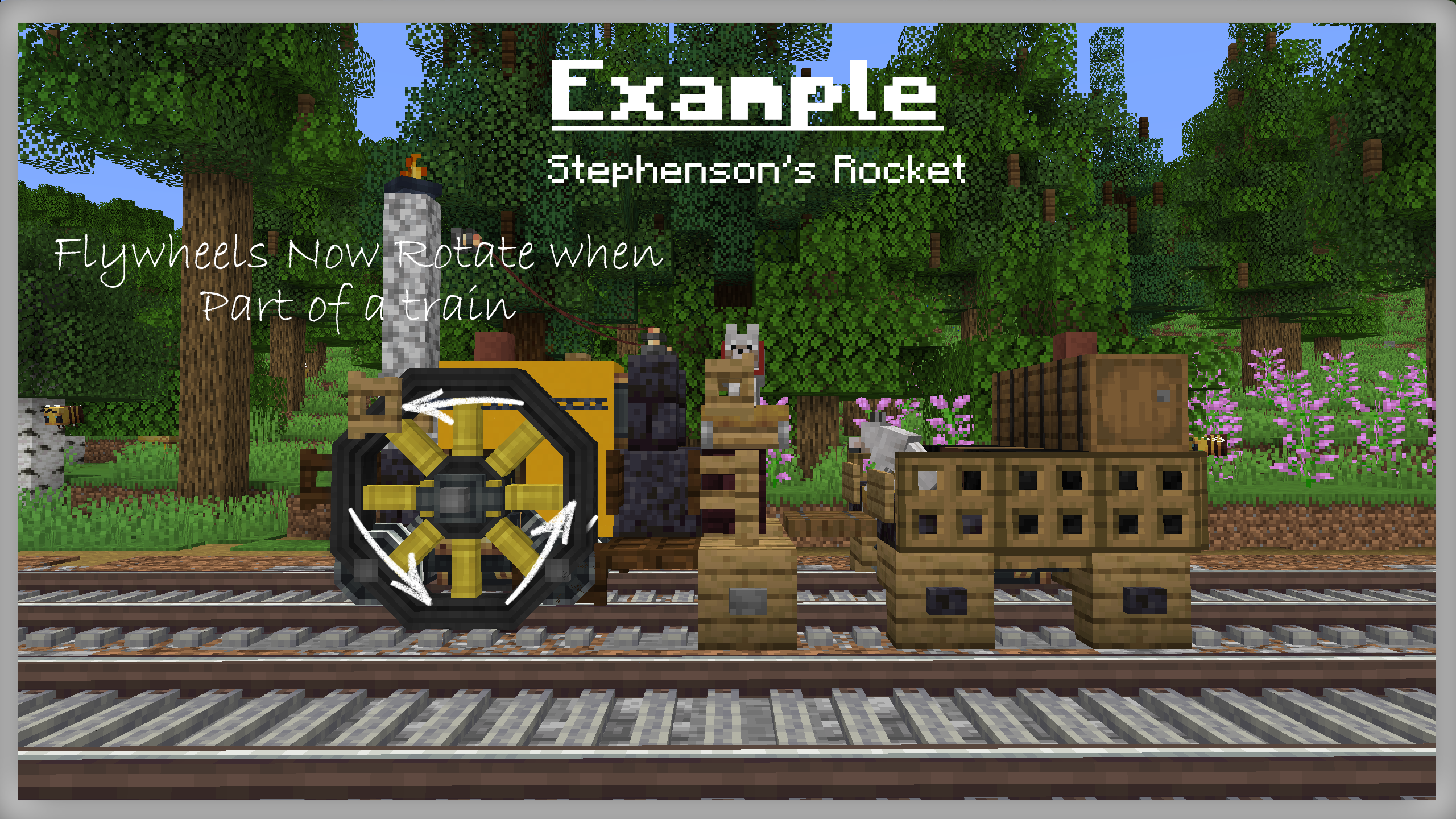
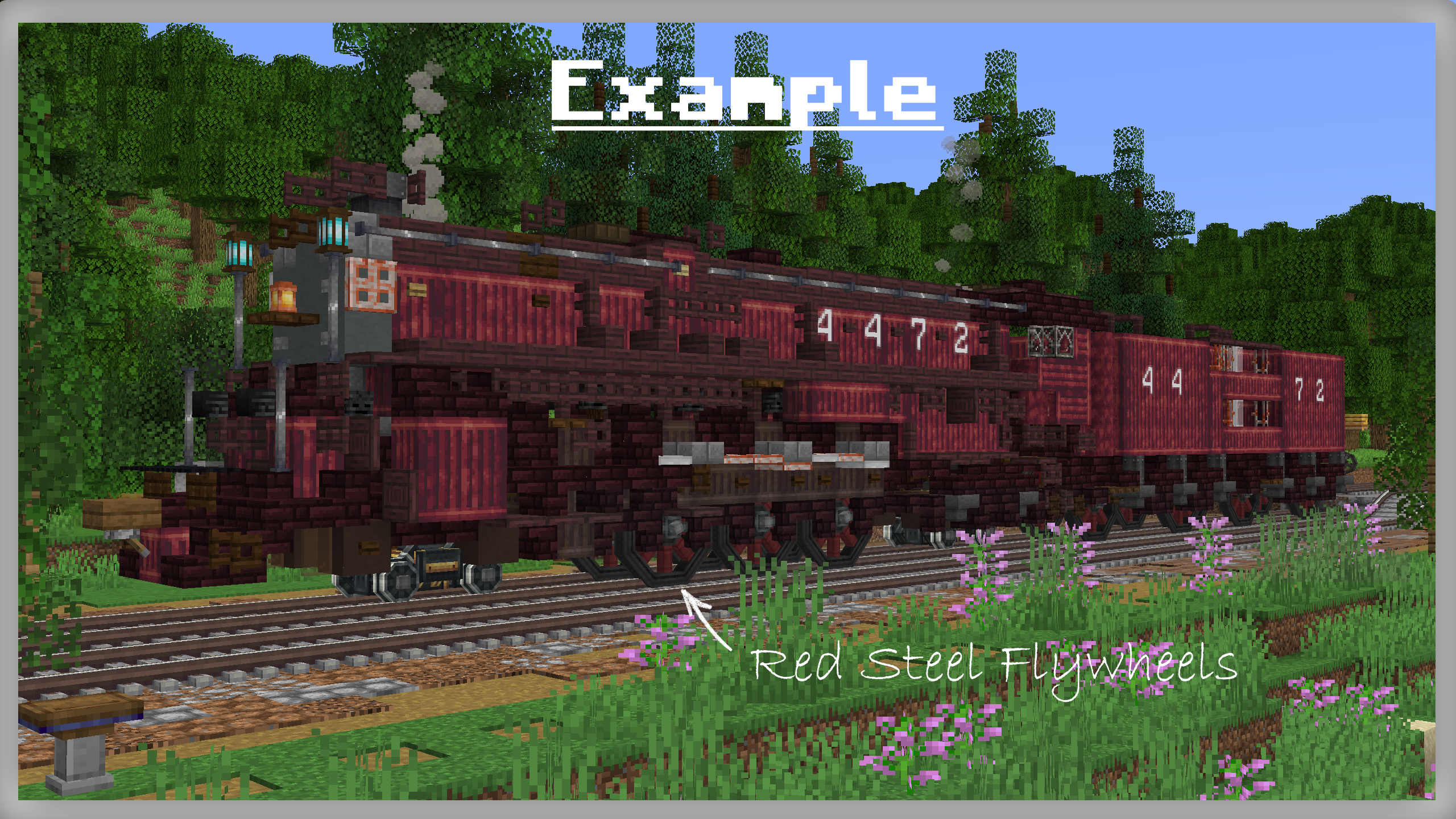
This mod is an addon to Create, it adds new variations of the flywheel from numerous materials that can be painted any colour you want, and to add on to this flywheels from the mod will now rotate on trains
Both Create 0.5.c and 0.5.d are fully supported by Create: Extended Flywheels, any files not specifically marked are for 0.5.d, files for 0.5.c have been labelled as such - if you have any confusion finding the right version just check the patch notes
With the release of v1.2, when updating any and all mods please, make sure to back up your worlds just in case
For more decorations for your trains check out Dave's Building Extended or Powderlogy & Illumination
Materials
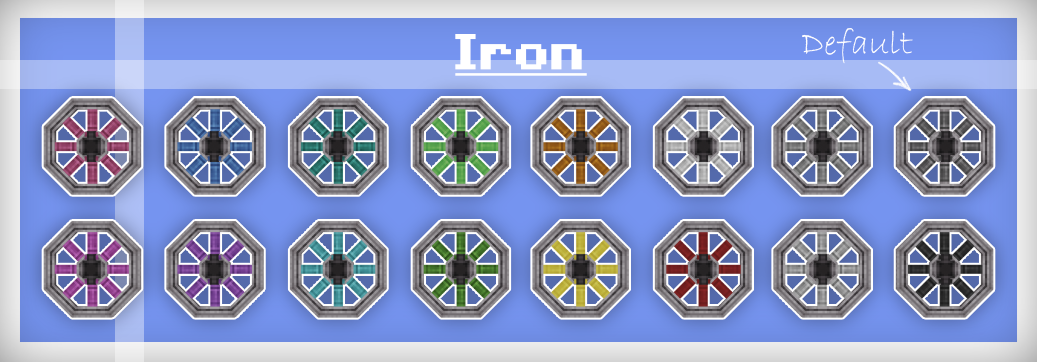
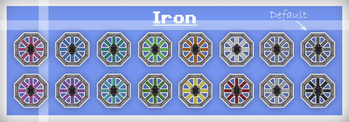
Iron flywheels can be crafted just like default Create flywheels they could be used to look similar to Create's train bogeys but with more variety in colour and at a larger scale.
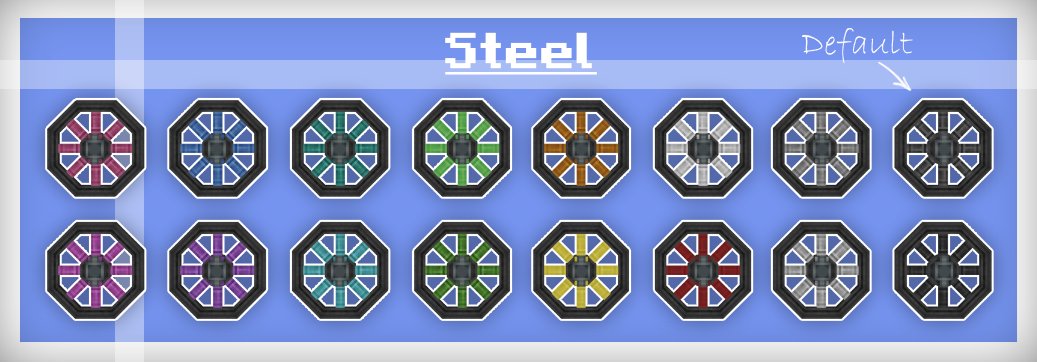
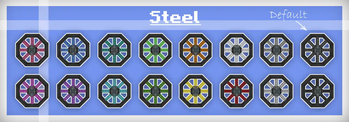
Dont worry there isn't yet another steel ingot implemented in this mod nor does it depend on any other mods that add steel. To make the mod as compatible with existing worlds as possible iron flywheels can be blasted to turn into steel flywheels, or if steel is in your modpack then they can be crafted like any other flywheel using steel ingots.
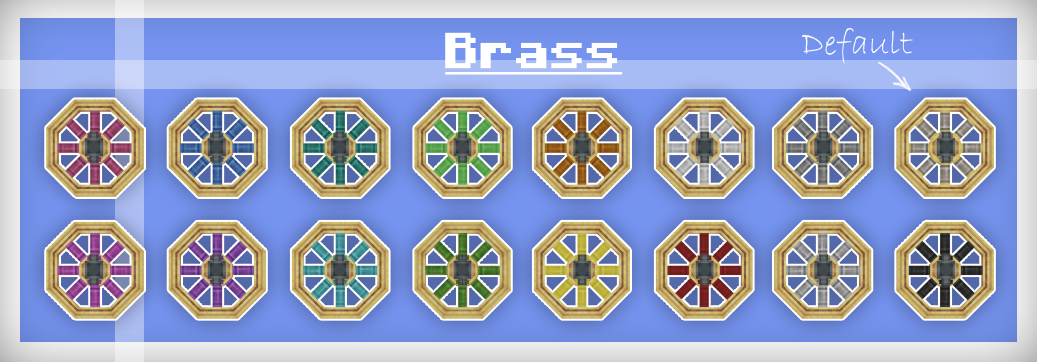
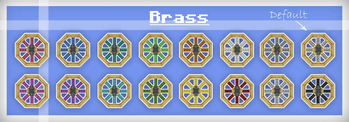
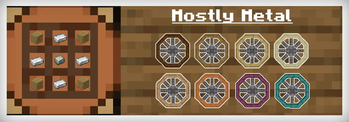
Brass flywheels can be crafted either from a default create flywheel as a 1:1 exchange or as their own recipe. (Please Note - Default Create Flywheels do NOT rotate on trains, use the extended flywheels Brass Flywheel instead)
New in version 1.2
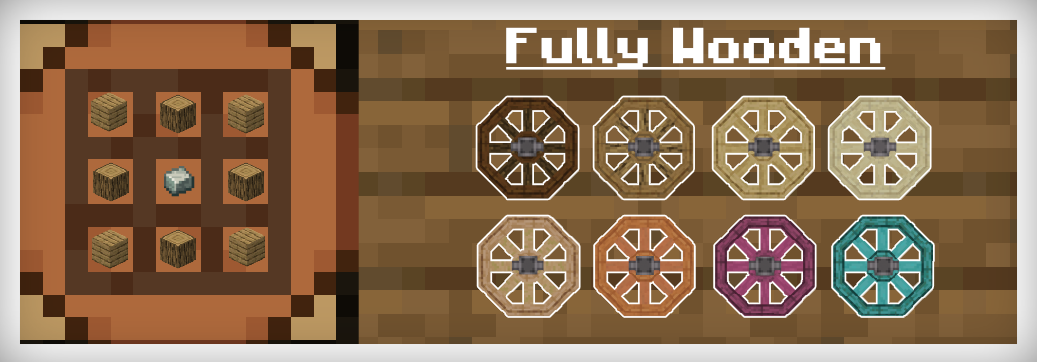
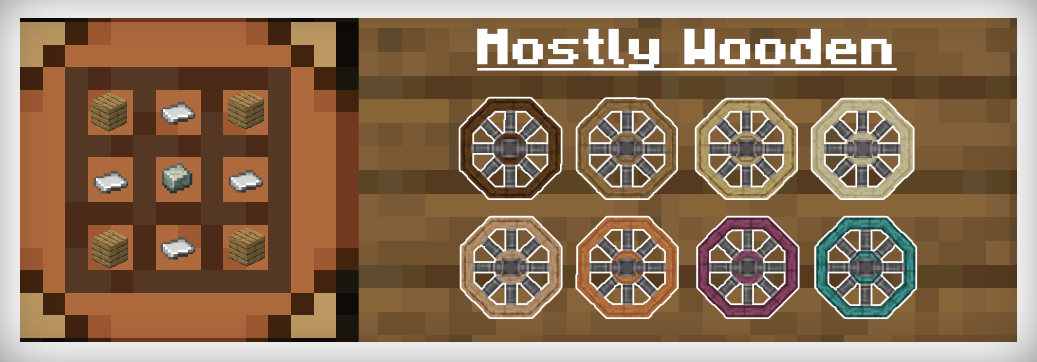
Examples
Localization
If would like to, any help with translation would be highly appreciated
note - some words may be slightly altered or blocks may be missing a name please report them to me so that they can be fixed :)
en_us English US
en_uk English UK
de_de German Knalli65hd
no_no Norwegian Bokmål Svien
pl_pl Polish Stacode
nl_nl Dutch Mr. Snor
ru_ru Russian TPEcool (to be implemented soon)
cs_cz Czech official_deadovnik (to be implemented soon)
sk_sk Slovak official_deadovnik (to be implemented soon)
If any issues occur or you find any bugs feel free to contact me on discord at Rabbitminers#0086 or report them on github at https://github.com/Rabbitminers/Extended-Flywheels/issues
Available Versions
How to Install Create: Extended Flywheels on Your Server
Order Server
Order a Minecraft Java server with at least 4 GB RAM (6 GB recommended).
Set forge Loader
In the panel under "Egg", select the forge loader and matching Minecraft version (1.19.2).
Install Mod
Open the mod browser in the dashboard and search for "Create: Extended Flywheels". Click "Install" – done! Alternatively, upload the .jar via SFTP to the /mods folder.
Compatibility
Mod Loaders
Minecraft Versions
1.19.2, 1.18.2
Server-side
✓ RequiredRecommended RAM
6 GB(min. 4 GB)Frequently Asked Questions
Create: Extended Flywheels server crashes on startup – what to do?
Most common cause: wrong forge version or insufficient RAM. Check the server log (latest.log) for "OutOfMemoryError" or "Mixin" errors. With Mado Hosting: ensure at least 4 GB RAM is allocated and the loader matches the mod version (1.19.2). You can switch loaders with one click in the panel.
Is Create: Extended Flywheels compatible with forge?
Create: Extended Flywheels officially supports forge for Minecraft 1.19.2, 1.18.2. The Mado dashboard automatically detects incompatible loader combinations.
Server lagging with Create: Extended Flywheels – how to optimize performance?
Recommended RAM: 6 GB (per 5 players). Use /spark profiler to check if Create: Extended Flywheels consumes the most tick time. Common fixes: reduce server view-distance to 8-10, install "performant" or "starlight" as supplementary mods on Forge. With Mado Hosting, your server runs on NVMe SSDs with dedicated CPU cores for minimal latency.
Similar Mods

![[ETF] Entity Texture Features](https://cdn.modrinth.com/data/BVzZfTc1/af683d206d50b05258d865b0d6e4aa2f2cee12f2_96.webp)
![[EMF] Entity Model Features](https://cdn.modrinth.com/data/4I1XuqiY/6e5bbd0d06b1741bfdab6c0cfab6de8fdaf0064c_96.webp)



Rent Modded Server
Install Create: Extended Flywheels with just one click on your server.