
Factorium
Various machines and materials
Screenshots
About this Mod
Machines
- Smelter - Like a furnace but powered by FE (or other compatible energy systems)
- Crusher - First step to ore processing, crushes raw ores into chunks that can be smelted into ingots or processed further
- Grinder and Pulverizer - Process chunks into powders and dusts to further increase yield
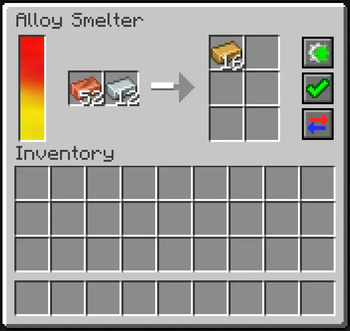
- Alloy Smelter - Combines metals into alloys and makes intermediate materials
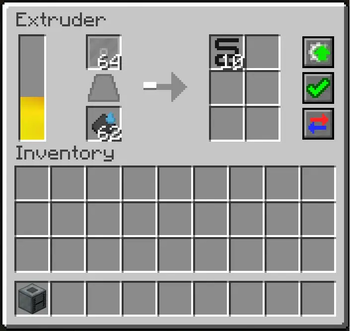
- Extruder - Extrudes metals through a die to form various materials (plates, gears, wires, etc)
- Mixer - Mixes various solid and liquid materials, can be used to make concrete blocks without placing powder in the world
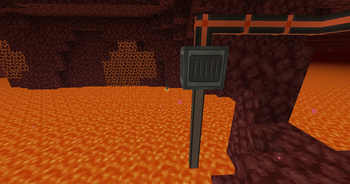
- Pump - Pumps liquids from the world into an internal tank
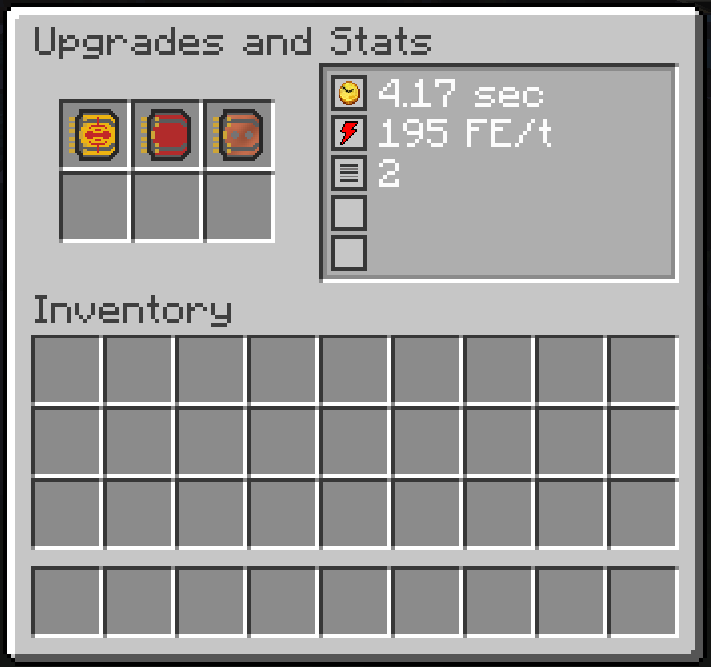
All machines have various upgrades that can be installed in them to increase productivity and/or efficiency.
Items
- Wrench - Can be used to rotate blocks or dismantle machines
- Gears, Plates, Rods, Wires from various metals - used for crafting
Meteorite Ore
This is an extremely rich mineral, deposited near the surface of the overworld by ancient meteorites. The ore is mostly composed of iron and nickel with small amounts of other metals and minerals mixed in.
Resources
- Tin, Zinc, Nickel, Lead, Silver, Platinum - Added as ores to worldgen
- Bronze, Brass, Invar, Electrum, Constantan - Alloys made from other metals
Some metals currently have no uses, they are meant to be used by other mods and/or in future content
Ore generation can be adjusted in configs/datapacks. If you use other mods that generate the same ores - you can disable their generation and Factorium will use the ores from other mods.
Decorative Blocks
- Crystal Glass - Transparent glass
- Glowing Glass - Glass that emits light
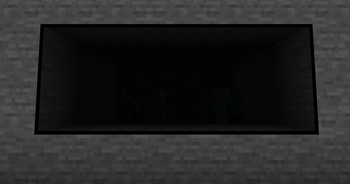
- Dark Glass - Glass that blocks light
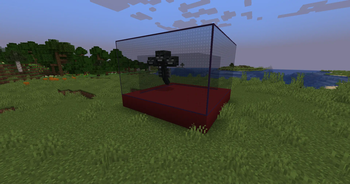
- Reinforced Glass and Concrete - Protected from explosions, withers and dragons
- Glowcrete - Concrete that emits light
All concrete blocks come in 16 colors like vanilla concrete
All glass blocks have clear connected textures
Open Source
The mod is licensed under the MIT License, the source code is available on GitHub.
Yes this means you have permission to add it to any public or private mod pack.
Available Versions
How to Install Factorium on Your Server
Order Server
Order a Minecraft Java server with at least 4 GB RAM (6 GB recommended).
Set forge Loader
In the panel under "Egg", select the forge loader and matching Minecraft version (1.20.1).
Install Mod
Open the mod browser in the dashboard and search for "Factorium". Click "Install" – done! Alternatively, upload the .jar via SFTP to the /mods folder.
Compatibility
Mod Loaders
Minecraft Versions
1.20.1, 1.19.3, 1.19.2 (+1 more)
Server-side
✓ RequiredRecommended RAM
6 GB(min. 4 GB)Frequently Asked Questions
Factorium server crashes on startup – what to do?
Most common cause: wrong forge version or insufficient RAM. Check the server log (latest.log) for "OutOfMemoryError" or "Mixin" errors. With Mado Hosting: ensure at least 4 GB RAM is allocated and the loader matches the mod version (1.20.1). You can switch loaders with one click in the panel.
Is Factorium compatible with forge?
Factorium officially supports forge for Minecraft 1.20.1, 1.19.3, 1.19.2. The Mado dashboard automatically detects incompatible loader combinations.
Server lagging with Factorium – how to optimize performance?
Recommended RAM: 6 GB (per 5 players). Use /spark profiler to check if Factorium consumes the most tick time. Common fixes: reduce server view-distance to 8-10, install "performant" or "starlight" as supplementary mods on Forge. With Mado Hosting, your server runs on NVMe SSDs with dedicated CPU cores for minimal latency.
Similar Mods

![[ETF] Entity Texture Features](https://cdn.modrinth.com/data/BVzZfTc1/af683d206d50b05258d865b0d6e4aa2f2cee12f2_96.webp)
![[EMF] Entity Model Features](https://cdn.modrinth.com/data/4I1XuqiY/6e5bbd0d06b1741bfdab6c0cfab6de8fdaf0064c_96.webp)



Rent Modded Server
Install Factorium with just one click on your server.