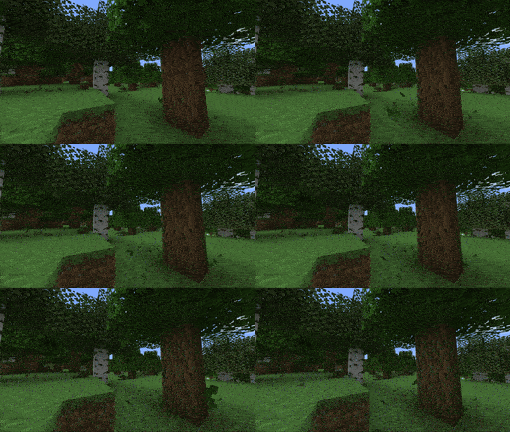
Falling Leaves (Backport)
This mod for 1.12.2 adds a neat little particle effect to leaf blocks.
About this Mod

This mod adds a neat little particle effect to leaf blocks. Users can configure which types of leaf blocks will drop leaves and the frequency that these leaves are dropped at. This is a Client side only mod.
This is a backport of Falling Leaves (Forge) 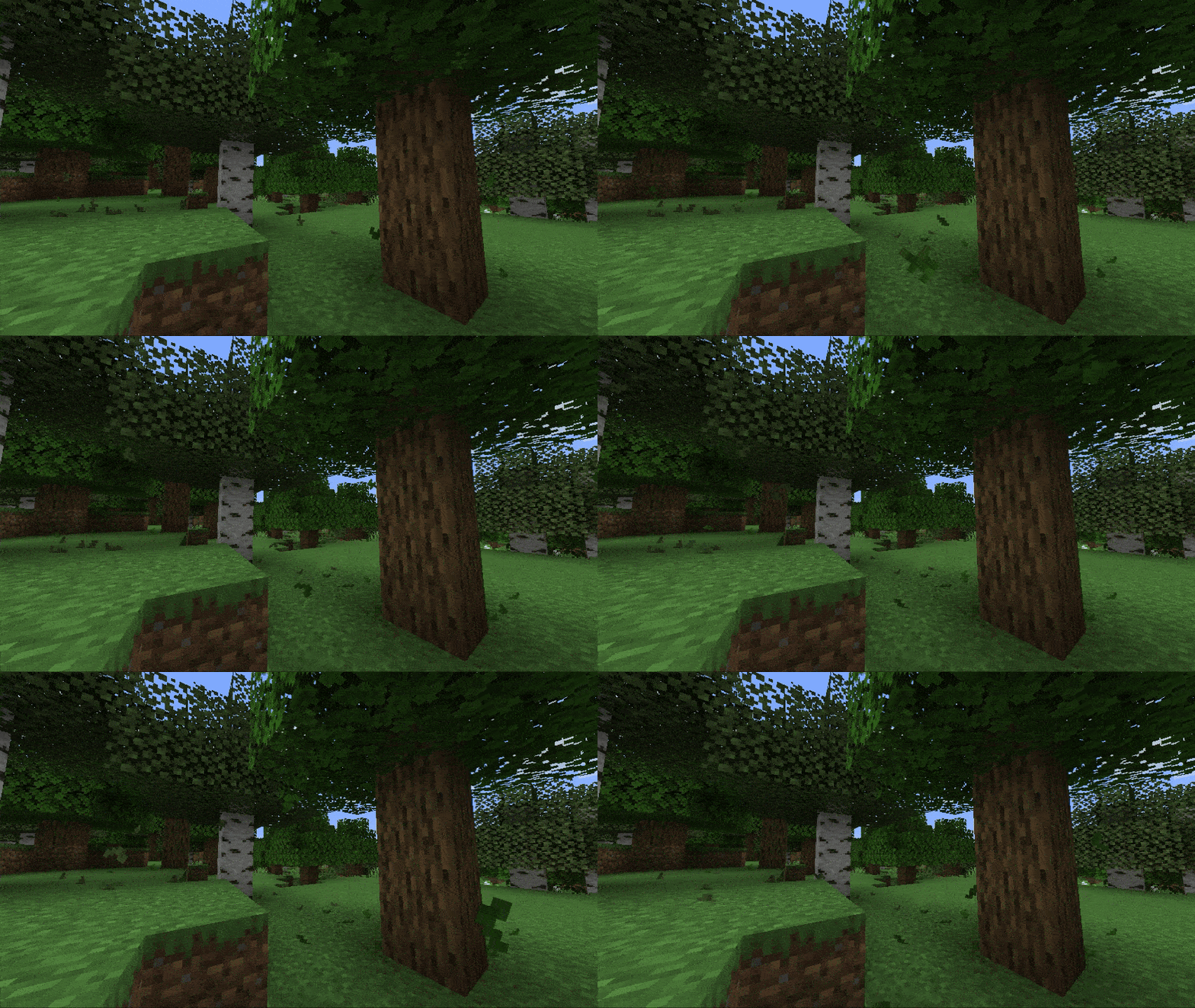
Falling Leaves watches the leaf blocks near you and lets leaves break loose from the bottom of the canopy (so they fall into open air, not through other leaves). Once loose, a leaf is driven by a small physics model:
Wind is procedural, a smooth-noise field with calm, windy, and stormy states that follow the weather. Leaves sway toward the wind while airborne; calm days barely nudge them, storms blow them sideways.
Falling leaves tumble as they go, spin up over a few seconds, and fall a little faster in the rain when they're under open sky.
Landing snaps them in place — they stick where they touch down and rest there rather than sliding around, then fade out cleanly over their last few ticks.
Water catches a leaf and lets it glide briefly across the surface before it stops.
Punching a leaf block knocks a small burst of leaves loose, and conifers (spruce and friends) drop needle-shaped particles with their own spawn rate.
Compatibility :
Mod How it interacts
Dynamic Trees Works out of the box — its leaves extend BlockLeaves, so leaves fall from dynamic trees with no setup. It has no particle system of its own, so nothing doubles up.
Serene Seasons Fully supported. Leaves recolour with the season automatically, and seasonFallRate adjusts how many fall per season.
Weather2 / Weather2 Remastered These add their own wind-blown foliage particles, so leaves may visually double up. Falling Leaves detects them and shows a one-time notice in chat.
Configuration :
You can configure the following settings in config/fallingleaves.cfg, or in-game from the
mod list config screen:
leafSize: modifies the size of the leaves
leafLifespan: modifies how long it takes for the leaves to disappear
leafSpawnRate: modifies the amount of leaves that spawn
coniferLeafSpawnRate: modifies the amount of leaves that spawn from conifer trees
dropFromPlayerPlacedBlocks: whether player-placed blocks should drop leaves too
minimumFreeSpaceBelow: how much room below the leaf block is needed for leaves to spawn
disableWind: disables wind effects on the leaf particles
windlessDimension: a list of dimension names where there should be no wind (e.g. the_nether, the_end)
showCompatWarning: shows a one-time in-game notice if another mod that also adds leaf particles is detected
Available Versions
How to Install Falling Leaves (Backport) on Your Server
Order Server
Order a Minecraft Java server with at least 3 GB RAM (4 GB recommended).
Set forge Loader
In the panel under "Egg", select the forge loader and matching Minecraft version (1.12.2).
Install Mod
Open the mod browser in the dashboard and search for "Falling Leaves (Backport)". Click "Install" – done! Alternatively, upload the .jar via SFTP to the /mods folder.
Compatibility
Mod Loaders
Minecraft Versions
1.12.2
Server-side
✗ UnsupportedRecommended RAM
4 GB(min. 3 GB)Frequently Asked Questions
Falling Leaves (Backport) server crashes on startup – what to do?
Most common cause: wrong forge version or insufficient RAM. Check the server log (latest.log) for "OutOfMemoryError" or "Mixin" errors. With Mado Hosting: ensure at least 3 GB RAM is allocated and the loader matches the mod version (1.12.2). You can switch loaders with one click in the panel.
Is Falling Leaves (Backport) compatible with forge?
Falling Leaves (Backport) officially supports forge for Minecraft 1.12.2. The Mado dashboard automatically detects incompatible loader combinations.
Server lagging with Falling Leaves (Backport) – how to optimize performance?
Recommended RAM: 4 GB (per 8 players). Use /spark profiler to check if Falling Leaves (Backport) consumes the most tick time. Common fixes: reduce server view-distance to 8-10, install "performant" or "starlight" as supplementary mods on Forge. With Mado Hosting, your server runs on NVMe SSDs with dedicated CPU cores for minimal latency.
Similar Mods

![[ETF] Entity Texture Features](https://cdn.modrinth.com/data/BVzZfTc1/af683d206d50b05258d865b0d6e4aa2f2cee12f2_96.webp)
![[EMF] Entity Model Features](https://cdn.modrinth.com/data/4I1XuqiY/6e5bbd0d06b1741bfdab6c0cfab6de8fdaf0064c_96.webp)



Rent Modded Server
Install Falling Leaves (Backport) with just one click on your server.