
Finement
Refines some of the game with fixes and gameplay changes
Screenshots

About this Mod
Finement
Refines some of the game with fixes and gameplay changes
Features
Gameplay
Client-Side Hurt Animation
Plays the hurt animation client-side when attacking entities.
Note that this occurs on all entities, use 'Only Enable on Real Players' to reduce it to just other players.
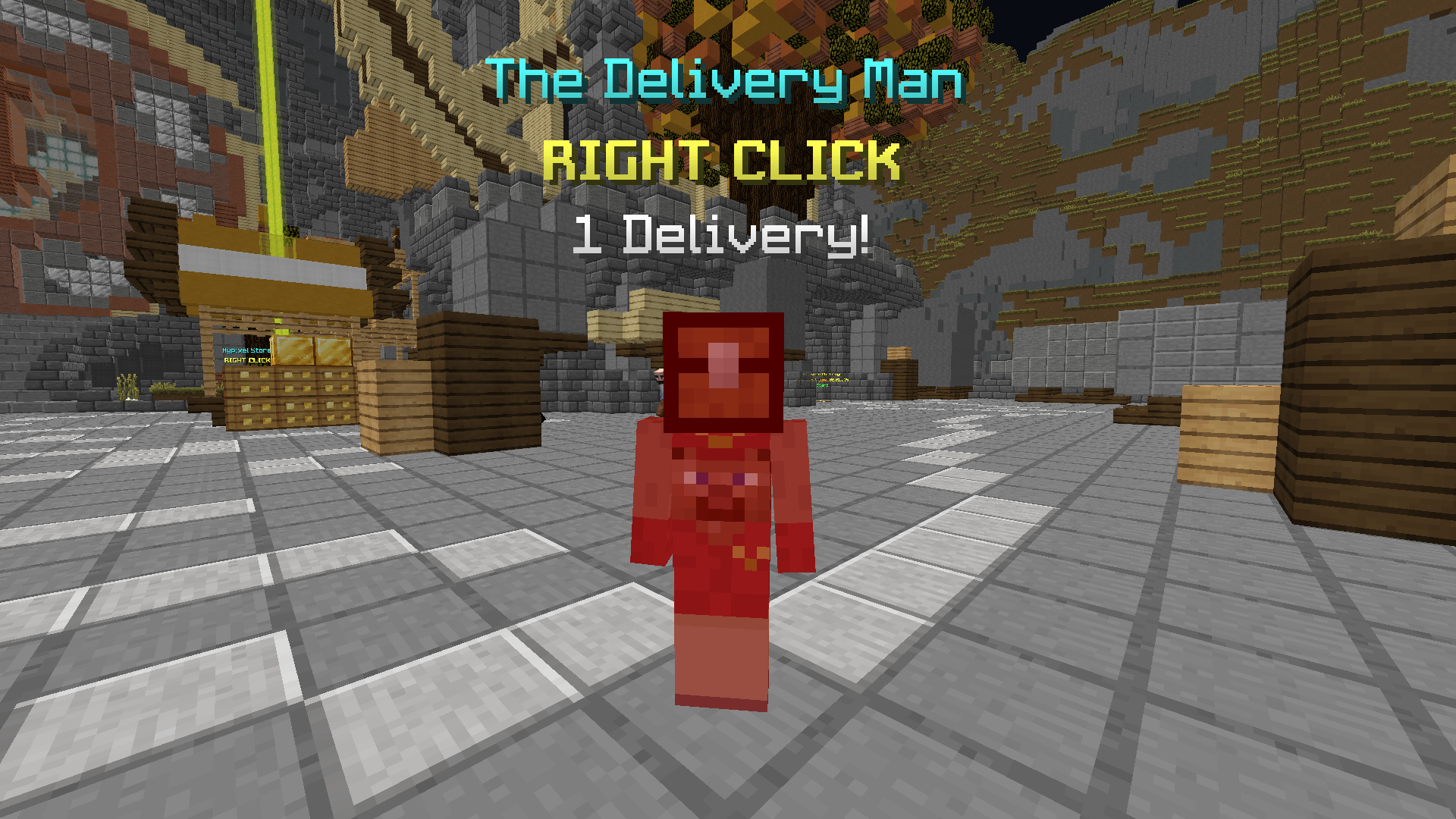
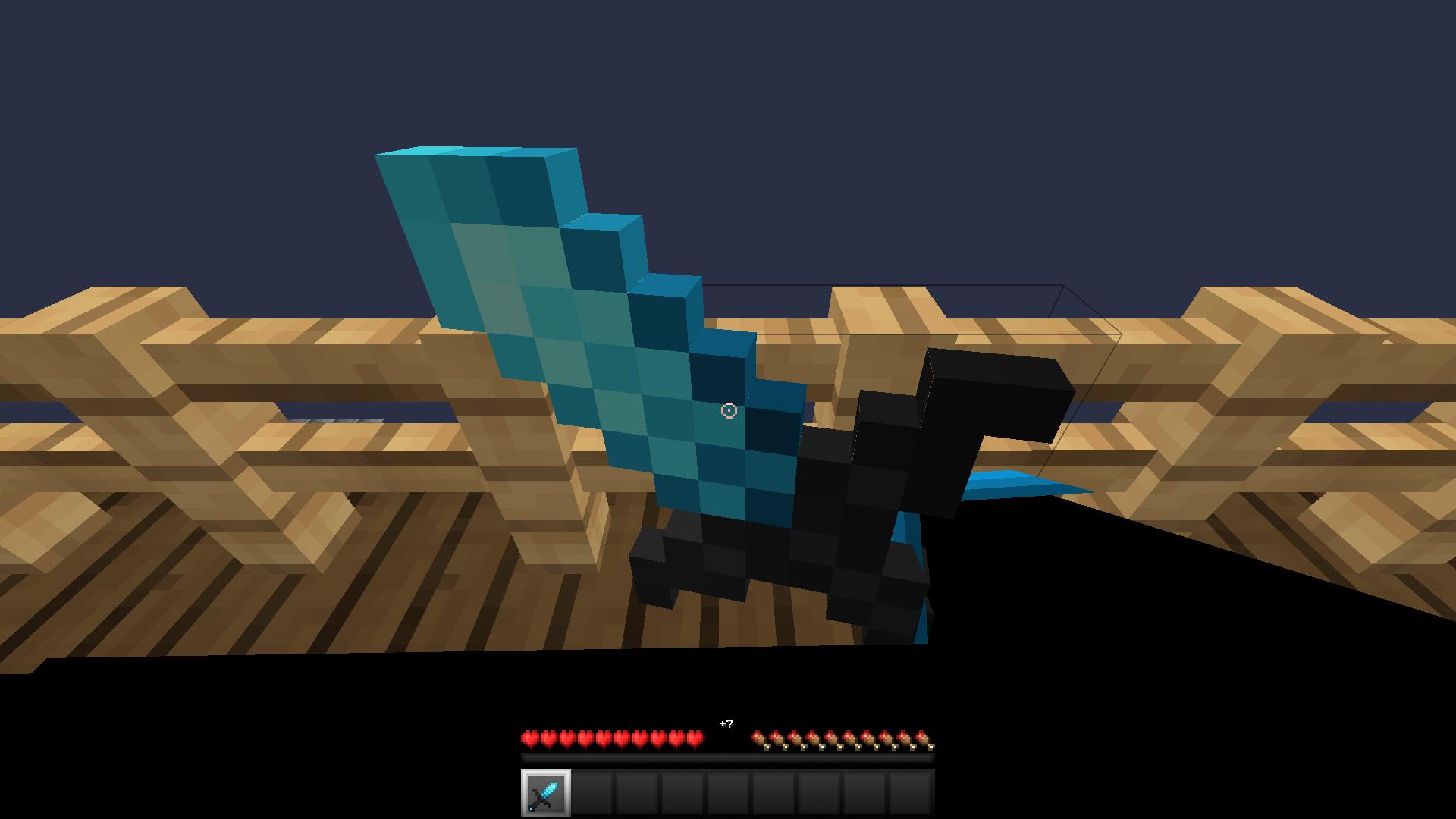
0th Person Perspective
Press to go into an inaccessible and freaky looking perspective mode.
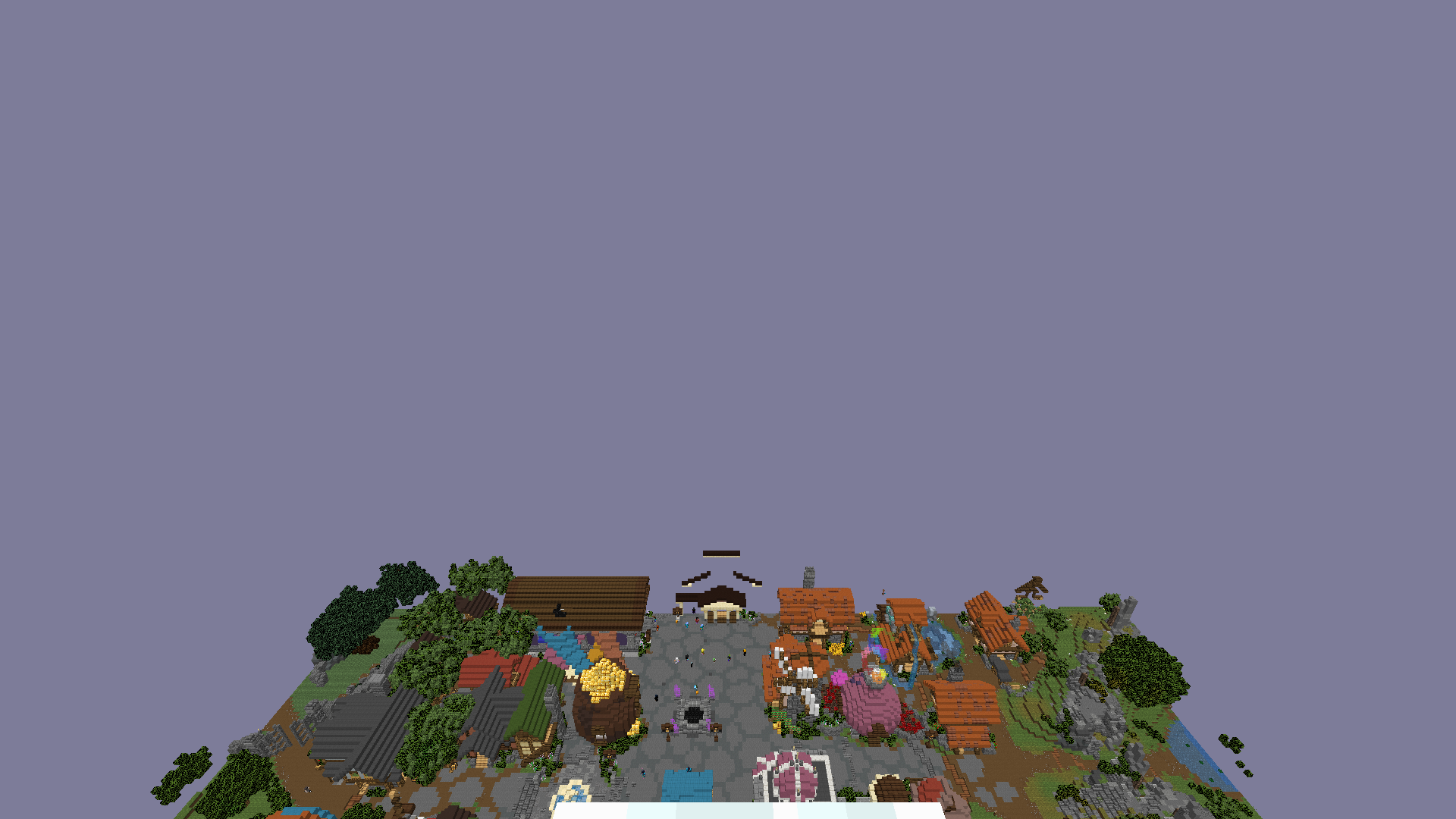
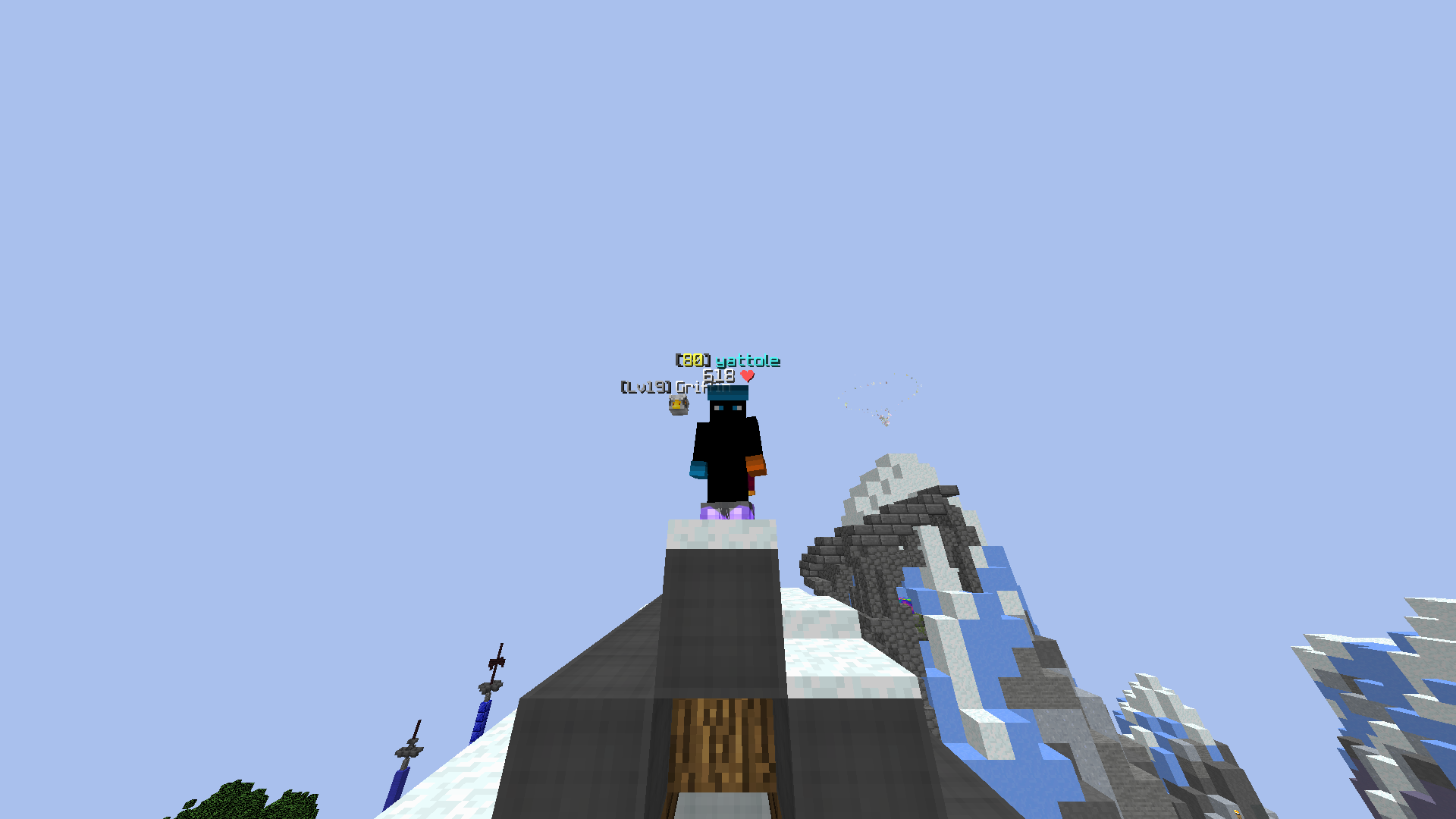
Perspective Dependant FOVs
Allows you to set specific FOVs for different perspectives.
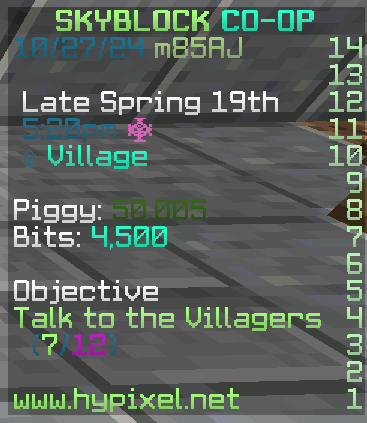
Custom Color Codes
Allows you to set custom colors for different colors and their shadows.
Inventory
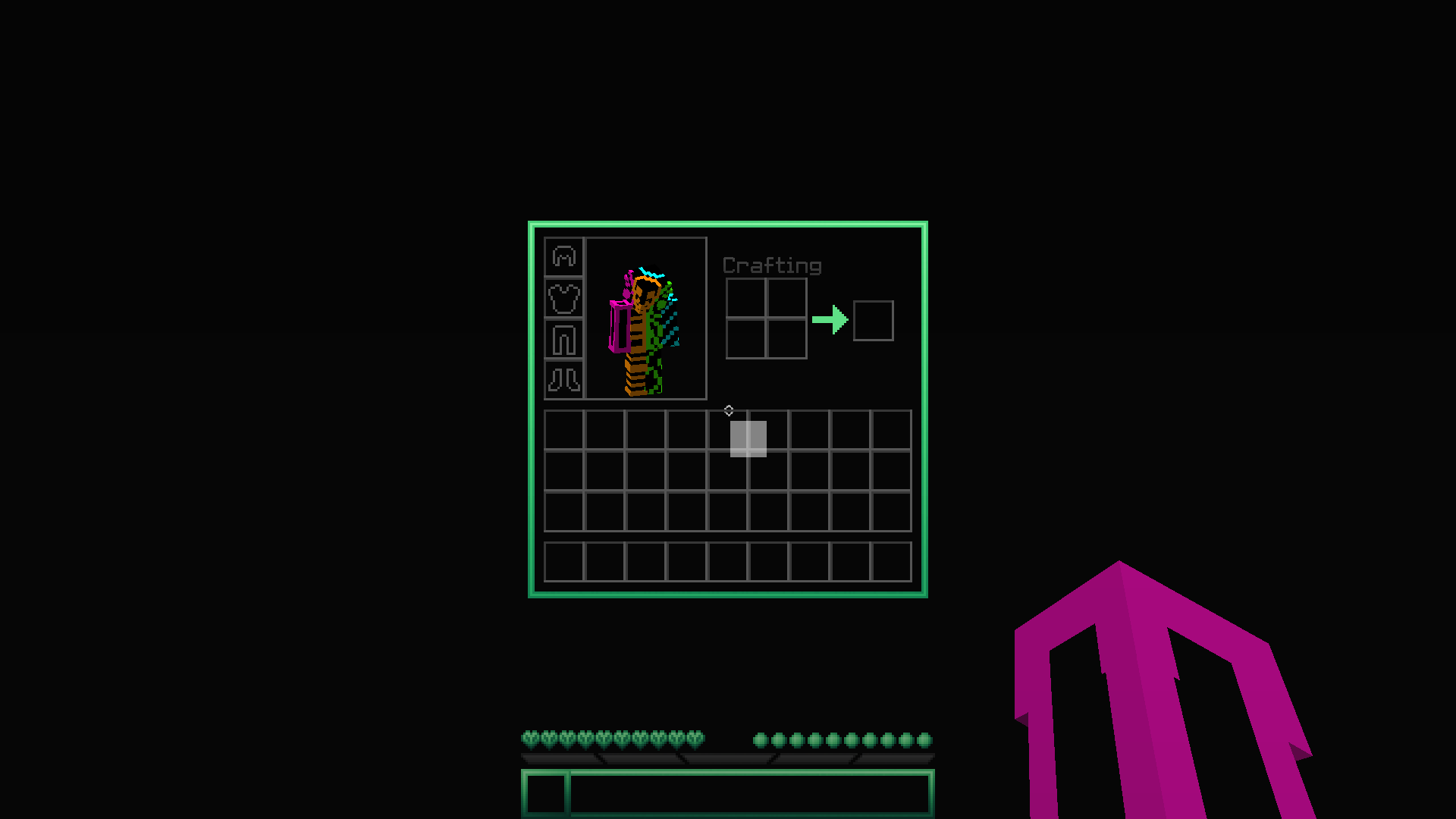
Smooth Slot Hovering
Draws square highlights at your mouse instead of snapping to slots.
Snap Item Rendering
Snaps your held item in inventories to the currently hovered slot.
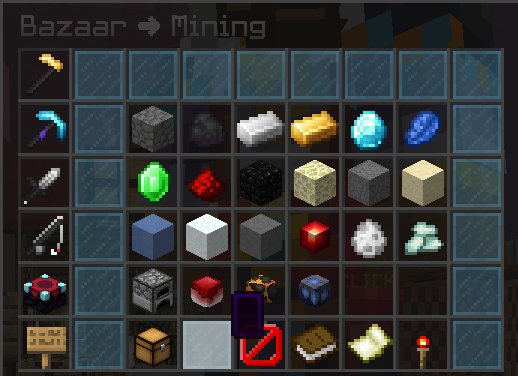
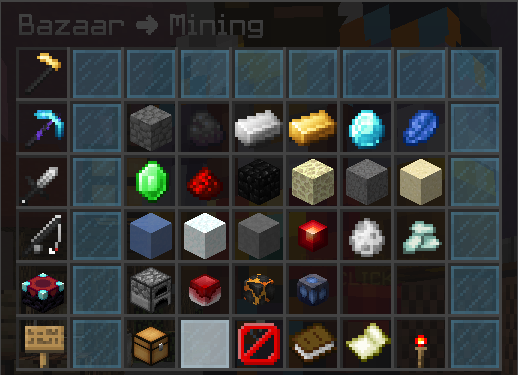
Don't Render Empty Tooltips
Don't render empty tooltips.
Requires advanced tooltips (F3+H) to be off.
Other
Silently Decline Server Resource Packs
Silently decline server resource packs, but tell the server that you successfully downloaded them.
You can add a chat message to tell when a server tries to send you a resource pack.

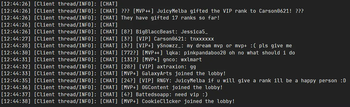
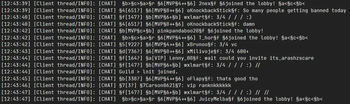
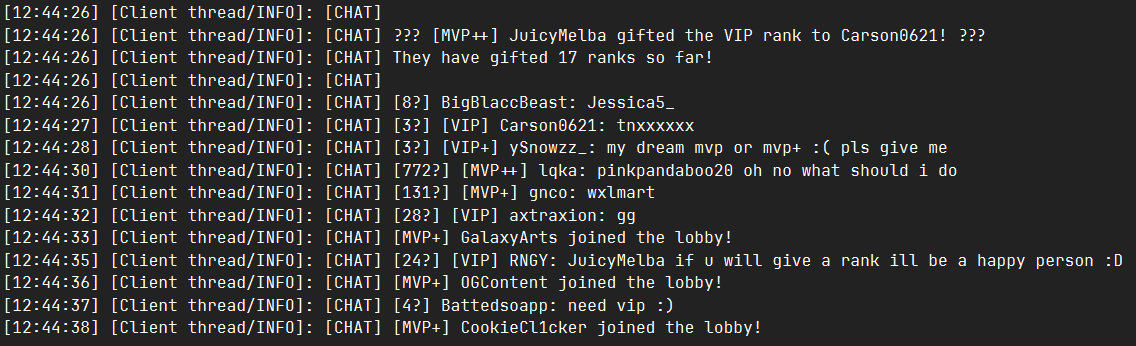
Unformat Chat Logs
Properly removes formatting from chat messages before logging them.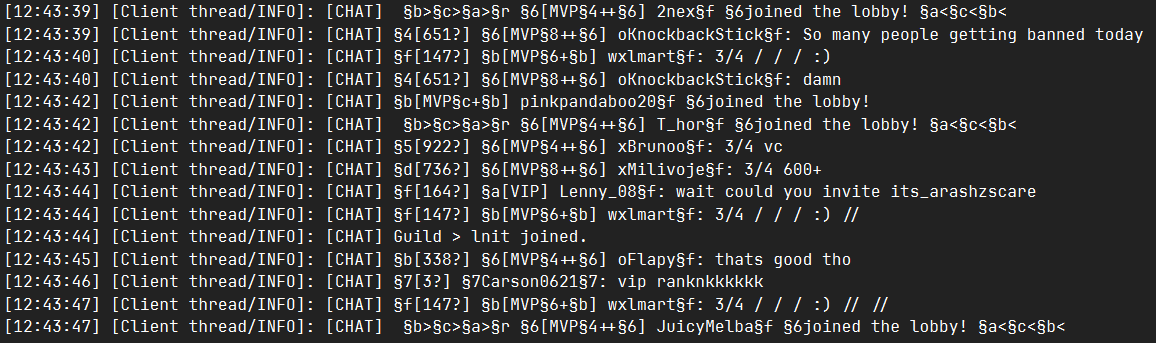
Hide Missing Signature Errors
Hides "Signature is missing from textures payload" errors from being logged.
Available Versions
How to Install Finement on Your Server
Order Server
Order a Minecraft Java server with at least 3 GB RAM (4 GB recommended).
Set forge Loader
In the panel under "Egg", select the forge loader and matching Minecraft version (1.8.9).
Install Mod
Open the mod browser in the dashboard and search for "Finement". Click "Install" – done! Alternatively, upload the .jar via SFTP to the /mods folder.
Compatibility
Mod Loaders
Minecraft Versions
1.8.9
Server-side
✗ UnsupportedRecommended RAM
4 GB(min. 3 GB)Frequently Asked Questions
Finement server crashes on startup – what to do?
Most common cause: wrong forge version or insufficient RAM. Check the server log (latest.log) for "OutOfMemoryError" or "Mixin" errors. With Mado Hosting: ensure at least 3 GB RAM is allocated and the loader matches the mod version (1.8.9). You can switch loaders with one click in the panel.
Is Finement compatible with forge?
Finement officially supports forge for Minecraft 1.8.9. The Mado dashboard automatically detects incompatible loader combinations.
Server lagging with Finement – how to optimize performance?
Recommended RAM: 4 GB (per 8 players). Use /spark profiler to check if Finement consumes the most tick time. Common fixes: reduce server view-distance to 8-10, install "performant" or "starlight" as supplementary mods on Forge. With Mado Hosting, your server runs on NVMe SSDs with dedicated CPU cores for minimal latency.
Similar Mods




Rent Modded Server
Install Finement with just one click on your server.