
Firestarter
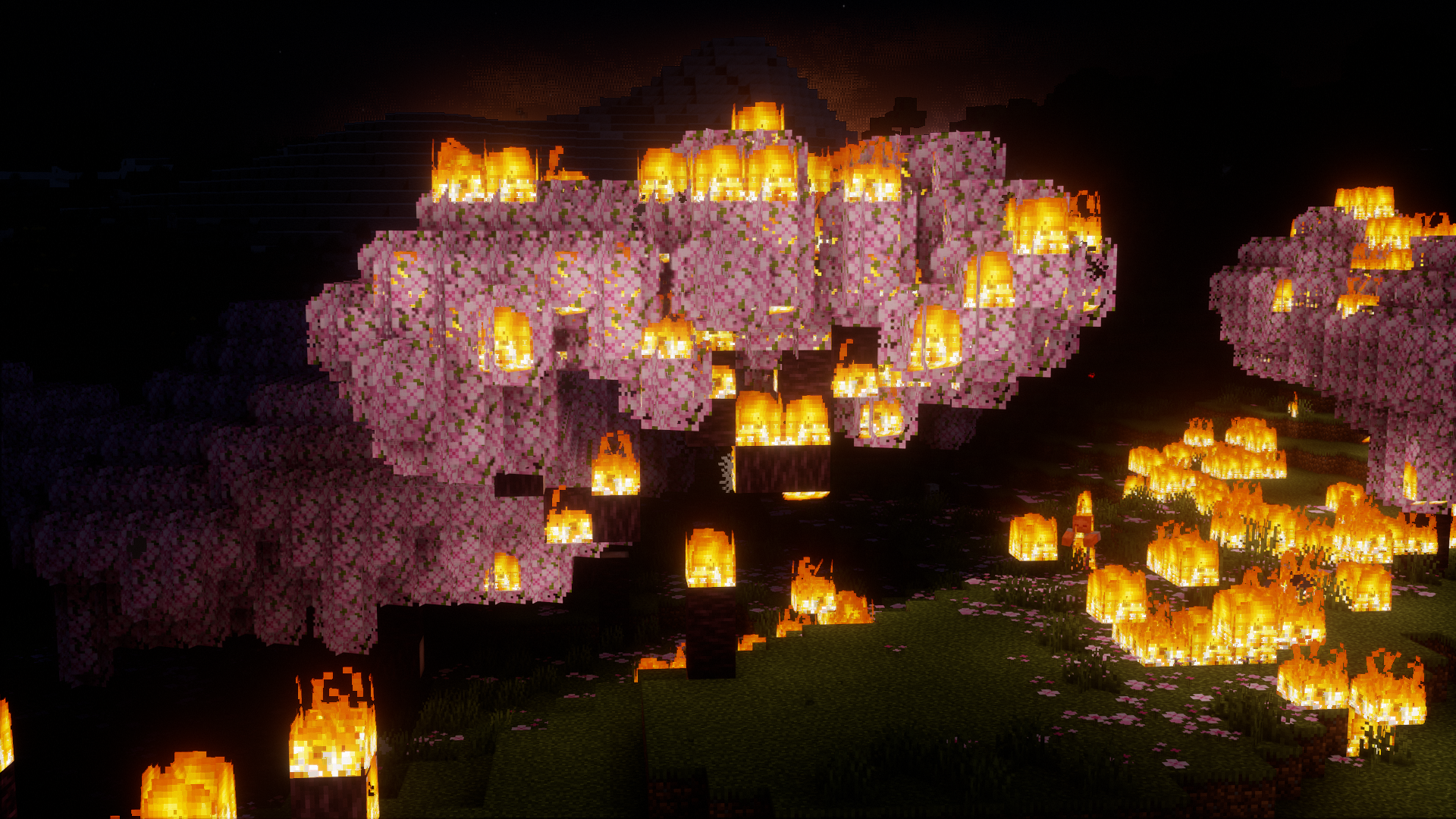
Makes fire spread more aggressive and much more likely to completely level wooden structures, or forests...
Screenshots
About this Mod
Firestarter
IMPORTANT
If you are getting an error on launch after updating to v1.0.0, try deleting the config file, the location of the file can be found below in the "Configuring Mechanics" section. If this doesn't fix it, create an issue on the Github repo.
WARNING
This mod will likely destroy existing builds that have fire in them unless they are completely non-flammable. This mod will also likely cause large amounts of game lag when fires get larger due to the much more intensive amount of computations. Fire pools can also be dangerous and cause forrests to burn down, I plan on removing them in later releases have removed them as of v2.0.0, existing lava pools will not be removed until you find previously unloaded chunks in existing worlds or create a new world. By downloading this mod you understand the full risks assoicated with re-launching into existing worlds.
Description
Introduces more agressive fire spread behavior that does NOT slow down with time, (in more techinal terms), the mod disables the age property of fire from affecting spread probabilites.
Configuring Mechanics
Make sure to launch the game to generate the config files. (YOU DO NOT HAVE TO LOAD INTO A WORLD). Go to your ".minecraft" directory or whatever profile you have the mod installed into and then go into the "config" folder. Find the "firespread.json5" file and open it with a text editor of your choice. All the properties listed have short descriptions of what they do and acceptable inputs. They also have the vanilla values listed if you prefer the vanilla mechanics but want to allow spreading to occur until there is no more fuel available. After you are done make sure to save the file. You must restart the game to make any changes.
I recommend deleting this "firespread.json5" file if you had the mod installed before the v1.0.0 update, it is safe to do it anyway if you are unsure. This will make sure the mechanics are balanced again since in the v1.0.0 update I changed things around to allow for compatibility with other mods who modify/use fire mechanics as well.
WIP features
Configuration to allow users to change spread rules and mechanics easily.(added in v0.1.0)Disable fire pools from spawning to reduce number of natural wildfires.(added in v2.0.0)- Biome dependant spread rules
Available Versions
How to Install Firestarter on Your Server
Order Server
Order a Minecraft Java server with at least 3 GB RAM (4 GB recommended).
Set fabric Loader
In the panel under "Egg", select the fabric loader and matching Minecraft version (1.21.11).
Install Mod
Open the mod browser in the dashboard and search for "Firestarter". Click "Install" – done! Alternatively, upload the .jar via SFTP to the /mods folder.
Compatibility
Mod Loaders
Minecraft Versions
1.21.11, 1.21.10, 1.21.9 (+16 more)
Server-side
✓ RequiredRecommended RAM
4 GB(min. 3 GB)Frequently Asked Questions
Firestarter server crashes on startup – what to do?
Most common cause: wrong fabric version or insufficient RAM. Check the server log (latest.log) for "OutOfMemoryError" or "Mixin" errors. With Mado Hosting: ensure at least 3 GB RAM is allocated and the loader matches the mod version (1.21.11). You can switch loaders with one click in the panel.
Is Firestarter compatible with fabric?
Firestarter officially supports fabric for Minecraft 1.21.11, 1.21.10, 1.21.9. The Mado dashboard automatically detects incompatible loader combinations.
Server lagging with Firestarter – how to optimize performance?
Recommended RAM: 4 GB (per 8 players). Use /spark profiler to check if Firestarter consumes the most tick time. Common fixes: reduce server view-distance to 8-10, install "performant" or "starlight" as supplementary mods on Forge. With Mado Hosting, your server runs on NVMe SSDs with dedicated CPU cores for minimal latency.
Similar Mods




Rent Modded Server
Install Firestarter with just one click on your server.