
FlickView
Snap the view to 360°, 180°, 90° or any custom angle. Smooth controls and a stylish UI deliver precise perspective shifts instantly
Screenshots


About this Mod

FlickView: Adjust your view with precision
FlickView is a client-side camera utility mod for Minecraft that lets you rotate your view instantly or smoothly with simple keybinds. It is designed for quick direction changes, cleaner camera control, and a lightweight in-game settings menu.
Version 3.0.0 improves smoothness, UI clarity, and general compatibility, while adding safer behavior for server use.
✨ Features
- Yaw Rotation: rotate your view by 180°, 90°, or any custom angle
- Pitch Rotation: press once to move to a preset pitch, press again to return
- Smooth Rotation: enable easing for more natural camera movement
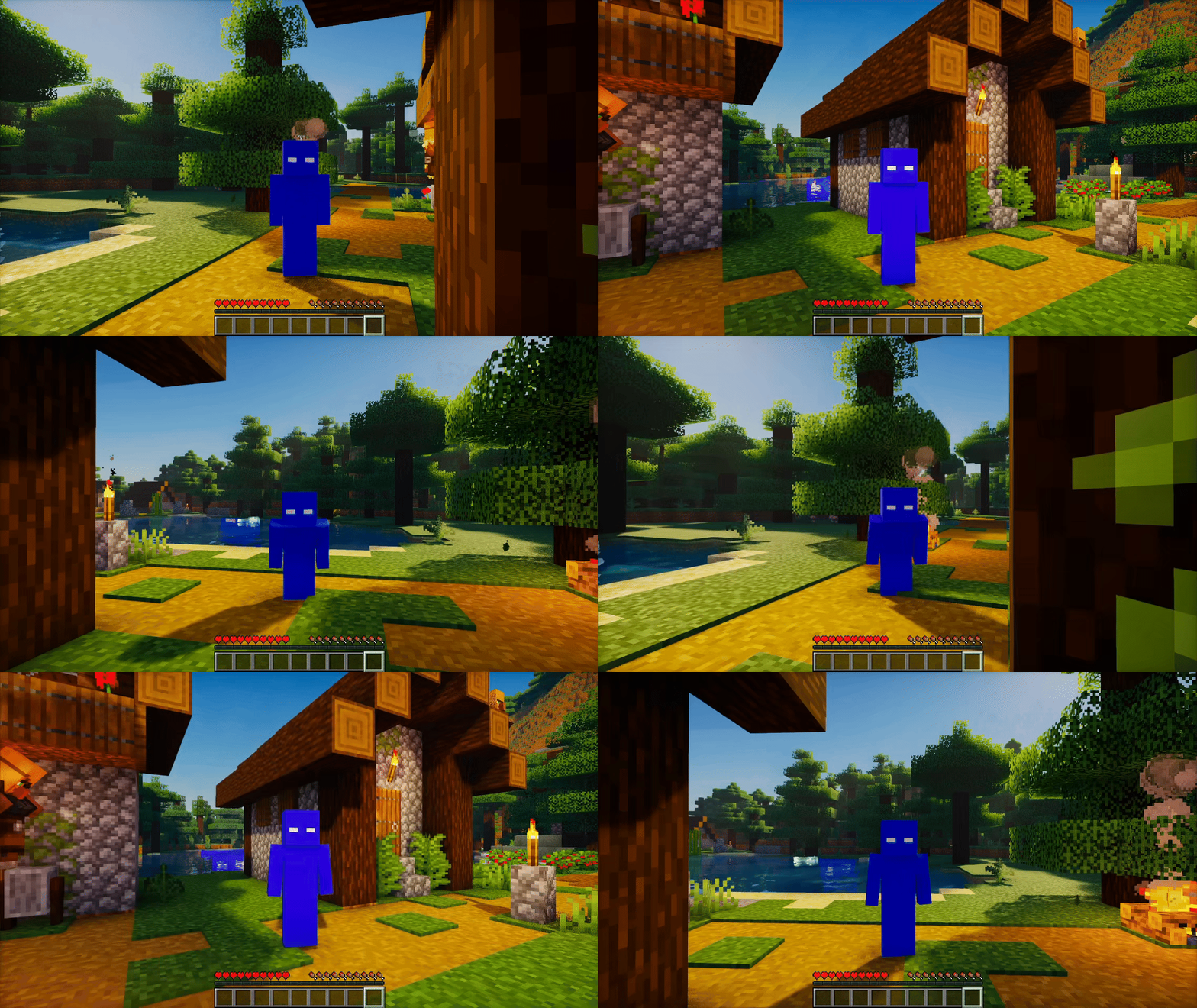
- 360 Spin: toggle continuous spin on or off
- Spin Direction: choose left or right rotation
- Rotation Speed: adjust spin and rotation speed to your preference
- Character Spin: rotate the player model while keeping the camera behavior configurable
- Auto Sneak Spin: optional timed sneak pulses during spin
- Spin Counter: display a live 360 spin counter on screen
- Counter Position: choose where the counter appears
- Server Safety: disables 360 Spin automatically on multiplayer servers by default
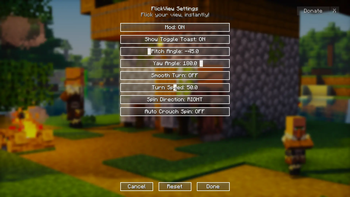
- Clean Settings UI: simple in-game controls with a compact layout
- Client-side only: no server installation required
🆕 What's New in 3.0.0
- Improved spin smoothness
- Improved compatibility with other mods
- Added Server Safety
- Added Character Spin
- Added more Spin Counter position options
- Added a Report menu with quick links
- Improved text clarity across the mod
- Improved overall settings layout
🎬 Preview
360 Spin
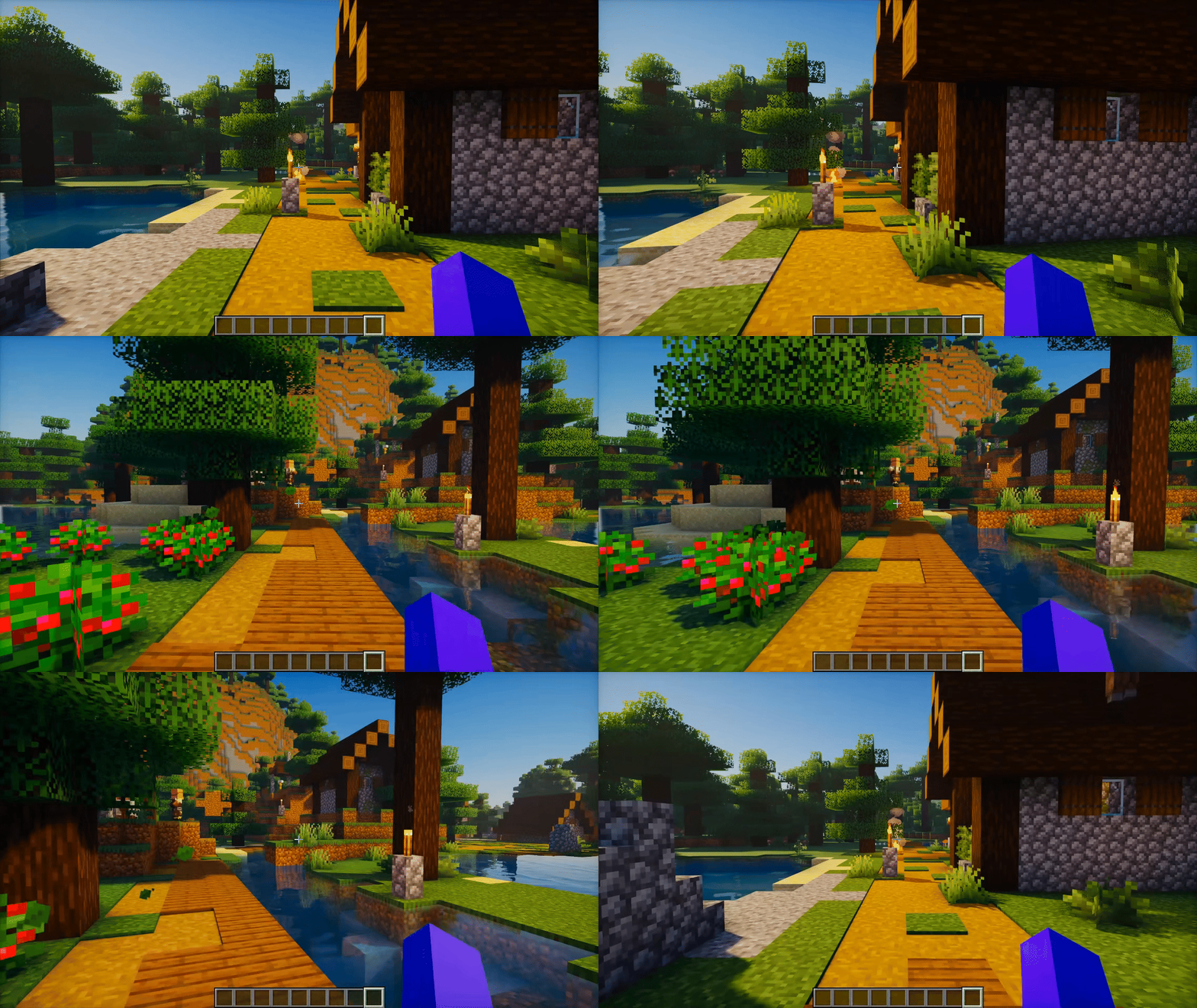
Yaw Rotation with Smooth Rotation Enabled
Check the Gallery for more previews.
🔧 Requirements
- Minecraft: supported versions are listed in each release
- Loaders:
- Fabric (available now)
- Forge (planned)
- Quilt (planned)
- NeoForge (planned)
- Dependencies:
- Fabric API (required for Fabric)
- Java: 21+
📖 Default Controls
- Press O to open the FlickView settings.
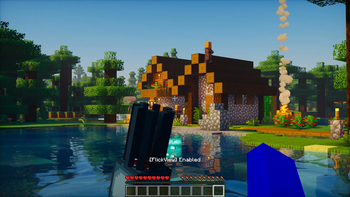
- Press K to enable or disable the mod.
- Press U to use Pitch Rotation.
- Press Y to use Yaw Rotation.
- Press I to toggle 360 Spin.
All controls and behavior can be adjusted in the settings menu.
⬇️ Download





📜 License & Permissions
- License: All Rights Reserved
- Modpacks are allowed if you link back to this project page.
- Reuploads are not allowed.
🤝 Credits
- Author: Zynwro
- Support / Contact: https://linktr.ee/zynwrodonate
Available Versions
How to Install FlickView on Your Server
Order Server
Order a Minecraft Java server with at least 3 GB RAM (4 GB recommended).
Set fabric Loader
In the panel under "Egg", select the fabric loader and matching Minecraft version (26.1.2).
Install Mod
Open the mod browser in the dashboard and search for "FlickView". Click "Install" – done! Alternatively, upload the .jar via SFTP to the /mods folder.
Compatibility
Mod Loaders
Minecraft Versions
26.1.2, 26.1.1, 26.1 (+19 more)
Server-side
✗ UnsupportedRecommended RAM
4 GB(min. 3 GB)Frequently Asked Questions
FlickView server crashes on startup – what to do?
Most common cause: wrong fabric version or insufficient RAM. Check the server log (latest.log) for "OutOfMemoryError" or "Mixin" errors. With Mado Hosting: ensure at least 3 GB RAM is allocated and the loader matches the mod version (26.1.2). You can switch loaders with one click in the panel.
Is FlickView compatible with fabric?
FlickView officially supports fabric for Minecraft 26.1.2, 26.1.1, 26.1. The Mado dashboard automatically detects incompatible loader combinations.
Server lagging with FlickView – how to optimize performance?
Recommended RAM: 4 GB (per 8 players). Use /spark profiler to check if FlickView consumes the most tick time. Common fixes: reduce server view-distance to 8-10, install "performant" or "starlight" as supplementary mods on Forge. With Mado Hosting, your server runs on NVMe SSDs with dedicated CPU cores for minimal latency.
Similar Mods




Rent Modded Server
Install FlickView with just one click on your server.