
FNAF Dreams and Nightmares (Work Game)
Mod will recreate the creepy atmosphere of FNaF 4
Screenshots
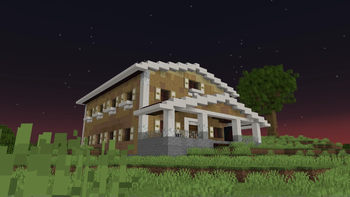
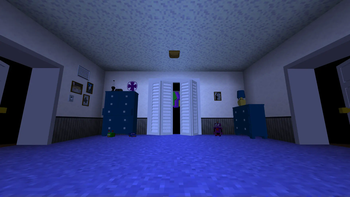
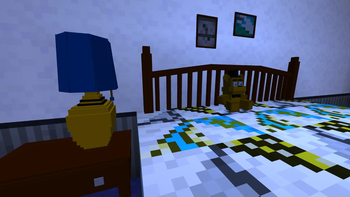
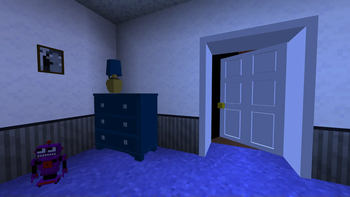
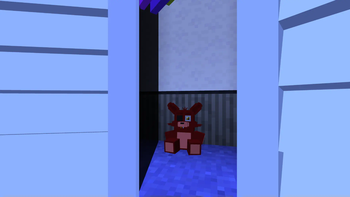
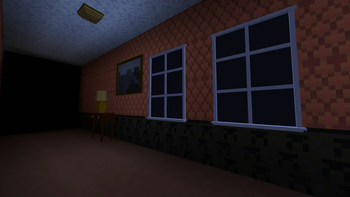
About this Mod

🐻 FNAF: Dreams and Nightmares
Five Nights at Freddy's Dreams and Nightmares is a mod that helps you immerse yourself in the atmosphere of the old game FNaF 4. It recreates the game using Minecraft's gaming capabilities and repeats the mechanics from the original game.
🎮 Gameplay
The player controls a child who must survive the night, which lasts from 12 midnight to 6 am, and detain the nightmarish animatronics - Freddy the bear, Bonnie the rabbit, Chica the chicken and Foxy the fox.
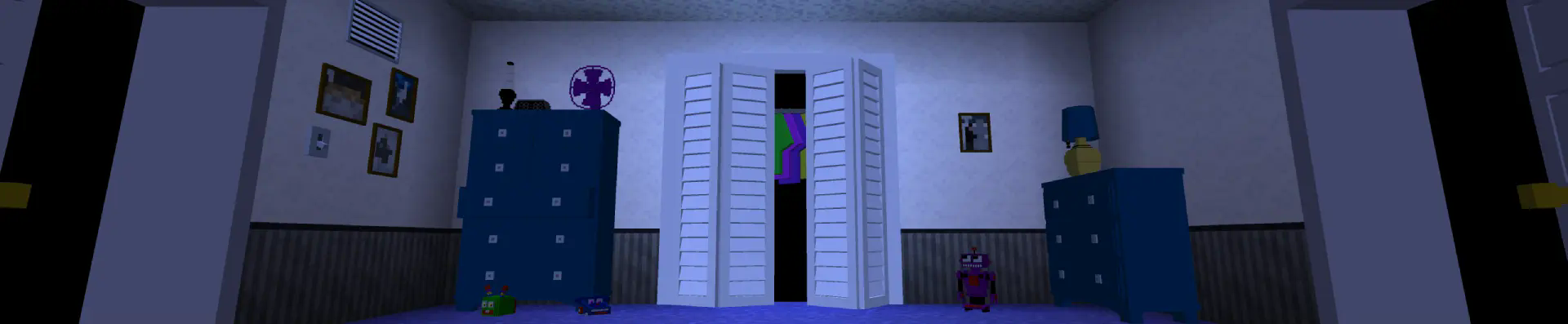
📥 Installation
To install the mod, just download the latest downloaded mod file and throw it in the mods folder. To install the datapack, you need to throw it in the datapacks folder in the world folder, and then download the resource pack and activate it.
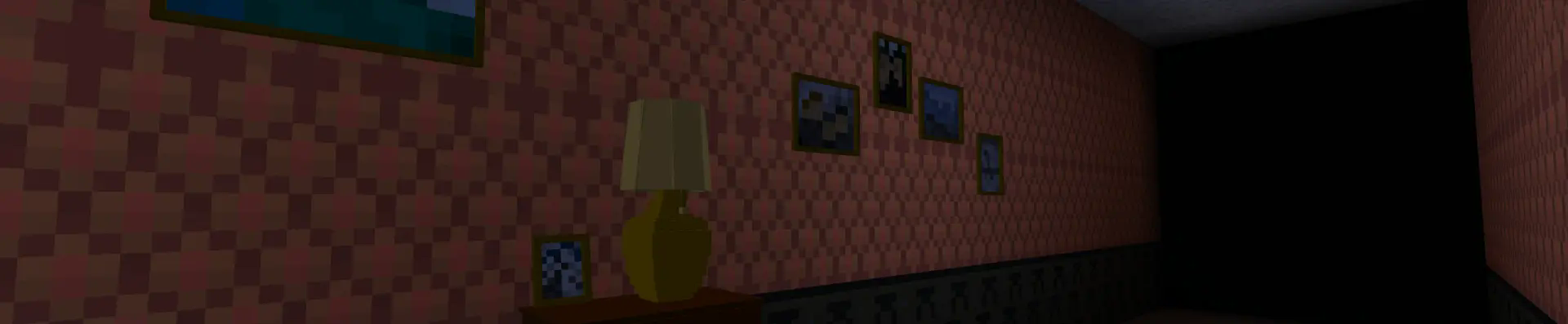
🕹️ Usage
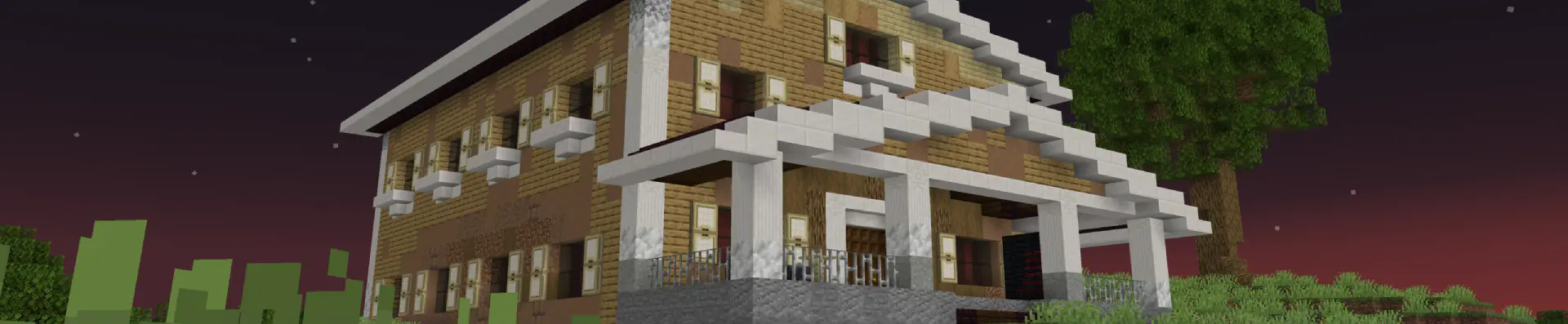
After opening the world, you need to write this command /reload to reload the data packets, and then use this command /trigger bizcub.fnaf4.house to get an item that can be used to place a house. Next, you need to click on the block where you are going to place the house. On the porch of the house, you can find a menu with a choice of nights. To start the night, you need to choose one of the options.

🗺️ House map
I have not yet made all the features of the original game, but the house map is already in my mod, to enable it, you need to use this command /trigger bizcub.fnaf4.map. For comfortable playing with the map, I recommend setting these values in the chat settings:
- Text Background Opacity - 0%
- Width - 90
✨ Thanks
To implement this project, I used:
- ItzTaken's video to understand the mechanics of the game
- Animated Java v1.6.4 plugin for Blockbench to make and animate the animatronic models
Other ☰
- All game sounds are divided into categories:
- Animatronics - Hostile Mobs
- Ambient - Ambient/Environment
- Player-generated sounds - Players
- Since the project uses built-in shaders, which are incompatible with Sodium
- Fabric loader requires Fabric API
Available Versions
How to Install FNAF Dreams and Nightmares (Work Game) on Your Server
Order Server
Order a Minecraft Java server with at least 3 GB RAM (4 GB recommended).
Set datapack Loader
In the panel under "Egg", select the datapack loader and matching Minecraft version (1.21.4).
Install Mod
Open the mod browser in the dashboard and search for "FNAF Dreams and Nightmares (Work Game)". Click "Install" – done! Alternatively, upload the .jar via SFTP to the /mods folder.
Compatibility
Mod Loaders
Minecraft Versions
1.21.4
Server-side
✓ RequiredRecommended RAM
4 GB(min. 3 GB)Frequently Asked Questions
FNAF Dreams and Nightmares (Work Game) server crashes on startup – what to do?
Most common cause: wrong datapack version or insufficient RAM. Check the server log (latest.log) for "OutOfMemoryError" or "Mixin" errors. With Mado Hosting: ensure at least 3 GB RAM is allocated and the loader matches the mod version (1.21.4). You can switch loaders with one click in the panel.
Is FNAF Dreams and Nightmares (Work Game) compatible with datapack and fabric and forge and neoforge and quilt?
FNAF Dreams and Nightmares (Work Game) officially supports datapack, fabric, forge, neoforge, quilt for Minecraft 1.21.4. Note: Forge and Fabric mods are NOT cross-compatible – pick one loader and stick with it. The Mado dashboard automatically detects incompatible loader combinations.
Server lagging with FNAF Dreams and Nightmares (Work Game) – how to optimize performance?
Recommended RAM: 4 GB (per 8 players). Use /spark profiler to check if FNAF Dreams and Nightmares (Work Game) consumes the most tick time. Common fixes: reduce server view-distance to 8-10, install "performant" or "starlight" as supplementary mods on Forge. With Mado Hosting, your server runs on NVMe SSDs with dedicated CPU cores for minimal latency.
Similar Mods

![[ETF] Entity Texture Features](https://cdn.modrinth.com/data/BVzZfTc1/af683d206d50b05258d865b0d6e4aa2f2cee12f2_96.webp)
![[EMF] Entity Model Features](https://cdn.modrinth.com/data/4I1XuqiY/6e5bbd0d06b1741bfdab6c0cfab6de8fdaf0064c_96.webp)



Rent Modded Server
Install FNAF Dreams and Nightmares (Work Game) with just one click on your server.