
Foksi Bum Beginning
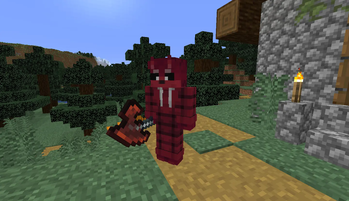
Adds dweller spirit mob that chases the player and drops powerful items if you could defeat him
Screenshots
About this Mod
Adds dweller spirit mob that chases the player and drops powerful items if you could defeat him
This mod was made as commission and allowed to be posted in public
This mod requires Curios mod for working
Subscribe on mod's platforms:
Foksibum Mob:
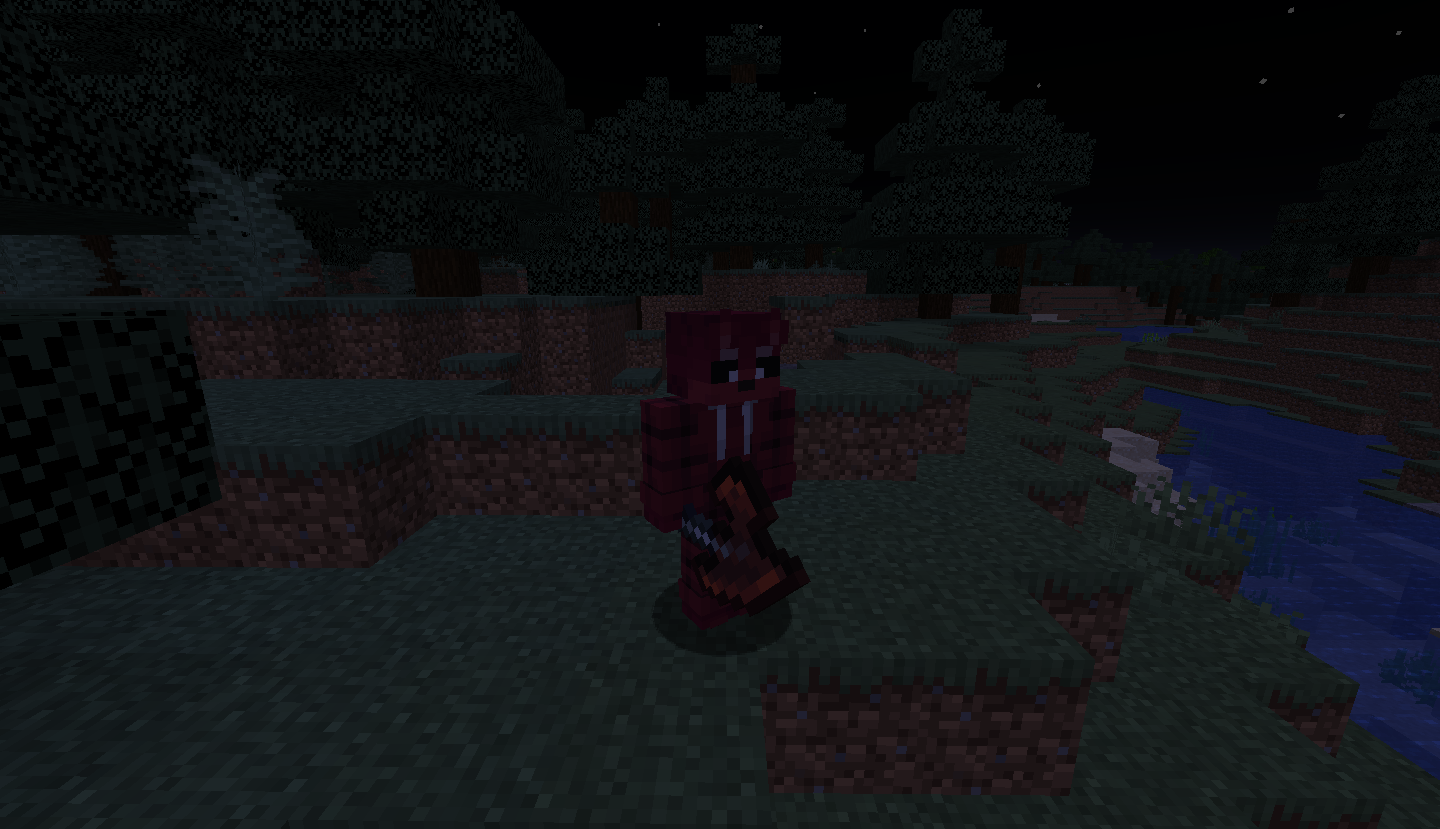
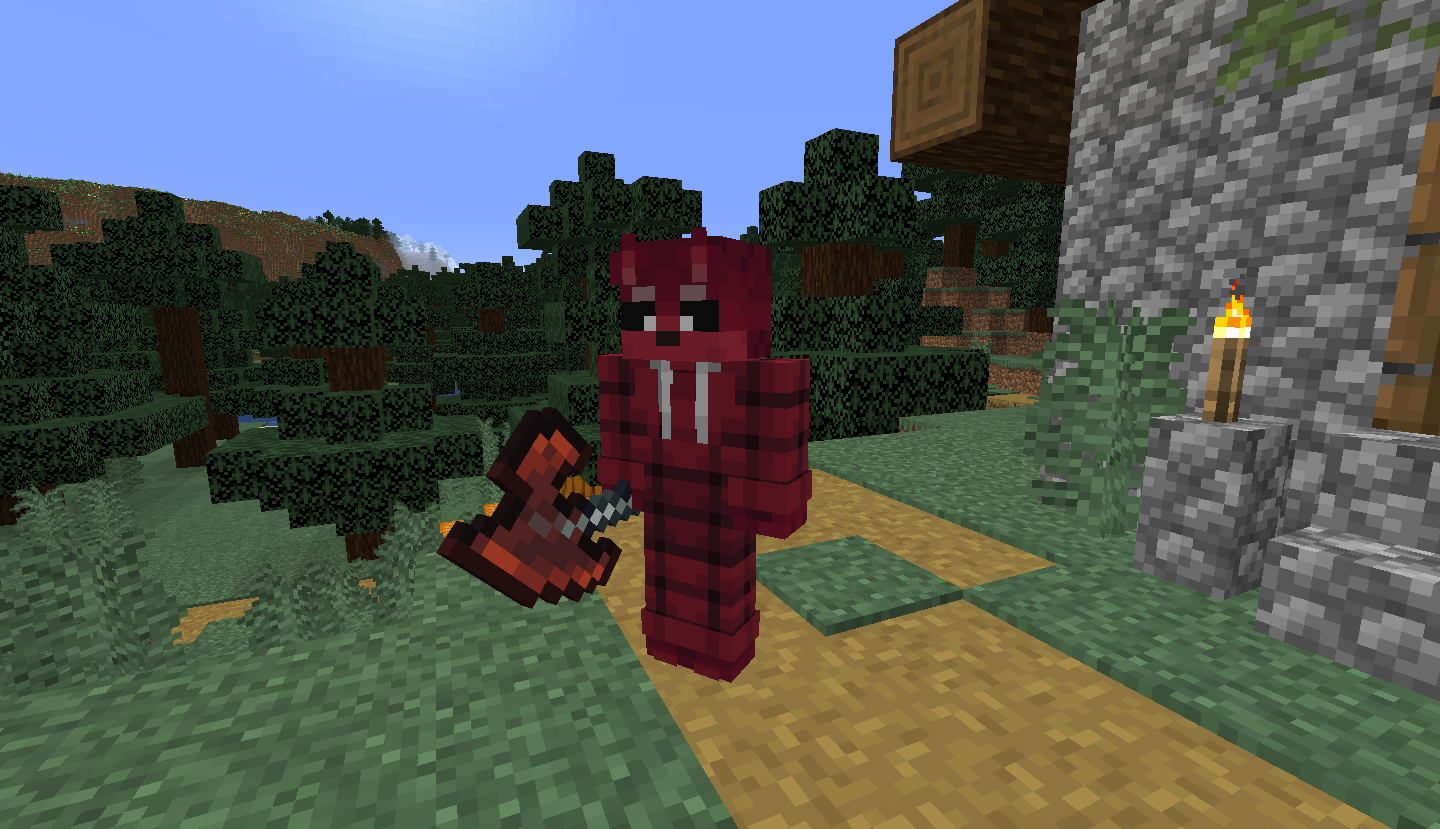
- Have 650 health points
- 3 attack damage
- Adds Slowness and Bleeding effect on attack
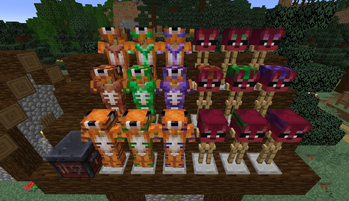
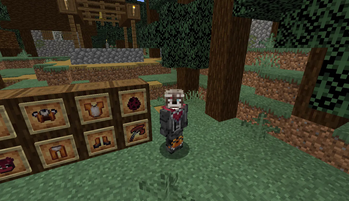
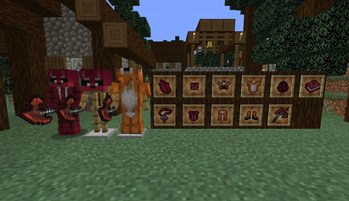
- Drops Foksibum Mask, Fox Heart, Fox Axe, Fox Armor, 3 Diamonds, 3 Emeralds, 3 Iron Ingots, 3 Golden Ingots and 3 Lapis Lazuli
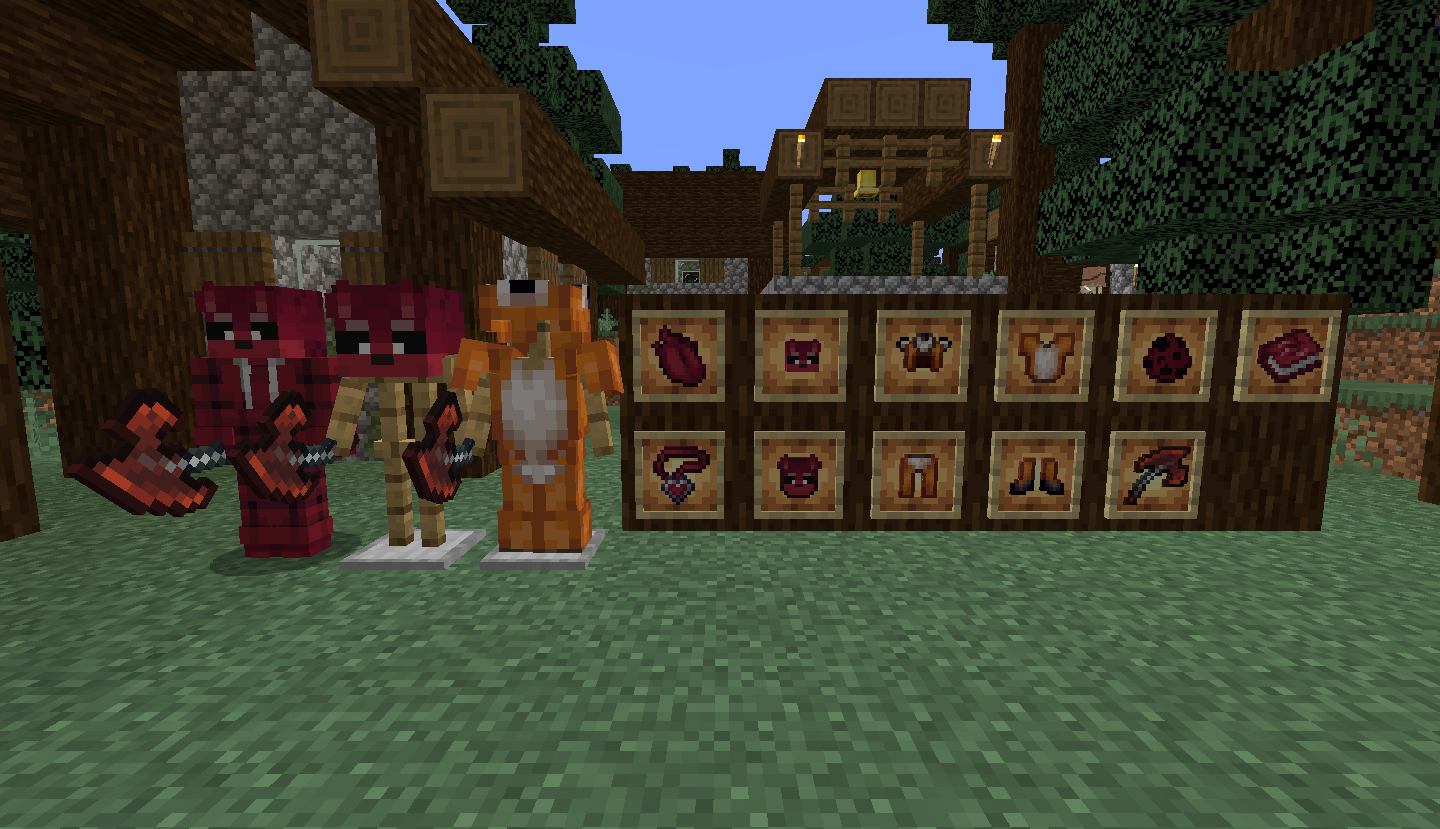
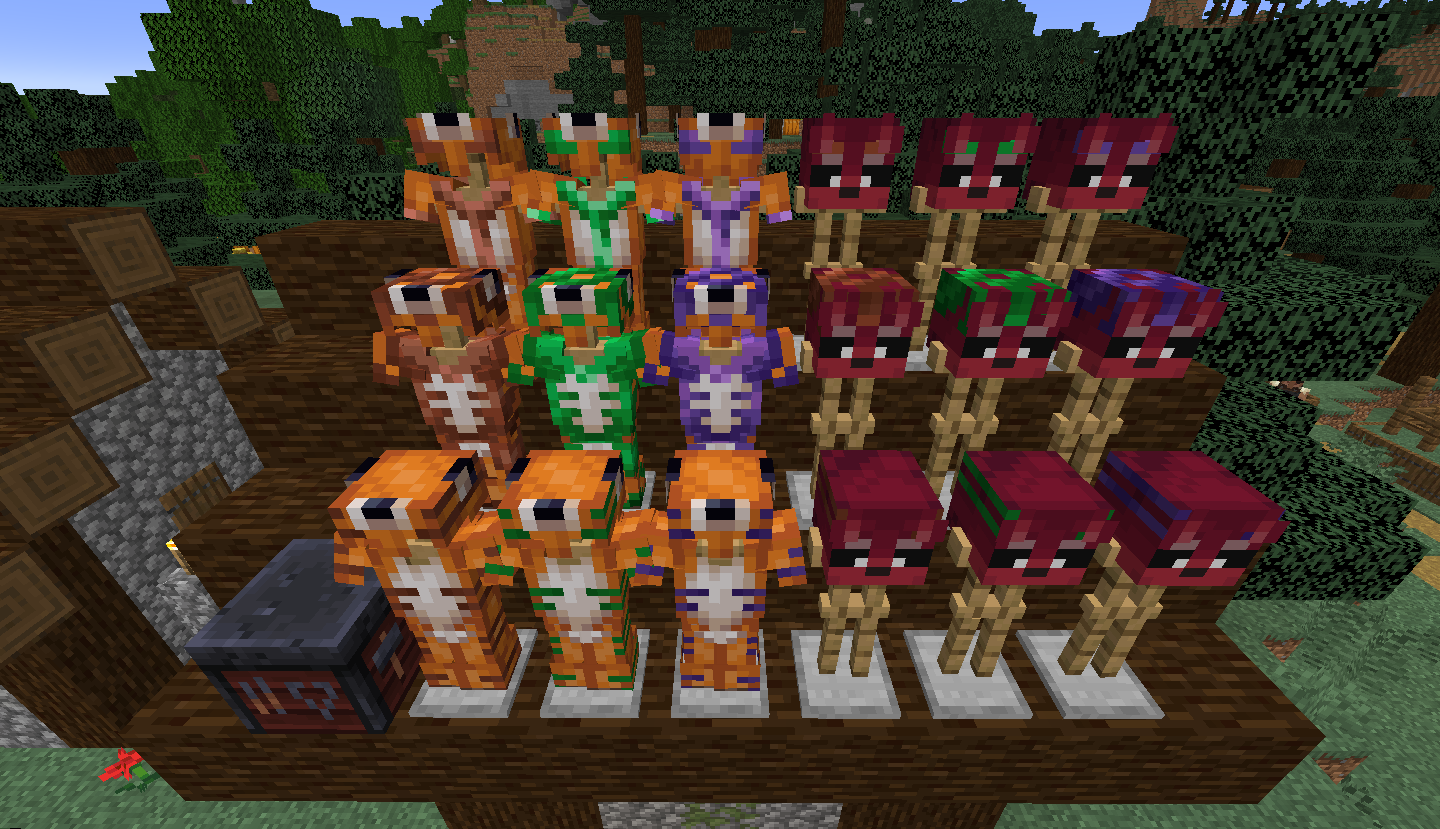
Foksibum Mask:
- Mask that looks like Foksibum mob's head
- Adds Night Vision effect
- Can be crafted into Foksibum Head block that can be placed and also crafted back
- Can be trimmed with Armor Templates
Fox Armor:
- Have characteristics between Diamond and Netherite Armors
- Can be trimmed with Armor Templates
Fox Axe:
- Have 40 attack damage
- Adds Bleeding effect on attack
- "/gamerule foxAxeDrop false" command could turn off this axe to drop
Bleeding effect:
- New effect that deals additional damage equal to effect's level while attacked. Foksibum and Fox Axe increases Bleeding effect
Fox Heart:
- New item that could be crafted into Fox Charm
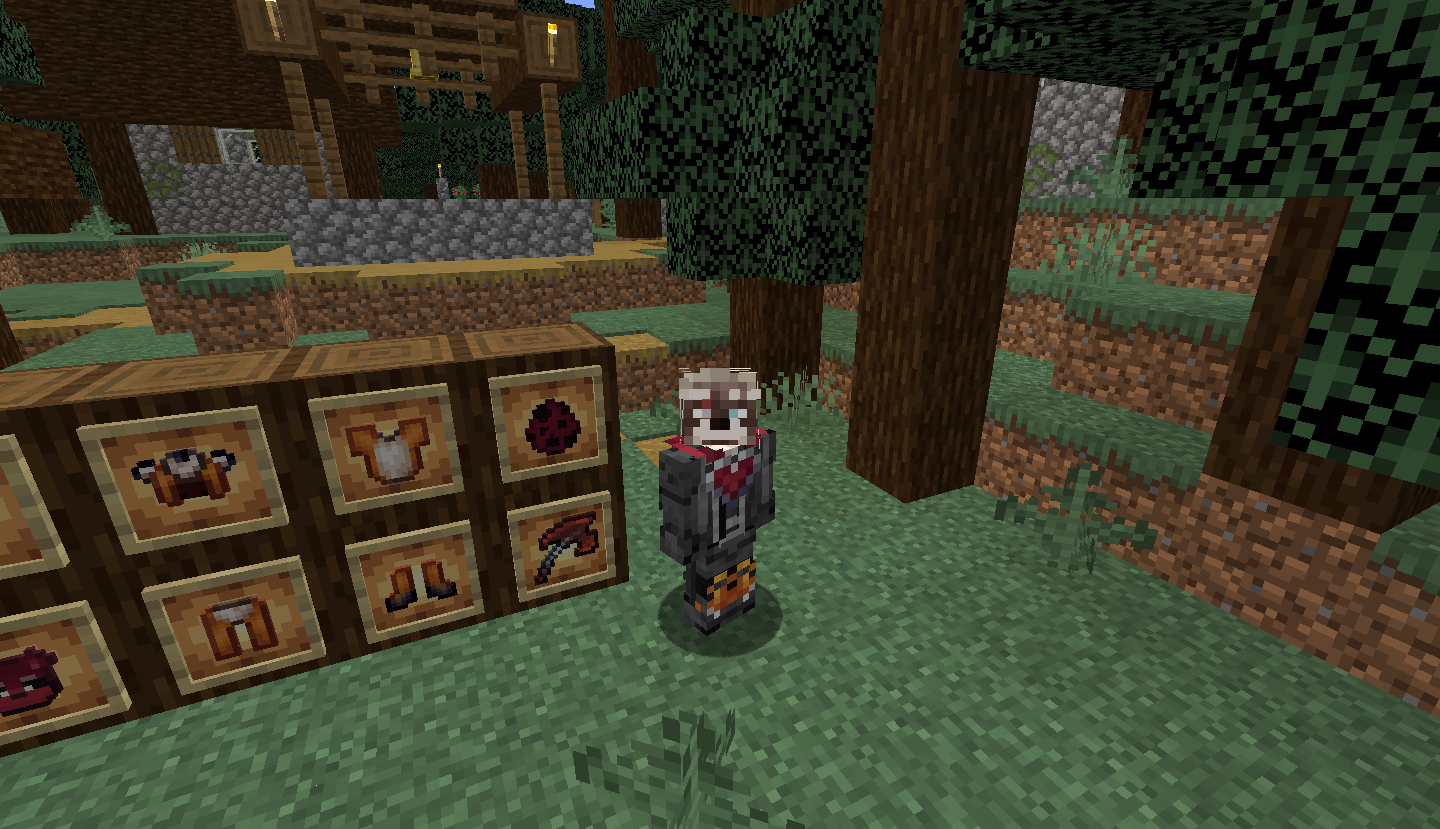
Fox Charm:
- New charm that shoul be put into Curios slot
- Adds Regeneration, Strength, Fire Resistance and Water Breathing effects
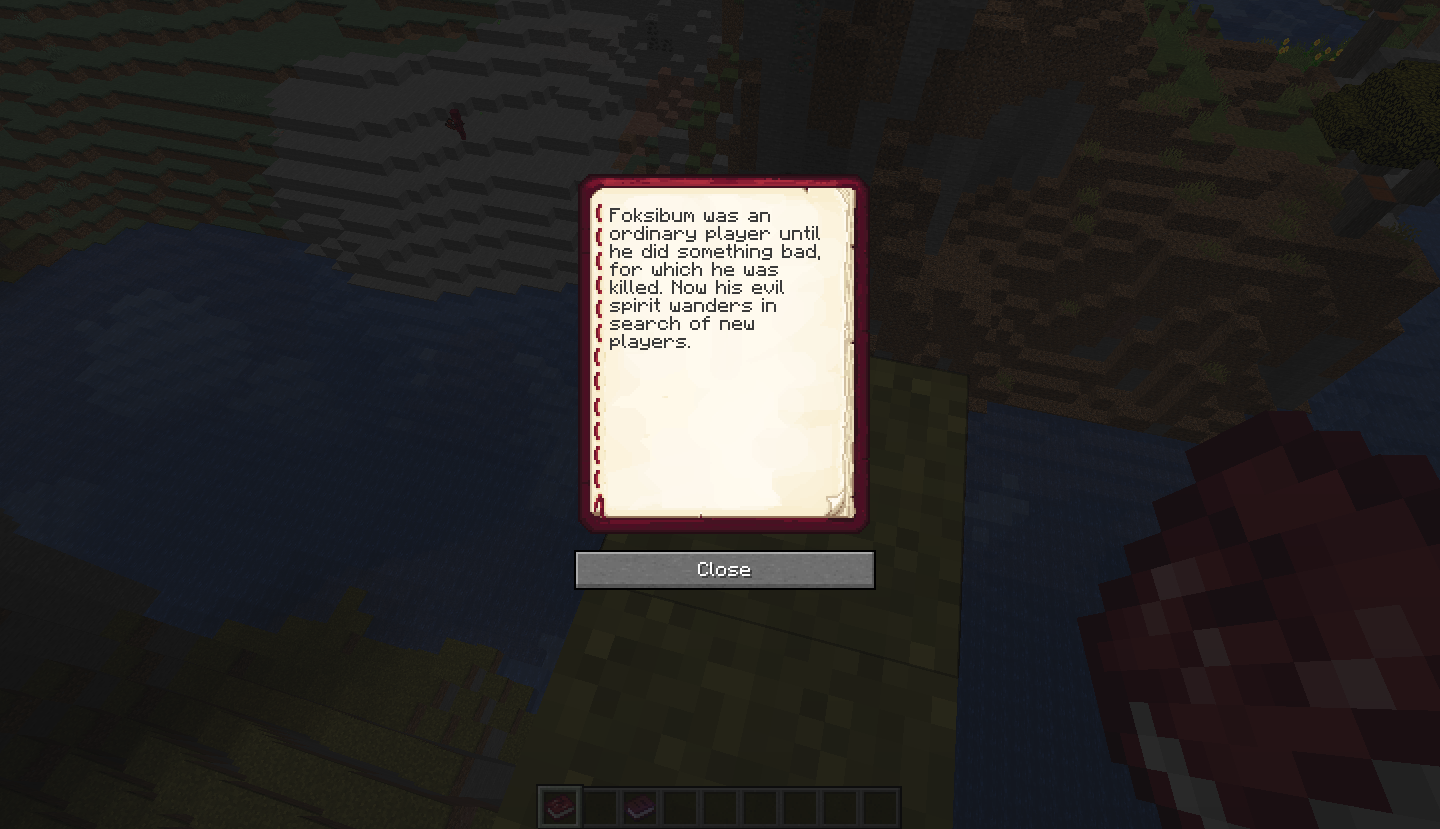
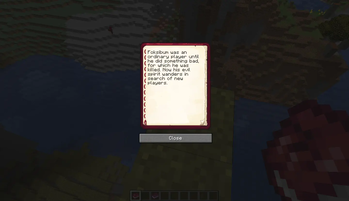
Foksibum Book:
- It given at the first time while player enters the world
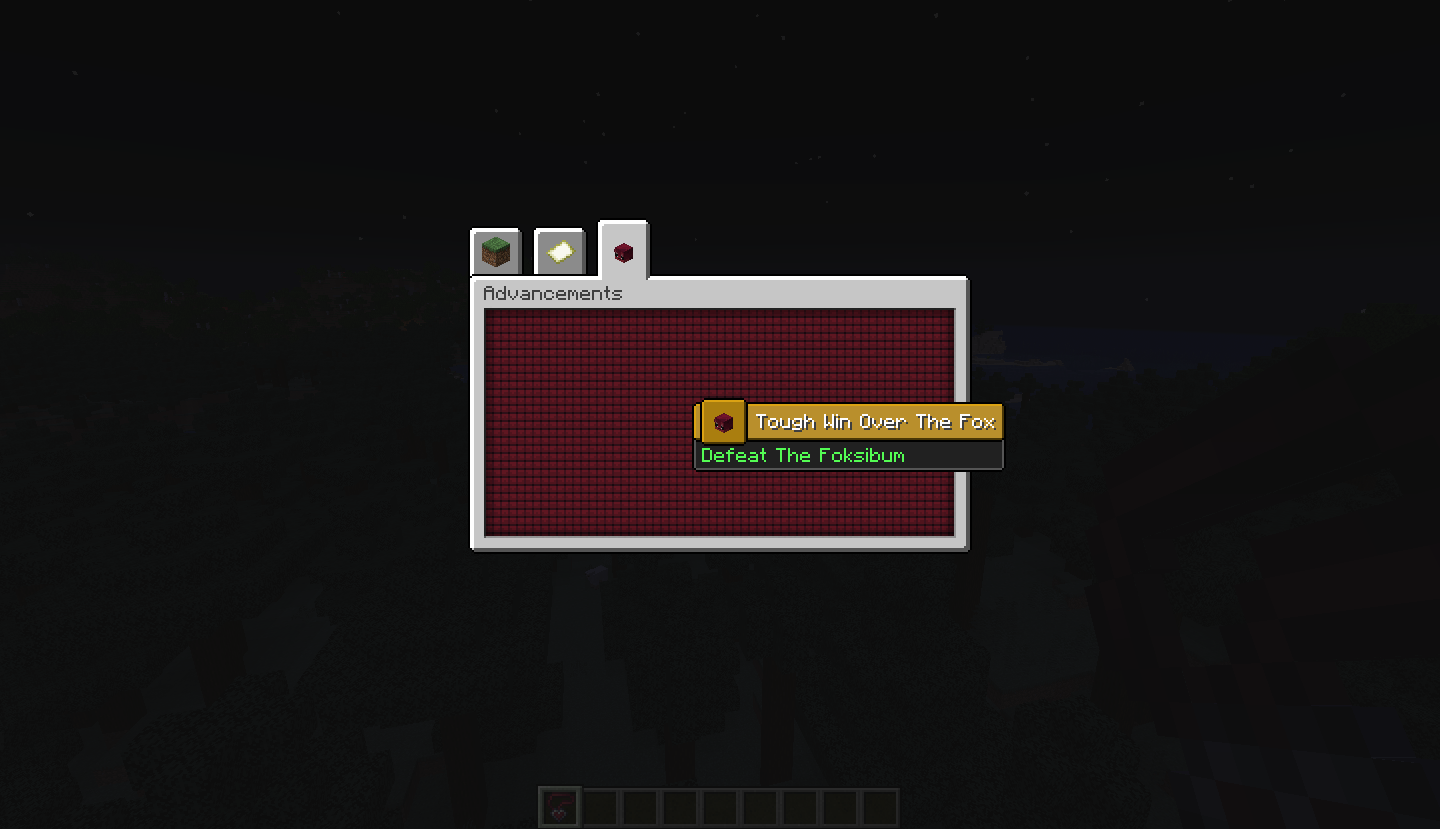
Tough Defeat Win The Fox:
- Advancement for defeating the Foksibum
Available Versions
How to Install Foksi Bum Beginning on Your Server
Order Server
Order a Minecraft Java server with at least 3 GB RAM (4 GB recommended).
Set forge Loader
In the panel under "Egg", select the forge loader and matching Minecraft version (1.21.1).
Install Mod
Open the mod browser in the dashboard and search for "Foksi Bum Beginning". Click "Install" – done! Alternatively, upload the .jar via SFTP to the /mods folder.
Compatibility
Mod Loaders
Minecraft Versions
1.21.1, 1.20.1
Server-side
✓ RequiredRecommended RAM
4 GB(min. 3 GB)Frequently Asked Questions
Foksi Bum Beginning server crashes on startup – what to do?
Most common cause: wrong forge version or insufficient RAM. Check the server log (latest.log) for "OutOfMemoryError" or "Mixin" errors. With Mado Hosting: ensure at least 3 GB RAM is allocated and the loader matches the mod version (1.21.1). You can switch loaders with one click in the panel.
Is Foksi Bum Beginning compatible with forge and neoforge?
Foksi Bum Beginning officially supports forge, neoforge for Minecraft 1.21.1, 1.20.1. The Mado dashboard automatically detects incompatible loader combinations.
Server lagging with Foksi Bum Beginning – how to optimize performance?
Recommended RAM: 4 GB (per 8 players). Use /spark profiler to check if Foksi Bum Beginning consumes the most tick time. Common fixes: reduce server view-distance to 8-10, install "performant" or "starlight" as supplementary mods on Forge. With Mado Hosting, your server runs on NVMe SSDs with dedicated CPU cores for minimal latency.
Similar Mods
![[EMF] Entity Model Features](https://cdn.modrinth.com/data/4I1XuqiY/6e5bbd0d06b1741bfdab6c0cfab6de8fdaf0064c_96.webp)


Rent Modded Server
Install Foksi Bum Beginning with just one click on your server.