
Galaxia's Legacy Blocks
Galaxias Legacy Blocks (GLB) adds most removed/unused blocks from Java, Bedrock, LCE and other versions of minecraft.
Screenshots
About this Mod
GALAXIAS LEGACY BLOCKS
Galaxias Legacy Blocks (GLB) adds alot of unused/removed blocks from Java, Bedrock, LCE and other versions of minecraft.
THIS MOD IS STILL BEING WORKED ON AND CAN BE OVERPOWERED WHEN USED!!!!
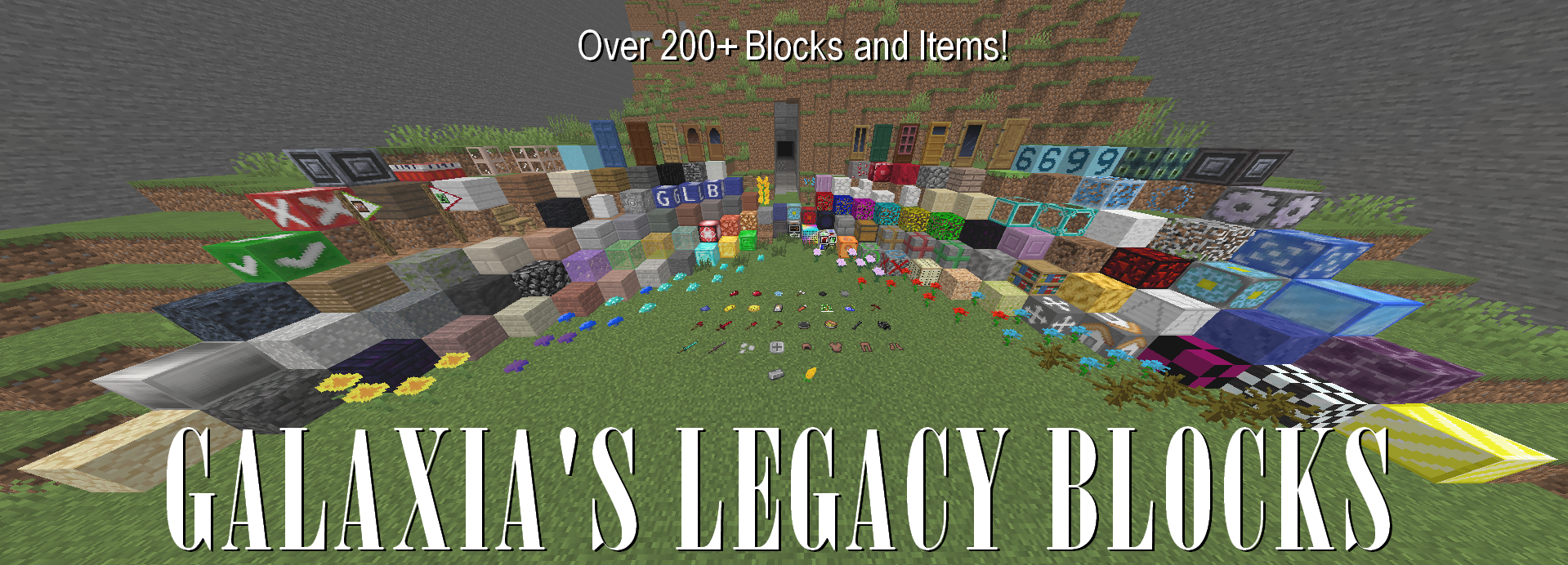
This mod adds unused/removed/changed textures and blocks from older minecraft versions!
But besides that what does this do?
Well im glad you asked!.. hopefully..
- Multiple decorative, functional and other blocks for your world!
- New weapons and armor!
- The new ruby castterlite ore that spawns from Y32, Y0
And alot of other specific things you can find in this mod!
Functional Block List:
(italic means it will be changed later)
- TNT slab | exploads when stepped on
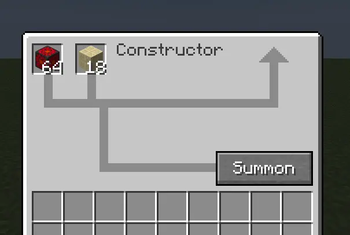
- Constructor | Duplicates items when fueled with Low Energy Cores
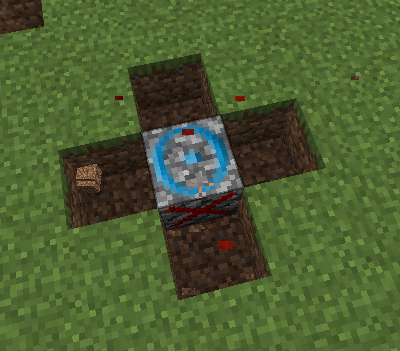
- Block Creator | Makes grass, stone, granite, diorite and andisite around it and is powered from the bottom
- Block Destroyer | Removes all blocks around it and is powered from the top
- Packaged Stone | Removes jump or slowers speed depending on the type of packaging
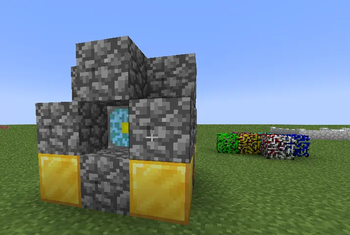
- Diamond Glass | Increases speed and jump, the enhanced version is 2x stronger
- Home block | Teleports you to the location of the block when set and using the teleportationer
- Spike block | Hurts player ALOT apon being stepped on
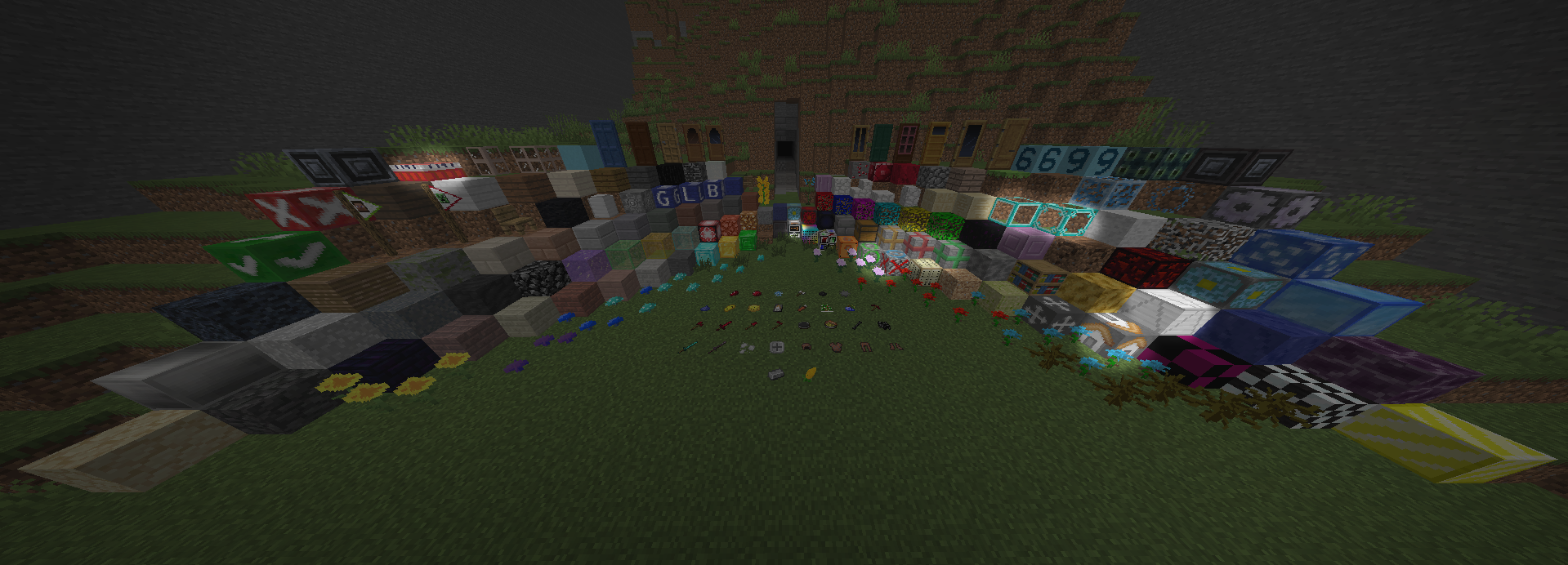
Theres even more!
This mod has tons of advancements you can get! If you get the hardest one (I NEED THEM ALL) youll get the debug stick!
Theres much more you can do but you should just play the mod already, youll see it all that way
this is meant to be used in long runs for worlds and isnt meant to be used for short time sessions (Such as playing 1 time horror mods or to test out a mod for a few minecraft days)
Available Versions
How to Install Galaxia's Legacy Blocks on Your Server
Order Server
Order a Minecraft Java server with at least 3 GB RAM (4 GB recommended).
Set neoforge Loader
In the panel under "Egg", select the neoforge loader and matching Minecraft version (1.21.1).
Install Mod
Open the mod browser in the dashboard and search for "Galaxia's Legacy Blocks". Click "Install" – done! Alternatively, upload the .jar via SFTP to the /mods folder.
Compatibility
Mod Loaders
Minecraft Versions
1.21.1
Server-side
✓ RequiredRecommended RAM
4 GB(min. 3 GB)Frequently Asked Questions
Galaxia's Legacy Blocks server crashes on startup – what to do?
Most common cause: wrong neoforge version or insufficient RAM. Check the server log (latest.log) for "OutOfMemoryError" or "Mixin" errors. With Mado Hosting: ensure at least 3 GB RAM is allocated and the loader matches the mod version (1.21.1). You can switch loaders with one click in the panel.
Is Galaxia's Legacy Blocks compatible with neoforge?
Galaxia's Legacy Blocks officially supports neoforge for Minecraft 1.21.1. The Mado dashboard automatically detects incompatible loader combinations.
Server lagging with Galaxia's Legacy Blocks – how to optimize performance?
Recommended RAM: 4 GB (per 8 players). Use /spark profiler to check if Galaxia's Legacy Blocks consumes the most tick time. Common fixes: reduce server view-distance to 8-10, install "performant" or "starlight" as supplementary mods on Forge. With Mado Hosting, your server runs on NVMe SSDs with dedicated CPU cores for minimal latency.
Similar Mods

![[ETF] Entity Texture Features](https://cdn.modrinth.com/data/BVzZfTc1/af683d206d50b05258d865b0d6e4aa2f2cee12f2_96.webp)
![[EMF] Entity Model Features](https://cdn.modrinth.com/data/4I1XuqiY/6e5bbd0d06b1741bfdab6c0cfab6de8fdaf0064c_96.webp)



Rent Modded Server
Install Galaxia's Legacy Blocks with just one click on your server.