
GameHelper
Adds a Helper GUI to your game, allowing to simply edit gamerules, tp to death position and ...
Screenshots




About this Mod
本模组在游戏中添加了一个 Helper GUI,默认通过 G 键打开,提供对游戏存在帮助的一些功能,包括:
This mod adds a Helper GUI to the game, which can be opened by default with the G key. It provides several features that assist with gameplay, including:
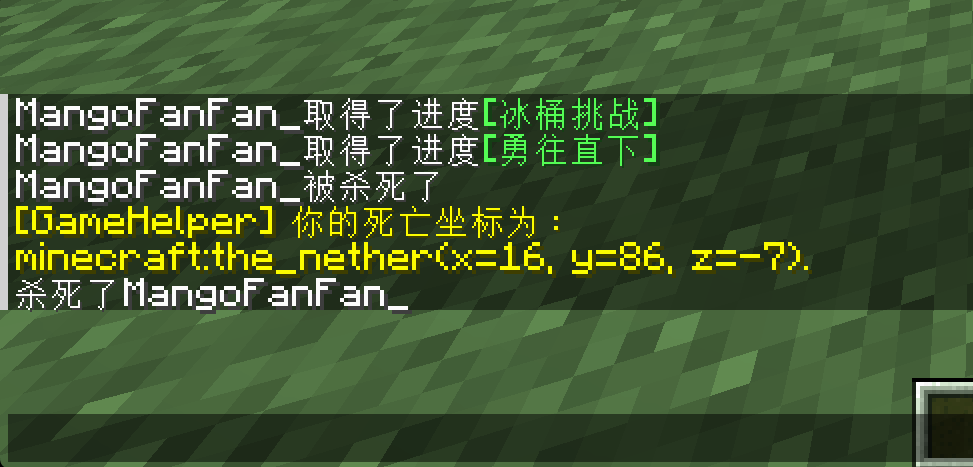
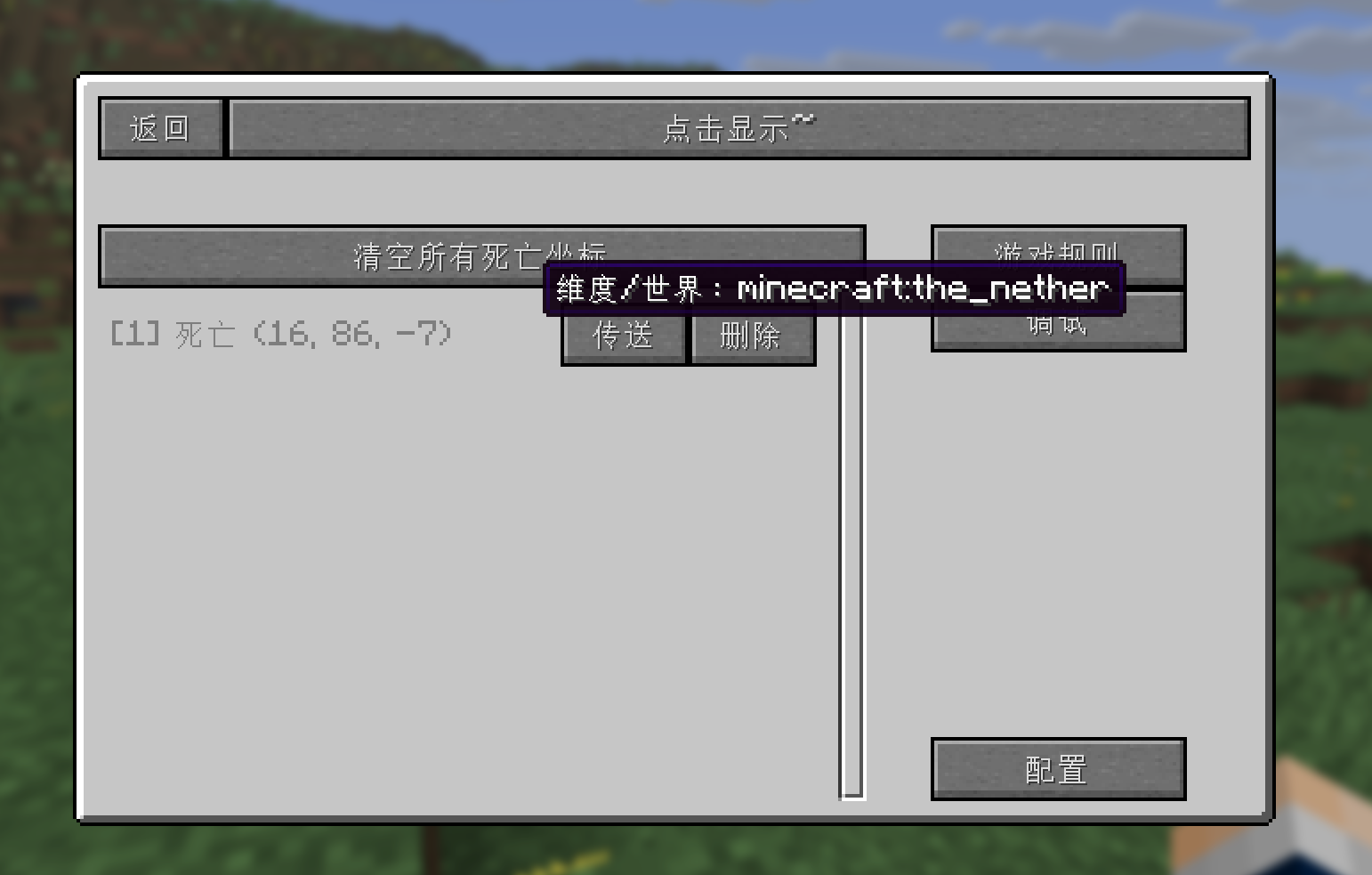
记录死亡坐标
传送至死亡地点
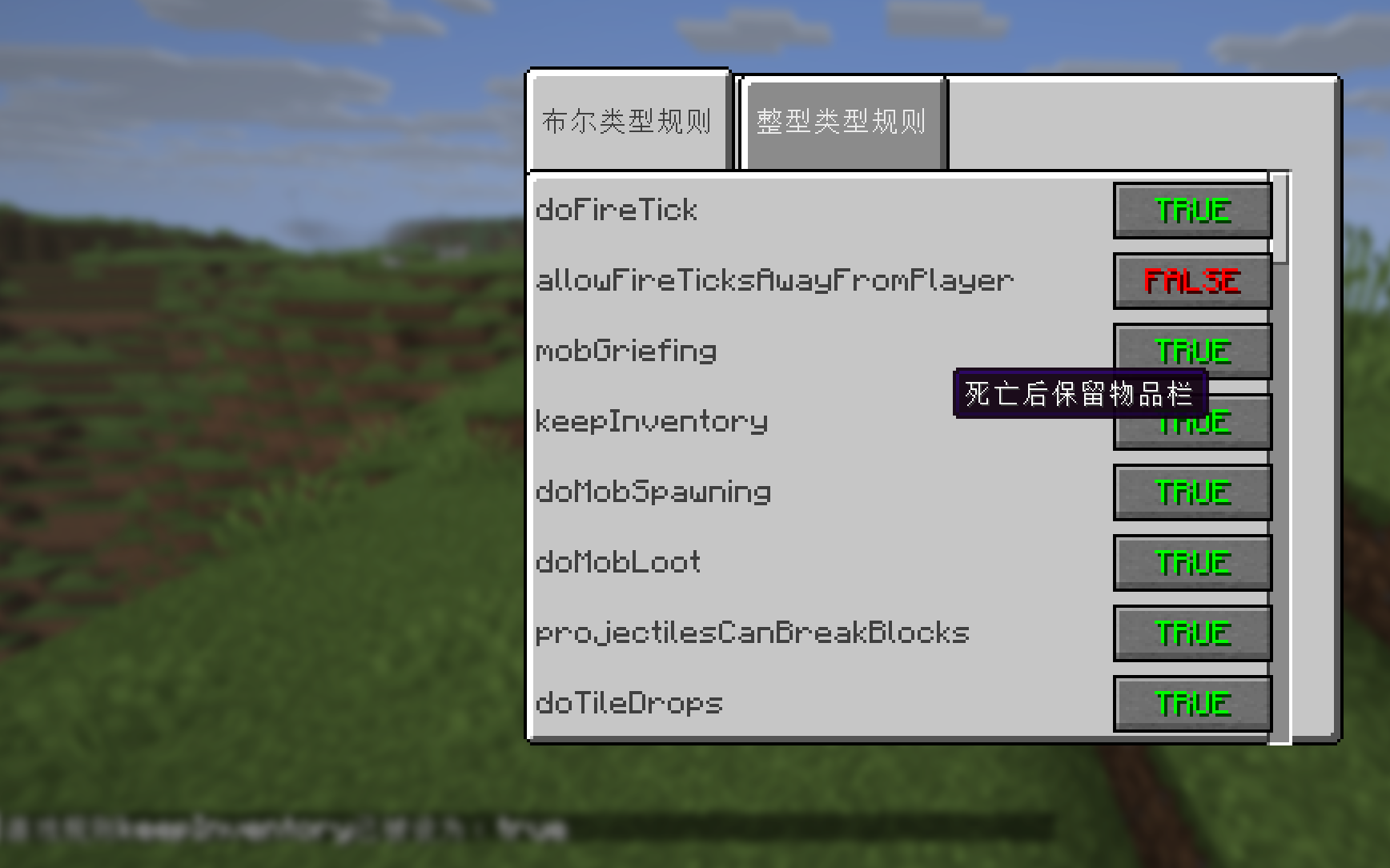
修改游戏规则
查看 F3 + ? 调试选项
Recording death coordinates
Teleporting to death locations
Modifying game rules
Accessing F3 + ? debug options
本模组仍然在开发中,更多功能可能会在随后被加入。
This mod is still under development, and more features may be added in the future.
GitHub:https://github.com/mangofanfan/GameHelper-MinecraftMod
另可参阅 https://fanfan.moe/ 查看模组的更多信息~
Available Versions
How to Install GameHelper on Your Server
Order Server
Order a Minecraft Java server with at least 3 GB RAM (4 GB recommended).
Set fabric Loader
In the panel under "Egg", select the fabric loader and matching Minecraft version (1.21.10).
Install Mod
Open the mod browser in the dashboard and search for "GameHelper". Click "Install" – done! Alternatively, upload the .jar via SFTP to the /mods folder.
Compatibility
Mod Loaders
Minecraft Versions
1.21.10
Server-side
~ OptionalRecommended RAM
4 GB(min. 3 GB)Frequently Asked Questions
GameHelper server crashes on startup – what to do?
Most common cause: wrong fabric version or insufficient RAM. Check the server log (latest.log) for "OutOfMemoryError" or "Mixin" errors. With Mado Hosting: ensure at least 3 GB RAM is allocated and the loader matches the mod version (1.21.10). You can switch loaders with one click in the panel.
Is GameHelper compatible with fabric?
GameHelper officially supports fabric for Minecraft 1.21.10. The Mado dashboard automatically detects incompatible loader combinations.
Server lagging with GameHelper – how to optimize performance?
Recommended RAM: 4 GB (per 8 players). Use /spark profiler to check if GameHelper consumes the most tick time. Common fixes: reduce server view-distance to 8-10, install "performant" or "starlight" as supplementary mods on Forge. With Mado Hosting, your server runs on NVMe SSDs with dedicated CPU cores for minimal latency.
Similar Mods




Rent Modded Server
Install GameHelper with just one click on your server.