
Geological Consistency
Every ore. Every stone. Every dimension.
Screenshots


About this Mod
Geological Consistency
Every ore. Every stone. Every dimension.
What if your Minecraft world actually cared what kind of rock you were digging through?
What if coal in granite wasn’t the same as coal in diorite?
What if your mining strategy actually had... strategy?
Introducing: Geological Consistency
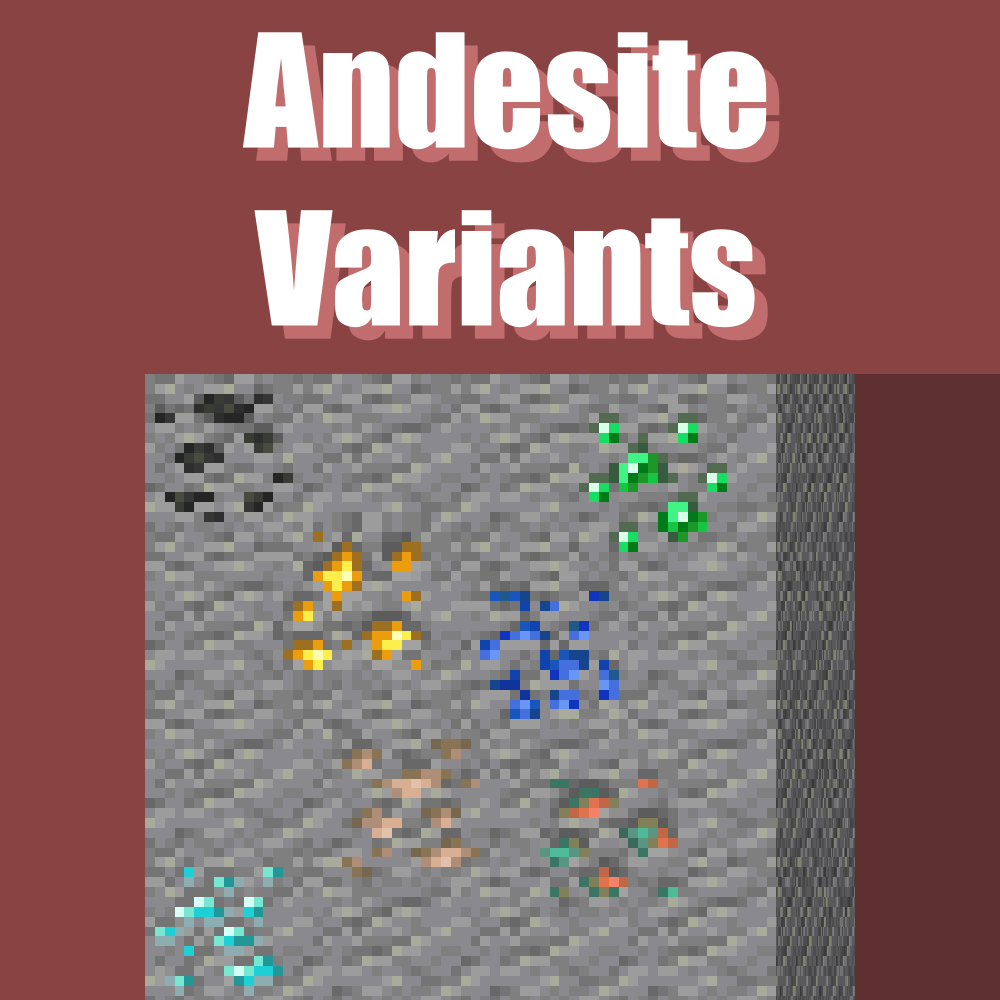
A bold mod where every ore can generate in every stone – across all dimensions – but it actually matters where.
Key Features:
- Ore generation that respects geology (finally!)
- Every stone type influences your loot:
- More drops in tough rocks
- More XP in soft sediment
- Rarer spawns in exotic stones
- Real-world inspired logic and distribution
- Every block tells a story. Most are just screaming "DIG ME!"
Why Download?
- Because "random" is boring and you know it.
- Because mining through Diorite should feel different than mining through Slate.
- Because strategy shouldn't stop at “dig at Y -59.”
- Because you deserve to feel smart while strip mining.
Unlike those other mods that just slap ores everywhere like butter on toast, Geological Consistency ties every ore to the actual rock it's found in.
Not just visually – but mechanically.
The rock affects the reward.
More iron per block? Depends on the stone.
Extra XP from redstone? Depends on the host.
Want diamonds and efficiency? You better start caring about your mineralogy.
It’s not just "ore everywhere."
It’s ore that plays fair.
And sometimes unfair. Depends on the rock.
You could keep playing Minecraft like it's 2011.
Or you could embrace a world where geology isn’t just decoration — it's gameplay.
Mine smart. Dig deeper. Rock harder.
Available Versions
How to Install Geological Consistency on Your Server
Order Server
Order a Minecraft Java server with at least 4 GB RAM (6 GB recommended).
Set neoforge Loader
In the panel under "Egg", select the neoforge loader and matching Minecraft version (1.21.1).
Install Mod
Open the mod browser in the dashboard and search for "Geological Consistency". Click "Install" – done! Alternatively, upload the .jar via SFTP to the /mods folder.
Compatibility
Mod Loaders
Minecraft Versions
1.21.1
Server-side
✓ RequiredRecommended RAM
6 GB(min. 4 GB)Frequently Asked Questions
Geological Consistency server crashes on startup – what to do?
Most common cause: wrong neoforge version or insufficient RAM. Check the server log (latest.log) for "OutOfMemoryError" or "Mixin" errors. With Mado Hosting: ensure at least 4 GB RAM is allocated and the loader matches the mod version (1.21.1). You can switch loaders with one click in the panel.
Is Geological Consistency compatible with neoforge?
Geological Consistency officially supports neoforge for Minecraft 1.21.1. The Mado dashboard automatically detects incompatible loader combinations.
Server lagging with Geological Consistency – how to optimize performance?
Recommended RAM: 6 GB (per 5 players). Use /spark profiler to check if Geological Consistency consumes the most tick time. Common fixes: reduce server view-distance to 8-10, install "performant" or "starlight" as supplementary mods on Forge. With Mado Hosting, your server runs on NVMe SSDs with dedicated CPU cores for minimal latency.
Similar Mods



Rent Modded Server
Install Geological Consistency with just one click on your server.