Glance
GUI Tweaks for Minecraft
Screenshots
About this Mod
Glance: GUI Tweaks for Minecraft
Features
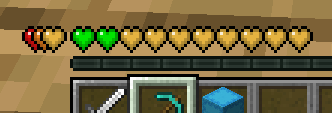
Health Bar
When the health exceeds 20, the additional health is displayed as an overlapping bar in a different color rather than stacking up as new lines.
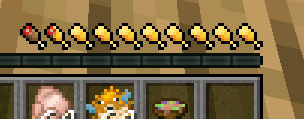
Hunger Bar
Displays the saturation level alongside the hunger bar.
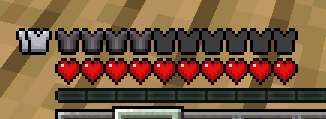
Armor Bar
When the armor value exceeds 20, the extra armor is stacked on the left. The armor icon texture changes based on the equipped armor.
Armor icon texture variant
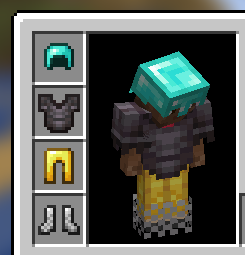
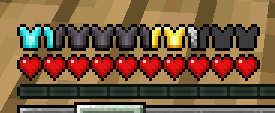
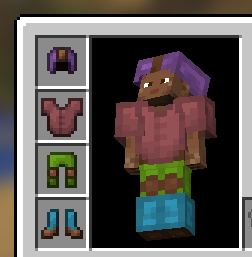
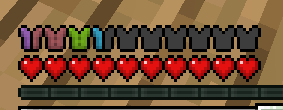
When armor exceeds 20
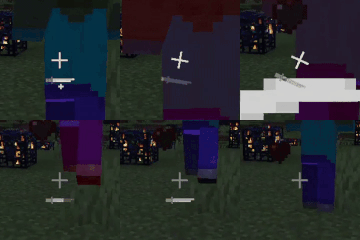
Dynamic Crosshair Animation
Appears during melee and critical attacks.
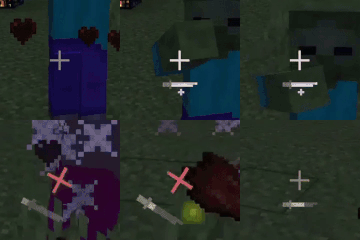
Activates while charging a bow, crossbow, or trident.

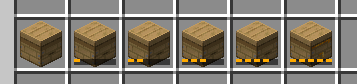
ItemStack Overlay
Shows overlays for beehives based on their honey level.
New Tooltips
Changes tooltip appearances based on disc, enchanted book, and rarity.
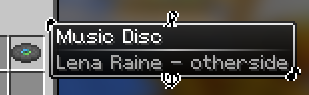
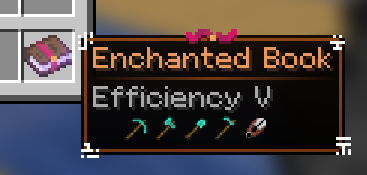
Simplifies and makes tooltips more intuitive by using icons.
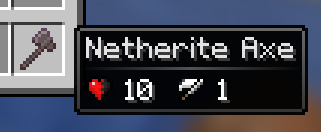
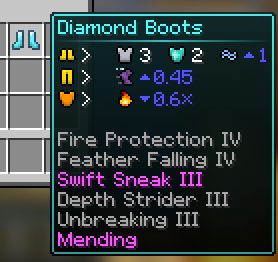
Displays detailed text tooltips when holding Shift.
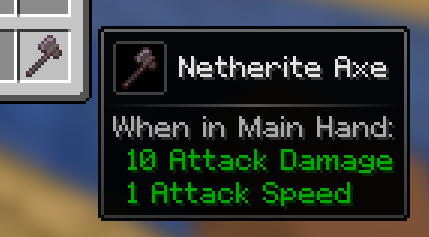
For armor, holding Shift shows a 3D model.
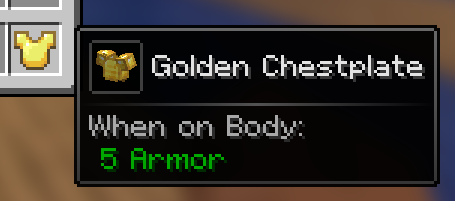
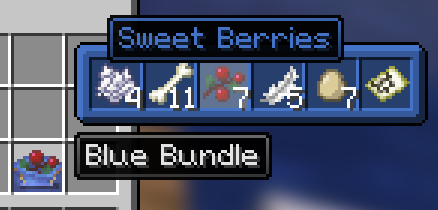
Previews the inventory of items like bundle, shulker box, and any items with internal inventory stored via NBT when hovering over them with the cursor.
Scroll with the mouse to access the inventory.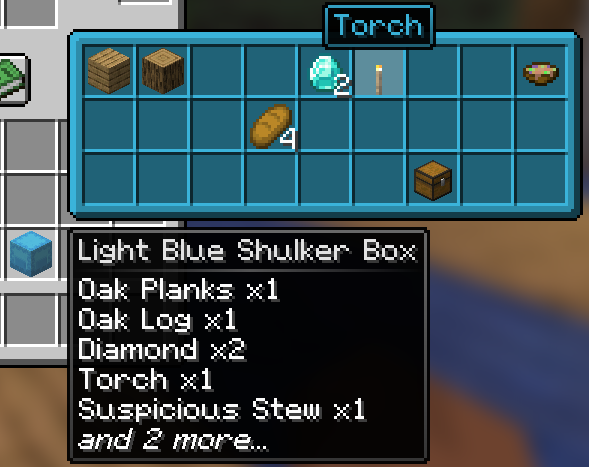
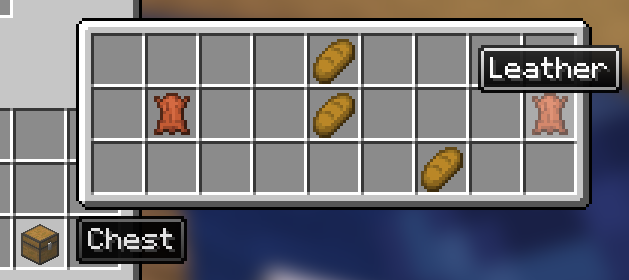
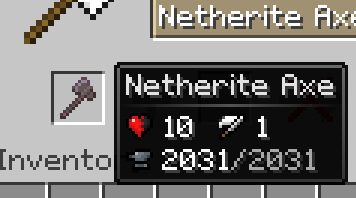
Displays durability tooltips for tools in anvil and grindstone.
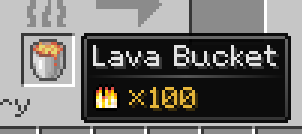
Shows the burn time of items usable as fuel in smoker, blast furnace, and furnace.
Indicates the compatibility of each enchantment on enchanted books with specific items.
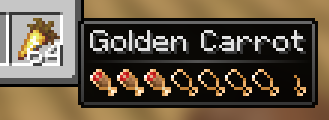
Shows the hunger and saturation values restored by food when consumed.
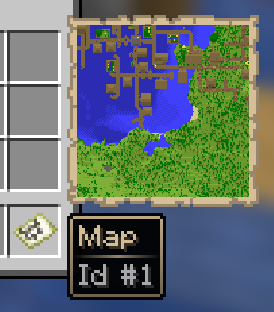
Allows map previewing by hovering the cursor over it.
Available Versions
How to Install Glance on Your Server
Order Server
Order a Minecraft Java server with at least 3 GB RAM (4 GB recommended).
Set fabric Loader
In the panel under "Egg", select the fabric loader and matching Minecraft version (1.21.3).
Install Mod
Open the mod browser in the dashboard and search for "Glance". Click "Install" – done! Alternatively, upload the .jar via SFTP to the /mods folder.
Compatibility
Mod Loaders
Minecraft Versions
1.21.3
Server-side
✗ UnsupportedRecommended RAM
4 GB(min. 3 GB)Frequently Asked Questions
Glance server crashes on startup – what to do?
Most common cause: wrong fabric version or insufficient RAM. Check the server log (latest.log) for "OutOfMemoryError" or "Mixin" errors. With Mado Hosting: ensure at least 3 GB RAM is allocated and the loader matches the mod version (1.21.3). You can switch loaders with one click in the panel.
Is Glance compatible with fabric?
Glance officially supports fabric for Minecraft 1.21.3. The Mado dashboard automatically detects incompatible loader combinations.
Server lagging with Glance – how to optimize performance?
Recommended RAM: 4 GB (per 8 players). Use /spark profiler to check if Glance consumes the most tick time. Common fixes: reduce server view-distance to 8-10, install "performant" or "starlight" as supplementary mods on Forge. With Mado Hosting, your server runs on NVMe SSDs with dedicated CPU cores for minimal latency.
Similar Mods

![[ETF] Entity Texture Features](https://cdn.modrinth.com/data/BVzZfTc1/af683d206d50b05258d865b0d6e4aa2f2cee12f2_96.webp)
![[EMF] Entity Model Features](https://cdn.modrinth.com/data/4I1XuqiY/6e5bbd0d06b1741bfdab6c0cfab6de8fdaf0064c_96.webp)



Rent Modded Server
Install Glance with just one click on your server.