
Glowing Eyes
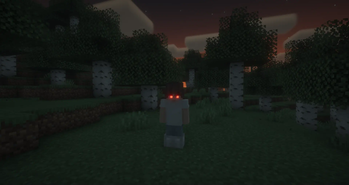
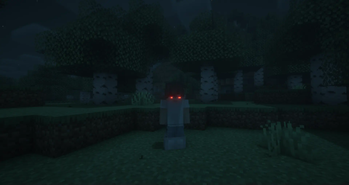
Glowing Eyes is a Minecraft Mod to make your eyes glow, inspired by the Vampirism mod!
Screenshots


About this Mod
Glowing Eyes
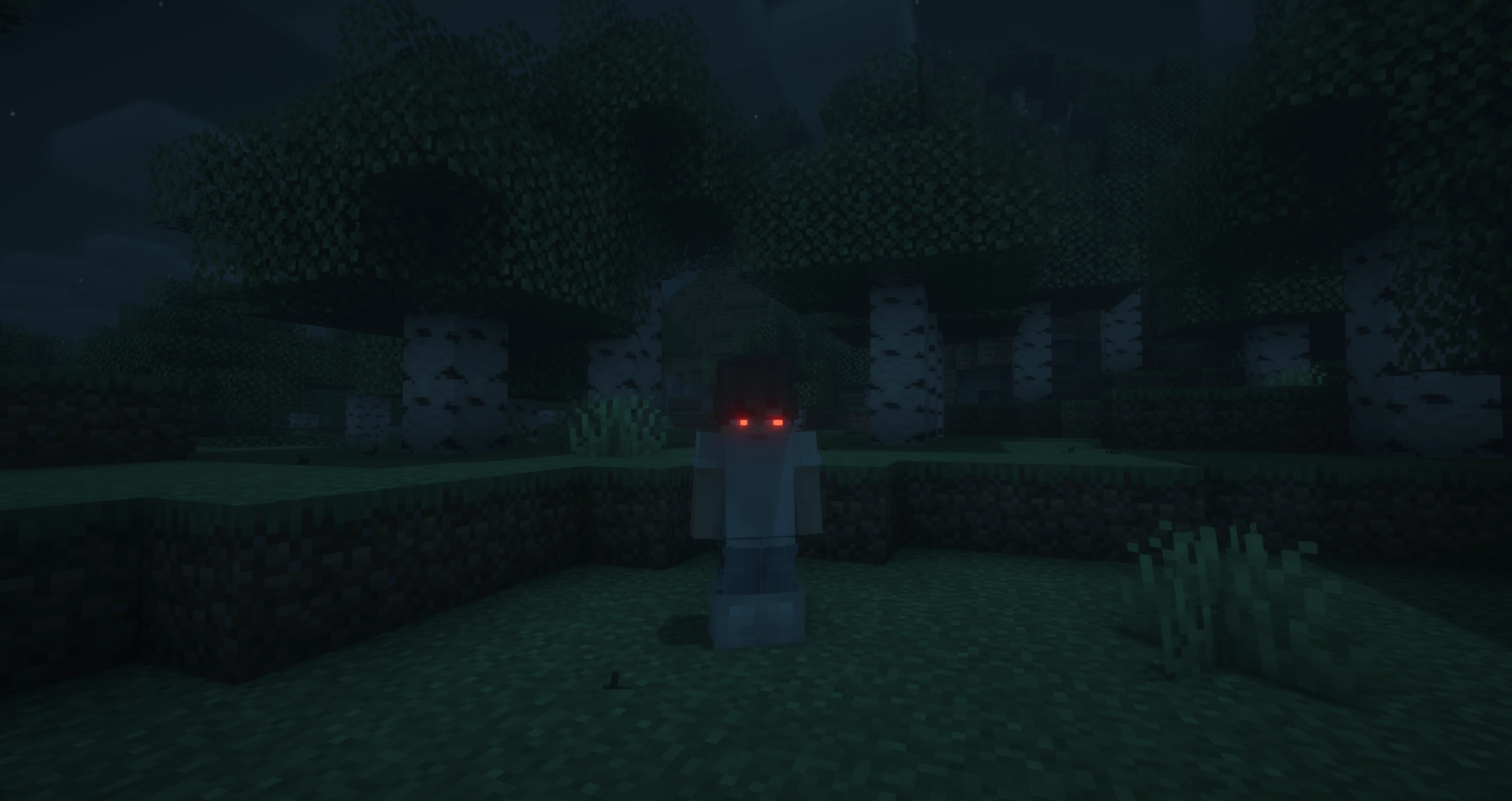
Glowing Eyes is a Minecraft mod that lets you customize and make your character’s eyes glow! Inspired by the Vampirism mod, this mod adds a detailed eye editor with color selection, presets, and new customization options. Stand out in the dark with glowing eyes!
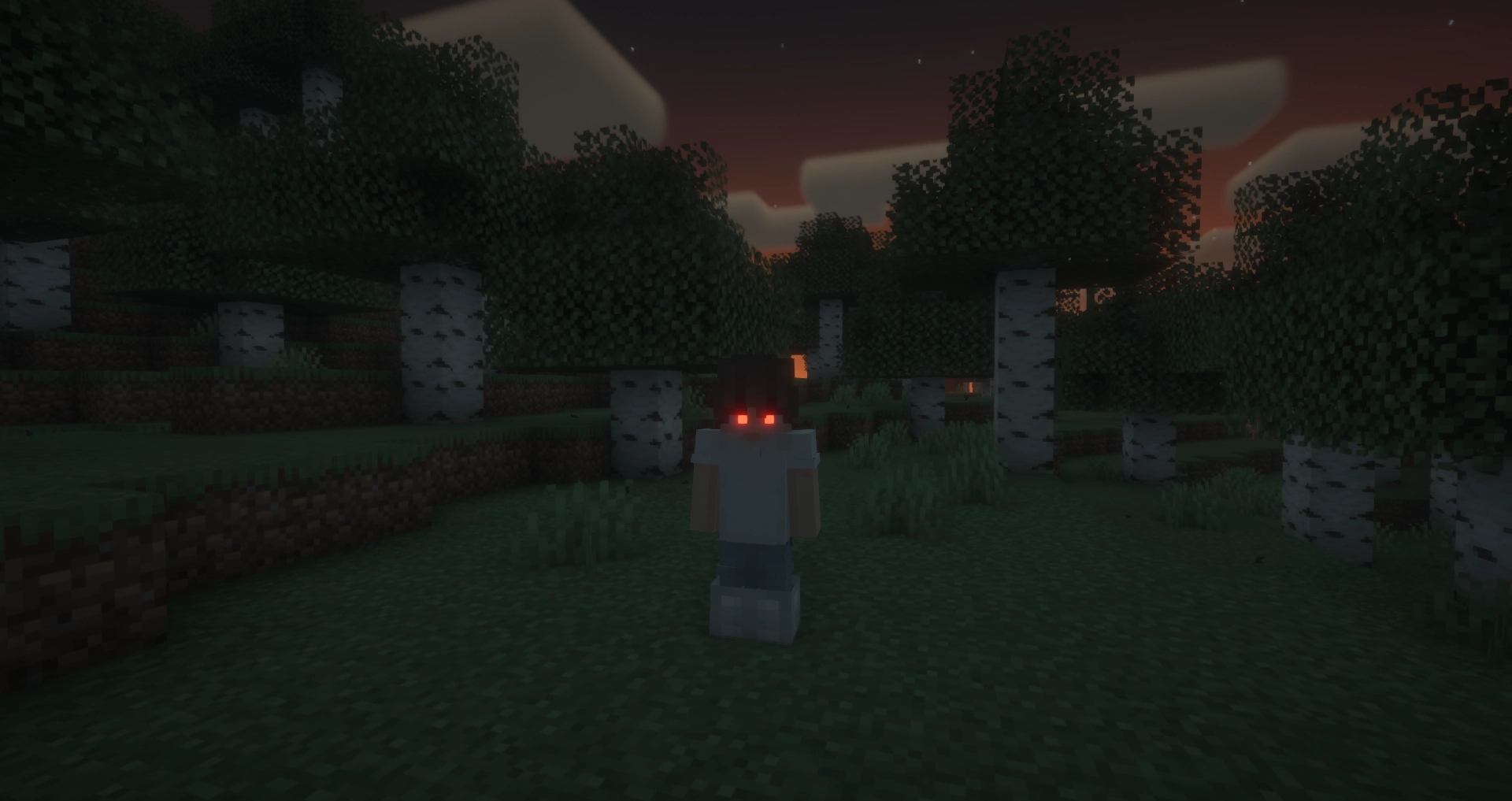
With Fresh Moves support!
FAQ
Does this mod work in multiplayer?
Yes, however, the mod must be installed on both the server and the client for it to work properly. Players that do not have the mod can still play, but will not see the glowing eyes.
Why doesn’t the mod work / why don’t my eyes glow?
Most likely, you accidentally turned off your eyes. The default keybinding to toggle glowing eyes on and off is G. If that doesn’t fix the issue, please report a bug on the GitHub issues tab or in the Discord server.
Usage
General Usage
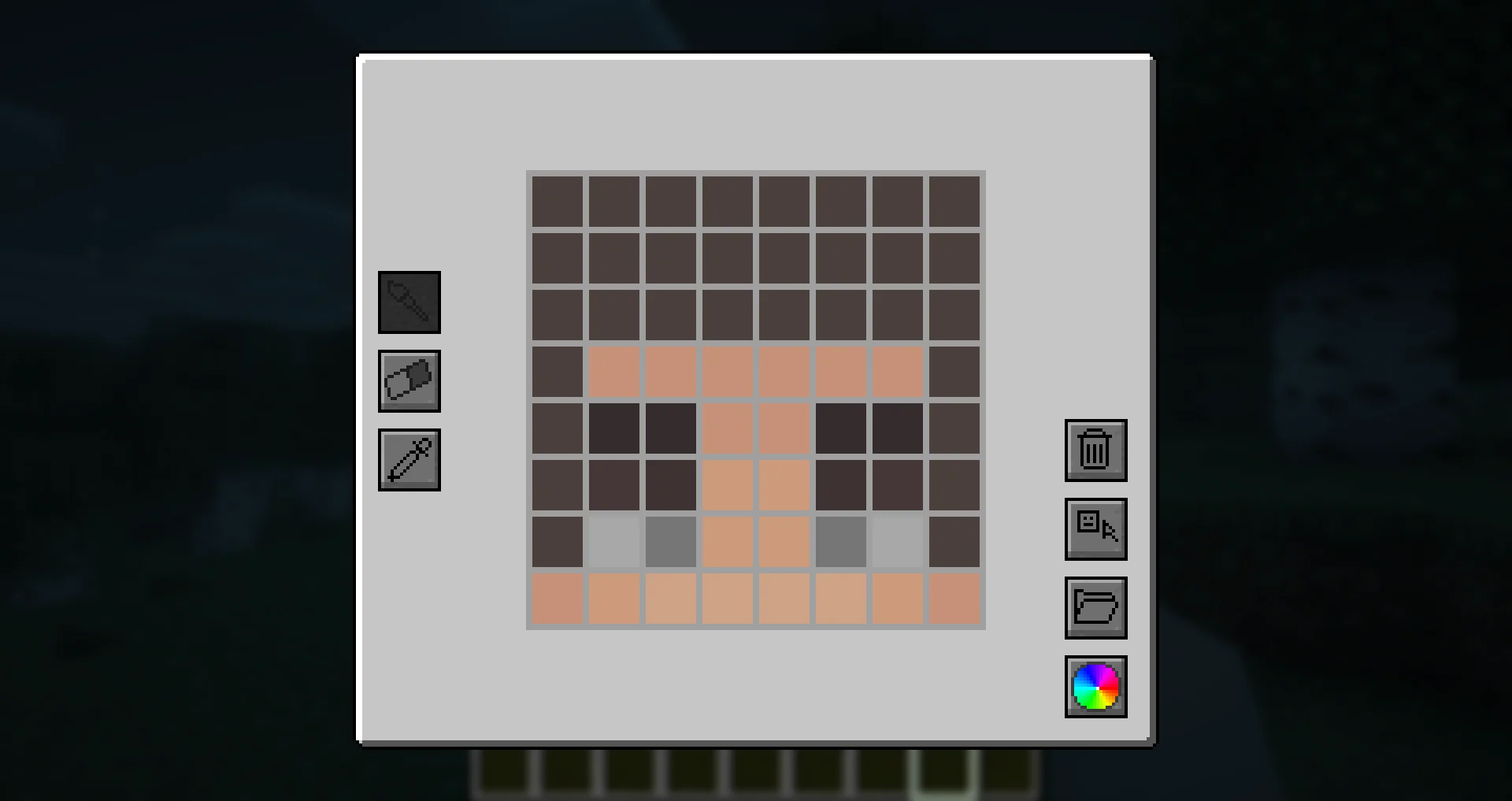
To access the eye editor, use the /eyes command or press the keybinding (H by default). This will open the customization menu, where you can tweak your glowing eyes.
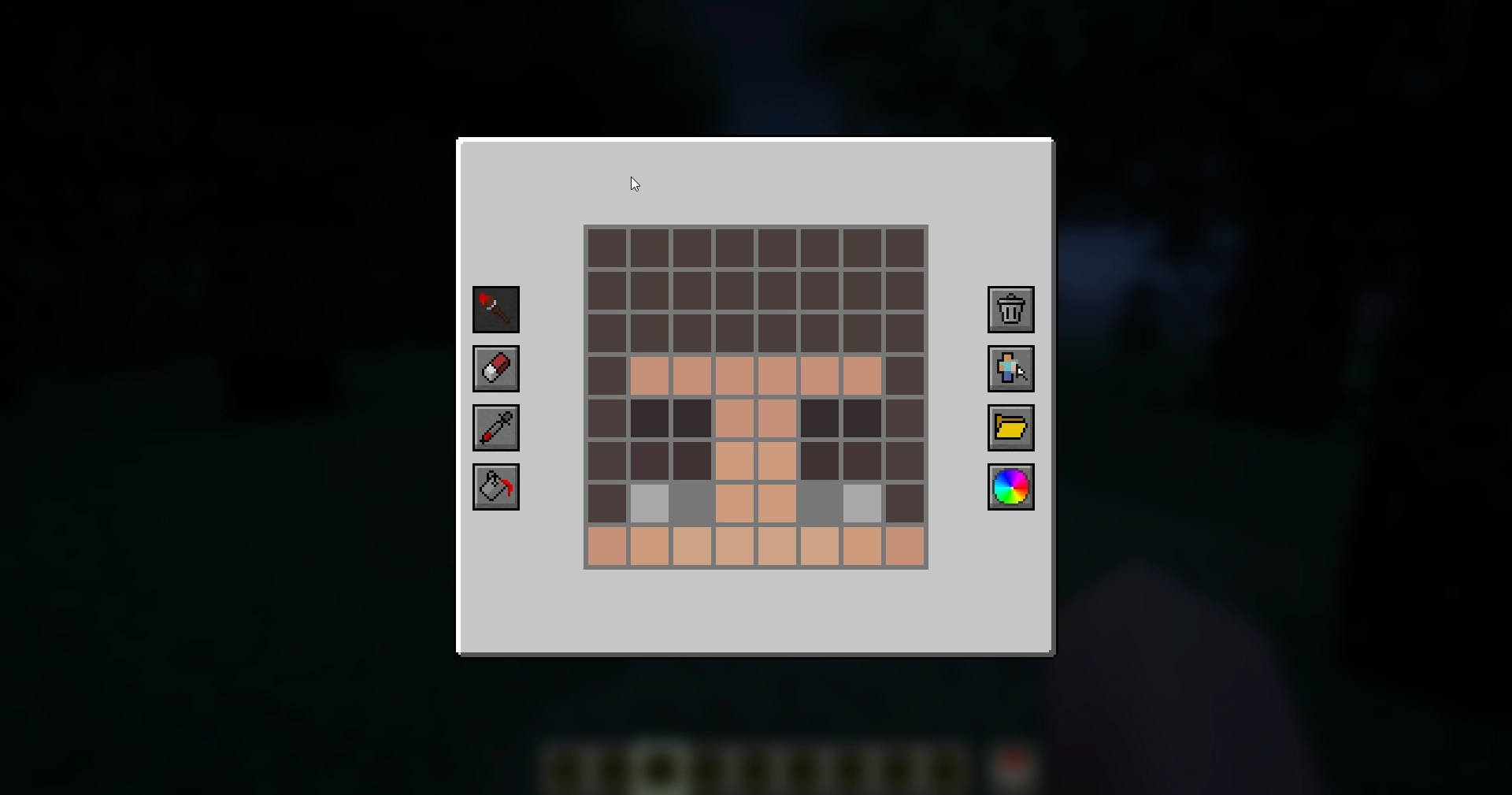
- Left side: Drawing, erasing and color picking tools to design your glowing eyes.
- Right side: Preset manager, color picker, and two additional buttons:
- Skin part selector: Choose which part of the skin you want to apply glowing eyes to.
- Reset button: Completely removes your current eyes, including other skin parts (but not presets).
Skin Parts
With the skin parts system, you are no longer limited to adding eyes only to the front of your character’s head. Now, you can apply glowing eyes anywhere on your head and head overlay!
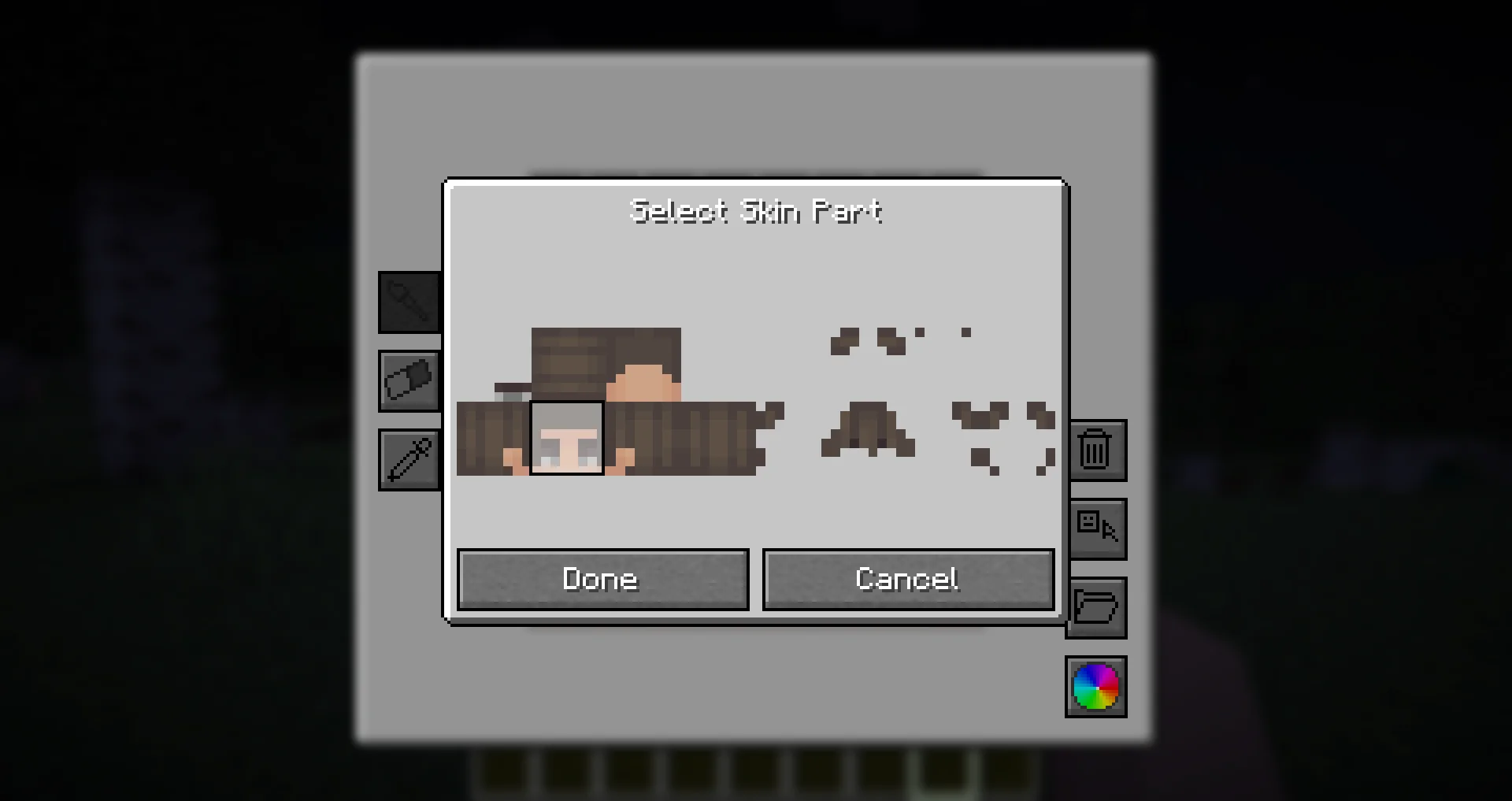
This feature allows for more creative and unique glowing eye designs, such as side or back-facing eyes!
Presets
Presets allow you to save and quickly switch between different glowing eye designs.
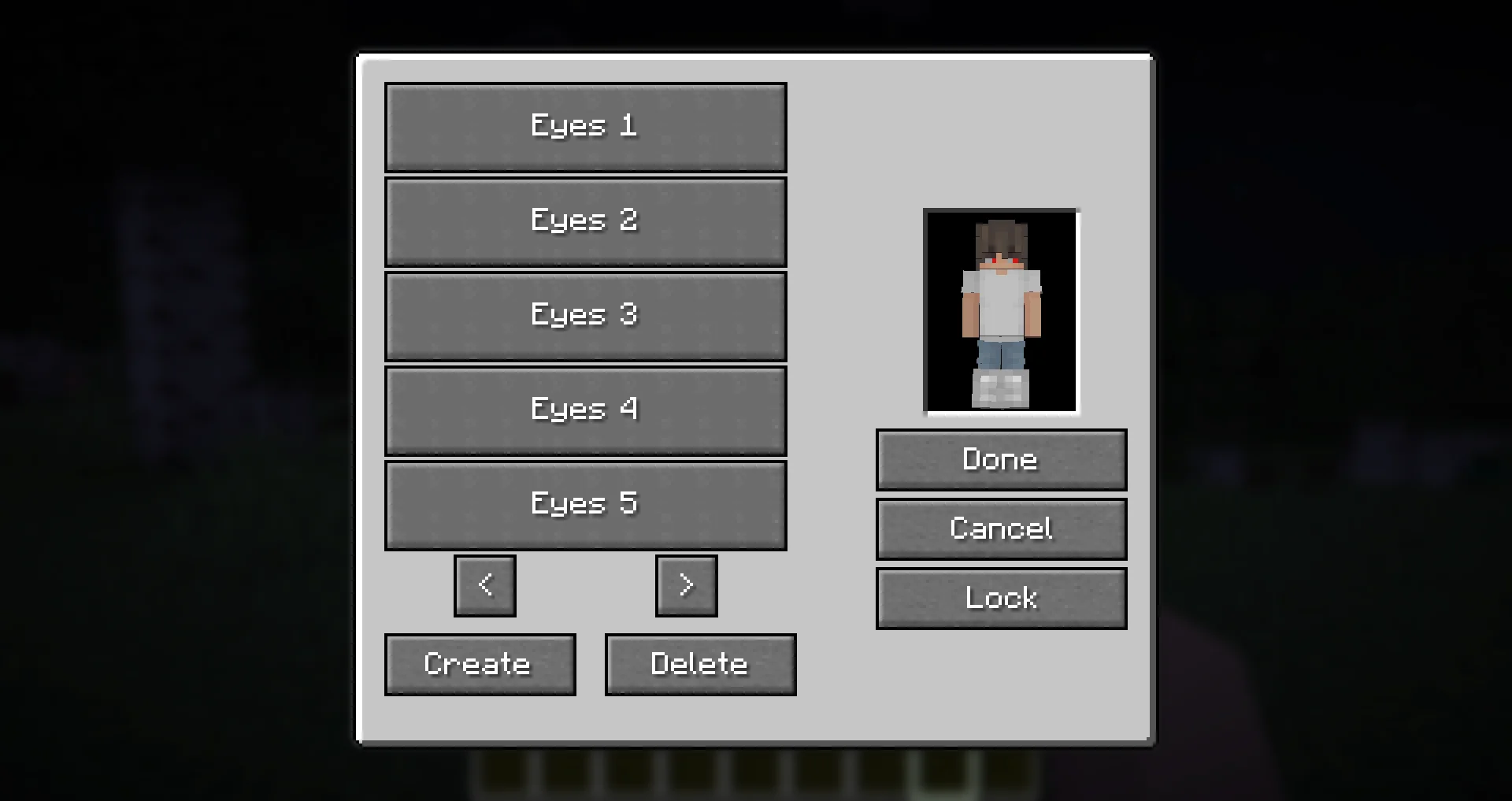
- The preset menu lets you create, save, and apply different presets.
- All presets are saved in the
presets.jsonfile in your Minecraft directory. - Easily experiment with different glowing eye styles without losing your designs!
Need Support?
If you need help, have a question, or just want to chat, join the Discord server.
To report bugs or suggest features, please use the GitHub repository.
Thanks!
Big thanks to Olivo for helping with the editor GUI screen! If not him, this all would not be possible!
Thanks to the Vampirism mod and its authors/contributors for the idea, inspiration, and some code, please check them out!
Huge thanks to the Modded Minecraft Discord Server for their help with coding!
Available Versions
How to Install Glowing Eyes on Your Server
Order Server
Order a Minecraft Java server with at least 3 GB RAM (4 GB recommended).
Set fabric Loader
In the panel under "Egg", select the fabric loader and matching Minecraft version (1.21.10).
Install Mod
Open the mod browser in the dashboard and search for "Glowing Eyes". Click "Install" – done! Alternatively, upload the .jar via SFTP to the /mods folder.
Compatibility
Mod Loaders
Minecraft Versions
1.21.10, 1.21.9, 1.21.8 (+19 more)
Server-side
~ OptionalRecommended RAM
4 GB(min. 3 GB)Frequently Asked Questions
Glowing Eyes server crashes on startup – what to do?
Most common cause: wrong fabric version or insufficient RAM. Check the server log (latest.log) for "OutOfMemoryError" or "Mixin" errors. With Mado Hosting: ensure at least 3 GB RAM is allocated and the loader matches the mod version (1.21.10). You can switch loaders with one click in the panel.
Is Glowing Eyes compatible with fabric and forge and neoforge and quilt?
Glowing Eyes officially supports fabric, forge, neoforge, quilt for Minecraft 1.21.10, 1.21.9, 1.21.8. Note: Forge and Fabric mods are NOT cross-compatible – pick one loader and stick with it. The Mado dashboard automatically detects incompatible loader combinations.
Server lagging with Glowing Eyes – how to optimize performance?
Recommended RAM: 4 GB (per 8 players). Use /spark profiler to check if Glowing Eyes consumes the most tick time. Common fixes: reduce server view-distance to 8-10, install "performant" or "starlight" as supplementary mods on Forge. With Mado Hosting, your server runs on NVMe SSDs with dedicated CPU cores for minimal latency.
Similar Mods




![[ETF] Entity Texture Features](https://cdn.modrinth.com/data/BVzZfTc1/af683d206d50b05258d865b0d6e4aa2f2cee12f2_96.webp)
![[EMF] Entity Model Features](https://cdn.modrinth.com/data/4I1XuqiY/6e5bbd0d06b1741bfdab6c0cfab6de8fdaf0064c_96.webp)
Rent Modded Server
Install Glowing Eyes with just one click on your server.