
Grass Pinger
Grass Pinger is a Mod, that lets you see if you have just a bad Internet connection or the Server is Down!
Screenshots
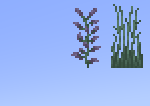

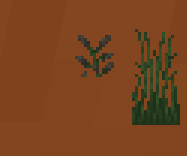
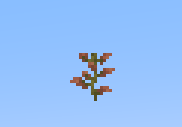
About this Mod
How to Use
Once the mod is installed, two tall grass stalks should appear in the top-right corner. The right stalk represents Google, while the left represents the server you are currently connected to. Every 10 seconds (this interval is adjustable in the grasspinger.toml config file), the lower grass block is removed, and a ping is sent to the server. Once the server responds, the upper block will also be removed.
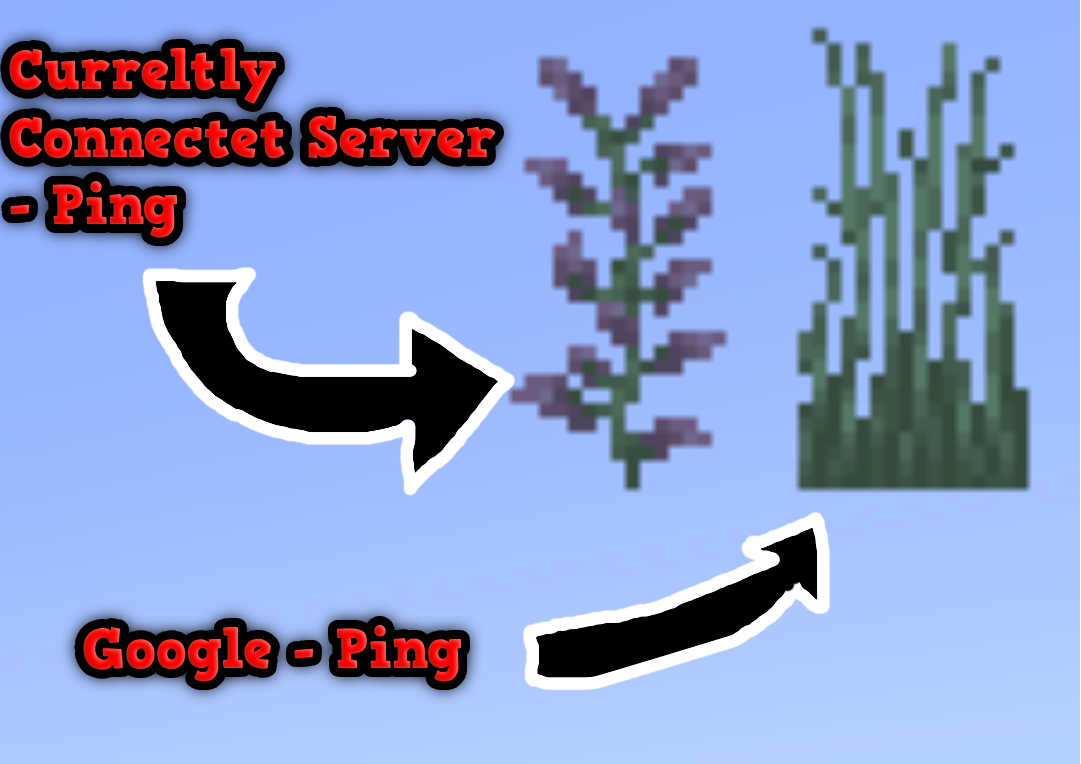
This image shows both Grass Pingers: the Connected Server pinger and the Google pinger.
The Connected Server pinger attempts to connect to the server you are currently on (e.g., Hypixel.net, Gommehd.net, etc.).
The Google pinger attempts to connect to Google.com
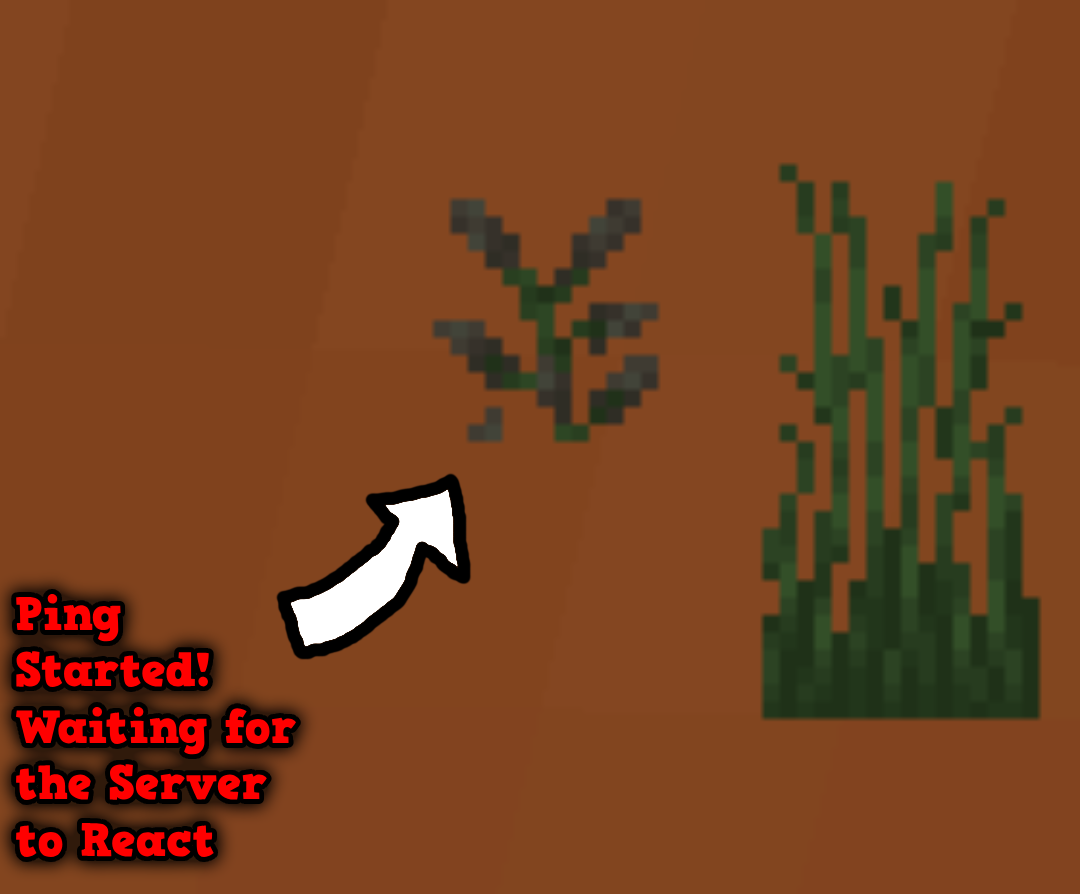
This image shows how the ping works: as soon as the bottom grass or lilac is broken (it breaks automatically every few seconds), a ping is sent to the server. When the server responds, the top block will disappear as well!

This image shows what the Current Server Ping looks like if you are on a single-player world or if the server has crashed. If the same thing happens with the Google pinger, it indicates that your internet connection has dropped. However, if the Google pinger works and the Current Server pinger doesn’t, it means the server has crashed!
Config
You can configure:
- The textures
- The interval between each successful ping
- The interval between each failed ping
Textures
You can create a custom texture pack, but it must follow this structure:
TexturepackName/assets/grasspinger/textures/Tallgrassbottom.png

TexturepackName/assets/grasspinger/textures/Tallgrasstop.png

TexturepackName/assets/grasspinger/textures/Liliacbottom.png

TexturepackName/assets/grasspinger/textures/Liliactop.png
Time Configuration
The configuration file is located at:
.minecraft/config/grasspinger.toml
This file contains five arguments that you can configure:
ServerBetweenWaitingTime = 800
IsServerpingEnabled = false
IsClientpingEnabled = false
ServerTimeOutWaitingTime = 5000
ServerStartWaitingTime = 500
ClientBetweenWaitingTime = 800
ClientStartWaitingTime = 500
ServerBetweenWaitingTime is the interval between each server ping (the Ping Grass is not visible).
IsServerpingEnabled if it is true, it means, that it will display the google ping
IsClientpingEnabled if it is true, it means, that it will display the Server ping
ServerTimeOutWaitingTime is the time it waits if the server ping fails.
ServerStartWaitingTime is the interval between each server ping after ServerBetweenWaitingTime (the Ping Grass is visible).
ClientBetweenWaitingTime is the interval between each Google ping (the Ping Grass is not visible).
ClientStartWaitingTime is the interval between each Google ping after ClientBetweenWaitingTime (the Ping Grass is visible).
Commands
There is currently only one command:
/pingDebug
The pingDebug command shows the console output for the Current Server Ping.
(This uses the cmd ping command, so it will show the server’s IP address.)
Key Bindings
There are two Keybindings:
- Toggle Current Server Pinger
- Toggle Google Pinger
Available Versions
How to Install Grass Pinger on Your Server
Order Server
Order a Minecraft Java server with at least 3 GB RAM (4 GB recommended).
Set fabric Loader
In the panel under "Egg", select the fabric loader and matching Minecraft version (1.21.3).
Install Mod
Open the mod browser in the dashboard and search for "Grass Pinger". Click "Install" – done! Alternatively, upload the .jar via SFTP to the /mods folder.
Compatibility
Mod Loaders
Minecraft Versions
1.21.3, 1.21.2, 1.21.1 (+8 more)
Server-side
✗ UnsupportedRecommended RAM
4 GB(min. 3 GB)Frequently Asked Questions
Grass Pinger server crashes on startup – what to do?
Most common cause: wrong fabric version or insufficient RAM. Check the server log (latest.log) for "OutOfMemoryError" or "Mixin" errors. With Mado Hosting: ensure at least 3 GB RAM is allocated and the loader matches the mod version (1.21.3). You can switch loaders with one click in the panel.
Is Grass Pinger compatible with fabric?
Grass Pinger officially supports fabric for Minecraft 1.21.3, 1.21.2, 1.21.1. The Mado dashboard automatically detects incompatible loader combinations.
Server lagging with Grass Pinger – how to optimize performance?
Recommended RAM: 4 GB (per 8 players). Use /spark profiler to check if Grass Pinger consumes the most tick time. Common fixes: reduce server view-distance to 8-10, install "performant" or "starlight" as supplementary mods on Forge. With Mado Hosting, your server runs on NVMe SSDs with dedicated CPU cores for minimal latency.
Similar Mods




![[ETF] Entity Texture Features](https://cdn.modrinth.com/data/BVzZfTc1/af683d206d50b05258d865b0d6e4aa2f2cee12f2_96.webp)
![[EMF] Entity Model Features](https://cdn.modrinth.com/data/4I1XuqiY/6e5bbd0d06b1741bfdab6c0cfab6de8fdaf0064c_96.webp)
Rent Modded Server
Install Grass Pinger with just one click on your server.