
Hardcore Revival
A highly customizable revival datapack for multiplayer hardcore.
Screenshots
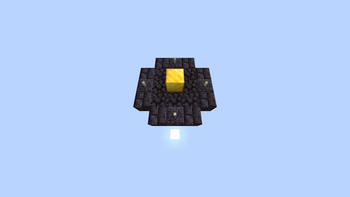
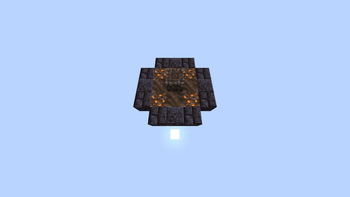
About this Mod
OVERVIEW
Adds the ability to revive dead players in Multiplayer Hardcore worlds, or with clever uses of game mechanics, yourself. While this fundamentally goes against the concept of Hardcore, many server owners already do something similar, with even less of a concrete game mechanic to go with it. This was made to solve that, while also trying to be as customizable as manageable.
You can revive the players by building a ritual structure. Then you throw a set 'sacrifice item' on top of it. The ritual will then play an animation to revive the player and explode, with the dead player coming back to life after. Base config settings require the dead player to be within 25 blocks of the ritual to be revived.
Explosion can be disabled via operator config commands.
Base Revival Structure: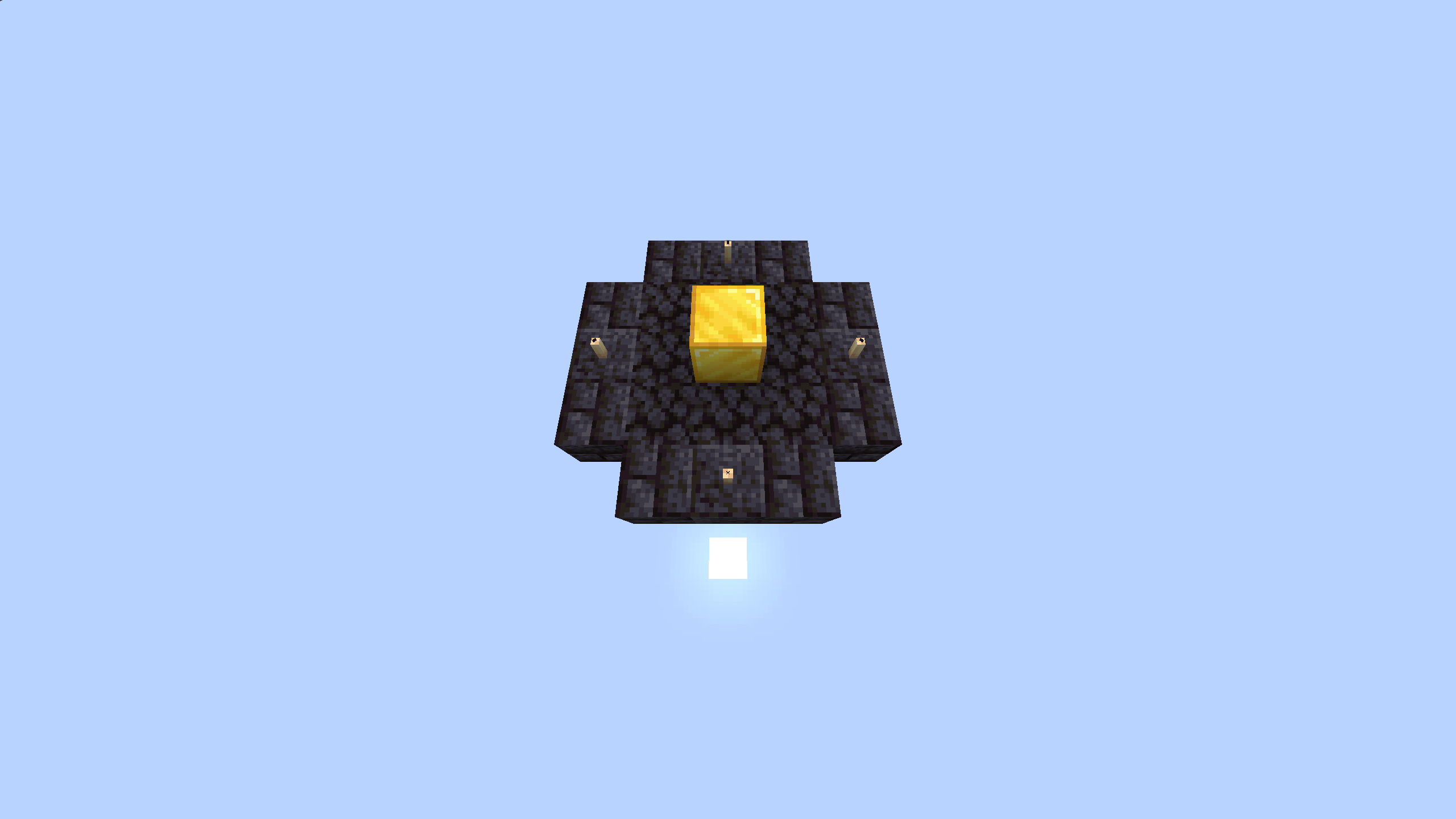
For the basic game setup, without any in game config changes, the pack has the preset 'sacrifice item' set to a totem of undying. The config section of this description will detail how to change these settings, as well as how to customize the ritual structure used.
Operator Config
Operators can change many settings about this pack. Including the item used and a couple presets for the ritual structure itself. Including disabling certain parts of the ritual structure altogether.
Binary Settings
If you wish to disable the player range requirement or the explosion of the ritual you can do so with the commands below.
Explosive Config
Enable:
scoreboard players set #doesExplode hardcorerev.binarySettings 1
Disable:
scoreboard players set #doesExplode hardcorerev.binarySettings 0
Player Range Requirement
Enable:
scoreboard players set #requiresNearby hardcorerev.binarySettings 1
Disable:
scoreboard players set #requiresNearby hardcorerev.binarySettings 0
Sacrifice Item Editing
Many times operators will want to change the item used. This datapack has full support for that, including with modded namespaced items. If you want to set the item used, run the command shown, changing
data modify storage hardcorerev:settings item set value "<item namespace>"
This does NOT support NBT detection. Do NOT remove quotation marks.
Ritual Structure Editing
Due to performance reasons, the entire structure itself cannot be edited fully, however, there is support for swapping out and sometimes even disabling parts of the structure. The structure comes in 4 parts, the centerpiece, fill, ring, and decoration. The ring and decoration can be disabled through the use of special indices.
ONLY change the number at the end of the command.
data modify storage hardcorerev:settings centerpiece set value 1
data modify storage hardcorerev:settings infill set value 1
data modify storage hardcorerev:settings outring set value 1
data modify storage hardcorerev:settings decoration set value 1
Indices out of range will silently error, and will cause the ritual to no longer work.
Special Indices:
outring - 12 - Disables ring
decoration - 17 - Disables decoration
So this page isn't cluttered, all ritual part images are stored in a Google Drive Folder. Visit there for info on all parts and what they look like by themselves, as well as a basic example of an edited ritual.
Need Help? Have Suggestions?
Join the Discord and ask! I will try to help you to the best of my ability.
Available Versions
How to Install Hardcore Revival on Your Server
Order Server
Order a Minecraft Java server with at least 3 GB RAM (4 GB recommended).
Set datapack Loader
In the panel under "Egg", select the datapack loader and matching Minecraft version (1.21.5).
Install Mod
Open the mod browser in the dashboard and search for "Hardcore Revival". Click "Install" – done! Alternatively, upload the .jar via SFTP to the /mods folder.
Compatibility
Mod Loaders
Minecraft Versions
1.21.5, 1.21.4, 1.19 (+5 more)
Server-side
✓ RequiredRecommended RAM
4 GB(min. 3 GB)Frequently Asked Questions
Hardcore Revival server crashes on startup – what to do?
Most common cause: wrong datapack version or insufficient RAM. Check the server log (latest.log) for "OutOfMemoryError" or "Mixin" errors. With Mado Hosting: ensure at least 3 GB RAM is allocated and the loader matches the mod version (1.21.5). You can switch loaders with one click in the panel.
Is Hardcore Revival compatible with datapack and fabric and forge and neoforge and quilt?
Hardcore Revival officially supports datapack, fabric, forge, neoforge, quilt for Minecraft 1.21.5, 1.21.4, 1.19. Note: Forge and Fabric mods are NOT cross-compatible – pick one loader and stick with it. The Mado dashboard automatically detects incompatible loader combinations.
Server lagging with Hardcore Revival – how to optimize performance?
Recommended RAM: 4 GB (per 8 players). Use /spark profiler to check if Hardcore Revival consumes the most tick time. Common fixes: reduce server view-distance to 8-10, install "performant" or "starlight" as supplementary mods on Forge. With Mado Hosting, your server runs on NVMe SSDs with dedicated CPU cores for minimal latency.
Similar Mods




Rent Modded Server
Install Hardcore Revival with just one click on your server.