
Bronze&Tin
No clutter, just bronze and tin that fit vanilla's spirit.
Screenshots

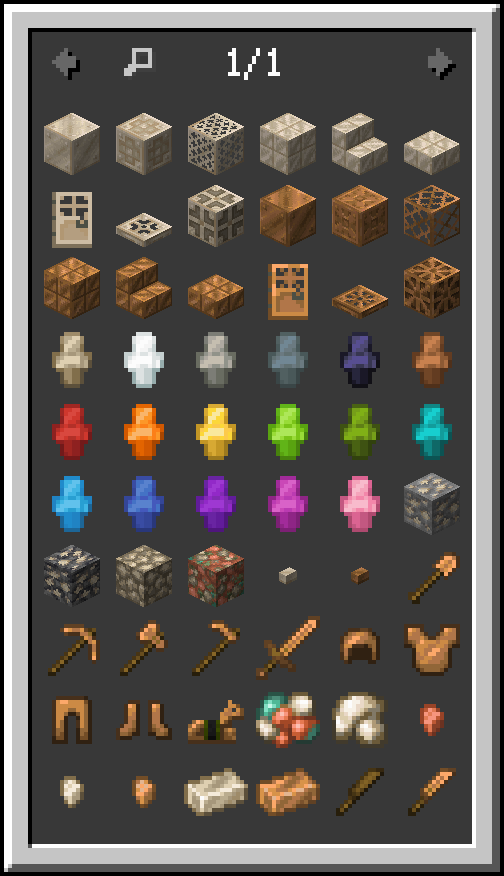
About this Mod
Bronze&Tin (Harmonium) expands Minecraft with its seamless additions.
Clean, well-tuned, and vanilla-like.
Bronze&Tin (Harmonium):
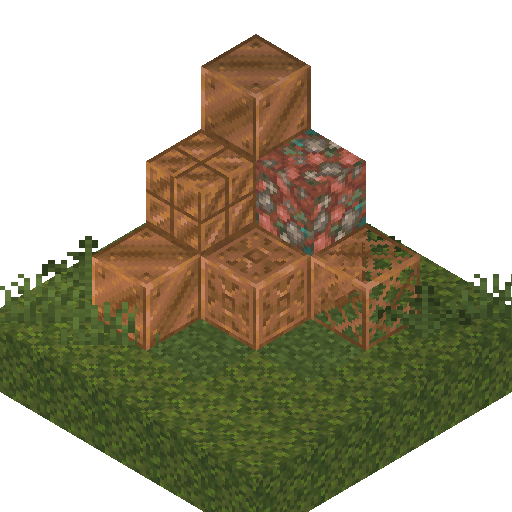
Copper-type blocks can be mined with wooden tools instead of stone ones.
Copper nugget.
Tin ore.
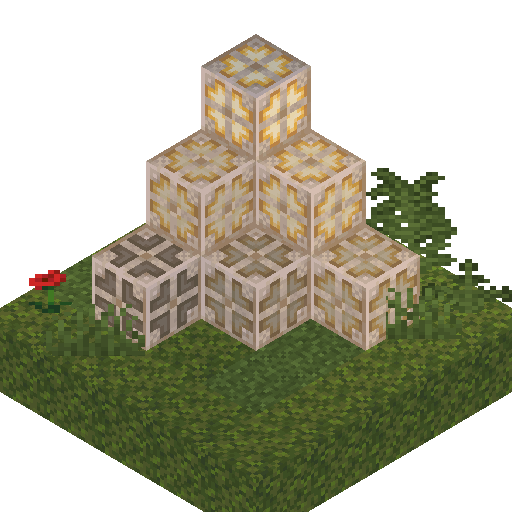
Tin decorative blocks with unique sounds.
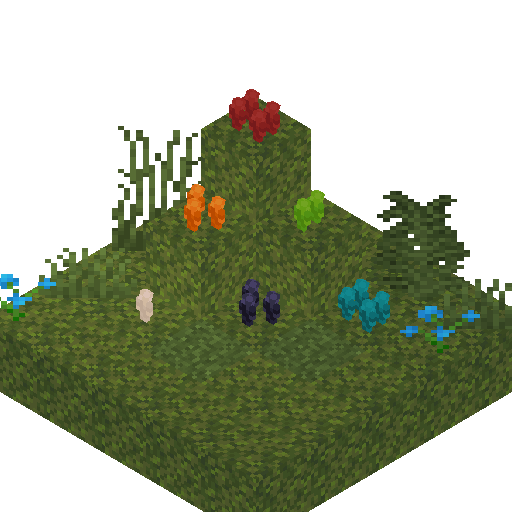
Tin soldiers.
Tin bulb with 15 light level modes.
Tin armor trim.
Tin flute as a playable musical instrument.
Bronze decorative blocks with unique sounds.
Bronze bulb with 15 light level modes and copper bulb functionality.
Bronze smelt.
Bronze ingot.
Bronze nugget.
Bronze tools.
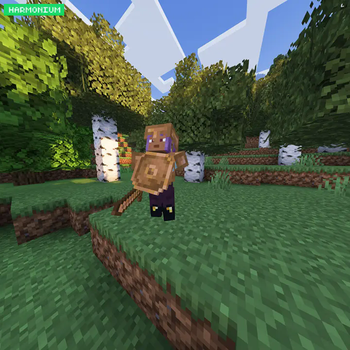
Bronze shield.
Bronze armor.
Bronze armor trim.
Bronze horse armor.
Bronze armor equipping sounds.
Nether slag that drops copper, tin and iron nuggets.
Some mobs can spawn naturally in bronze gear.
Stone tools are no longer obtainable because of bronze tools. (can be toggled in config)
Farmers Delight:
Wooden knife.
Bronze knife.
Knives retexture.
Flint knife is no longer obtainable. (can be toggled in config)
Friends and Foes:
Unreliable tin button.
Long-pressing bronze button.
Geophilic:
Tin surface generation support.
Configuration?
Yes, some features of the mod are configurable by mod options.
Fabric port?
Only when all planned content will be done.
1.21.2+?
As soon as possible.
Discord server?
As soon as possible.
(it costs around a dollar)
Benefits:
Regular sneak peek updates.
Your feature-add requests.
Custom discord role and private chat.
Available Versions
How to Install Bronze&Tin on Your Server
Order Server
Order a Minecraft Java server with at least 3 GB RAM (4 GB recommended).
Set neoforge Loader
In the panel under "Egg", select the neoforge loader and matching Minecraft version (1.21.1).
Install Mod
Open the mod browser in the dashboard and search for "Bronze&Tin". Click "Install" – done! Alternatively, upload the .jar via SFTP to the /mods folder.
Compatibility
Mod Loaders
Minecraft Versions
1.21.1
Server-side
✓ RequiredRecommended RAM
4 GB(min. 3 GB)Frequently Asked Questions
Bronze&Tin server crashes on startup – what to do?
Most common cause: wrong neoforge version or insufficient RAM. Check the server log (latest.log) for "OutOfMemoryError" or "Mixin" errors. With Mado Hosting: ensure at least 3 GB RAM is allocated and the loader matches the mod version (1.21.1). You can switch loaders with one click in the panel.
Is Bronze&Tin compatible with neoforge?
Bronze&Tin officially supports neoforge for Minecraft 1.21.1. The Mado dashboard automatically detects incompatible loader combinations.
Server lagging with Bronze&Tin – how to optimize performance?
Recommended RAM: 4 GB (per 8 players). Use /spark profiler to check if Bronze&Tin consumes the most tick time. Common fixes: reduce server view-distance to 8-10, install "performant" or "starlight" as supplementary mods on Forge. With Mado Hosting, your server runs on NVMe SSDs with dedicated CPU cores for minimal latency.
Similar Mods

![[ETF] Entity Texture Features](https://cdn.modrinth.com/data/BVzZfTc1/af683d206d50b05258d865b0d6e4aa2f2cee12f2_96.webp)
![[EMF] Entity Model Features](https://cdn.modrinth.com/data/4I1XuqiY/6e5bbd0d06b1741bfdab6c0cfab6de8fdaf0064c_96.webp)



Rent Modded Server
Install Bronze&Tin with just one click on your server.