
Health Bar Indicator
Adds Health Bar to all the mobs around you!
Screenshots
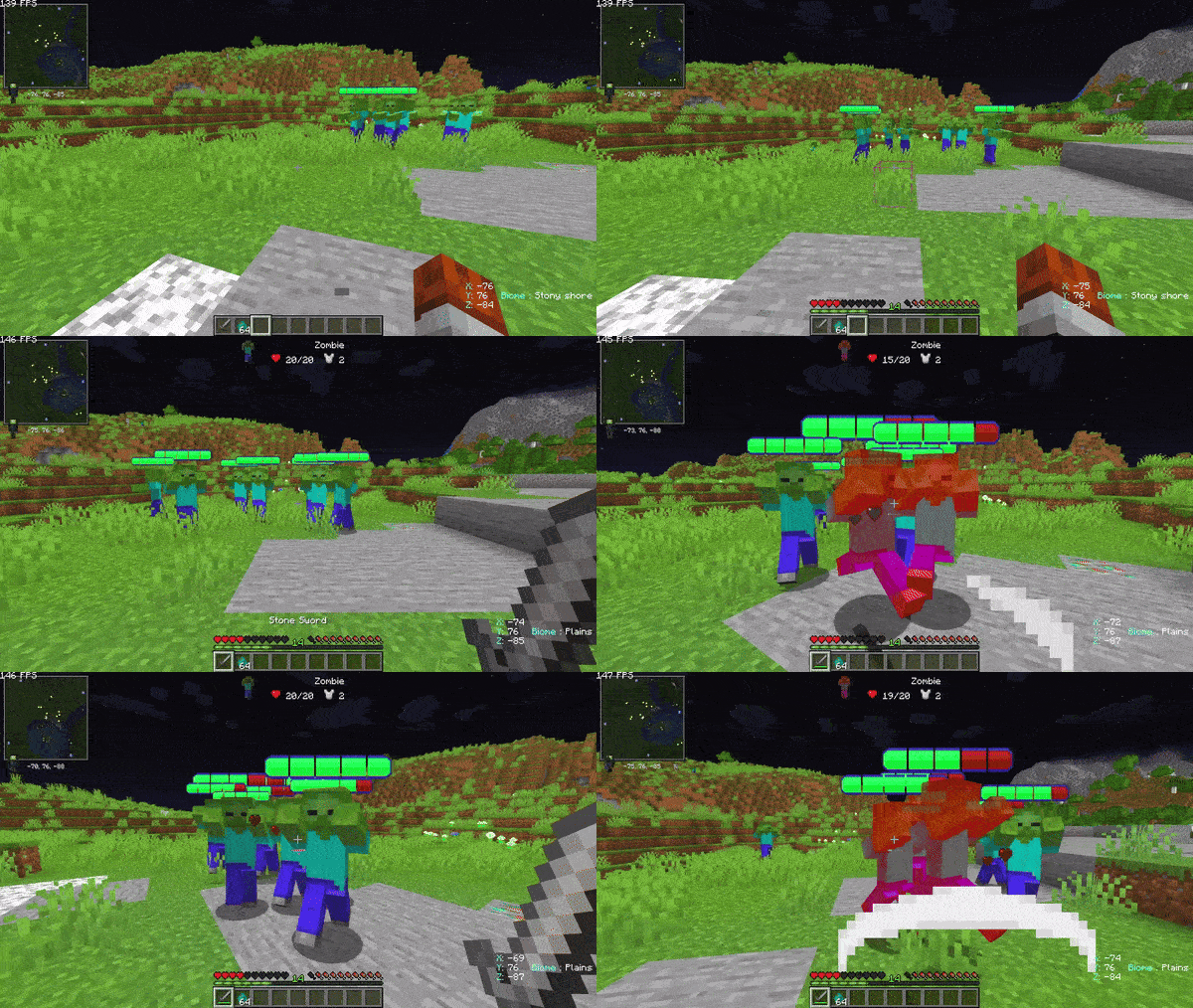
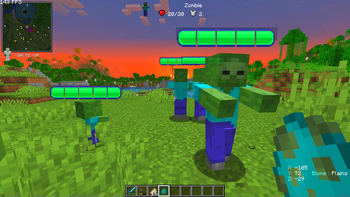
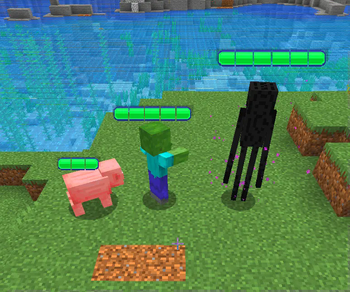
About this Mod

Have you ever stared into a zombie’s eyes (or, well, at least in its direction) and thought, “How close am I to taking it down?
With Health Bar Data Pack / Mod, you’ll finally get an answer! Now, every entity – from the friendly villager to the stubborn creeper – will show how much health they have left.
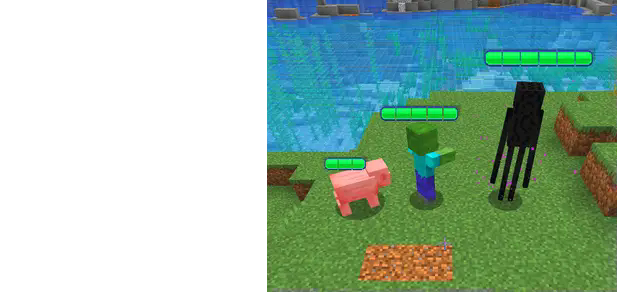

Visible health bar above entities' heads.
- No more guessing: you’ll always know their health.
- Compatible with all Minecraft entities.
- The Bar will be longer or shorter, it depends on the max health the entity have.
- Personalized bars: You can choose the color of the Health Bar of your enemy! Just type /function diesse:hb/config
No more uncertain battles or hopeful strikes without knowing the impact. Every hit counts, and now you’ll know exactly how much it counts.
Website
If you have any questions, need assistance, or simply want to share your thoughts or feedback, feel free to reach out. We're always here to help and would love to hear from you – whether you're looking for answers, suggestions, or just want to let us know how we're doing.

Other links


Available Versions
How to Install Health Bar Indicator on Your Server
Order Server
Order a Minecraft Java server with at least 3 GB RAM (4 GB recommended).
Set datapack Loader
In the panel under "Egg", select the datapack loader and matching Minecraft version (1.21.4).
Install Mod
Open the mod browser in the dashboard and search for "Health Bar Indicator". Click "Install" – done! Alternatively, upload the .jar via SFTP to the /mods folder.
Compatibility
Mod Loaders
Minecraft Versions
1.21.4, 1.21.3, 1.21.2 (+2 more)
Server-side
✓ RequiredRecommended RAM
4 GB(min. 3 GB)Frequently Asked Questions
Health Bar Indicator server crashes on startup – what to do?
Most common cause: wrong datapack version or insufficient RAM. Check the server log (latest.log) for "OutOfMemoryError" or "Mixin" errors. With Mado Hosting: ensure at least 3 GB RAM is allocated and the loader matches the mod version (1.21.4). You can switch loaders with one click in the panel.
Is Health Bar Indicator compatible with datapack and fabric and forge and neoforge and quilt?
Health Bar Indicator officially supports datapack, fabric, forge, neoforge, quilt for Minecraft 1.21.4, 1.21.3, 1.21.2. Note: Forge and Fabric mods are NOT cross-compatible – pick one loader and stick with it. The Mado dashboard automatically detects incompatible loader combinations.
Server lagging with Health Bar Indicator – how to optimize performance?
Recommended RAM: 4 GB (per 8 players). Use /spark profiler to check if Health Bar Indicator consumes the most tick time. Common fixes: reduce server view-distance to 8-10, install "performant" or "starlight" as supplementary mods on Forge. With Mado Hosting, your server runs on NVMe SSDs with dedicated CPU cores for minimal latency.
Similar Mods




Rent Modded Server
Install Health Bar Indicator with just one click on your server.