
Hover Hints
Shows small contextual hints for hidden vanilla Minecraft mechanics
Screenshots
About this Mod
Hover Hints is a lightweight utility mod that shows small contextual hints for hidden vanilla Minecraft mechanics.
It gives useful information exactly when you need it, while you are holding a relevant item, looking at a matching block or entity, and intentionally asking for a hint.
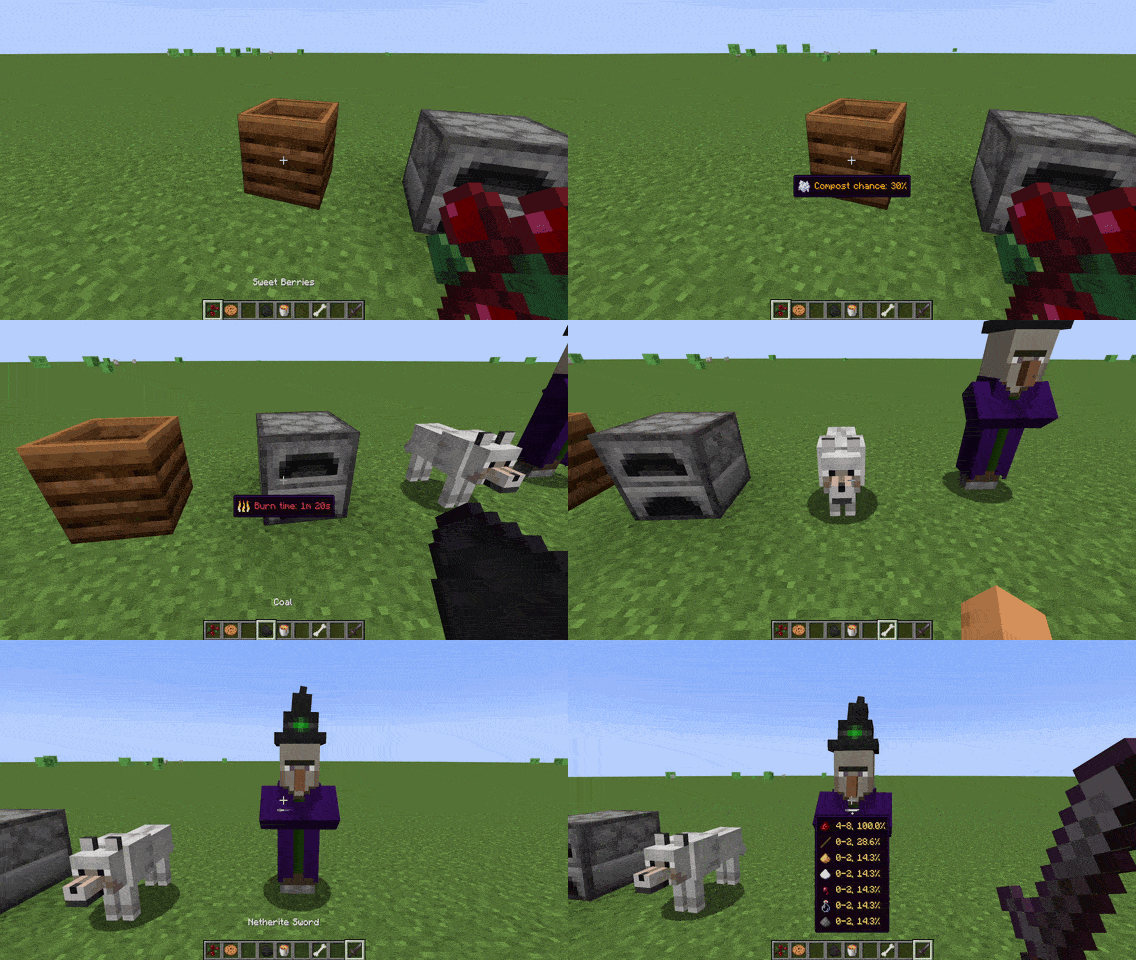
Hover Hints does not add new gameplay mechanics or change vanilla balance. It only reveals information that already exists in Minecraft.
How it works
By default, hints are shown while holding Left Alt.
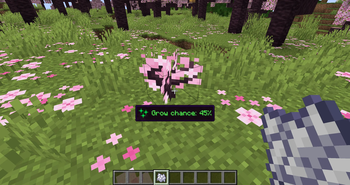
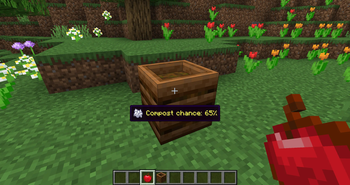
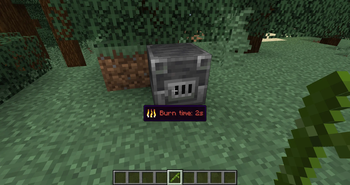
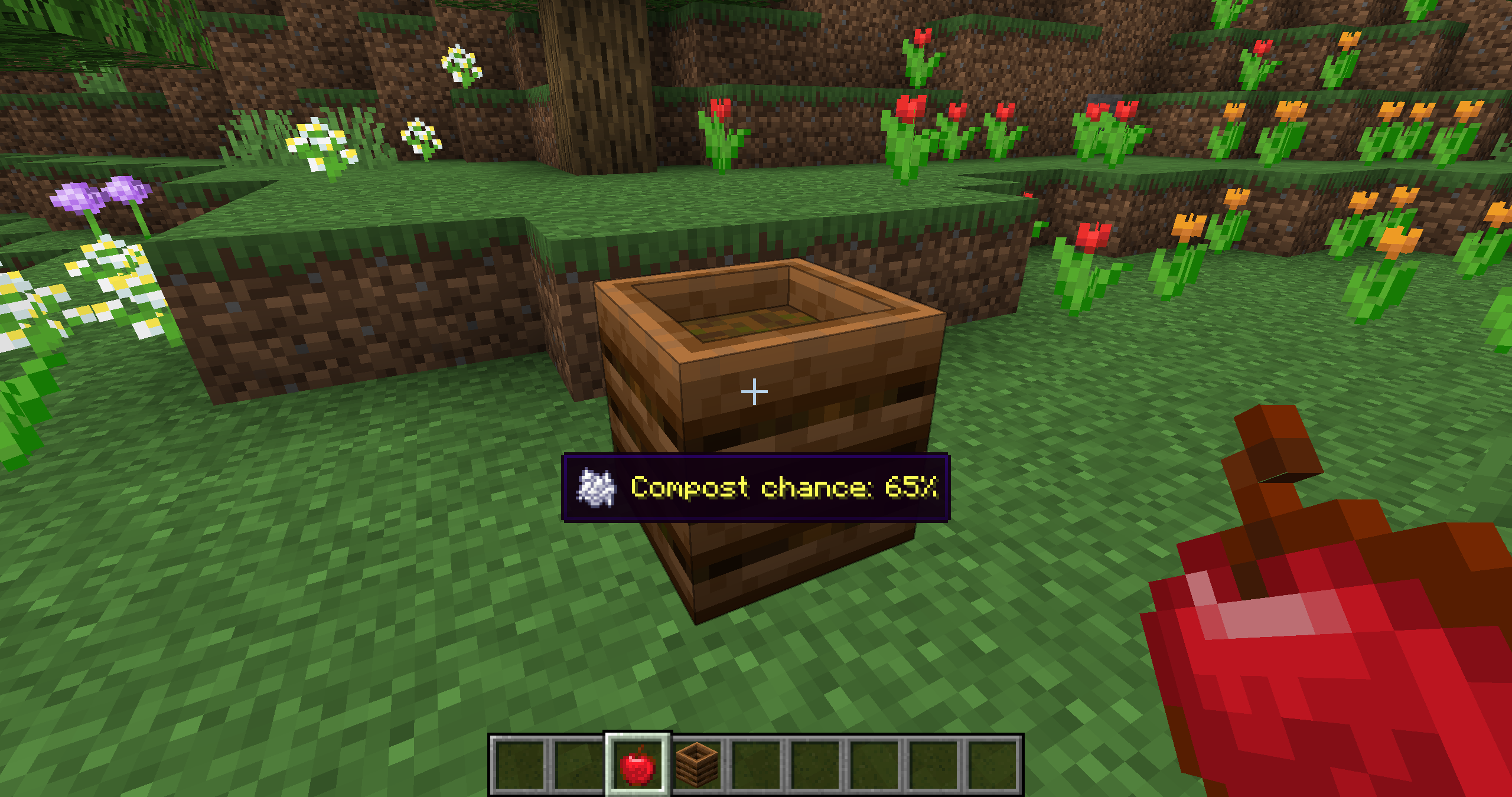
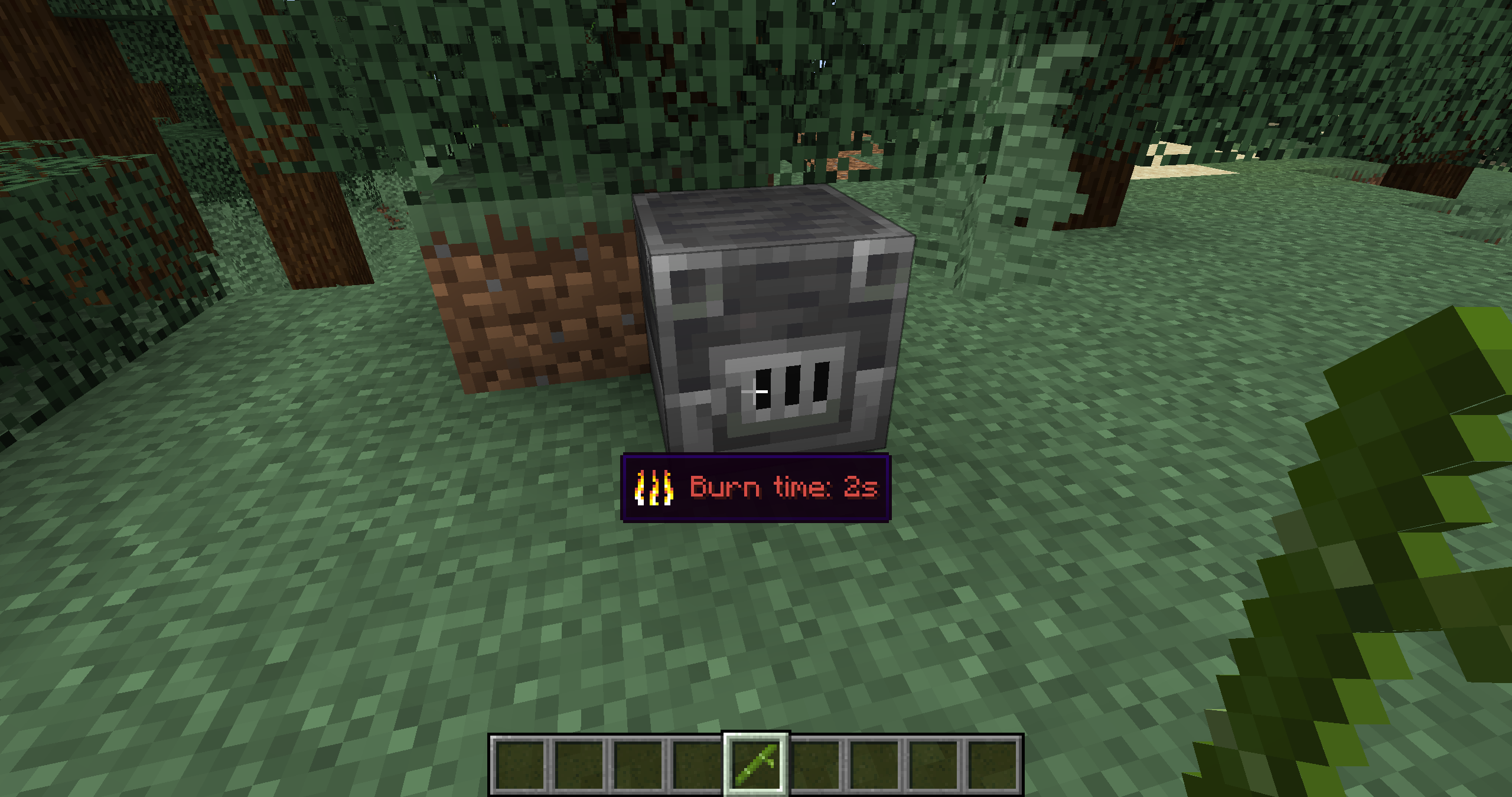
For example, if you hold a compostable item and look at a composter, Hover Hints shows the chance that the item will raise the compost level. If you hold fuel and look at a furnace, it shows how long that fuel will burn. If you hold bone meal and look at a plant, it shows what effect bone meal can have there.
Examples
Composting
Fuel burn time
Bone meal behavior
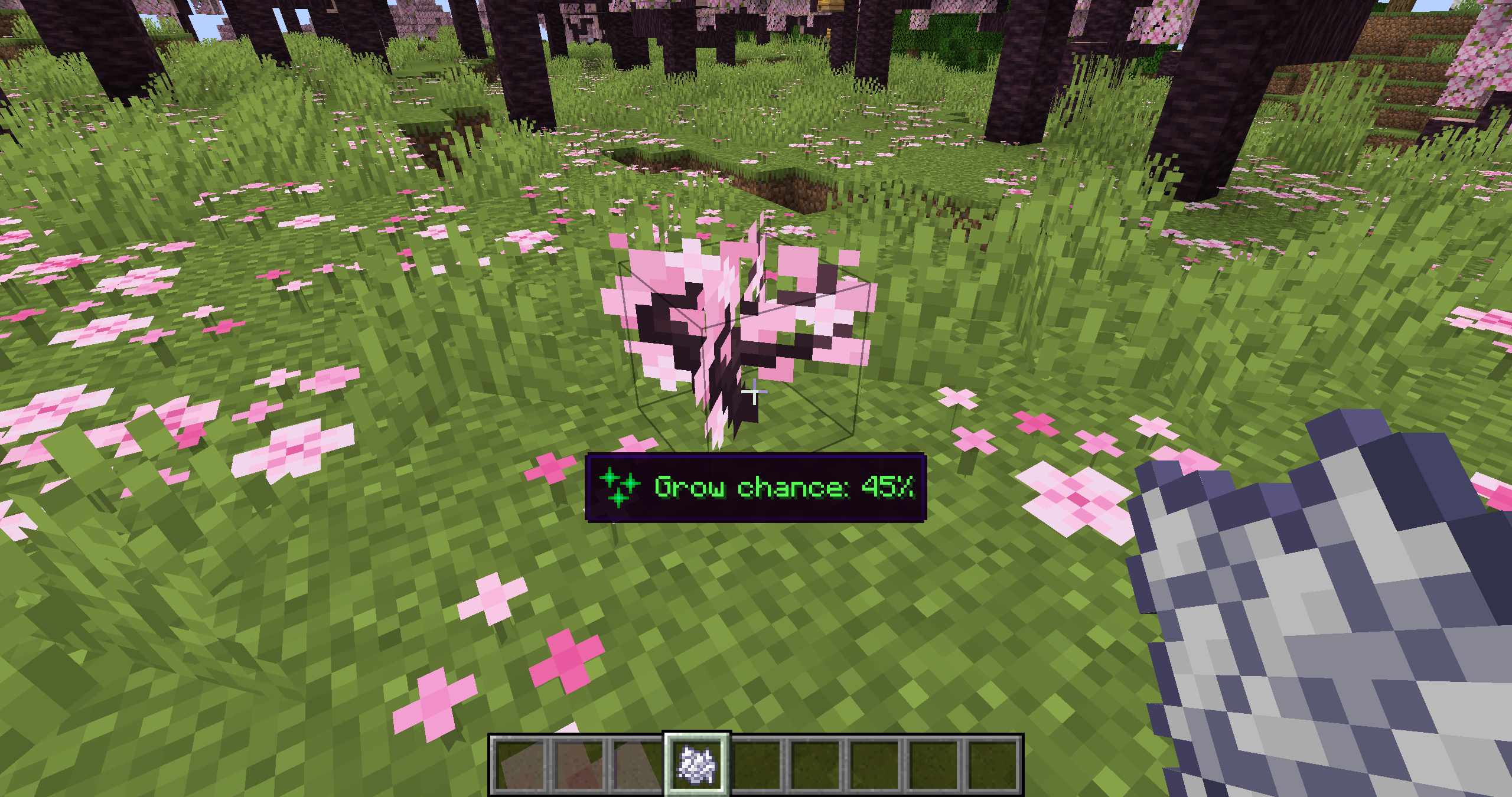
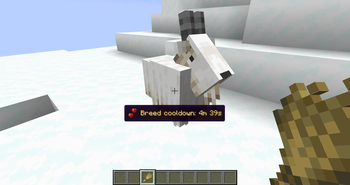
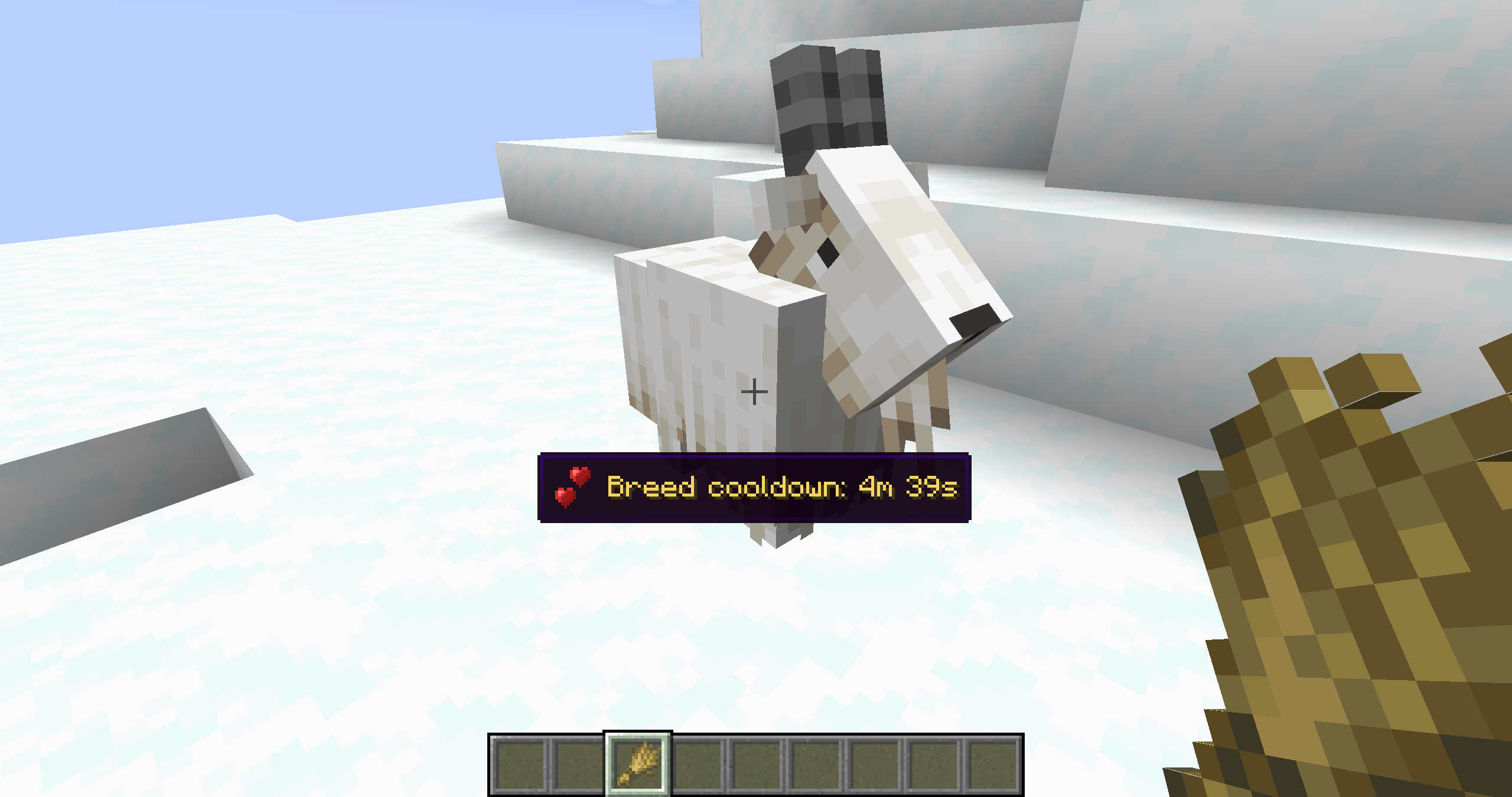
Entity hints
Available hints
Hover Hints works fully client-side for mechanics that are already known to the client. Some hints use server-only data, such as loot tables or villager POI ownership, and require Hover Hints to be installed on the server to show accurate results.
| Hint | What it shows | Server installation required |
|---|---|---|
| Composting | Compost chance for the held item when looking at a composter | No |
| Fuel Burn Time | Burn time for the held item when looking at a furnace, smoker, or blast furnace | No |
| Grindstone XP | Estimated XP from removing enchantments with a grindstone | No |
| Bone Meal | Growth effect, chance, stage increase, spreading, or item drop behavior | No |
| Taming Chance | Taming or trust chance for tameable animals | No |
| Redstone Power | Current redstone power level of the targeted block | No |
| Silk Touch Requirement | Whether the targeted block needs Silk Touch to drop itself | No |
| Animal Feeding | Breeding state, baby growth time, love mode timer, and breeding cooldown | Yes, for exact timers |
| Mob Loot | Possible drops from the targeted mob | Yes |
| Archaeology Loot | Possible loot from suspicious sand or suspicious gravel | Yes |
| Villager POI | Whether a villager workstation, bed, or bell is occupied | Yes |
Configuration
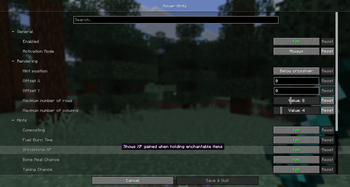
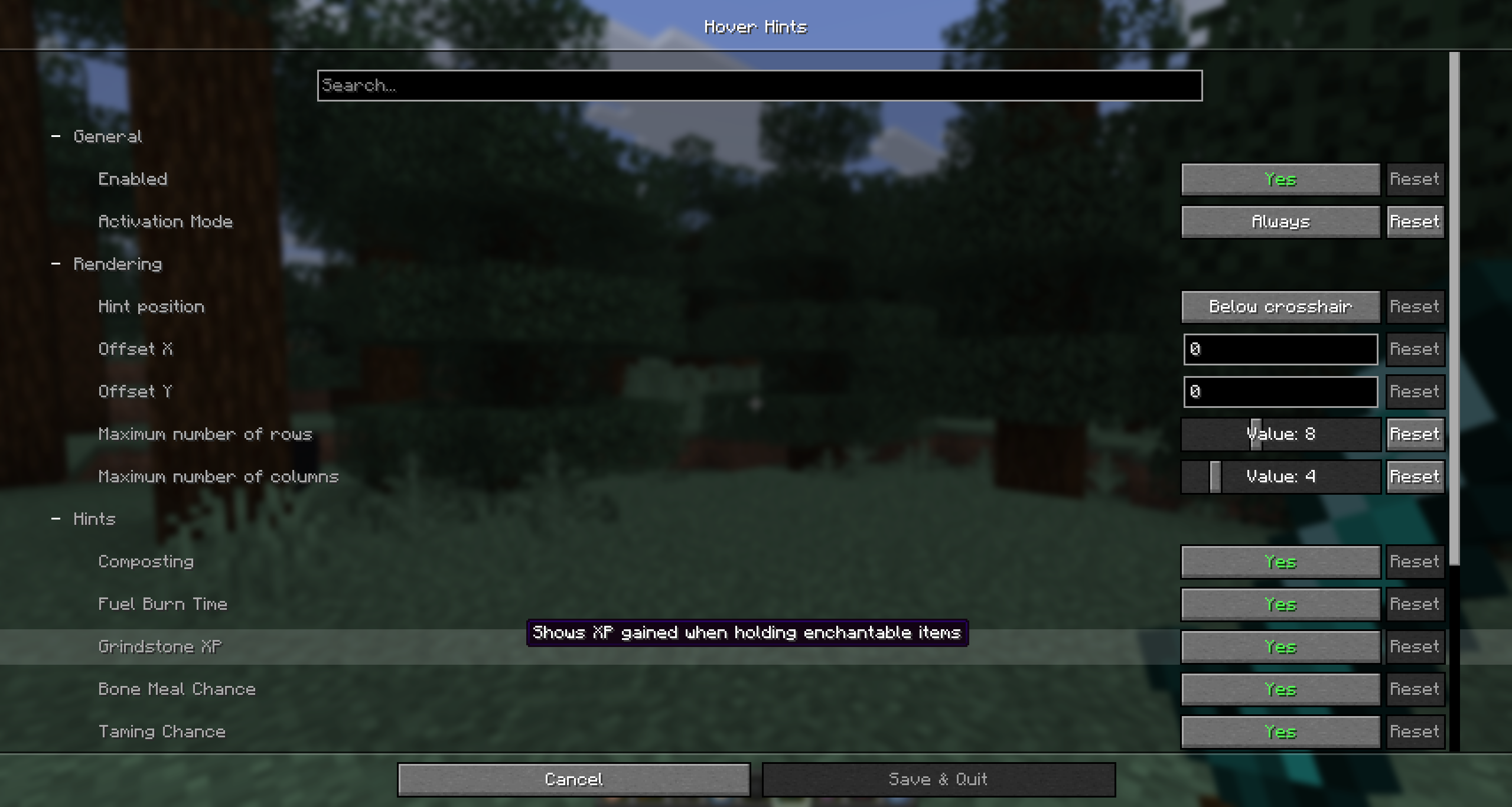
The config screen is available through ModMenu or the /hoverhints config command. Cloth Config is required.
Available Versions
How to Install Hover Hints on Your Server
Order Server
Order a Minecraft Java server with at least 3 GB RAM (4 GB recommended).
Set fabric Loader
In the panel under "Egg", select the fabric loader and matching Minecraft version (26.1.2).
Install Mod
Open the mod browser in the dashboard and search for "Hover Hints". Click "Install" – done! Alternatively, upload the .jar via SFTP to the /mods folder.
Compatibility
Mod Loaders
Minecraft Versions
26.1.2, 1.21.11, 1.21.1
Server-side
~ OptionalRecommended RAM
4 GB(min. 3 GB)Frequently Asked Questions
Hover Hints server crashes on startup – what to do?
Most common cause: wrong fabric version or insufficient RAM. Check the server log (latest.log) for "OutOfMemoryError" or "Mixin" errors. With Mado Hosting: ensure at least 3 GB RAM is allocated and the loader matches the mod version (26.1.2). You can switch loaders with one click in the panel.
Is Hover Hints compatible with fabric?
Hover Hints officially supports fabric for Minecraft 26.1.2, 1.21.11, 1.21.1. The Mado dashboard automatically detects incompatible loader combinations.
Server lagging with Hover Hints – how to optimize performance?
Recommended RAM: 4 GB (per 8 players). Use /spark profiler to check if Hover Hints consumes the most tick time. Common fixes: reduce server view-distance to 8-10, install "performant" or "starlight" as supplementary mods on Forge. With Mado Hosting, your server runs on NVMe SSDs with dedicated CPU cores for minimal latency.
Similar Mods




Rent Modded Server
Install Hover Hints with just one click on your server.