
HoYoI
Add miHoYo/HoYoVerse games UI to Minecraft
Screenshots
About this Mod
HoYoI (Aka. HoYo UI, HoUI)
Introduction
This mod simply adds miHoYo/HoYoVerse games UI for Minecraft (like Genshin Impact, Honkai: Star Rial) with vanilla-like style.
Now HoYoI only implemented Genshin Style, Star Rail Style is still working in progress.
Genshin style loading screen has two theme: light and dark. In reallife time 19:00 ~ 7:00 next day the ui will be dark theme.
Screenshots
Genshin Style
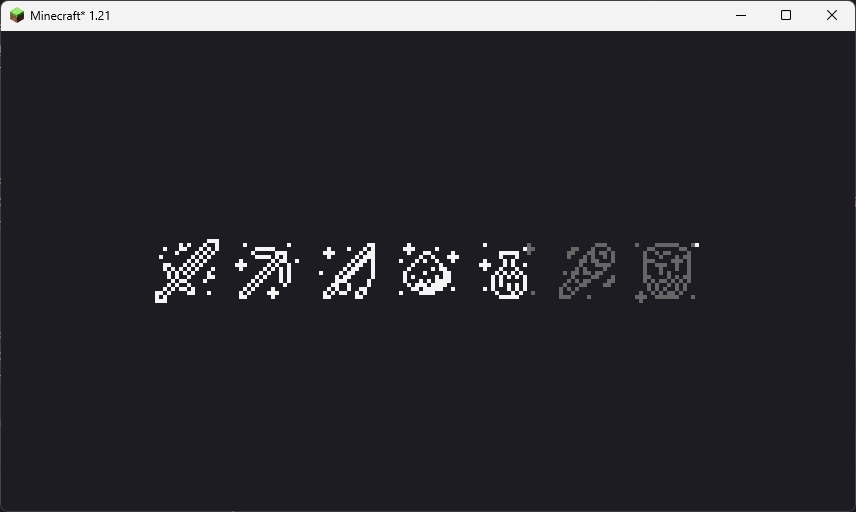
This loading screen will only show once when the game starting. Because NeoForge has an early display, so this feature is broken on NeoForge platform.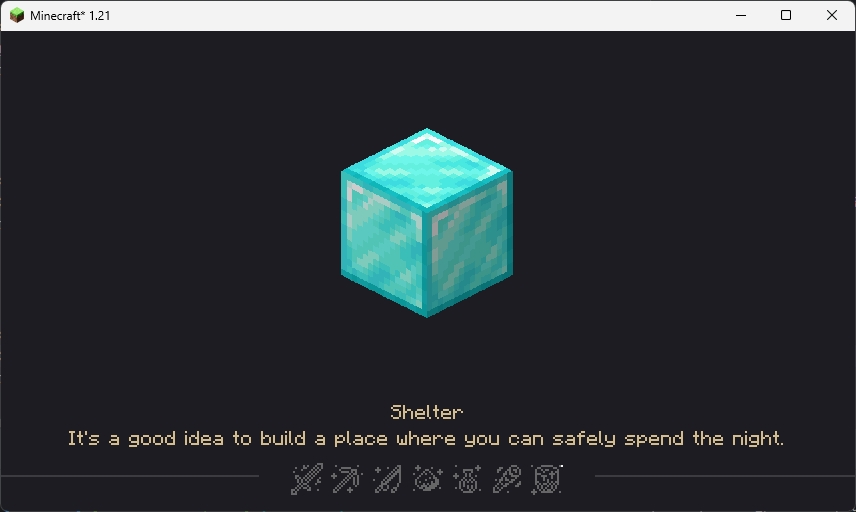
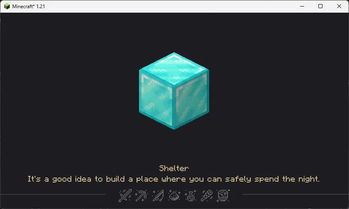
This loading screen will be normally seen in the game, the picture in the center and the tips at the bottom are all random, customizable and localized (I'll talk about how to customize below).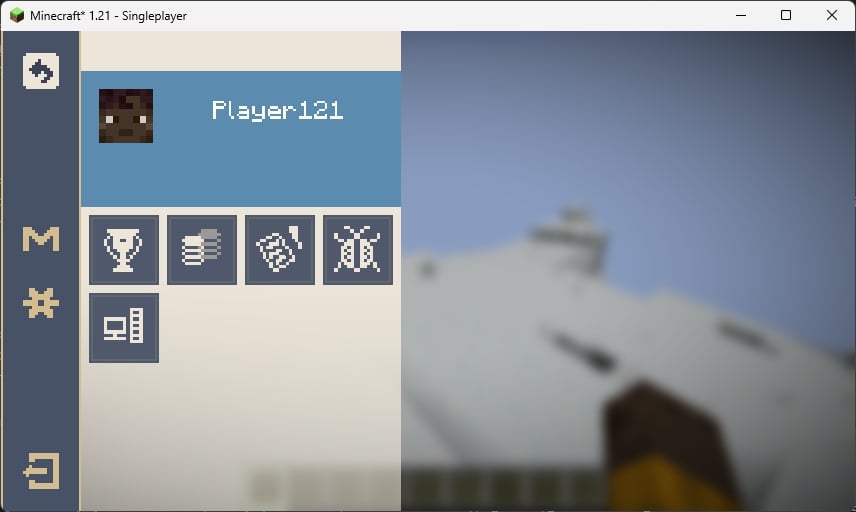
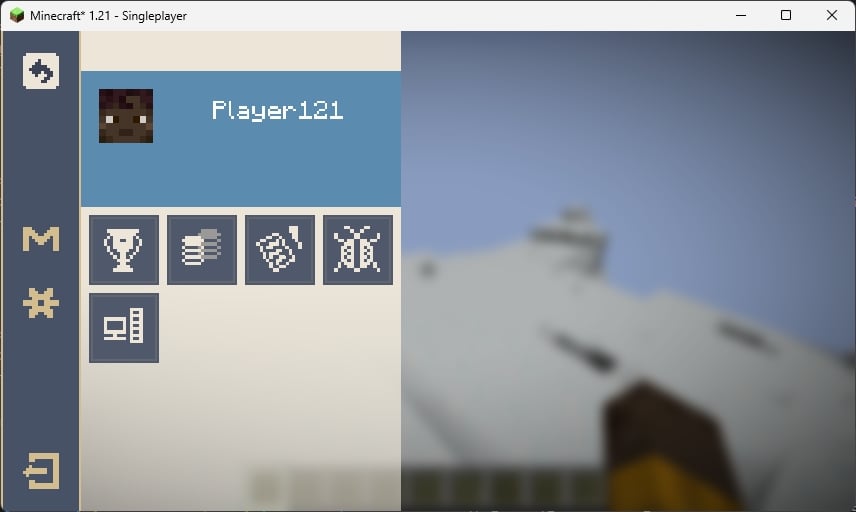
The ESC pause screen in the game, the "M" button in the sidebar is Mod List button, for Fabric, you need install Mod Menu to open the Mod List screen.
Star Rail Style
WIP
Customization
You can customize the center picture and bottom tips in loading screen.
FIRST: Create a resource pack (Check Minecraft Wiki)
Tips
SECOND: Create a file in assets/{yourpack}/tips folder with name {languageCode}.json like "en_us.json"
THIRD: Edit the file like the example shown below
[
  {
    "title": "Example Tip 1",
    "desc": [
      "Line 1",
      "Line 2"
    ]
  },
  {
    "title": "Example Tip 2",
    "desc": [
      "Line 1",
      "Line 2",
      "Line 3",
      "Line 4" // I don't suggest over 4 lines
    ]
  },
  ...
]
FOURTH: Load your resource pack
Center picture
SECOND: Put pictures with png format in assets/{yourpack}/textures/ui/regions folder with any filename you like
THIRD: Load your resource pack
Credits
- 7777777_4547, loading screen ui textures.
- DeeChael, programming and pause screen ui textures. Some tips.
Available Versions
How to Install HoYoI on Your Server
Order Server
Order a Minecraft Java server with at least 3 GB RAM (4 GB recommended).
Set fabric Loader
In the panel under "Egg", select the fabric loader and matching Minecraft version (1.21).
Install Mod
Open the mod browser in the dashboard and search for "HoYoI". Click "Install" – done! Alternatively, upload the .jar via SFTP to the /mods folder.
Compatibility
Mod Loaders
Minecraft Versions
1.21
Server-side
✗ UnsupportedRecommended RAM
4 GB(min. 3 GB)Frequently Asked Questions
HoYoI server crashes on startup – what to do?
Most common cause: wrong fabric version or insufficient RAM. Check the server log (latest.log) for "OutOfMemoryError" or "Mixin" errors. With Mado Hosting: ensure at least 3 GB RAM is allocated and the loader matches the mod version (1.21). You can switch loaders with one click in the panel.
Is HoYoI compatible with fabric and neoforge?
HoYoI officially supports fabric, neoforge for Minecraft 1.21. The Mado dashboard automatically detects incompatible loader combinations.
Server lagging with HoYoI – how to optimize performance?
Recommended RAM: 4 GB (per 8 players). Use /spark profiler to check if HoYoI consumes the most tick time. Common fixes: reduce server view-distance to 8-10, install "performant" or "starlight" as supplementary mods on Forge. With Mado Hosting, your server runs on NVMe SSDs with dedicated CPU cores for minimal latency.
Similar Mods




![[ETF] Entity Texture Features](https://cdn.modrinth.com/data/BVzZfTc1/af683d206d50b05258d865b0d6e4aa2f2cee12f2_96.webp)
![[EMF] Entity Model Features](https://cdn.modrinth.com/data/4I1XuqiY/6e5bbd0d06b1741bfdab6c0cfab6de8fdaf0064c_96.webp)
Rent Modded Server
Install HoYoI with just one click on your server.