
Humility - Another Furniture Mod
Humility AFM is a small mod adding some simple vanilla style blocks with good default resourcepack support.
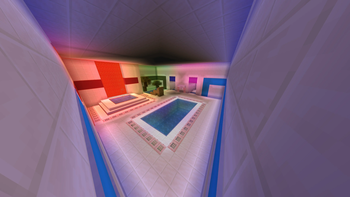
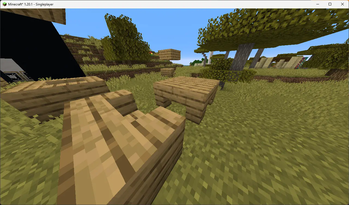
Screenshots
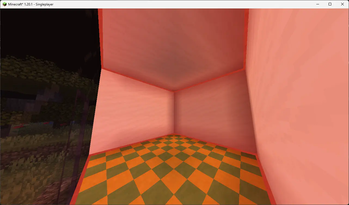
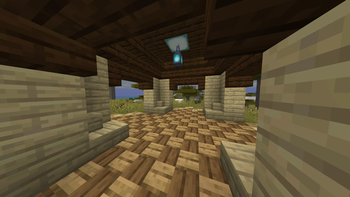
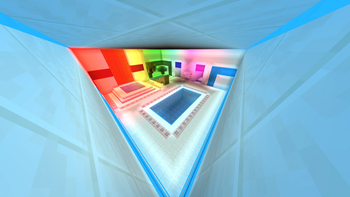
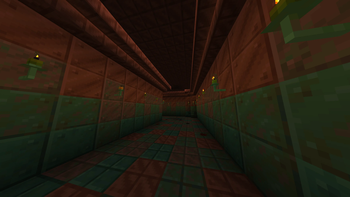
About this Mod
HumilityAFM
Humility - Another Furniture Mod
Description
This is a simple and small mod that adds some simple decorative blocks such as cabinets (which are fancier types of item frames) as well as some vanilla block variations.
It specialises in procedurally generating variants of the same block so that you can always find the look you were searching for.
Download
The only official downloads are from Modrinth and GitHub
I can't ensure any other downloads are safe and don't include viruses
PLS download the mod from Modrinth if you can
Features:
Almost fully resourcepack compatible!
HumilityAFM uses mostly the existing vanilla textures,
So most resourcepacks should work with it out of the box!
There are some included resourcepacks that improve the compatibility even more :)
Cabinets
Make your treasures pop!
Match the wood to your build and wool interior to your item!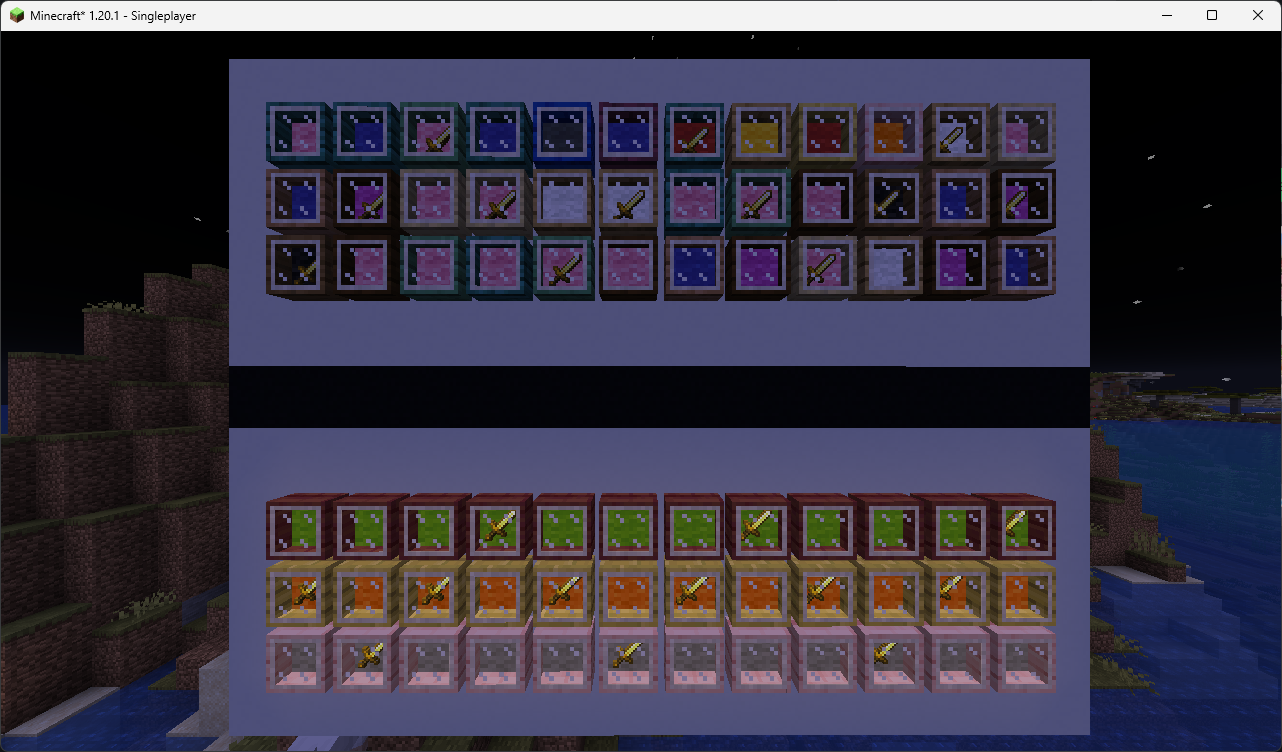
Need something brighter? Illuminated Cabinet comes for rescue!
Wooden Mosaics!
Mix 2 different wood types to find your look!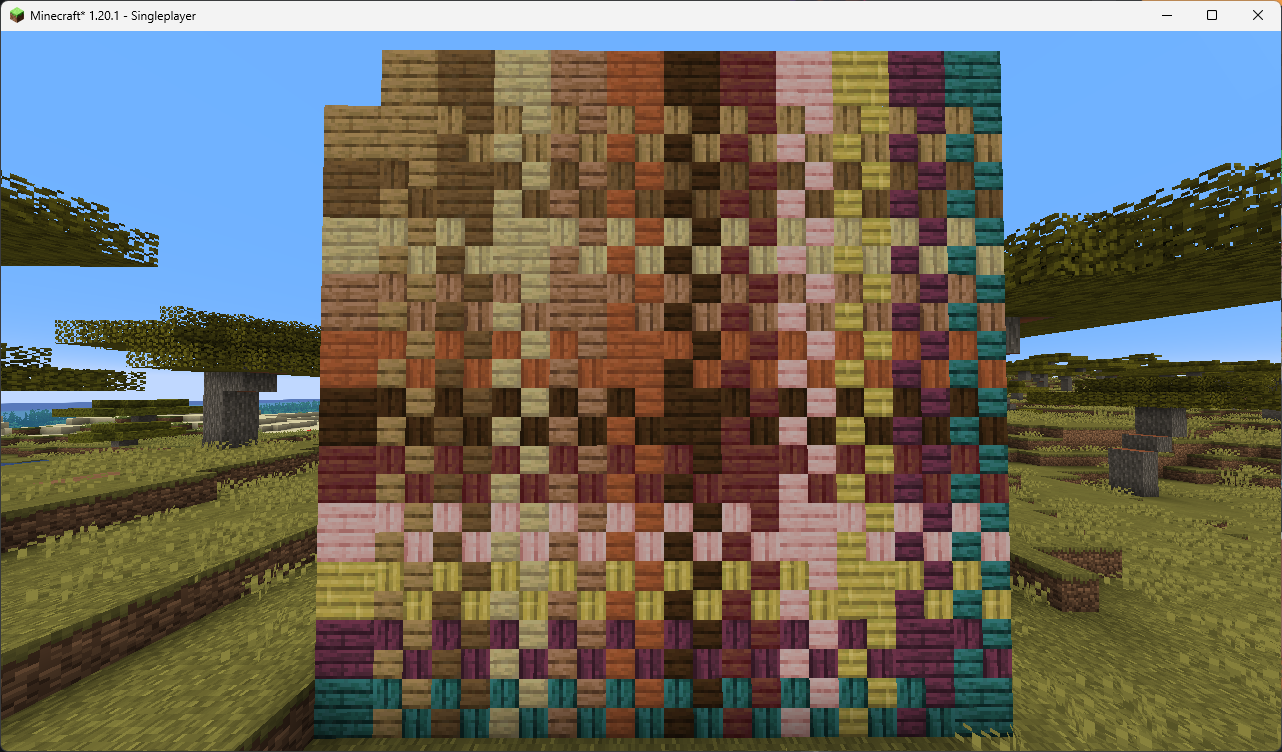
Terracotta Tiles!
It’s like wooden mosaic but flatter.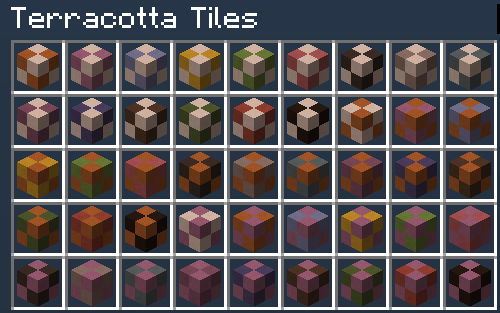
Forced Corner Stairs variants
Make the vanillest armchairs, sofas, tables and more!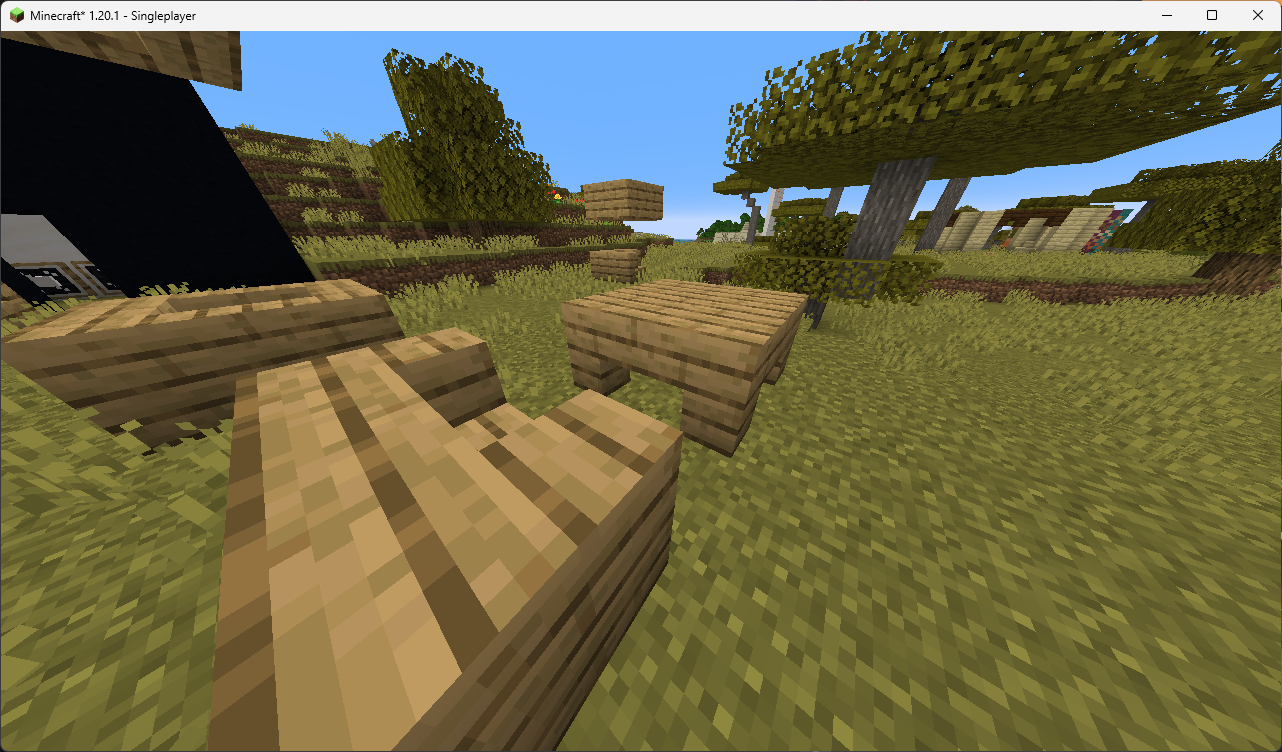
Light Strips (need to be enabled in the config)
Lighten up your builds with unobtrusive light source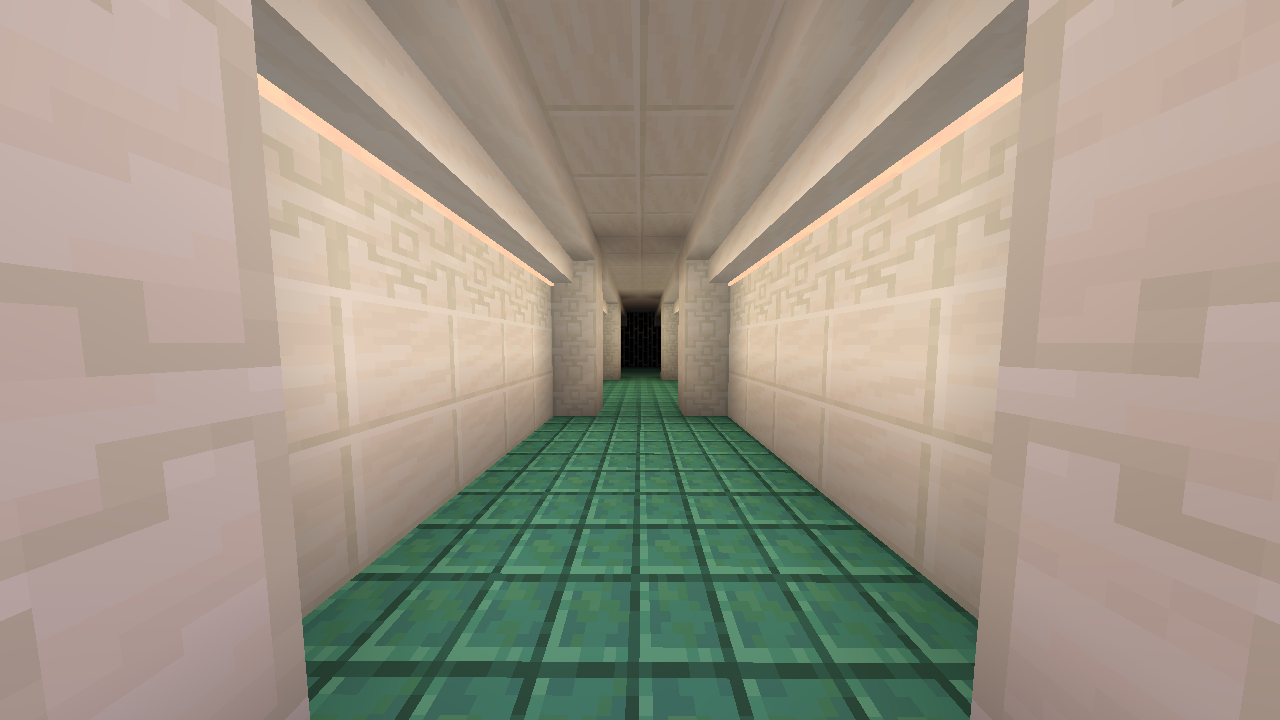
LEDs also support Bliss shader and Shimmer's mod coloured lights!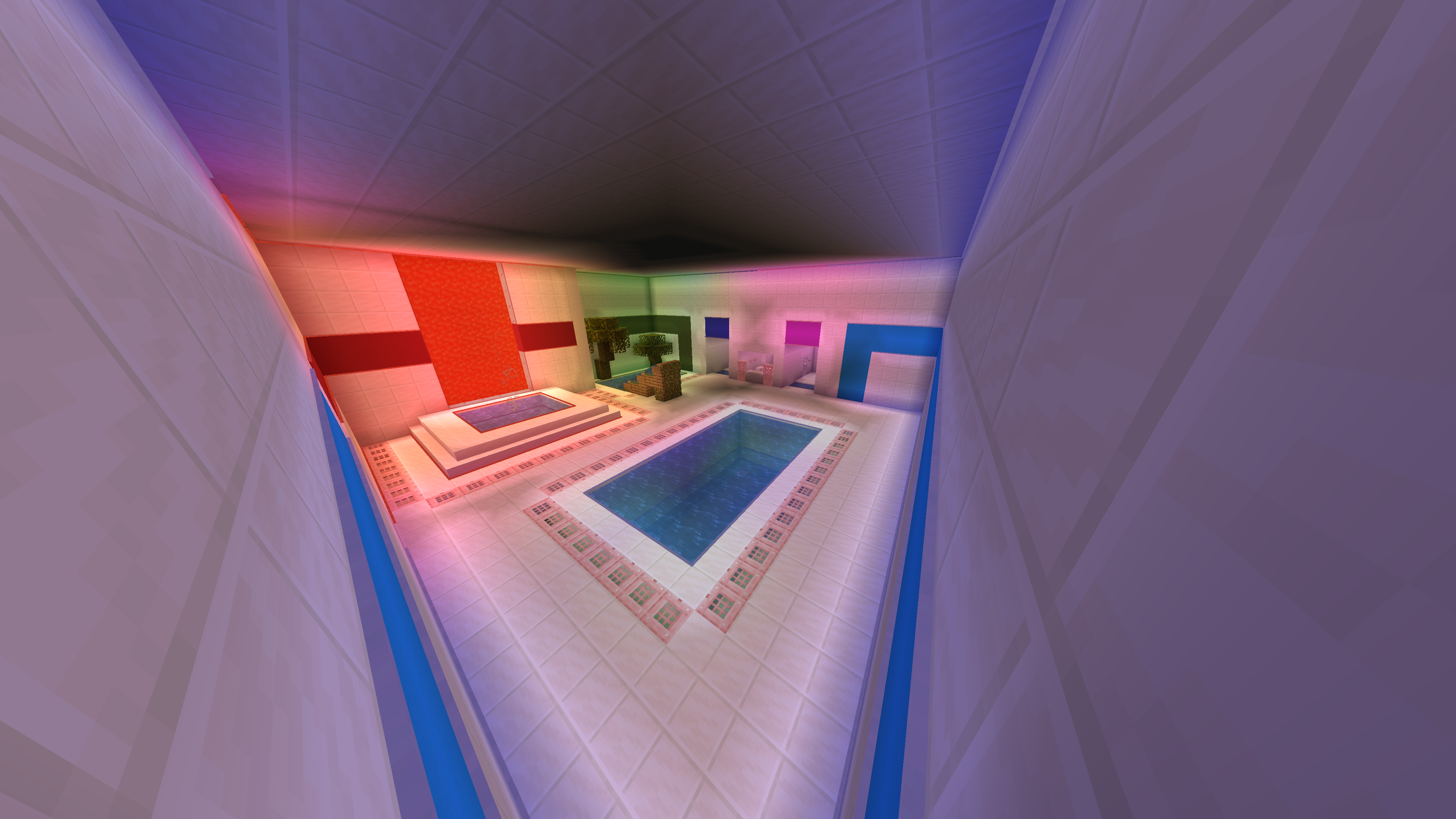
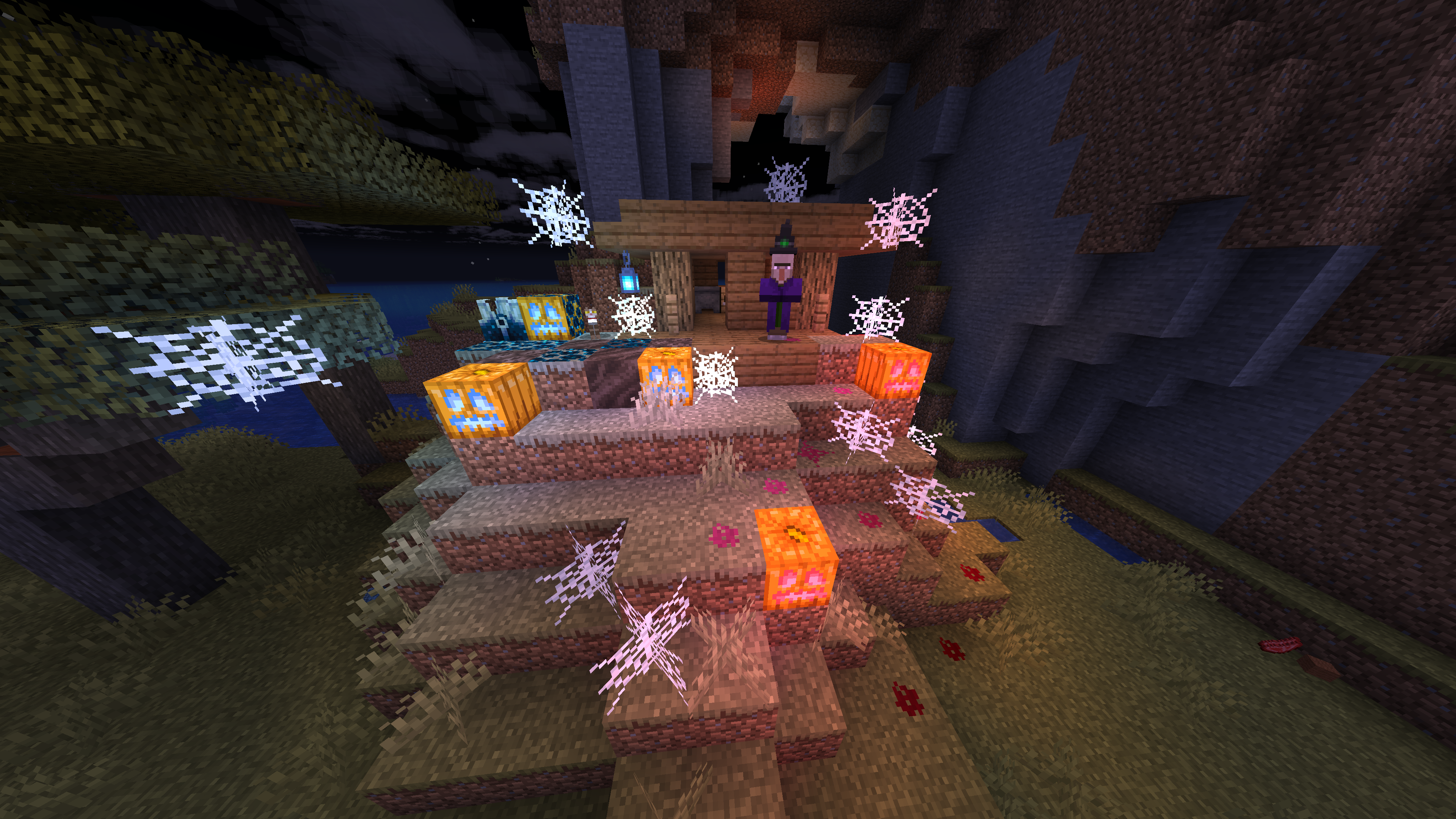
Soul and Redstone Jack o'Lanterns! (With Shimmer support!)
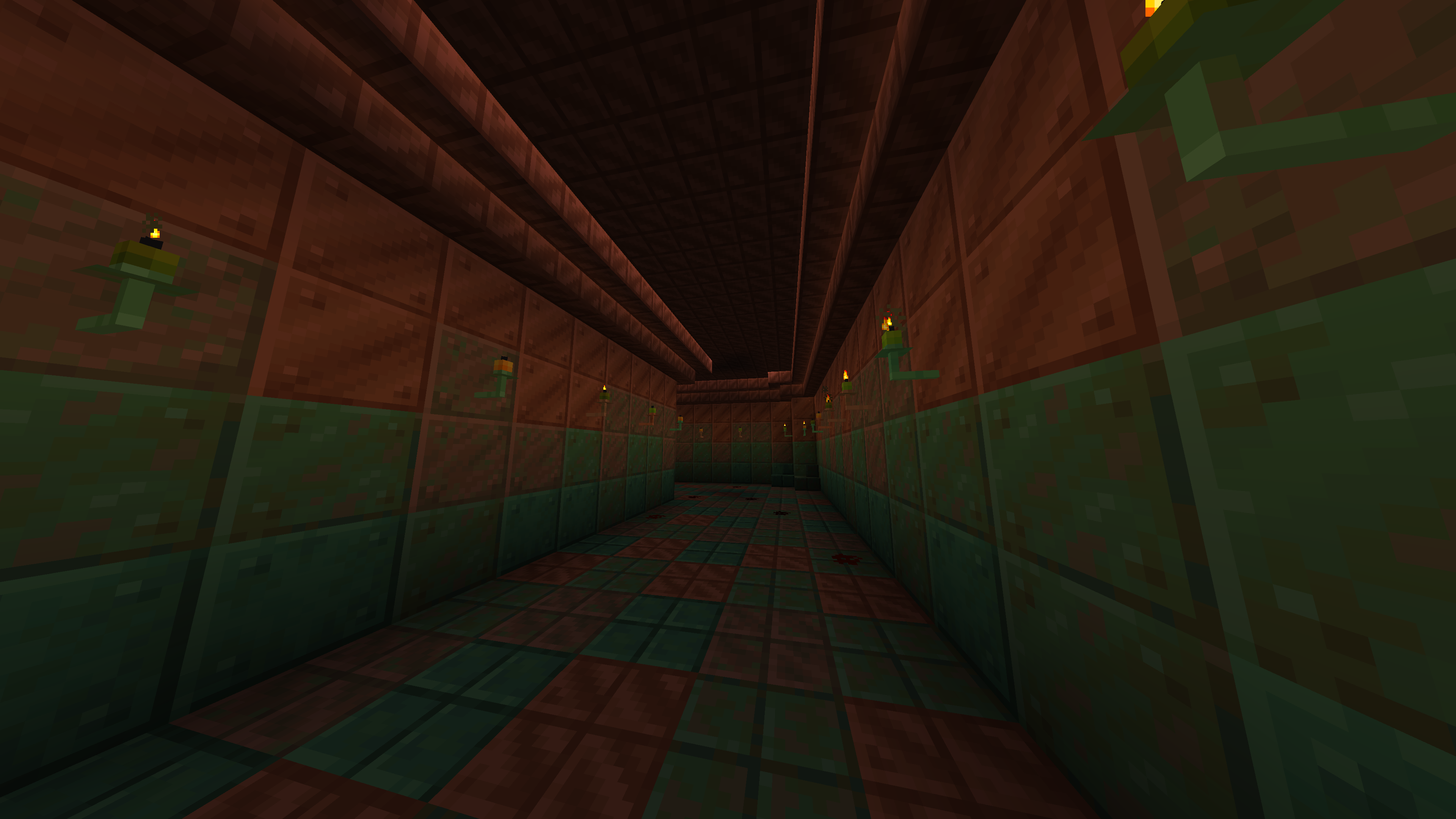
Candlesticks! (need to be enabled in the config)
High config customizability
Roadmap:
High priority:
- Redo the window capture screenshots or at least crop the window app bar
- Fix Cabinet breaking animation being invisible
- Redo coloured torch textures using the Jack o'Lantern palette system
- Improve the built-in mod support for:
- BetterNether
- BetterEnd
- Biomes o' Plenty
- (Add stone variants from the above mods, and fix the missing wood variants)
Medium priority:
- Add 'Bliss' support for all the blocks from coloured feature set:
- Coloured Torches
- Coloured Jack o'Lanterns
- Light Strips
- Finish built-in coloured torches rp compat resourcepack
- Add special built-in mod support for:
- Sundries
- DivineRPG
- Couple other mods with custom wood types
- Improve the speciality of Soul Jack o'Lantern :/
- Make them work as bookshelves for enchanting?
- Make them boost monster spawners?
- Make them scare away Endermen or other mobs?
- Add Fancy carpets
- Add hanging pots
- Add hanging candlesticks
- Add more candlestick variants:
- small, medium, large, etc.
- Add correct map colours to generated blocks:
- Cabinets and Illuminated Cabinets
- Candlesticks
- Wooden Mosaics
- Terracotta Tiles
- Light Strips
- Coloured Torches
- Jack o'Lanterns
- Forced Corner Stairs
- Rethink cabinet opening, item insertion and removal, and such
- Add the ability to rotate items displayed in the cabinets
- Expand Light Stips:
- Vertical mount
- Fit multiple Light Strips in 1 block
- Make coloured flame particles for coloured torches
- Improve the sounds by varying the pitch and volume slightly
- Optimise the model datagen
- Convert the config from JSON to TOML
- Consider making Polymorph an optional dependency, now with the alternative wooden mosaic recipie datapack it is no longer needed, that said people might still be confused if they didn't have either enabled/installed
- Add proper translations for the Resource Packs
Low/unknown priority:
- Add leather variants of the cabinets?
- Make the leather cabinets dyable?
- Add carpet covered stairs?
- Backport to older MC versions?:
- 1.19.2?
- 1.18.2?
- 1.16.5?
- 1.12.2?
- 1.8.9?
- 1.7.10?
- 1.0?
- Add crafting table on a stick?:
- If the right-clicked block has a recipe that requires only itself and outputs only one other block, it will replace the right-clicked block with the output block from that recipe
- Add variant choosing block?:
- A GUI block that will show all the variants that can be crafted in the crafting table following the crafting table on a stick logic, and it will allow you to choose the variant you want to craft
- It Should be really useful for candlesticks if they get a lot of variants
- Consider doing a HumilityLib library mod for config or such?
- Improve Illuminated Cabinet Brightening rendering?
- Add thin (Blibiocraft style) and short cabinets?
- Add a feature to connect 2 neighboring Cabinets into a big one?
- Custom renderer for wooden mosaics to reduce file size?
- Runtime resourcepack generation? (datapacks)
FAQ:
Q: Can you update/port the mod to MC x.x.x?
A: Depends, I'm interested in supporting multiple MC versions, but can't support all of them.
If you want support for specific MC version pls create an issue on GitHub
Q: Can you port to mod to forge?
A: I wanted this to be a forge mod, but I just couldn't get even the empty forge template to work and I gave up.
I'm not planing on porting the mod myself, but if you are interested in porting it yourself, you can, pls let me know of such projects on GitHub :)
You can also use the mod Kilt to run forge mods on fabric
Q: Why don’t I see Light Strips / Coloured Torches / Coloured Jack o'Lanterns in my game?
A: You need to enable coloured feature set in the config and restart the game. The coloured torches are in beta, and I don't want to separate any of them from each other
Q: Why don’t my Light Strips / Coloured Torches / Coloured Jack o'Lanterns emit coloured light?
A: For coloured lighting you need a separate compatible mod or shader. For now this includes Bliss shader and Shimmer mod
If the light sources still don't emmit coloured light:
When using Shimmer mod, there is probably some mod incompatibility. Try disabling the 'NVIDIUM' mod if present and it should start working again, if 'NVIDIUM' is not the cause try asking in Shimmer DC server for help
When using Bliss shader, make sure to load it via Iris or Oculus and not using Optifine! Then make sure floodfill option is enabled in the shader settings
Q: Why is the inside of Cabinets transparent?
A: Sodium <0.6.0 has issues with rendering transparency. You can try replacing it with Embeddium or installing other mods, like NVIDIUM, may help fix the problem. If that doesn't help, you can disable partial Cabinet transparency in the configuration (you will still be able to see the items inside)
Q Why do the edges become transparent when I look at a Cabinet?
A: I have no idea... probably another transparency issue :/
Versioning:
{major}.{minor}.{patch}.{mc_version_specific_patch}
major- Big changes, possibly breaking backward compatibilityminor- New features, but backward compatiblepatch- Bug fixes, optimizations, small changesmc_version_specific_patch- Patches (see above) exclusive to specific to a Minecraft version release
Note that features marked as beta may change or be removed even in minor updates,
breaking their backward compatibility
Building instructions:
- Download the source code from GitHub
- Download the
advziputility, you can find it here underAdvanceCOMPpackage and move theadvzip.exeexecutable to the main project folder - Download the dependent mods for datagen and put them under
./build/datagen/mods/- Better End
- Better Nether
- Biomes o' Plenty
- Dependencies of the above mods
- Run the
pbr_redistributor.pyscripts using the commandpython pbr_redistributor.py - Run command
./gradlew runDatagenorgradlew runDatagenin the terminal- When the command fails, enable
datagenModein the config file under./build/datagen/config/humility-afm.json
- When the command fails, enable
- Move the content (the inside of the folder) of
src/main/generated/data/humility-afm/recipie(s)/datapacktosrc/main/resources/resourcepacks/alternate_wooden_mosaics_recipes/data/humility-afm/recipie(s)/ - Move the content (the inside of the folder) of
src/main/generated/data/humility-afm/advancement(s)/recipes/misc/datapacktosrc/main/resources/resourcepacks/alternate_wooden_mosaics_recipes/data/humility-afm/advancement(s)/recipes/misc/ - Run command
./gradlew buildorgradlew buildin the terminal - The compiled mod jar should be located in
./build/libs/folder
💖 Like the mod? Check out my other work!



Available Versions
How to Install Humility - Another Furniture Mod on Your Server
Order Server
Order a Minecraft Java server with at least 3 GB RAM (4 GB recommended).
Set fabric Loader
In the panel under "Egg", select the fabric loader and matching Minecraft version (26.1.2).
Install Mod
Open the mod browser in the dashboard and search for "Humility - Another Furniture Mod". Click "Install" – done! Alternatively, upload the .jar via SFTP to the /mods folder.
Compatibility
Mod Loaders
Minecraft Versions
26.1.2, 26.1.1, 26.1 (+12 more)
Server-side
✓ RequiredRecommended RAM
4 GB(min. 3 GB)Frequently Asked Questions
Humility - Another Furniture Mod server crashes on startup – what to do?
Most common cause: wrong fabric version or insufficient RAM. Check the server log (latest.log) for "OutOfMemoryError" or "Mixin" errors. With Mado Hosting: ensure at least 3 GB RAM is allocated and the loader matches the mod version (26.1.2). You can switch loaders with one click in the panel.
Is Humility - Another Furniture Mod compatible with fabric?
Humility - Another Furniture Mod officially supports fabric for Minecraft 26.1.2, 26.1.1, 26.1. The Mado dashboard automatically detects incompatible loader combinations.
Server lagging with Humility - Another Furniture Mod – how to optimize performance?
Recommended RAM: 4 GB (per 8 players). Use /spark profiler to check if Humility - Another Furniture Mod consumes the most tick time. Common fixes: reduce server view-distance to 8-10, install "performant" or "starlight" as supplementary mods on Forge. With Mado Hosting, your server runs on NVMe SSDs with dedicated CPU cores for minimal latency.
Similar Mods

![[ETF] Entity Texture Features](https://cdn.modrinth.com/data/BVzZfTc1/af683d206d50b05258d865b0d6e4aa2f2cee12f2_96.webp)
![[EMF] Entity Model Features](https://cdn.modrinth.com/data/4I1XuqiY/6e5bbd0d06b1741bfdab6c0cfab6de8fdaf0064c_96.webp)



Rent Modded Server
Install Humility - Another Furniture Mod with just one click on your server.