
HyskLightinhibition
Command Lighting inhibition, skipping the current lighting update
Screenshots


About this Mod
Light Inhibition Mod
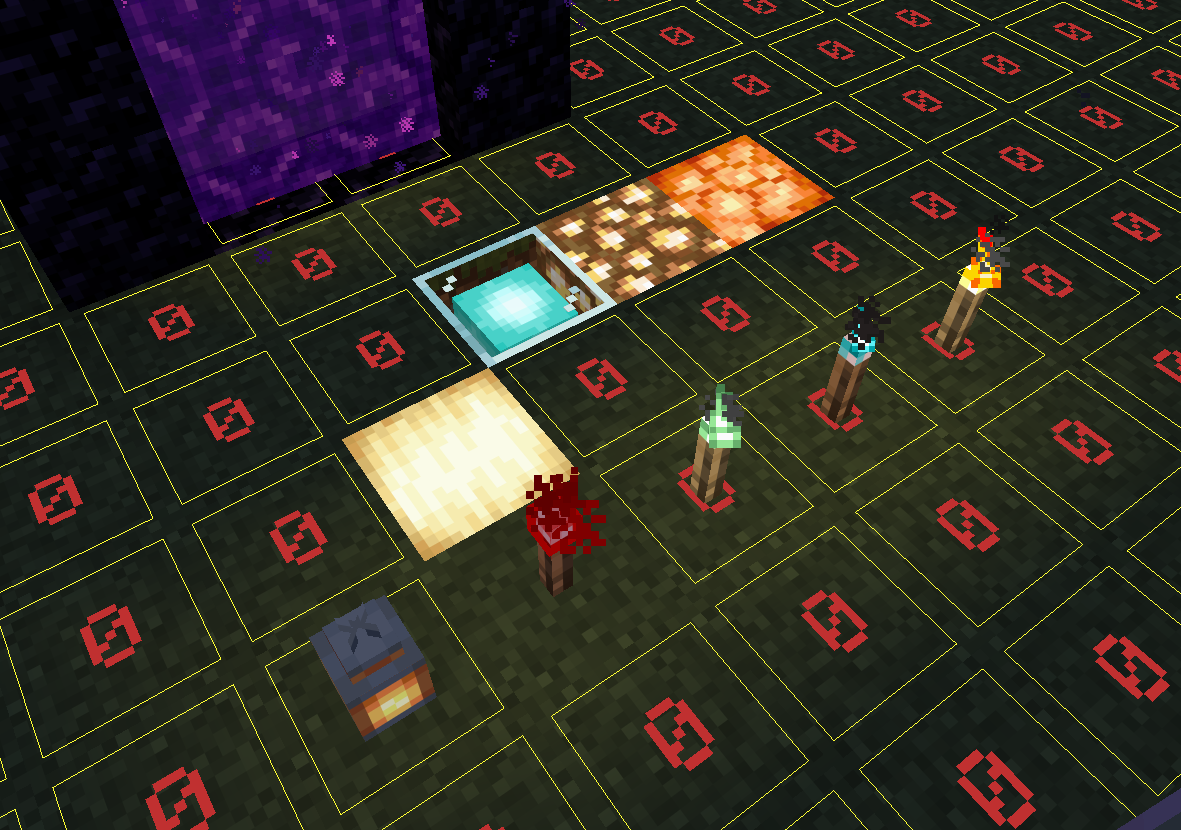
A Fabric mod for Minecraft that allows players with OP permissions to pause or resume all server-side light updates via commands. When light inhibition is enabled, placing or breaking blocks no longer triggers light calculation. This can help reduce server lag caused by light updates or be used for special map creation.
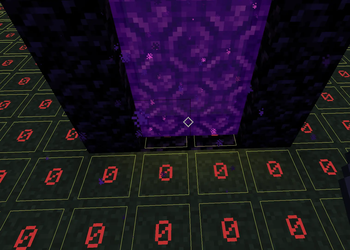
Pair with Carpet TIS Addition's block update suppression feature to build nether portals in complete darkness and maximize mob farm efficiency.
- Producer: YkinLing
- Auxiliary AI: Deepseek
- QQ Group: 783492491 (For obtaining the source code)
Warning: This mod suppresses the vanilla light engine. Use with caution and always back up your world before experimenting.
The light suppression range covers the entire world. Once activated, it will cease all updates of the light status.
The command has been enabled in the server, but the brightness update has not been prevented? Please try to log out of the client and then reconnect to the server.
For the light source blocks that no longer have light, there should be no light updates within their surrounding area. Any update to the brightness range of a light source cube that is without illumination will force it to re-update its brightness. Do not update the brightness near the shutdown command; otherwise, the light source may unexpectedly return to its original state.
Features
/lightinhibition on– Enables light inhibition, preventing all light updates./lightinhibition off– Disables light inhibition and restores vanilla light behavior./lightinhibition status– Displays the current state of light inhibition.- Automatically disables inhibition when the server stops to ensure safe world saving.
- Supports both Chinese and English (switches based on client language).
How to Use
- Place the mod in the
modsfolder of your server or client. - Start the game and join a world.
- Ensure you have OP permission (level 4) or have cheats enabled in single‑player.
- Type the command in chat, e.g.,
/lightinhibition onto enable inhibition. - While inhibition is active, no light updates will occur. To restore normal behavior, run
/lightinhibition off.
Important Notes
- Light sources placed while inhibition is active will not emit light. When inhibition is turned off, those blocks will not automatically become bright (any pending updates are discarded). You can force a light update by placing or breaking a block near the area, or by reloading the world.
- The mod works server‑side. In multiplayer, all players will see the same lighting state because the server controls light updates.
- You do not need to manually disable inhibition before quitting the game; the mod will automatically disable it when the server stops, preventing any save issues.
Requirements
- Minecraft 1.21.11
- Fabric Loader 0.18.4+
- Fabric API
License
BSD 2
Available Versions
How to Install HyskLightinhibition on Your Server
Order Server
Order a Minecraft Java server with at least 3 GB RAM (4 GB recommended).
Set fabric Loader
In the panel under "Egg", select the fabric loader and matching Minecraft version (1.21.11).
Install Mod
Open the mod browser in the dashboard and search for "HyskLightinhibition". Click "Install" – done! Alternatively, upload the .jar via SFTP to the /mods folder.
Compatibility
Mod Loaders
Minecraft Versions
1.21.11
Server-side
✓ RequiredRecommended RAM
4 GB(min. 3 GB)Frequently Asked Questions
HyskLightinhibition server crashes on startup – what to do?
Most common cause: wrong fabric version or insufficient RAM. Check the server log (latest.log) for "OutOfMemoryError" or "Mixin" errors. With Mado Hosting: ensure at least 3 GB RAM is allocated and the loader matches the mod version (1.21.11). You can switch loaders with one click in the panel.
Is HyskLightinhibition compatible with fabric?
HyskLightinhibition officially supports fabric for Minecraft 1.21.11. The Mado dashboard automatically detects incompatible loader combinations.
Server lagging with HyskLightinhibition – how to optimize performance?
Recommended RAM: 4 GB (per 8 players). Use /spark profiler to check if HyskLightinhibition consumes the most tick time. Common fixes: reduce server view-distance to 8-10, install "performant" or "starlight" as supplementary mods on Forge. With Mado Hosting, your server runs on NVMe SSDs with dedicated CPU cores for minimal latency.
Similar Mods




Rent Modded Server
Install HyskLightinhibition with just one click on your server.